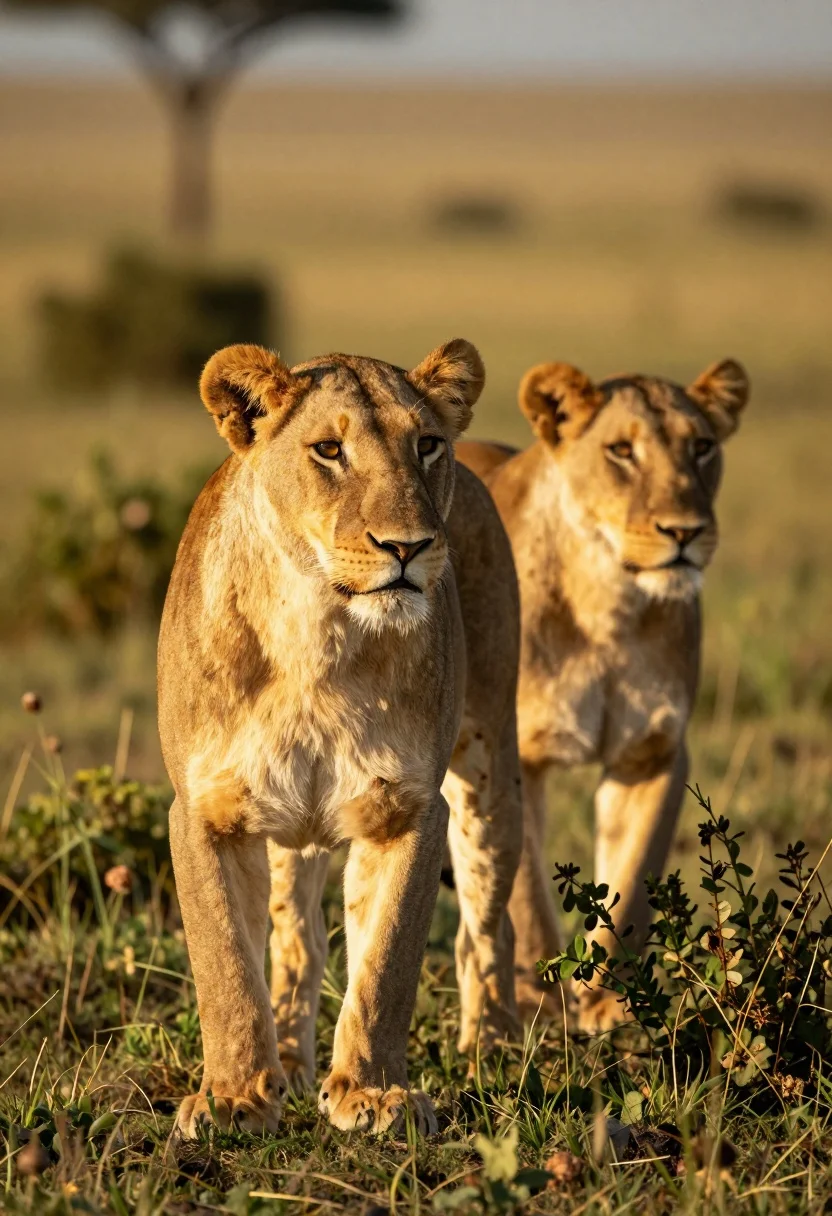
Two lionesses standing alert in grassy savanna landscape during golden hour
Prompt
Two lionesses stand alert in a grassy savanna landscape during the golden hour.

Subject: A large female lion stands prominently in the foreground with a second lioness positioned slightly behind and to the right in soft focus, both displaying tawny fur and sharp facial features.

Action: The lions are standing still and gazing intently toward the right side of the frame.

Environment: They are situated amidst tall green shrubs and grasses with a blurred natural background suggesting an open plain.

Camera: A shallow depth of field isolates the foreground lion while the background melts into a soft bokeh, utilizing a telephoto lens perspective for a close-up wildlife shot.

Lighting: Warm golden sunlight bathes the scene from the side, highlighting the texture of the fur and casting long shadows that indicate late afternoon or early morning light.

Style Details: The image features high-resolution realism with natural color grading and a cinematic composition emphasizing the majestic presence of the animals.
Description
This prompt is useful for creating wildlife documentary stills, nature magazine spreads, and cinematic animal portraiture. The combination of 'shallow depth of field' and 'telephoto lens perspective' ensures that the viewer's focus remains sharply on the foreground lion while the background melts into a soft bokeh, preventing visual clutter common in wide-angle shots.
Suggestions
- Change 'tall green shrubs' to 'dry golden grasses' for a different seasonal feel.
- Add 'dust motes visible in the air' to enhance the atmosphere.
- Swap 'warm golden sunlight' for 'harsh midday sun' to test contrast.
Category
Tags
AnimalFemaleFull BodyOutdoorsRealistic
Date added
July 12, 2026
Added by
PromptDexter Team
Related Prompts
More prompts with similar categories and tags.
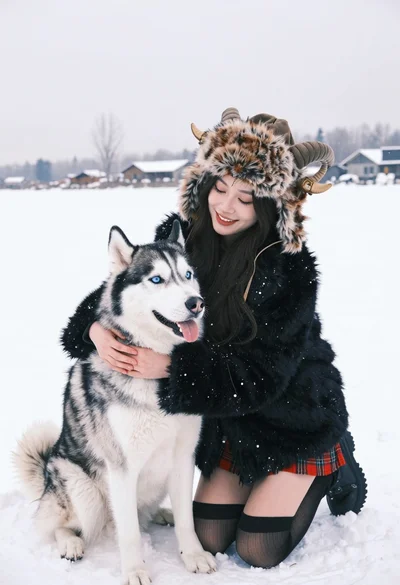
Young woman kneeling in deep snow hugging siberian husky dog

Silhouette of two elephants with riders walking across grassy plain at sunset
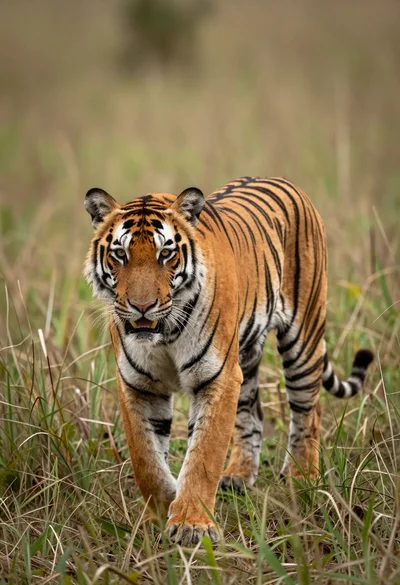
Majestic tiger walking through tall green and dry savanna grass
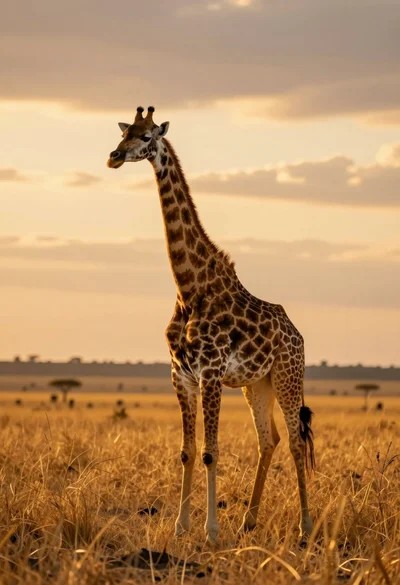
Majestic giraffe standing in golden savanna landscape at sunset
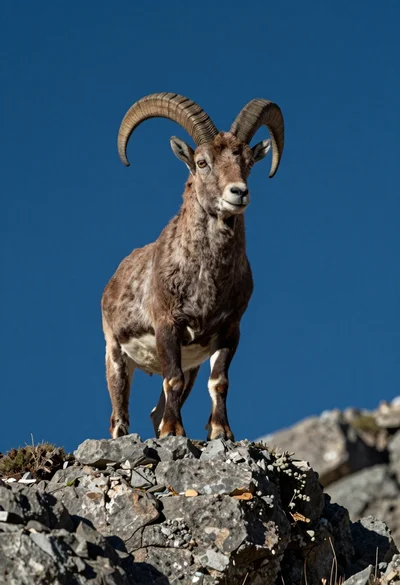
Majestic mountain goat standing on rugged rock formation against deep blue background
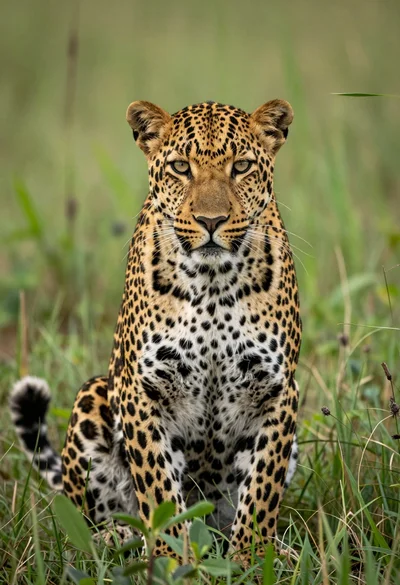
Majestic leopard sitting alert in lush green savanna grassland close up
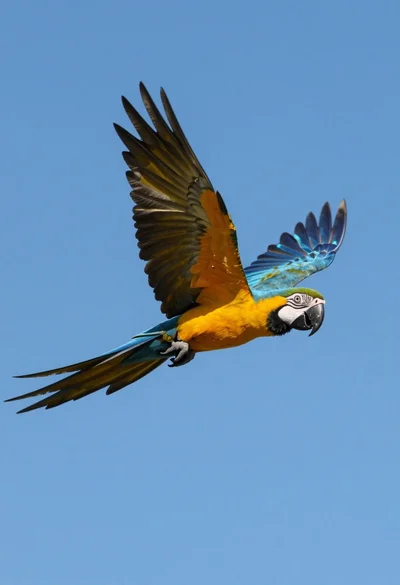
Majestic blue and yellow macaw soaring through clear bright blue open sky
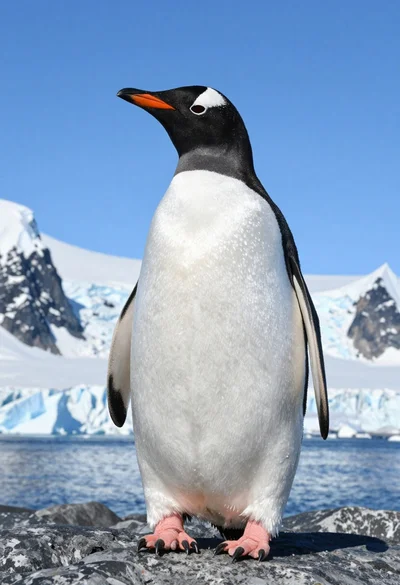
Majestic gentoo penguin standing on dark rock against snowy mountains
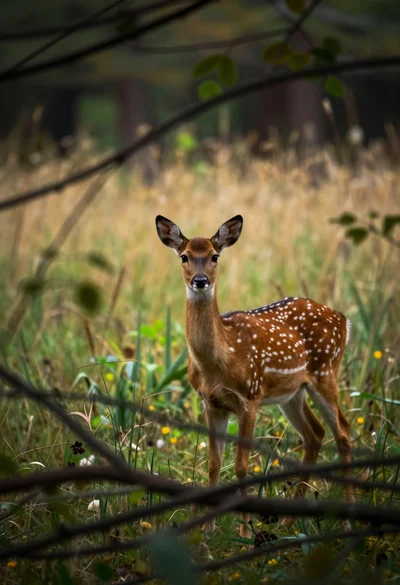
Young spotted fallow deer standing alert in a dense woodland clearing
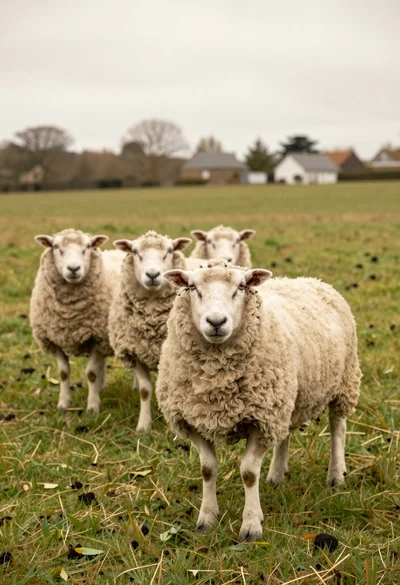
Three fluffy sheep standing in a lush green pasture under an overcast