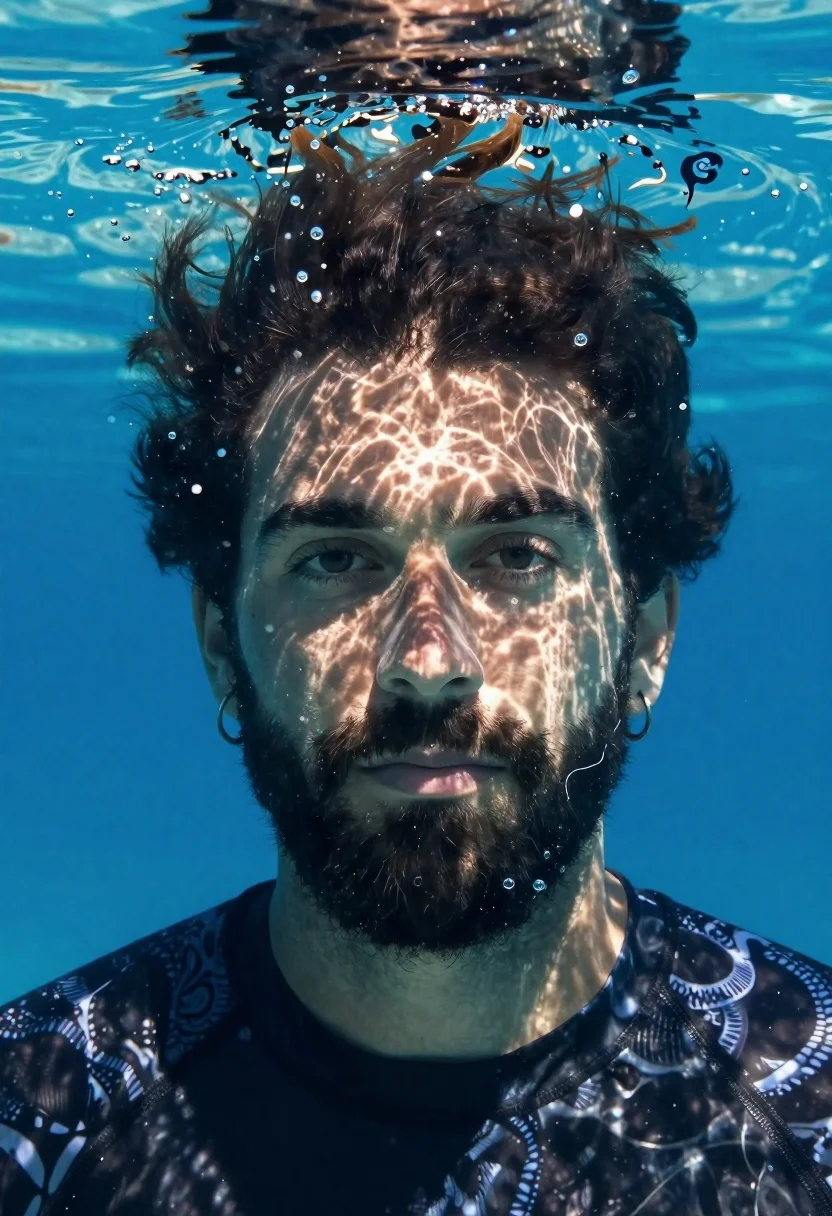
Underwater portrait of bearded man looking at camera
Prompt
Underwater portrait of a man looking directly at the camera

Subject: bearded male with dark hair and hoop earrings in both ears

Clothing: black patterned swim shirt

Action: calm expression, steady gaze through water surface reflection

Environment: clear blue underwater setting with bubbles rising around head

Lighting: rippling caustic light patterns dancing across face from above

Camera: close-up frontal shot capturing facial details and water texture

Style Details: photorealistic aquatic atmosphere with natural lighting effects.
Description
This prompt is useful for creating conceptual fine art photography, character concept art for film, and editorial spreads depicting deep-sea mystery. The combination of 'rippling caustic light patterns' interacting with the 'clear blue underwater setting' ensures that the face remains visually complex rather than flat, while specifying a 'close-up frontal shot' keeps the focus tightly on the subject's expression despite the surrounding water texture.
Suggestions
- Change 'black patterned swim shirt' to 'dark neoprene rash guard' for better contrast.
- Add 'macro details of suspended particulate matter' to enhance the environment.
- Alter 'rippling caustic light patterns' to 'shafts of sunlight piercing from above' for a different mood.
Category
Tags
Close UpMalePortrait ShotRealisticSwimwearUnderwater
Date added
June 19, 2026
Added by
PromptDexter Team
Related Prompts
More prompts with similar categories and tags.

Studio portrait of young man with sunglasses against yellow
Close up portrait of dark skinned man with wet hair

Black man in dark armored suit portrait against black background
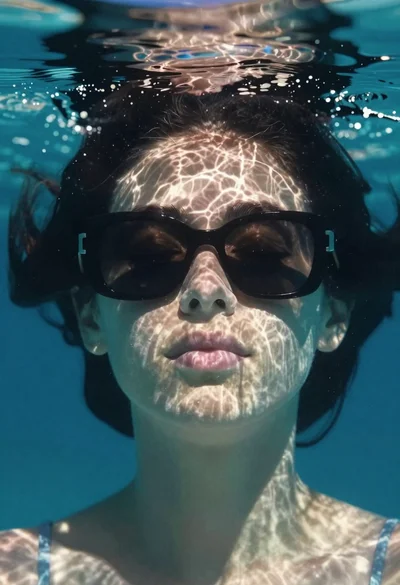
Underwater portrait of woman with sunglasses below surface

Rugged soldier in combat gear against fiery explosion
Portrait of young man with gold necklace under dramatic light

Portrait of black man wearing west african dashiki
Portrait of person with dark hair against red background