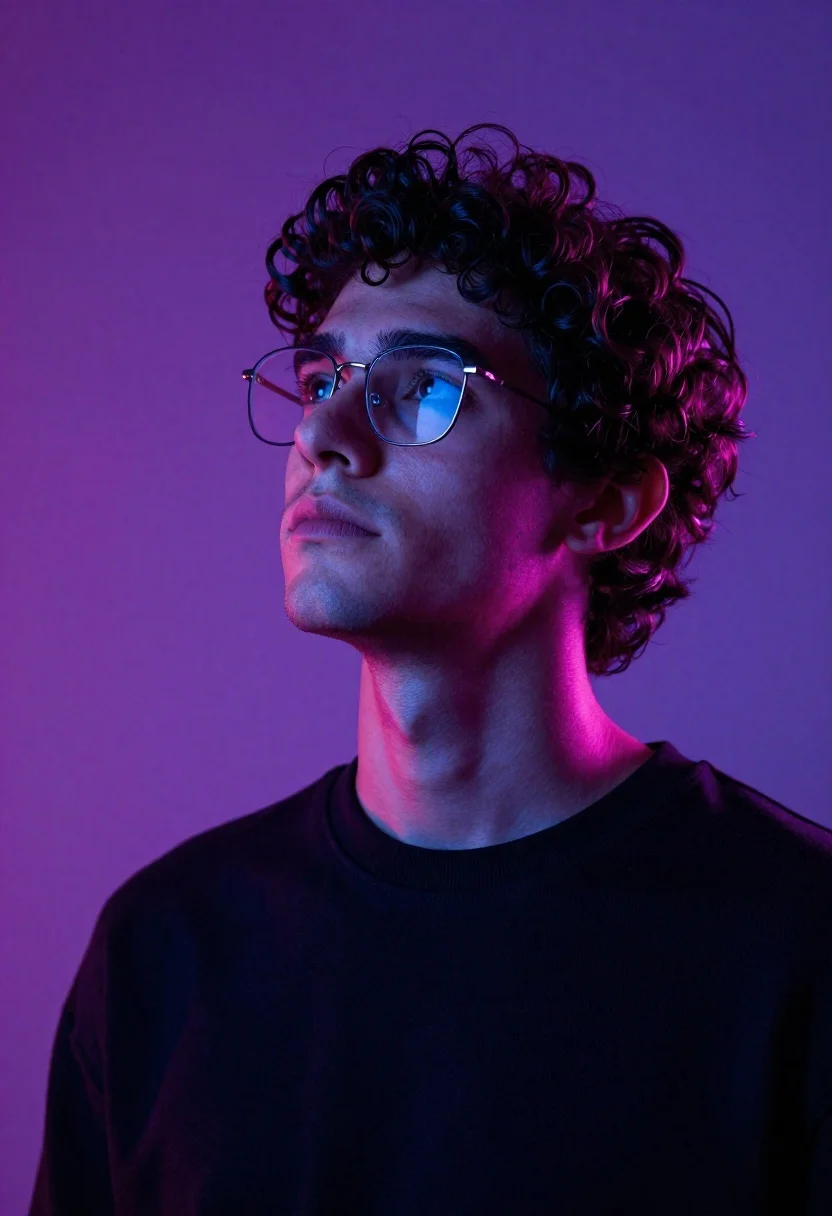
Close up portrait of young man with curly dark hair looking upward
Prompt
A portrait of a young man with curly dark hair looking upward with a contemplative expression.

Subject: A young man with messy curly dark brown hair and light stubble on his chin and jawline. He wears thin metal-rimmed rectangular glasses that reflect a cool blue light. His skin is smooth with visible texture, and he has a neutral to slightly serious facial expression as he gazes up and to the left.

Clothing: He is wearing a simple black crew-neck sweatshirt or sweater with a ribbed collar. The fabric appears soft and matte.

Action: The subject tilts his head back slightly while looking upward, suggesting thoughtfulness or observation of something above him. His posture is relaxed but posed for a portrait.

Environment: A smooth gradient background transitioning from deep purple at the top to magenta pink on the left side, creating a moody studio atmosphere with no distinct objects or scenery.

Lighting: Dramatic and stylized lighting with strong rim lights in magenta and blue tones outlining his hair, neck, and shoulders. The light source appears to come from above and slightly behind him, casting soft shadows and highlighting facial contours.

Camera: Close-up portrait shot with a shallow depth of field that keeps the subject sharply focused while softly blurring the background. The angle is slightly low, looking up at the subject’s face.

Style Details: High-contrast cinematic color grading with neon-inspired purple and pink hues, smooth digital rendering quality, and subtle film-like grain for texture.
Description
This prompt is useful for creating character concept art, moody editorial headshots, and album cover artwork requiring intense focus on facial emotion. The combination of 'dramatic and stylized lighting' with specific 'magenta and blue tones' ensures that the subject's features are sculpted by colored highlights rather than flat illumination, which is essential for conveying a contemplative mood against the smooth gradient background.
Suggestions
- Change 'deep purple at the top to magenta pink on the left side' to 'indigo to dusty rose' for a more muted palette.
- Swap 'thin metal-rimmed rectangular glasses' for 'round tortoiseshell frames' to alter the perceived style.
- Adjust 'shallow depth of field' to 'medium depth of field' if you want more context in the background.
Category
Tags
Close UpDigital ArtMalePortrait ShotRealisticStudio
Date added
June 19, 2026
Added by
PromptDexter Team
Related Prompts
More prompts with similar categories and tags.
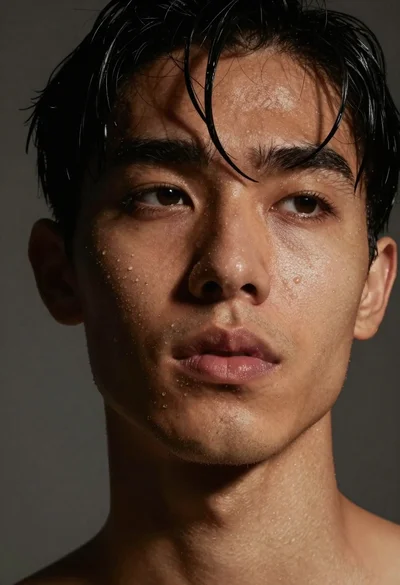
Close up portrait of dark skinned man with wet hair
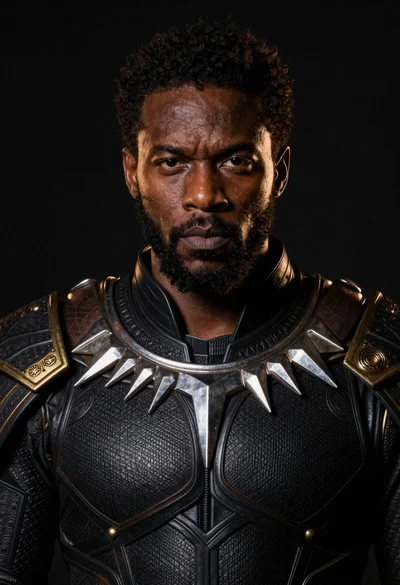
Black man in dark armored suit portrait against black background
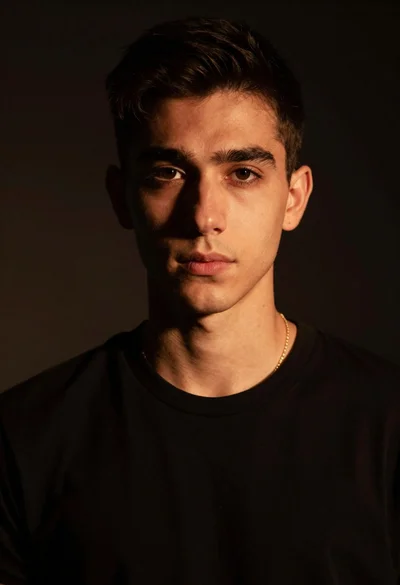
Portrait of young man with gold necklace under dramatic light
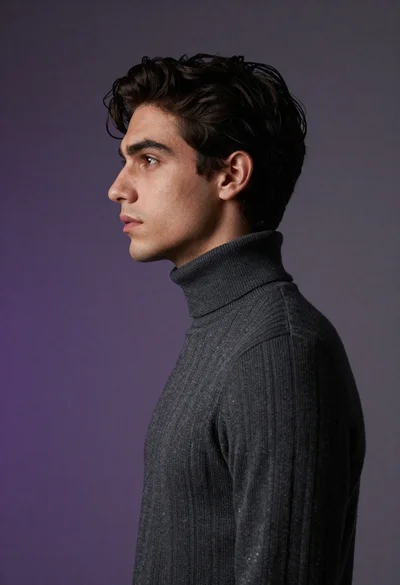
Close up profile portrait of young man in dark turtleneck sweater
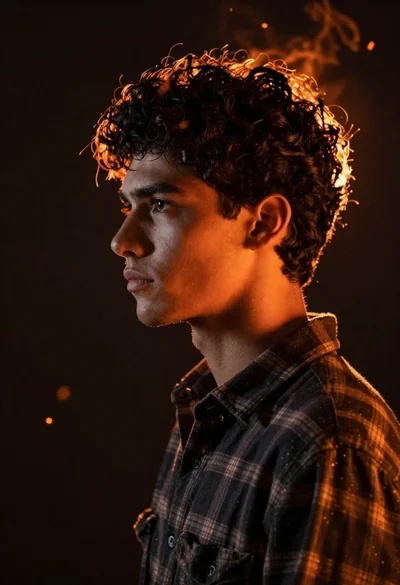
Close up profile portrait of young man with dark curly hair
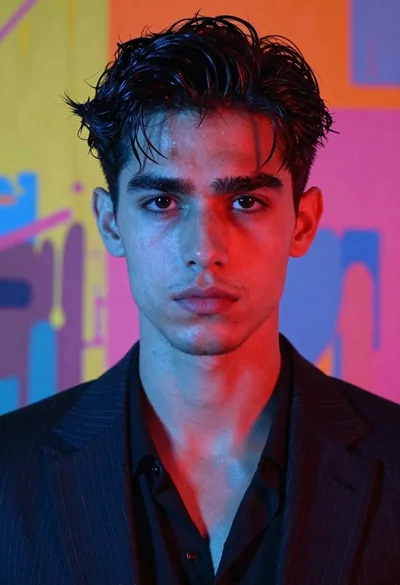
Portrait of handsome young man with dark wet hair in pinstripe suit
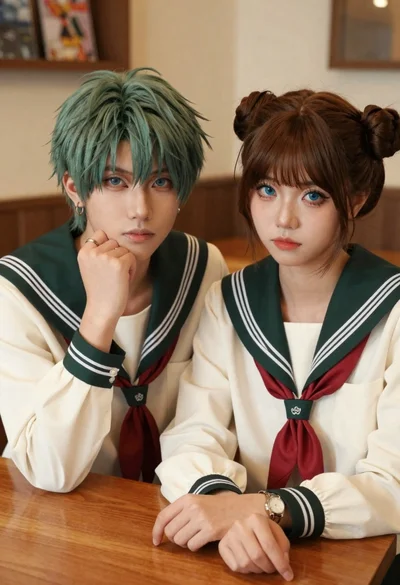
Two young people in sailor uniforms sitting at a wooden table
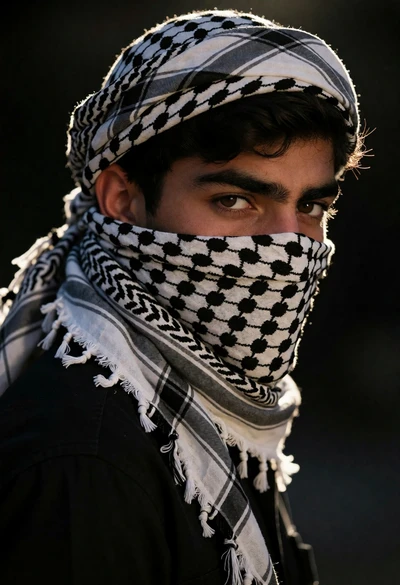
Close up portrait of young man wearing checkered keffiyeh looking over shoulder
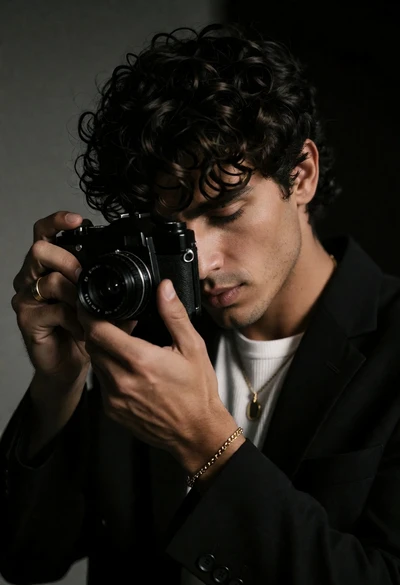
Close up portrait of man holding vintage camera in dimly lit room
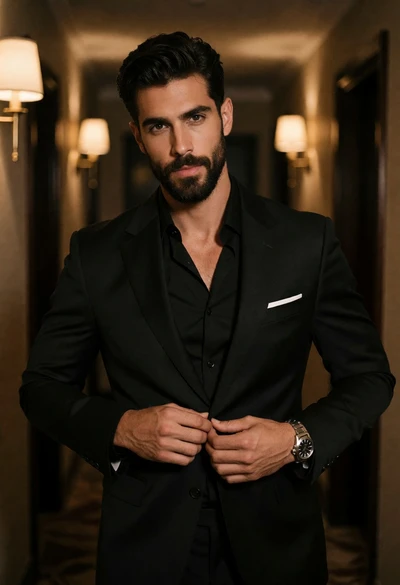
Handsome man buttoning black suit jacket in dimly lit hallway portrait