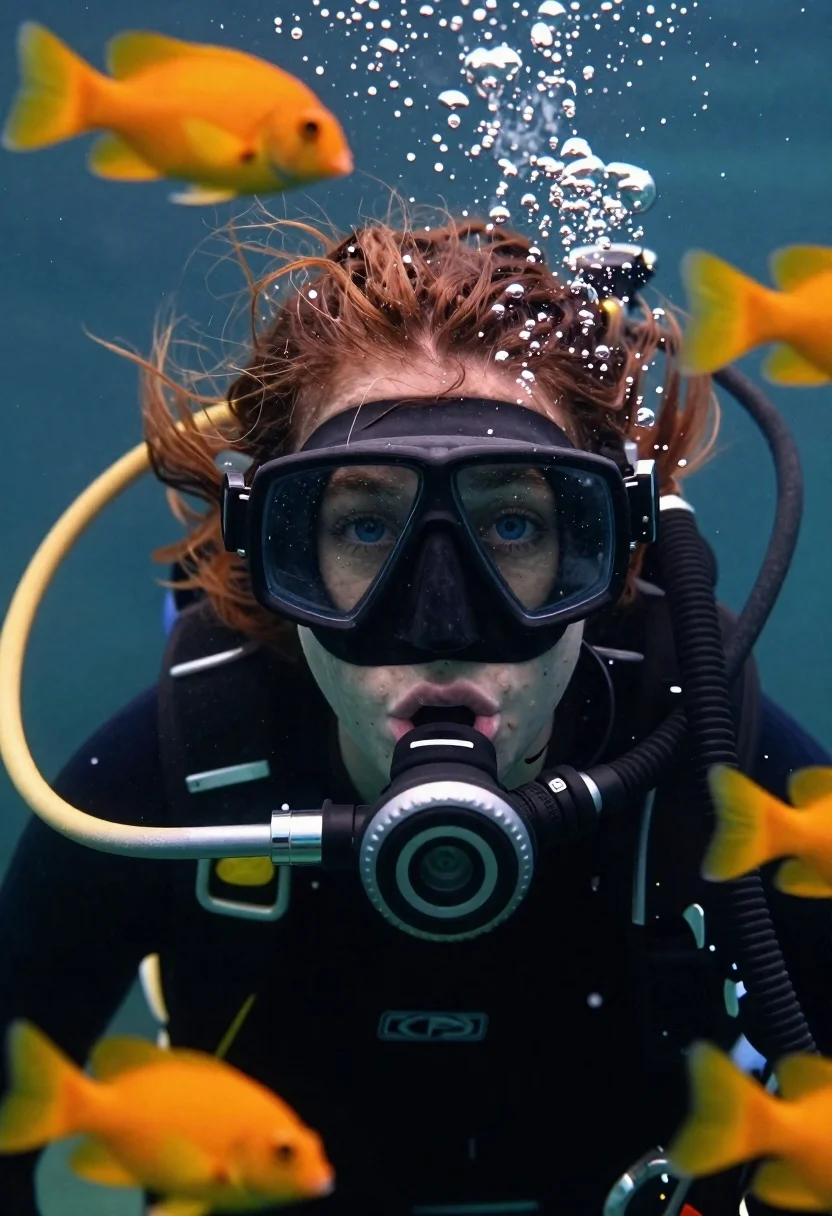
Underwater portrait of female diver with blue eyes
Prompt
Photorealistic underwater portrait of a female diver with intense blue eyes and long reddish-brown hair gazing directly at the camera, holding regulator between lips, surrounded by orange-yellow fish and rising bubbles in a deep ocean setting.

Subject: young woman with long reddish-brown hair floating naturally in water, intense blue eyes behind black diving mask, wet skin texture visible, open mouth holding regulator tightly to lips

Clothing: black diving mask with bubbles clinging inside lens area

Objects: detailed scuba gear including silver corrugated hose connecting regulator unit with textured grip ring and faint logo detail, black diving mask

Other Subjects: small orange-yellow fish swimming closely overhead and below frame, some blurred for depth effect

Environment: deep ocean setting filled with suspended particles, air bubbles rising upward through water column creating shimmering light refractions

Lighting: soft diffused illumination originating from above surface casting light on diver's face while keeping lower body slightly shadowed for dramatic contrast against darker background tones

Camera: close-up perspective emphasizing facial expression and eye contact with slight motion blur in surrounding elements suggesting slow movement within current

Style Details: hyper-realistic rendering with water distortion effects, realistic bubble physics, subsurface light scattering simulation, high-resolution skin pores visible around mouthline where mask doesn't cover entirely.
Description
This prompt is useful for creating cinematic underwater documentary stills, conceptual fine art photography, and detailed scuba gear advertisements. The combination of 'soft diffused illumination originating from above surface' with the 'subsurface light scattering simulation' ensures the diver’s face remains visible without harsh shadows, while specifying 'hyper-realistic rendering with water distortion effects' grounds the image in believable physics for both documentary and artistic contexts.
Suggestions
- Change 'orange-yellow fish' to 'electric blue fish' for a more contrasting palette.
- Adjust 'soft diffused illumination originating from above surface' to 'single beam sunlight shaft' for dramatic shafts of light.
- Swap 'deep ocean setting' for 'coral reef backdrop' to add environmental complexity.
Category
Tags
Brown HairClose UpFemaleFull BodyMacro ShotPortrait ShotRealisticRed HairUnderwater
Date added
June 19, 2026
Added by
PromptDexter Team
Related Prompts
More prompts with similar categories and tags.

Woman reading to sleeping dog on rainy balcony at night
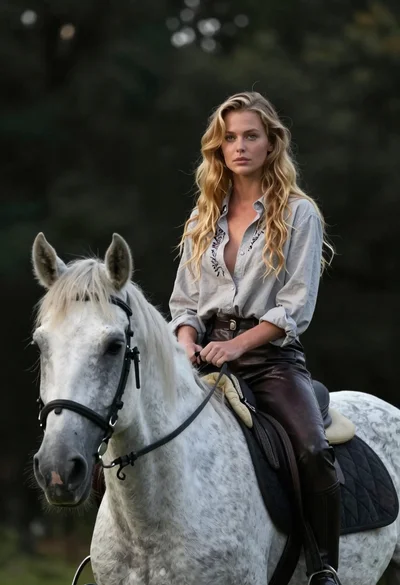
Woman riding horse in dark forest portrait
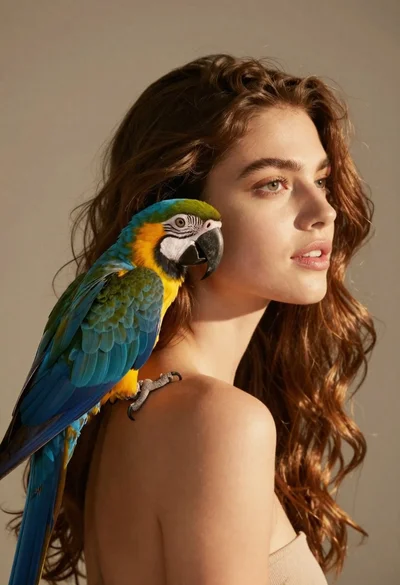
Close up portrait of woman with macaw on shoulder against beige background
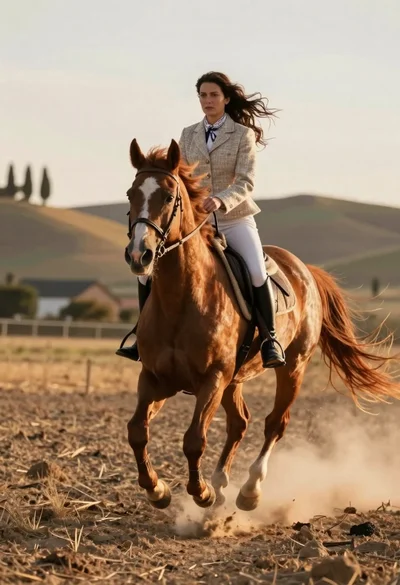
Woman riding chestnut horse galloping across dusty rural field at golden hour

Woman pouring coffee for dog at breakfast table in bright room
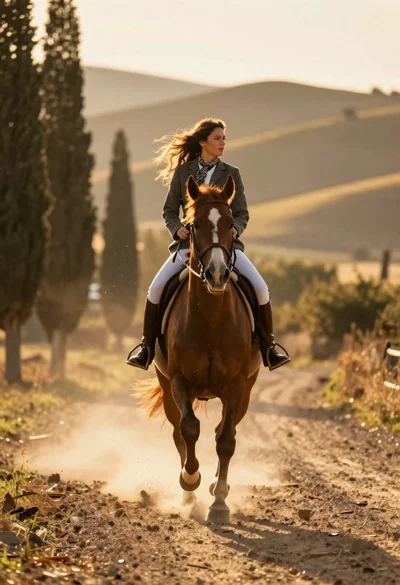
Woman riding chestnut horse galloping on dusty country road at golden hour
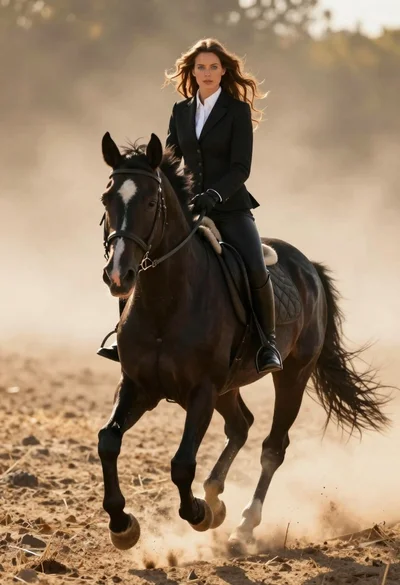
Woman in black riding suit on horse through dusty sunlit landscape
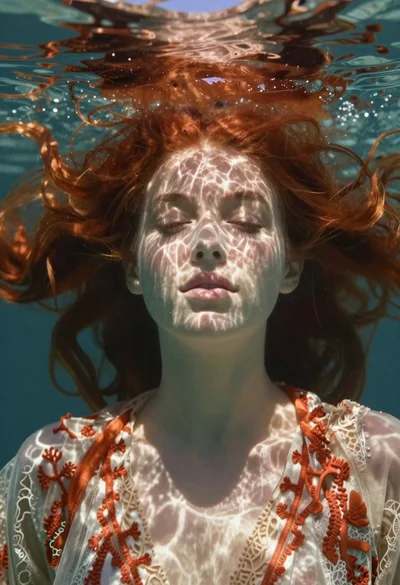
Underwater portrait of woman with red hair in dappled light
