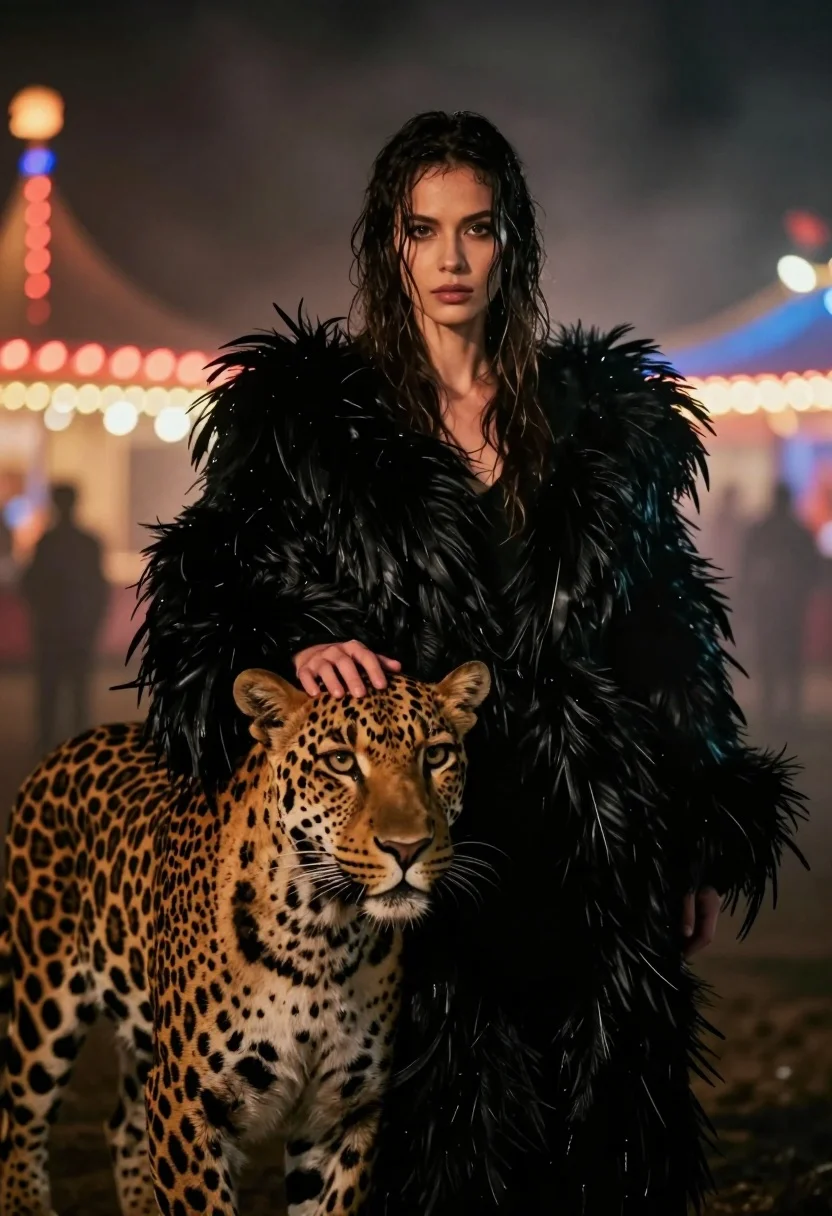
Woman with leopard in feathered coat against misty carnival lights at night
Prompt
A woman with wet dark hair stands in a misty night scene wearing a voluminous black feathered coat while gently resting her hand on the head of a leopard.

Subject: A woman with long, wet, dark hair and a serious, direct gaze facing forward, accompanied by a large spotted leopard standing close to her side.

Clothing: She wears a thick, luxurious black coat made entirely of long, shaggy feathers that frame her shoulders and upper body.

Action: The woman stands still with a calm expression while her right hand rests gently on the top of the leopard's head; the leopard looks forward with a neutral expression.

Environment: A dark, foggy setting illuminated by blurred carnival lights in the background featuring red and blue bokeh patterns that suggest a fairground or amusement park at night.

Camera: Close-up framing focusing on the subjects from the waist up, utilizing a shallow depth of field to keep the foreground sharp while rendering the background as soft, glowing orbs of light.

Lighting: Dramatic low-key lighting with warm highlights on the woman's face and hair contrasting against deep shadows, enhanced by atmospheric fog that diffuses the colorful background lights.

Style Details: Cinematic photography style with a moody, noir atmosphere, high contrast between the dark foreground subjects and the vibrant neon bokeh in the distance.
Description
This prompt is useful for creating cinematic editorial spreads, dramatic character portraits, and high-fashion narrative sequences set at night. The combination of 'dramatic low-key lighting' with 'warm highlights on the woman's face' ensures the subjects pop against the deep shadows, while the 'red and blue bokeh patterns' provide enough visual interest in the background to ground the scene without distracting from the central interaction between the woman and the leopard.
Suggestions
- Change 'leopard' to 'black panther' for a more cohesive color palette.
- Swap 'carnival lights' for 'street market lanterns' to adjust the mood.
- Adjust 'close-up framing focusing on the subjects from the waist up' to 'full body shot' to better show the coat.
Category
Tags
AnimalClose UpFemaleFull BodyPortrait ShotRealistic
Date added
July 12, 2026
Added by
PromptDexter Team
Related Prompts
More prompts with similar categories and tags.
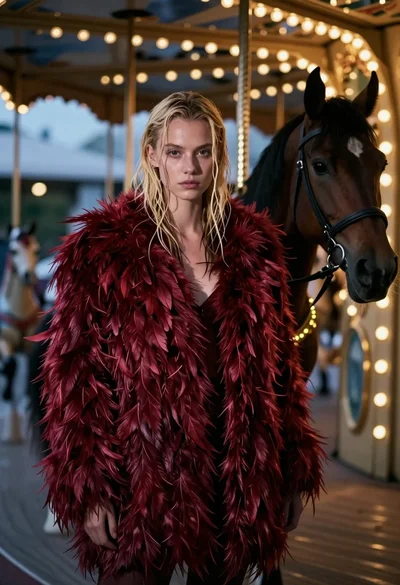
Woman in red feather coat stands near brown horse inside dimly lit
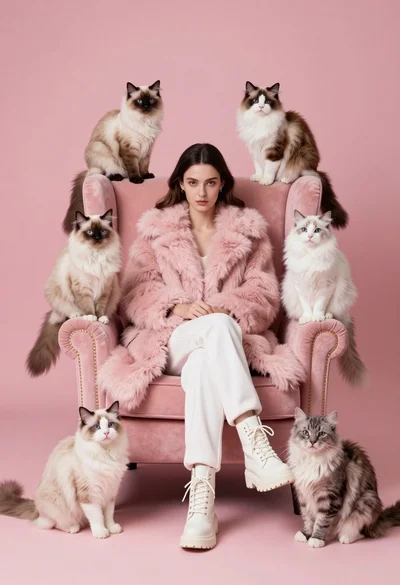
Woman in pink fur coat surrounded by six fluffy cats on pink
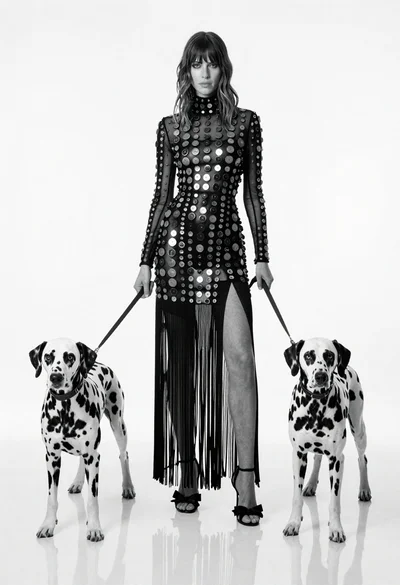
Full length black and white portrait of woman with two dalmatian dogs
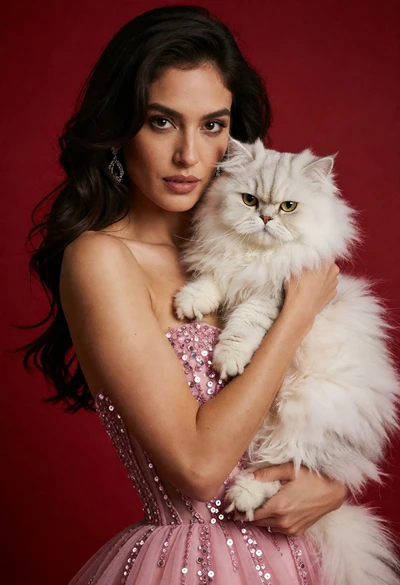
Poised woman in pink sequin gown holding white persian cat against red
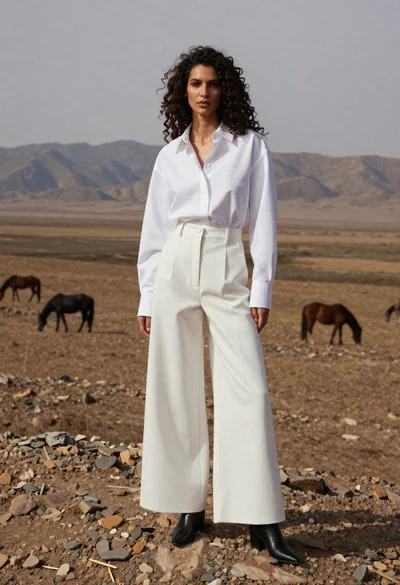
Woman in white shirt on rocky steppe with horses
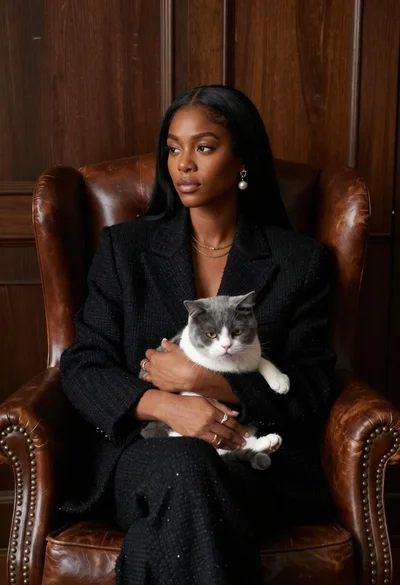
Woman in black blazer holding grey and white cat on leather armchair
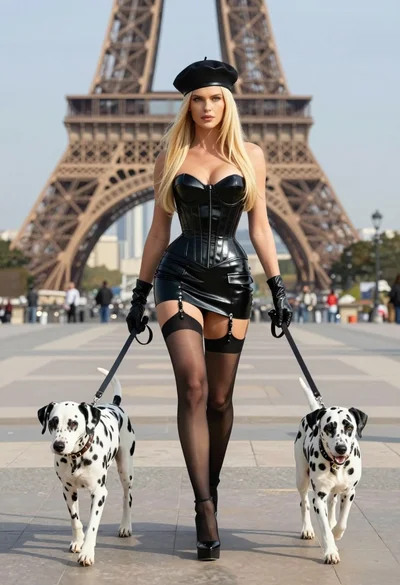
Blonde woman in black latex corset walking with two dalmatians near eiffel
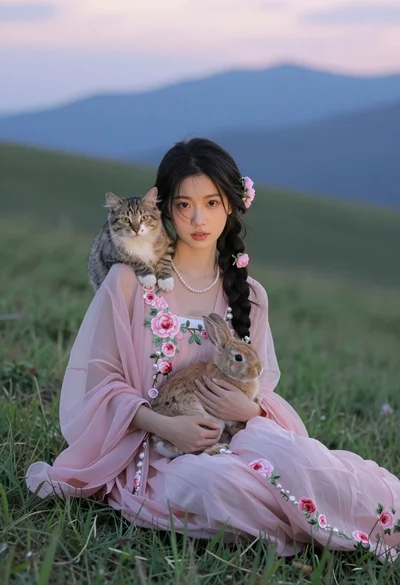
Young woman in pink floral dress holding rabbit with cat on grassy
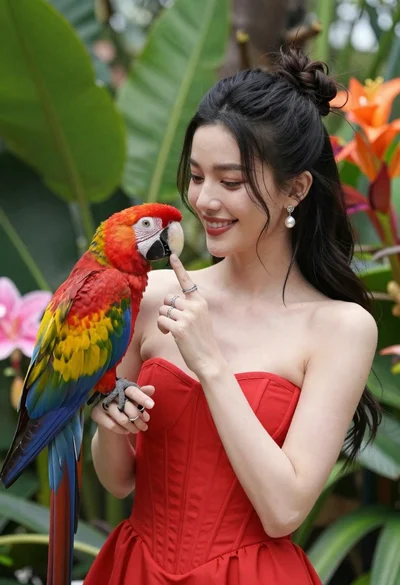
Smiling woman in red dress holding colorful macaw parrot in tropical garden
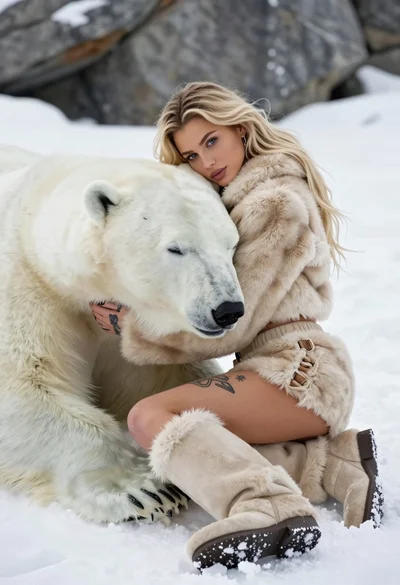
Blonde woman in beige fur suit cuddling a sleeping polar bear on