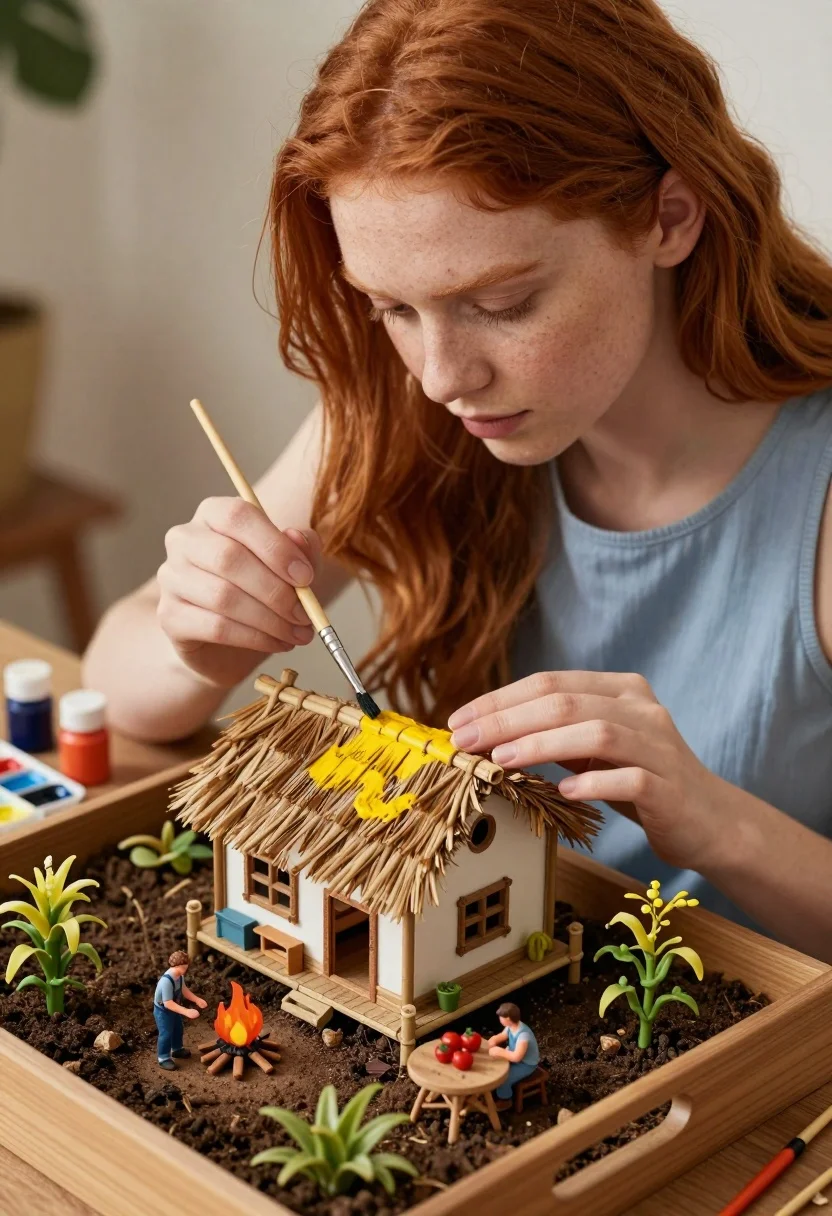
Young woman painting miniature village diorama with red hair
Prompt
A young woman with long red hair carefully paints a miniature thatched-roof house in a detailed diorama.

Subject: A young woman with vibrant red hair and fair skin, wearing a light blue sleeveless top.

Clothing: She wears a simple light blue tank top.

Action: She holds a fine paintbrush in her right hand to apply yellow paint to the roof of a miniature house while resting her left hand on the bamboo eaves.

Environment: The scene is set within a wooden tray filled with soil, featuring a miniature village with tiny figures tending a fire and sitting at a table, surrounded by small plants, corn stalks, and tomato vines.

Camera: Close-up shot focusing on the woman's face and hands, capturing the intricate details of the miniature world in the foreground.

Lighting: Soft natural daylight illuminates the scene from above, casting gentle shadows and highlighting the textures of the hair and the miniature structures.

Subject: Two miniature figures dressed in overalls are visible within the diorama; one tends a small fire while the other sits at a wooden table with tomatoes.

Objects: A palette with watercolor paints, paint bottles, and a brush rest on the edge of the tray near the woman's hand.

Interaction: The woman is actively painting the roof of the miniature house, while the tiny figures engage in daily activities within their own small world.

Text/Graphics: No readable text or logos are visible on clothing or objects.

Style Details: Hyper-realistic digital art with a focus on macro photography aesthetics, featuring high detail and soft depth of field.
Description
This prompt is useful for creating detailed hobbyist portraits, miniature world concept art, and artisanal process documentation. The combination of 'macro photography aesthetics' and 'soft natural daylight' ensures that the focus remains sharply on the woman's hands and the intricate textures of the diorama, preventing the small elements from becoming lost in shadow or detail.
Suggestions
- Change 'light blue sleeveless top' to 'natural linen smock' for a more rustic feel.
- Add 'shallow depth of field, bokeh background' to enhance the macro effect.
- Swap 'yellow paint' for 'terracotta wash' to better match the village tones.
Category
Tags
Close UpFair SkinFemaleIndoorsMacro ShotNatureRealisticRed HairTraditinal Art
Date added
July 3, 2026
Added by
PromptDexter Team
Related Prompts
More prompts with similar categories and tags.
Young woman with brown hair in white dress holding brushes in sunlit
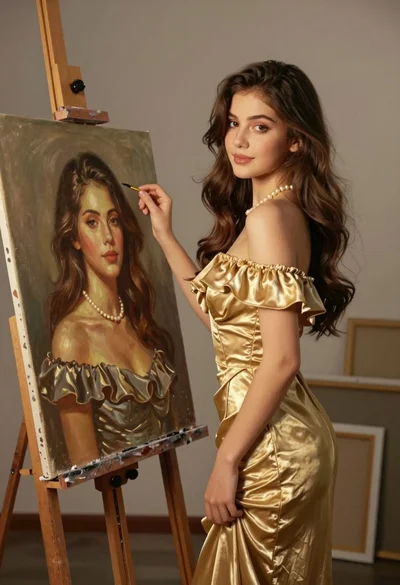
Young woman in gold dress beside her portrait painting in art studio

Fair young woman with red braided hair making playful kissy face indoors
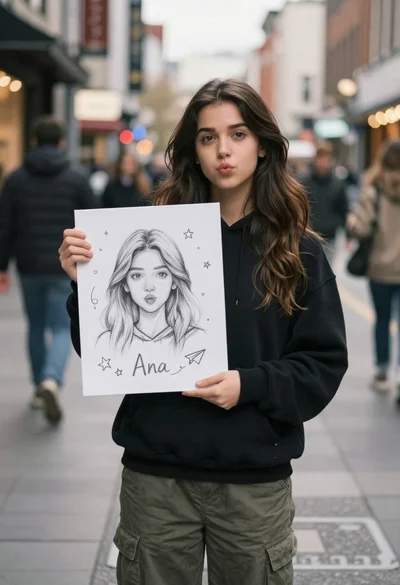
Young woman with long dark hair holding white board with pencil sketch
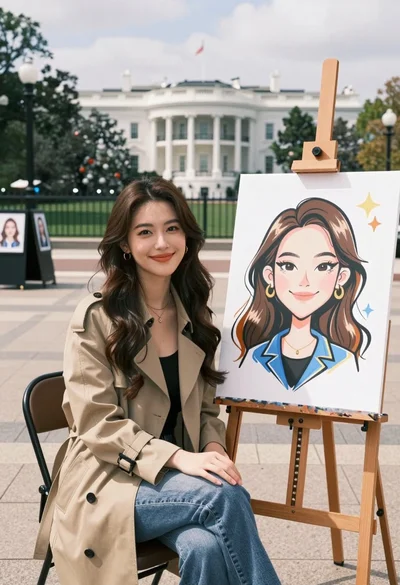
Young woman smiling next to her caricature portrait on an easel outdoors
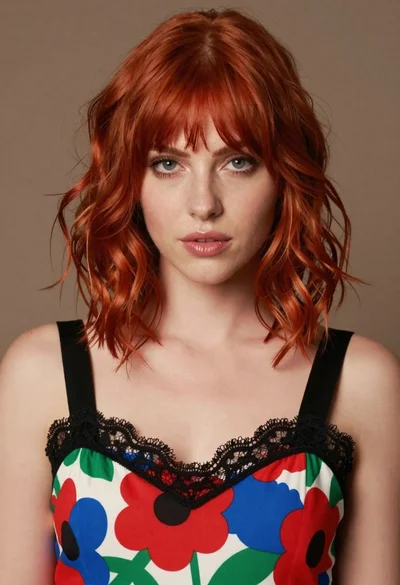
Close up portrait of woman with red hair in floral dress
Close up portrait of red haired woman in white shirt

Close up portrait of young woman with dark brown hair indoors
Young woman in olive top and denim jeans indoors with green leaves
Close up portrait of woman with blonde hair and blue eyes