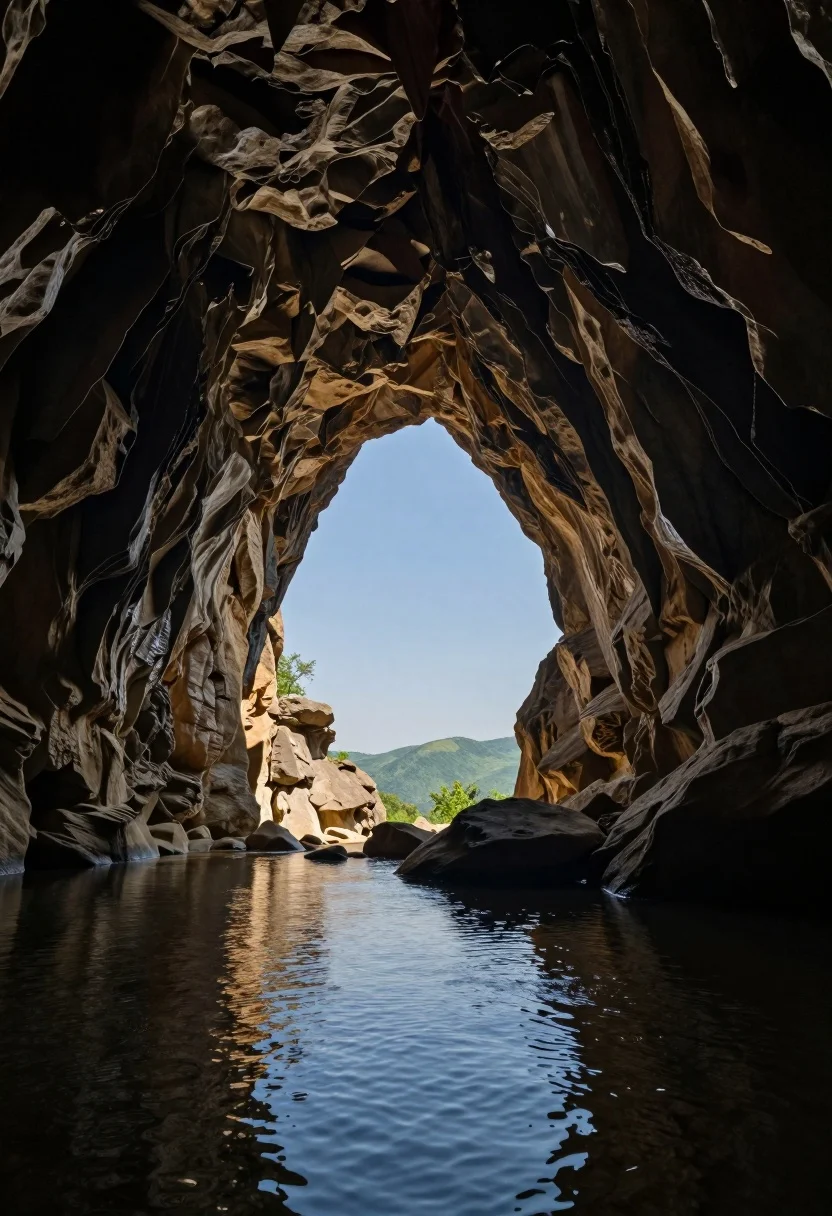
View from dark limestone cave archway toward bright blue sky and green
Prompt
A view from inside a dark cave looking out through a large natural archway toward a bright blue sky and distant green hills.

Subject: The interior of a cavernous limestone cave with rough, textured rock walls and ceiling, featuring a calm pool of water in the foreground reflecting the light.

Action: Stillness within the scene, with no visible movement or subjects present.

Environment: A natural underground setting leading to an exterior landscape visible through the opening, showing rocky formations outside and a clear sky above.

Camera: Wide-angle perspective capturing both the dark interior and the bright exterior view, framed from a low angle near the water level.

Lighting: Strong contrast between the warm artificial lighting illuminating the cave walls and floor and the cool natural daylight streaming in from the opening.

Style Details: Photorealistic capture with high dynamic range emphasizing the texture of the rock formations and the clarity of the distant landscape.
Description
This prompt is useful for creating dramatic landscape photography, architectural mood boards showcasing transitions, and concept art depicting hidden worlds. The combination of 'strong contrast' between the warm artificial lighting inside and the cool natural daylight streaming in from the opening effectively frames the view, ensuring that the texture of the rock formations remains visible while emphasizing the bright exterior through the wide-angle perspective.
Suggestions
- Change 'warm artificial lighting' to 'torchlight glow' for a more specific internal source.
- Add 'mist rising off the water' to enhance the foreground atmosphere.
- Swap 'distant green hills' for 'jagged mountain peaks' to increase visual drama.
Category
Tags
Low AngleOutdoorsRealisticWide Shot
Date added
August 5, 2026
Added by
PromptDexter Team
Related Prompts
More prompts with similar categories and tags.

Joyful bride and groom embracing on a sunlit tropical beach at golden
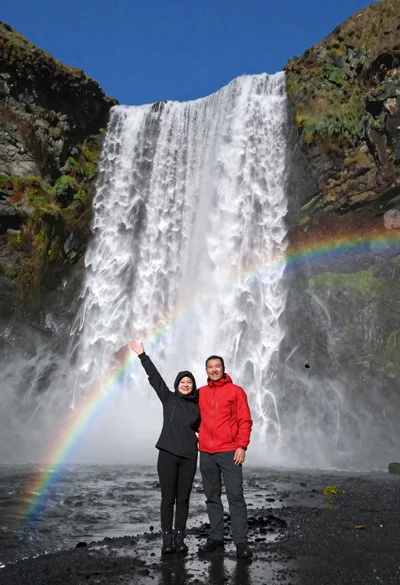
Couple standing before massive waterfall under clear blue sky low angle
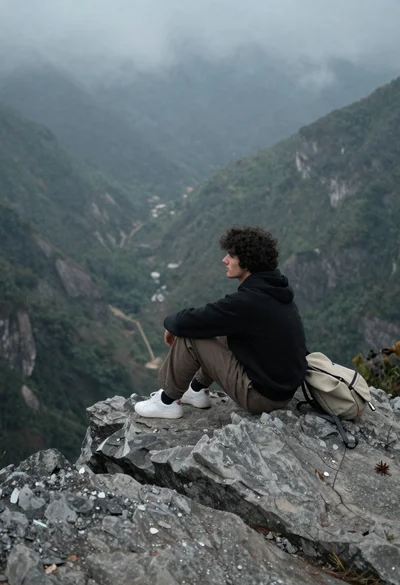
Young man sitting contemplatively on rocky cliff overlooking misty mountains
Young woman in black winter coat reaching for snowy mountain peak from

Hyperrealistic view of massive ocean wave forming a perfect barrel at sea

Low angle view looking up into the canopy of a flowering tree against a clear sky

Lone skier ascending snowy mountain ridge under bright blue sky
Silhouette of tandem paragliders soaring above green mountain range at sunset

Muscular man standing before massive waterfall in lush jungle setting

Solitary hiker silhouette atop mountain peak above sea of clouds at sunrise