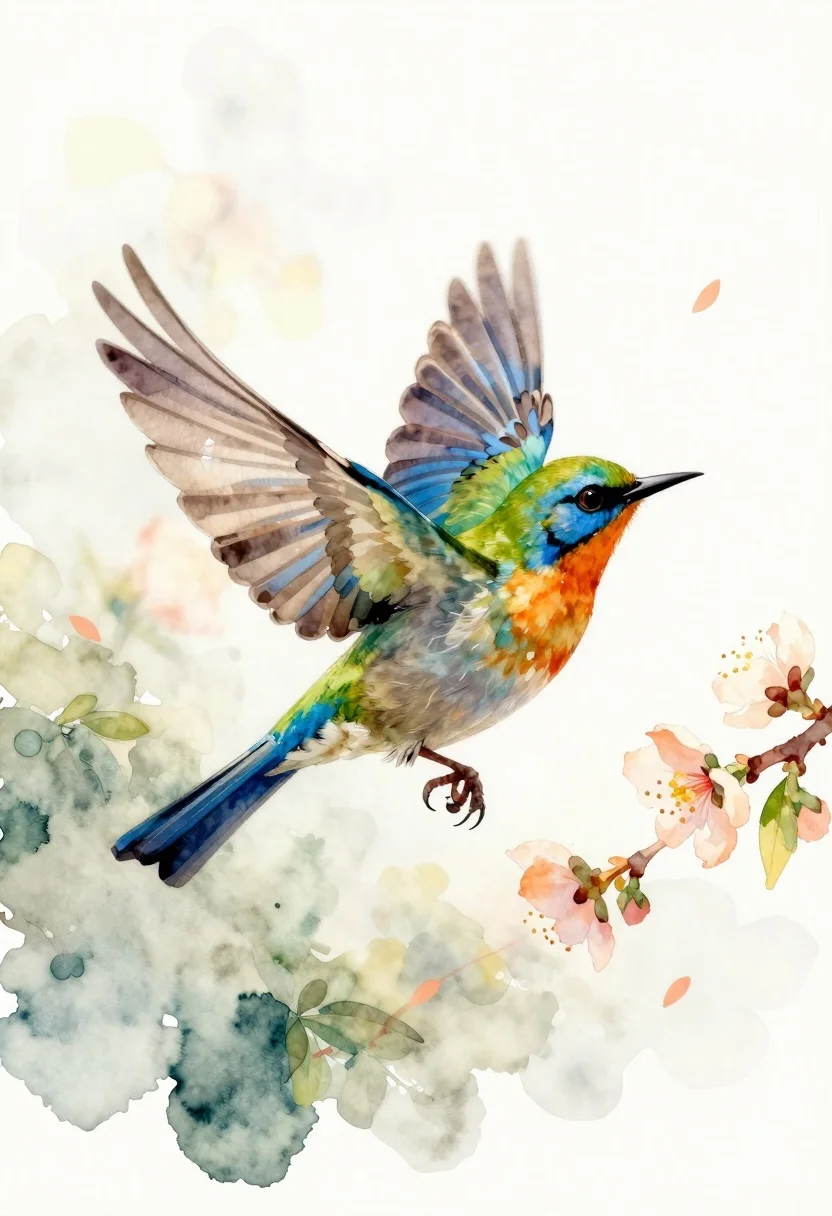
Watercolor bird flying near peach blossoms
Prompt
Watercolor illustration of a vibrant bird in mid-flight against a soft white background

Subject: A striking green and blue songbird with an iridescent tail, orange chest, sharp black beak, dark eye, and talons extended downward as it hovers near flowers.

Action: Wings spread wide during flight, body angled slightly upward toward the right side of the frame; gaze fixed forward.

Environment: A gentle wash of pale cream and yellow-green hues suggests a dreamy sky or misty air with subtle floral branches drifting through space.

Objects: Delicate sprigs of peach-colored blossoms and green leaves float around the bird, some blurred in motion to suggest depth and breeze.

Camera: Close-up composition focusing on the bird's form; slight upward angle enhances its soaring posture.

Lighting: Soft diffused light from above creates gentle highlights along wing edges and body contours with minimal shadow for a luminous effect.

Style Details: Loose watercolor brushstrokes, translucent layers of color, organic blending of tones, airy composition reminiscent of botanical nature prints; fine detail in feathers contrasted against soft background washes.
Description
This prompt is useful for creating delicate greeting cards, whimsical nursery decor, and illustrative book chapter art featuring wildlife. The combination of 'loose watercolor brushstrokes' and 'translucent layers of color' ensures the bird remains vibrant while allowing the 'pale cream and yellow-green hues' to softly support its form without competing with the subject matter.
Suggestions
- Change 'vibrant bird' to a specific species name like 'bluebird' for more accurate feather detail.
- Swap 'peach-colored blossoms' for 'cherry blossoms' to shift the color palette.
- Adjust 'soft diffused light from above' to 'rim lighting' to emphasize wing edges.
Category
Tags
AnimalsClose UpMacro ShotNatureTraditional Art
Date added
June 19, 2026
Added by
PromptDexter Team
Related Prompts
More prompts with similar categories and tags.
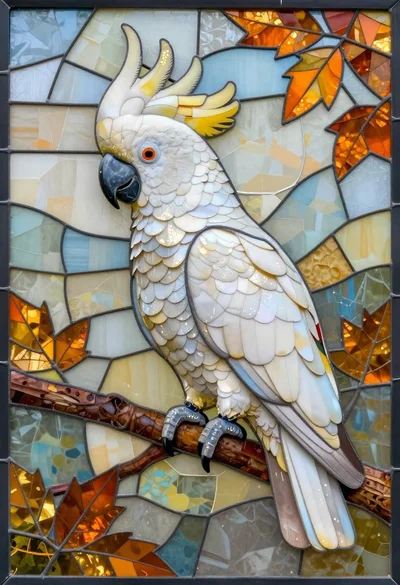
Stained glass mosaic of a cockatoo on a branch
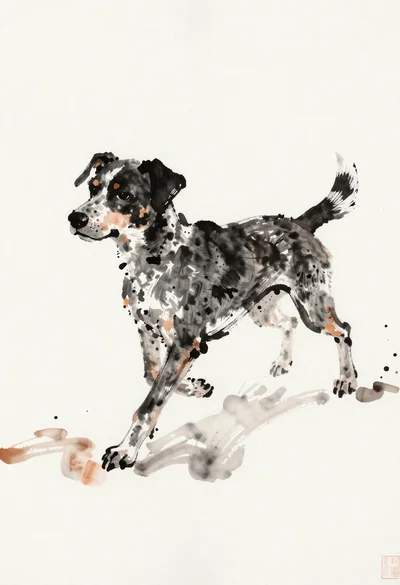
Ink wash painting of a spotted dog in motion
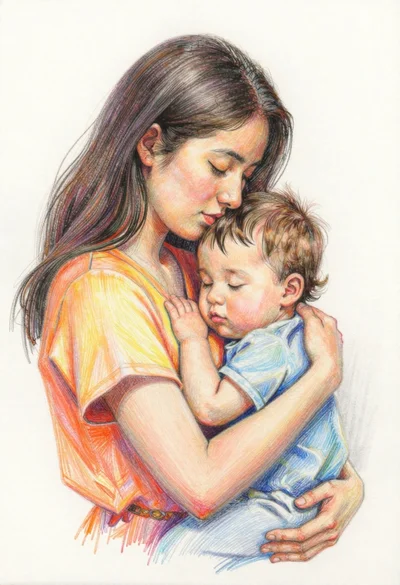
Colored pencil sketch of mother embracing child
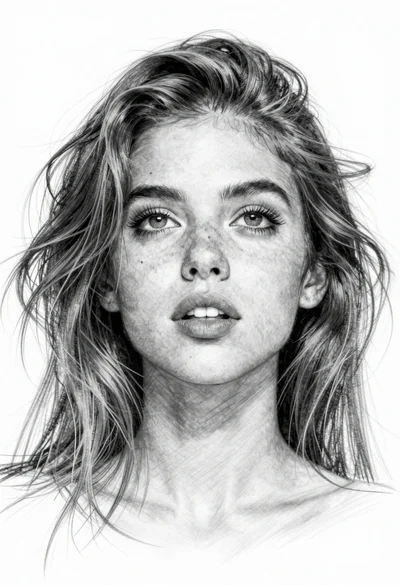
Pencil sketch portrait of young woman with wind swept hair
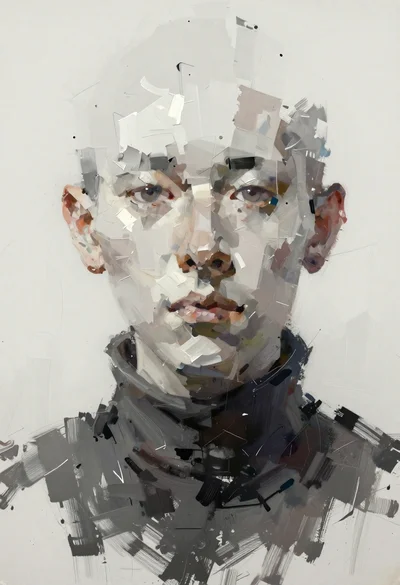
Fragmented face portrait with vertical brushstrokes
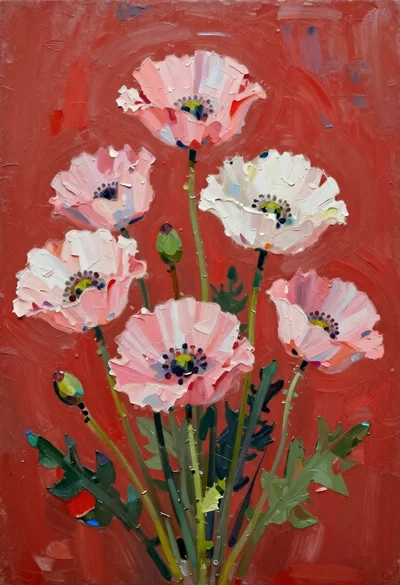
Oil painting of pink poppies on red background
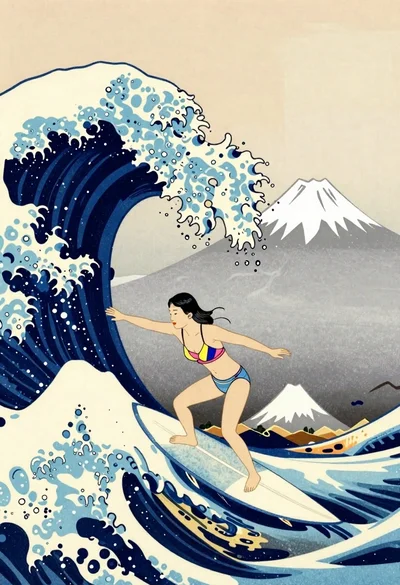
Surfer riding massive wave near mount fuji woodblock style
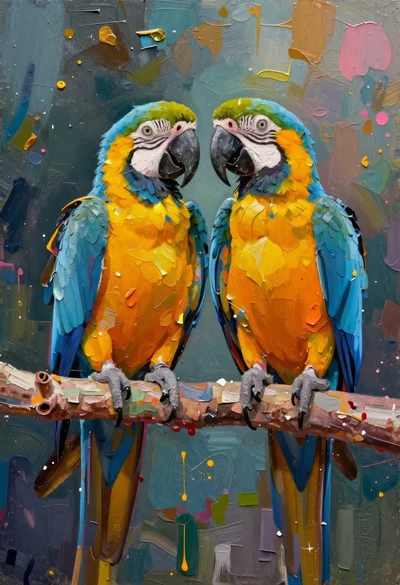
Oil painting of macaws on a branch with textured background