Woman framed by open white double doors in elegant light blue slip
Prompt
A woman stands framed between two open white double doors with her arms raised and hands resting on the door frames.

Subject: A woman with long dark hair parted in the middle, fair skin, and a direct, serious gaze looking straight at the camera.

Clothing: She wears a light blue, floor-length slip dress featuring delicate floral embroidery and beadwork across the bodice and hips, supported by thin spaghetti straps.

Action: Her arms are fully extended upwards with her hands placed on the edges of the open doors, framing her body within the doorway.

Environment: The setting is an interior space with a dark, shadowed hallway or room visible behind her through the open doors, contrasting with the bright white paneled doors in the foreground.

Camera: A medium shot capturing the subject from the thighs up, utilizing a centered composition that emphasizes the vertical lines of the door frames and the subject's pose.

Lighting: Soft, diffused lighting illuminates the front of the subject and the white doors, creating a gentle glow on her skin and dress while leaving the background in deep shadow for high contrast.

Style Details: High-fashion editorial aesthetic with a clean, polished look, emphasizing texture and elegance.
Description
This prompt is useful for creating sophisticated portraiture for magazine editorials, architectural lifestyle shoots, and fine art nude studies. The combination of 'soft, diffused lighting' on the subject against the deep shadow visible through the open doors establishes a dramatic chiaroscuro effect that highlights the delicate texture of the 'light blue, floor-length slip dress' while keeping the background mysterious.
Suggestions
- Change 'dark, shadowed hallway or room' to 'minimalist concrete corridor' for a modern feel.
- Swap 'delicate floral embroidery and beadwork' for 'heavy velvet paneling' to increase drama.
- Adjust 'direct, serious gaze' to 'pensive, looking slightly off-camera' for more narrative depth.
Category
Tags
BrunetteFair SkinFemaleIndoorsMedium ShotRealistic
Date added
June 19, 2026
Added by
PromptDexter Team
Related Prompts
More prompts with similar categories and tags.

Stylish young woman in denim shirt holding tablet indoors
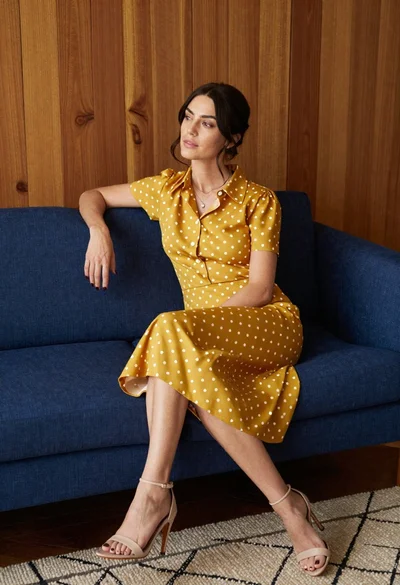
Woman in mustard polka dot dress sitting on blue sofa indoors
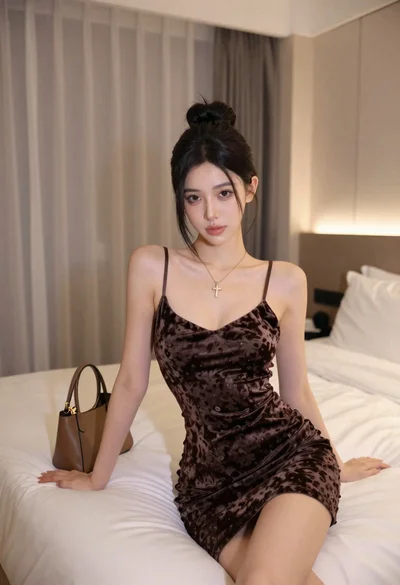
Fair skinned woman in dark velvet slip dress sitting on hotel bed

Blonde woman in black slip dress winking at table in upscale restaurant
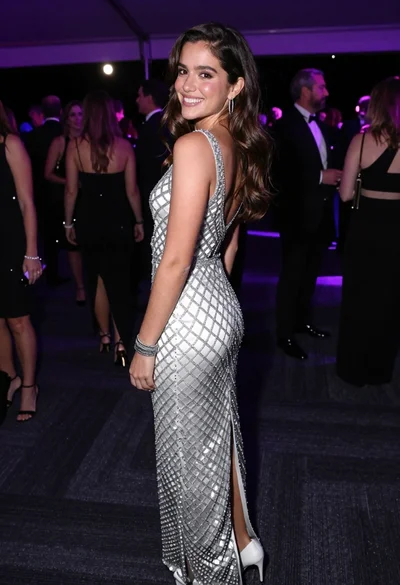
Smiling young woman in crystal gown looking over shoulder at indoor gala

Young woman in beige dress looking down in brightly lit store aisle
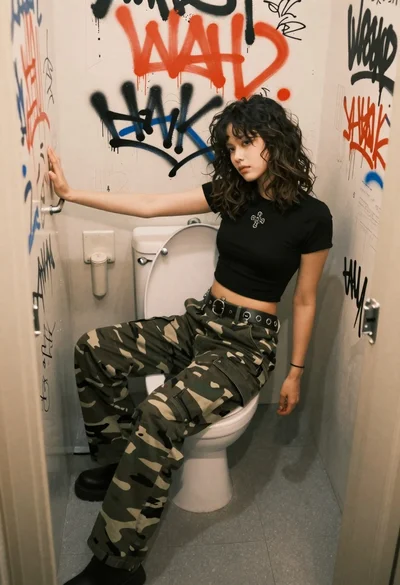
Young woman sitting sideways on a toilet lid in a graffiti covered
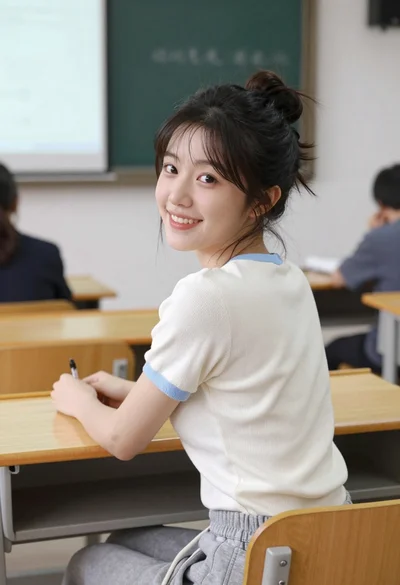
Young east asian woman smiling over shoulder at wooden desk in classroom
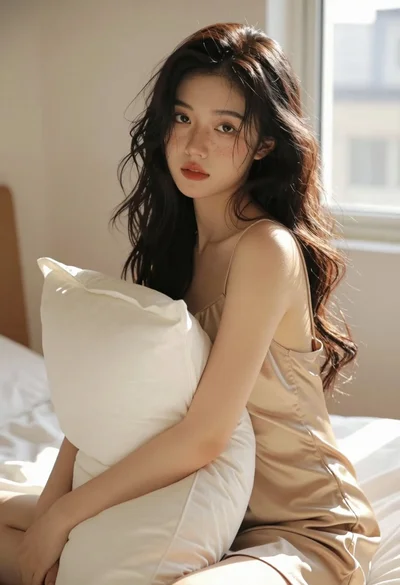
Young woman in light slip dress sitting on bed hugging pillow indoors

Medium closeup portrait of woman in satin slip dress indoors