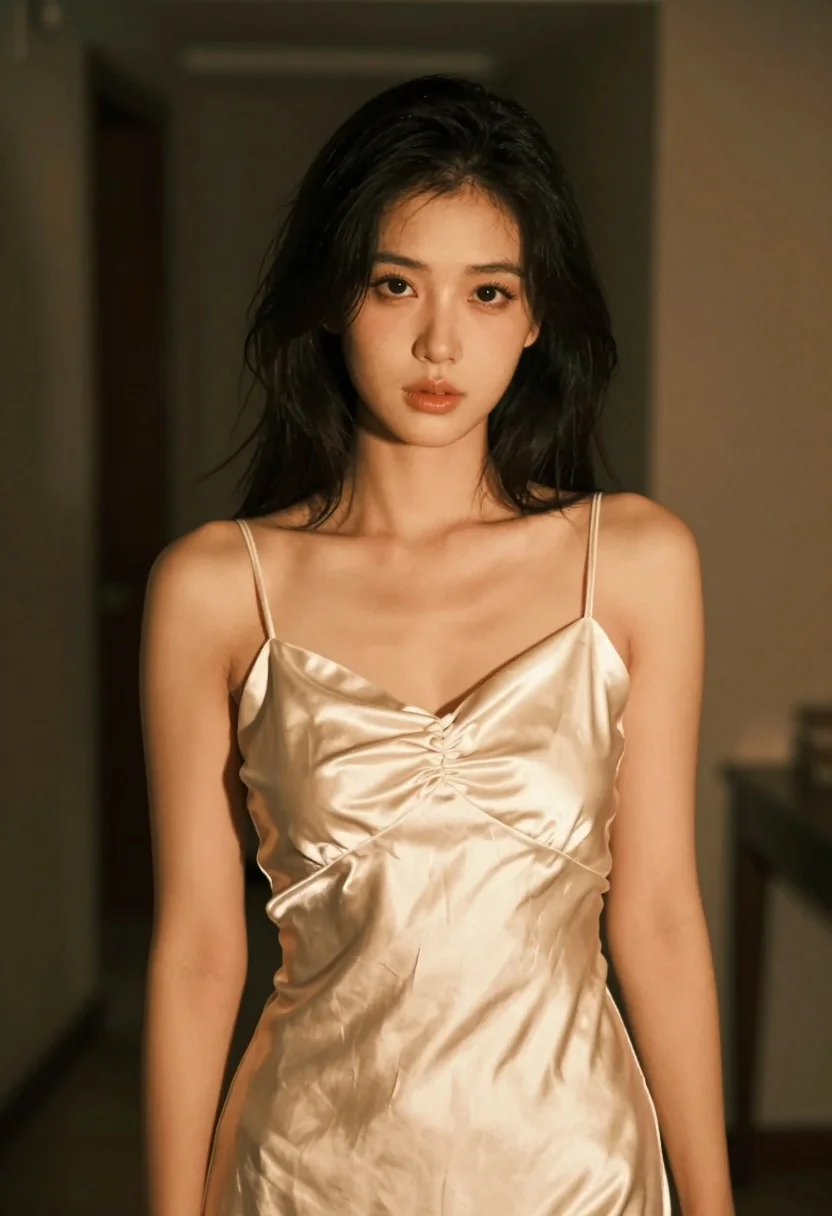
Medium closeup portrait of woman in satin slip dress indoors
Prompt
A woman with shoulder-length black hair stands in a dimly lit indoor setting wearing a form-fitting satin slip dress.

Subject: A young woman with fair skin and dark shoulder-length bobbed hair looking directly at the camera with a soft, neutral expression.

Clothing: She wears a pale cream or champagne-colored satin slip dress featuring thin spaghetti straps, a sweetheart neckline, and ruched detailing along the bodice that accentuates her figure.

Lighting: The scene is illuminated by warm, golden ambient light coming from the right side, casting soft shadows on the left while highlighting the sheen of the fabric.

Environment: The background is dark and out of focus with a blurred vertical element suggesting an interior space or doorway.

Camera: The shot is a medium close-up framed to capture the subject from the thighs up with a shallow depth of field that blurs the background significantly.

Style Details: The image has a vintage film photography aesthetic characterized by warm color grading, soft contrast, and a slightly grainy texture.
Description
This prompt is useful for creating intimate editorial portraits, luxury lingerie campaign visuals, and moody character studies. The combination of 'satin slip dress' sheen against the 'warm, golden ambient light' ensures that the fabric catches highlights beautifully, while the 'shallow depth of field' isolates the subject from the indistinct background, preventing visual clutter.
Suggestions
- Change 'pale cream or champagne-colored' to 'deep emerald green' for a richer color pop.
- Add 'Kodak Portra 400 film grain' to enhance the vintage feel.
- Adjust 'medium close-up' to 'head and shoulders portrait' for more focus on the face.
Category
Tags
Black HairBrunetteFair SkinFemaleIndoorsMedium ShotRealistic
Date added
July 3, 2026
Added by
PromptDexter Team
Related Prompts
More prompts with similar categories and tags.

Blonde woman looking back over shoulder against white wall
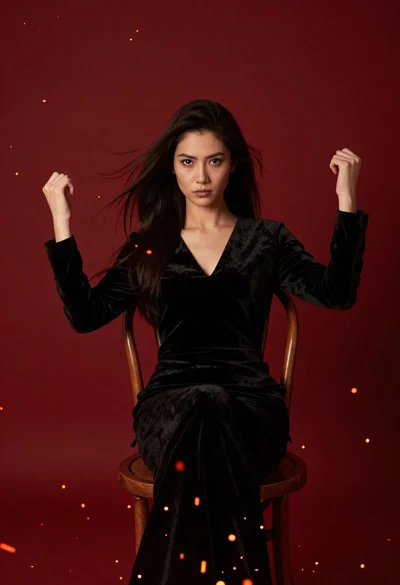
Woman seated in black velvet chair against red sparks
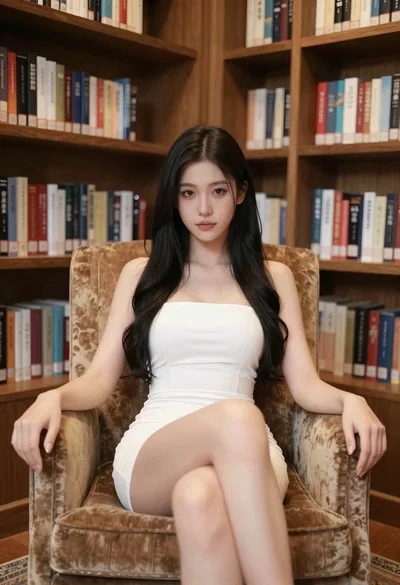
Woman in white dress seated in plush armchair within library bookshelves

Young woman in black velvet dress looking over shoulder at event
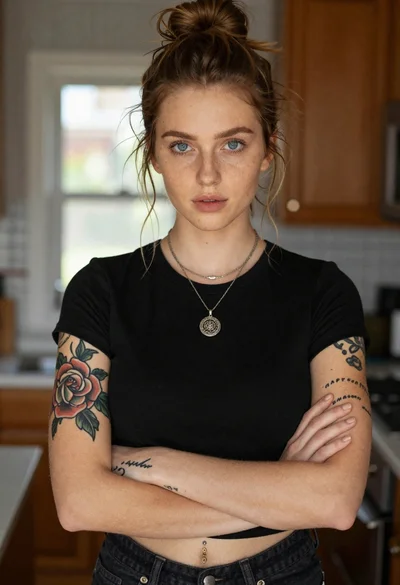
Portrait of woman with blue eyes and freckles indoors
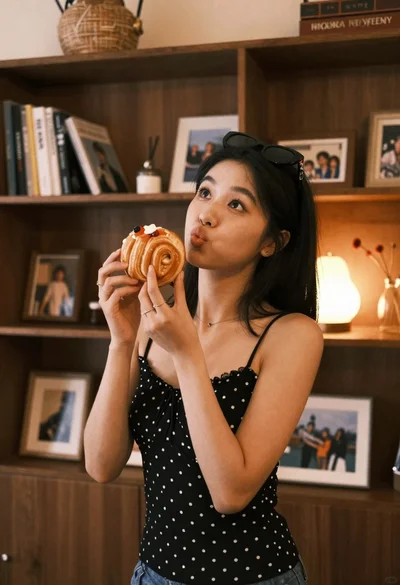
Young woman with dark hair holding pastry in warmly lit room
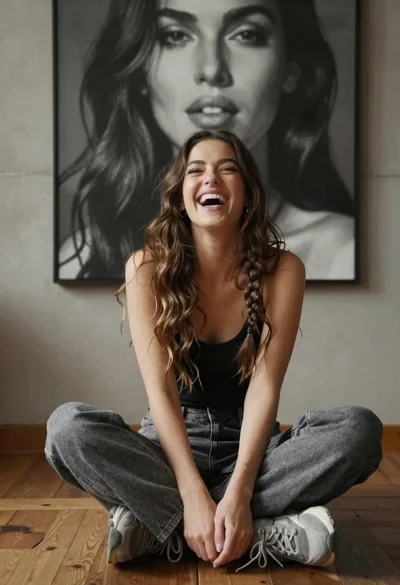
Young woman laughing cross legged indoors near large black and white portrait
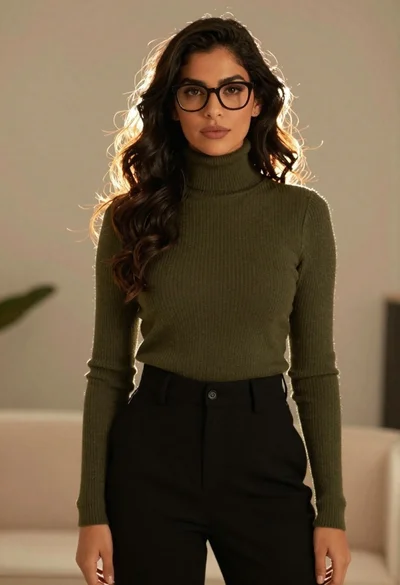
Stylish woman in olive sweater with dark hair
Young woman leaning against concrete wall in black and white photograph
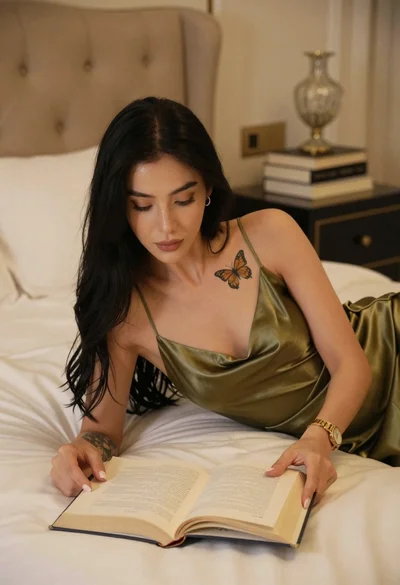
Woman in olive green silk dress reading a book on bed