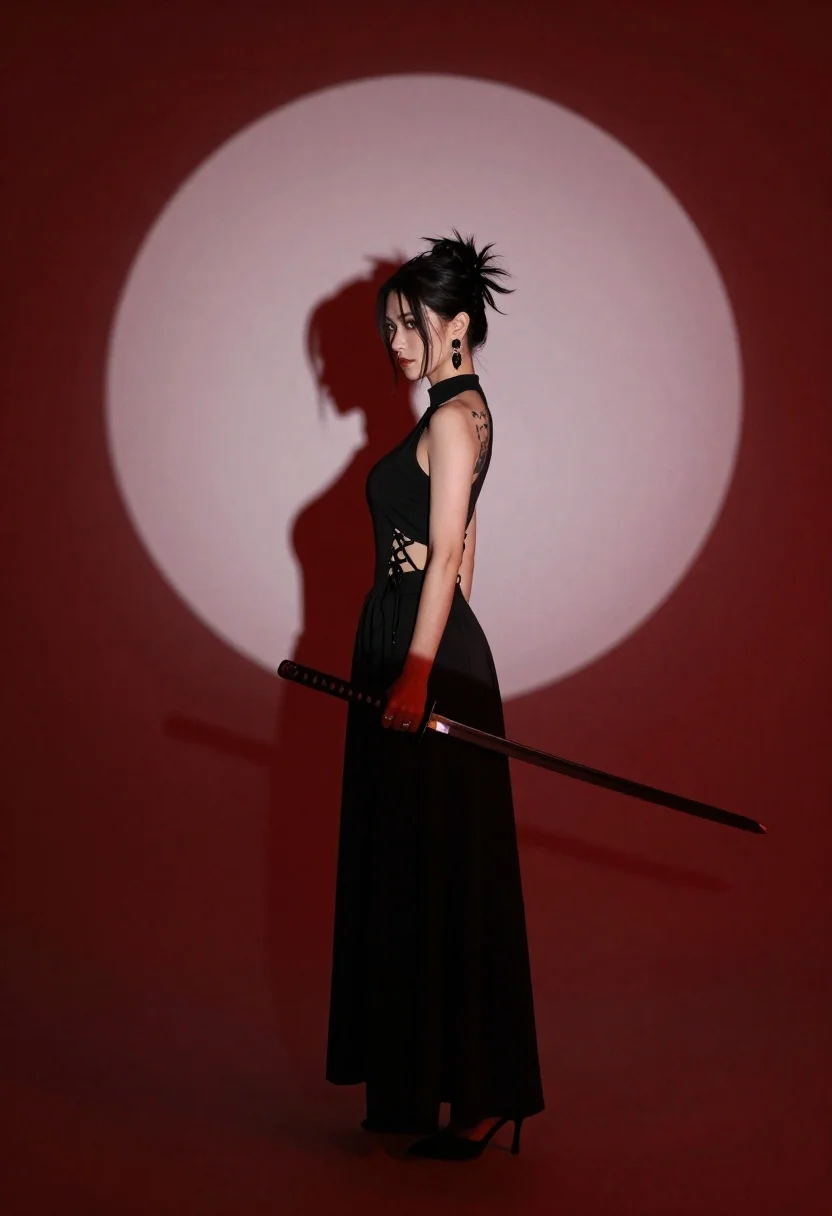
Woman in black dress holding katana against red background with pale circle
Prompt
A woman stands in profile holding a katana against a dramatic red backdrop with a large pale circle behind her.

Subject: A woman with dark hair styled in a messy bun and loose strands framing her face, featuring visible tattoos on her left arm and shoulder.

Clothing: She wears a high-necked black sleeveless dress or jumpsuit with lace-up detailing along the side torso and a long flowing skirt, accessorized with large dangling earrings and a ring.

Action: She holds a katana sword in both hands at waist level, standing still with a serious expression and gaze directed forward.

Environment: A solid deep red background featuring a large pale circular shape resembling a moon or spotlight behind the subject.

Camera: Medium full-body shot from a side profile angle with sharp focus on the subject and clear shadow casting on the wall.

Lighting: Strong directional lighting creates a distinct silhouette shadow of the woman and sword on the red wall, emphasizing the contrast between the dark figure and the bright circle.

Objects: A traditional katana sword with a visible blade and hilt held in her hands.

Style Details: Cinematic composition with high contrast, dramatic shadows, and a minimalist color palette dominated by deep reds and blacks.
Description
This prompt is useful for creating cinematic character portraits, concept art for action sequences, and moody album covers. The combination of 'strong directional lighting' casting a distinct silhouette shadow against the 'dramatic red backdrop' heightens the tension inherent in the subject holding the katana, while specifying the 'side profile' grounds the composition with narrative focus.
Suggestions
- Change 'messy bun' to 'braided ponytail' for a more structured look.
- Swap 'deep red background' for 'blood orange background' to shift the mood.
- Adjust 'medium full-body shot' to 'full body, low angle' to make her appear more imposing.
Category
Tags
Black HairCasual WearFemaleFormal WearFull BodyLingerieMedium ShotOutdoorsRealisticSide Profile
Date added
June 26, 2026
Added by
PromptDexter Team
Related Prompts
More prompts with similar categories and tags.

Romantic couple embracing on a rooftop balcony at twilight
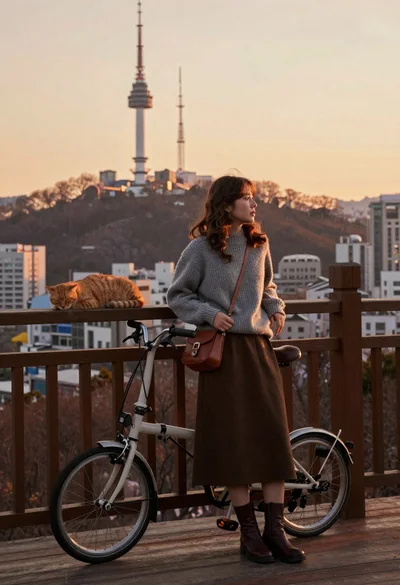
Young woman in grey sweater leaning on railing with bicycle and cat
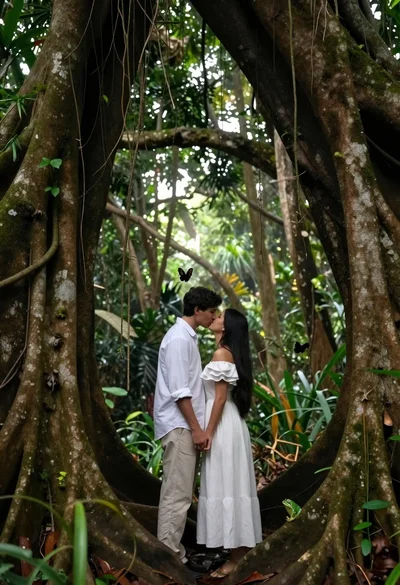
Romantic couple kissing under ancient tree roots in lush rainforest
Stylish woman in black halter dress on wet subway platform at night
Young woman in black puffer jacket standing alone in a crowded street
Muscular bearded man with top knot holding katana in profile against red
Blonde woman standing before rustic saloon building on dusty western street
Young woman in blue gown stands beside massive dragon head on rocky
