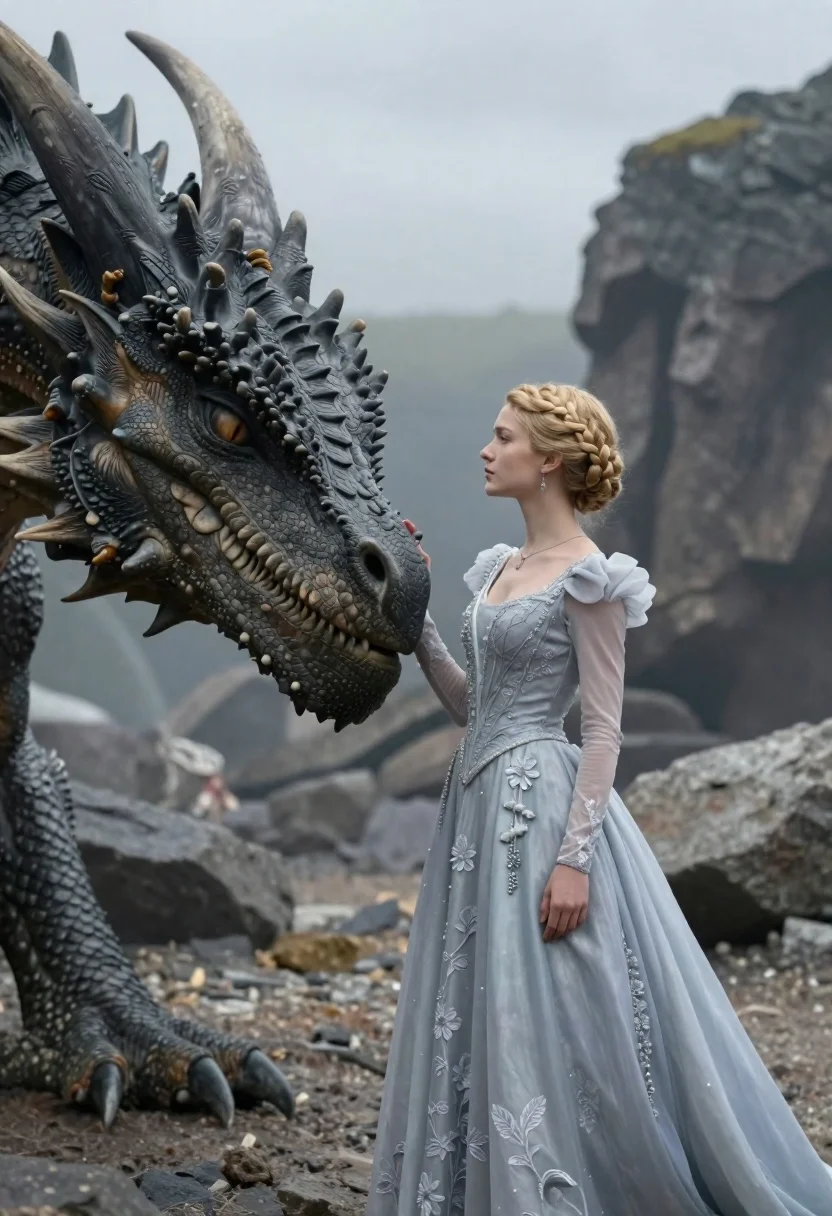
Young woman in blue gown stands beside massive dragon head on rocky
Prompt
A young woman in a light blue gown stands beside the head of a massive dragon in a rocky landscape.

Subject: A young woman with fair skin and blonde hair styled in an intricate braided crown, standing in profile next to the snout of a colossal dragon. The dragon has dark grey, textured scales, prominent horns, and a large eye visible near the woman's face.

Clothing: She wears a floor-length ballgown in pale blue or silver-grey featuring sheer long sleeves with puffed shoulders, intricate beading, and delicate floral embroidery across the bodice and skirt. She is accessorized with dangling earrings and a thin necklace.

Action: The woman stands calmly with her right hand gently resting on the dragon's snout near its mouth. Her expression is serene and contemplative as she gazes forward.

Environment: The setting is a rugged, rocky terrain under an overcast sky, suggesting a cold or misty atmosphere.

Camera: A medium shot capturing the woman from the waist up alongside the dragon's head, utilizing a shallow depth of field to keep the subjects sharp while blurring the rocky background.

Lighting: Soft, diffused natural light illuminates the scene evenly, creating gentle highlights on the woman's dress and the dragon's scales without harsh shadows.

Style Details: The image has a cinematic fantasy aesthetic with high detail in textures, a cool color palette dominated by greys and blues, and a polished, realistic rendering style.
Description
This prompt is useful for creating epic fantasy concept art, narrative book covers, and character introduction pieces for role-playing games. The combination of 'soft, diffused natural light' against the 'cool color palette dominated by greys and blues' ensures that both the delicate 'pale blue or silver-grey' gown and the imposing 'dark grey, textured scales' read as cohesive elements rather than clashing tones.
Suggestions
- Change 'light blue gown' to 'iridescent pale blue gown' for more visual interest.
- Swap 'overcast sky' for 'misty twilight sky' to enhance the mood.
- Adjust 'medium shot' to 'full body shot' to better showcase the ballgown.
Category
Tags
BlondeCreatureFair SkinFemaleFormal WearMedium ShotNatureOutdoorsRealisticSide Profile
Date added
June 23, 2026
Added by
PromptDexter Team
Related Prompts
More prompts with similar categories and tags.
Smiling woman in red dress holding colorful macaw parrot in tropical garden
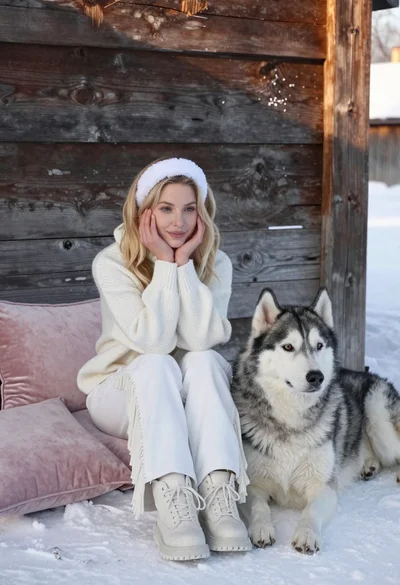
Young blonde woman in white knit sweater sitting in snow next to
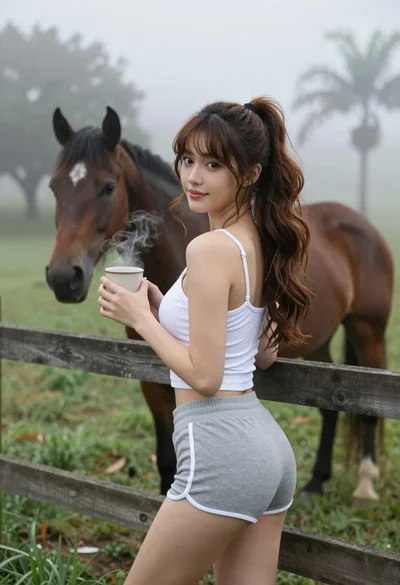
Young woman in tank top leaning on fence overlooking misty pasture with
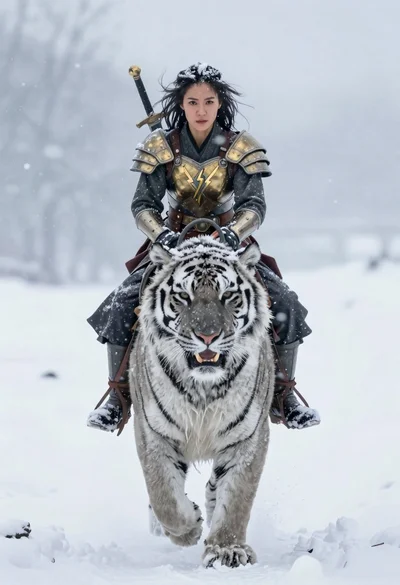
Woman riding snowy tiger through heavy falling snow
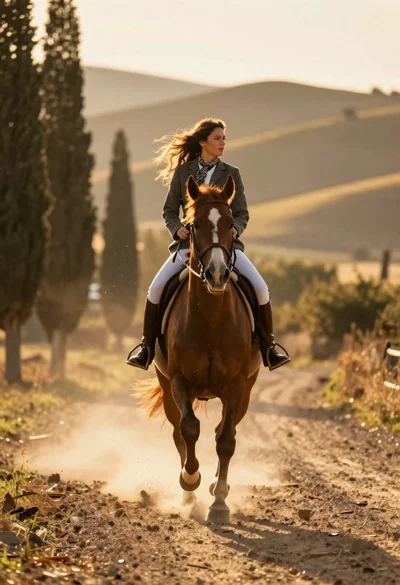
Woman riding chestnut horse galloping on dusty country road at golden hour
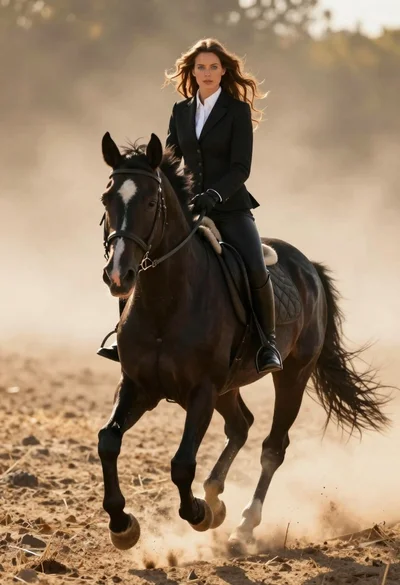
Woman in black riding suit on horse through dusty sunlit landscape
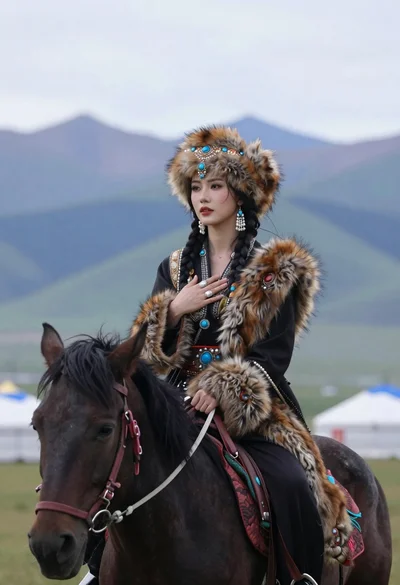
Woman in traditional central asian attire riding black horse on grassy plain
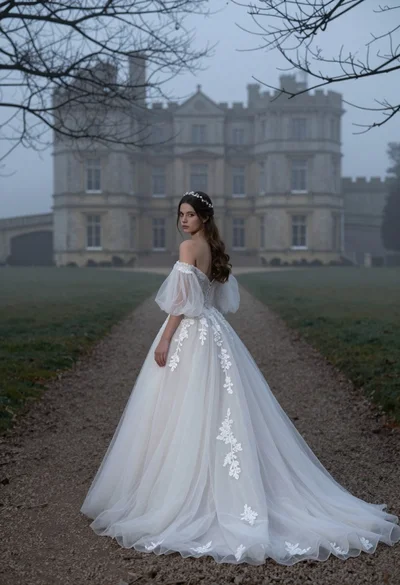
Woman in white wedding gown on gravel path before misty castle