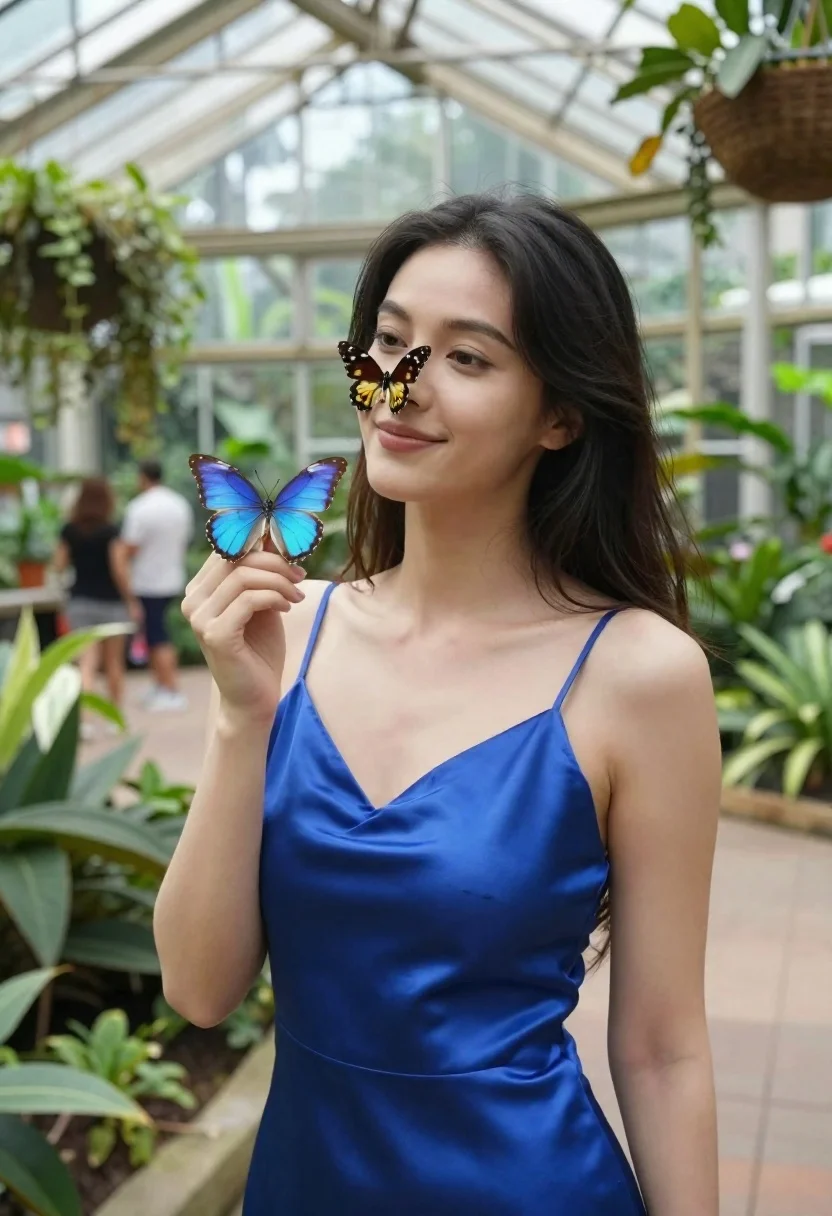
Woman in blue satin dress holding butterfly in glass conservatory
Prompt
A woman with dark hair stands in a glass conservatory wearing a blue satin dress while two butterflies rest on her face and hand.

Subject: A woman with long dark hair, fair skin, and a gentle smile looking slightly to the side.

Clothing: She wears a sleeveless, royal blue satin slip dress with thin straps that catches the light.

Action: Her right hand is raised near her chest holding a large blue butterfly, while another black and yellow butterfly rests on her nose.

Environment: The setting is a bright botanical garden or butterfly conservatory with lush green plants, hanging baskets, and a high glass ceiling structure.

Camera: A medium shot framed from the waist up, capturing the subject clearly against the busy background of the greenhouse.

Lighting: Bright natural daylight filters through the glass roof, creating soft highlights on her skin and the shiny fabric of her dress.

Objects: Two prominent butterflies are present; one is a vibrant blue morpho resting on her hand, and the other is black with yellow markings resting on her nose.

Style Details: The image has a high-resolution, photorealistic quality with vibrant colors and a shallow depth of field that keeps the subject sharp while blurring the background visitors and foliage.
Description
This prompt is useful for creating editorial portraiture, fine art nature photography, and luxury brand campaign visuals set in botanical environments. The combination of 'blue satin dress' catching light against the 'lush green plants' directs attention to the subject while the 'shallow depth of field' ensures that the intricate details of the butterflies remain sharp despite the busy background elements.
Suggestions
- Change 'royal blue satin slip dress' to 'emerald velvet gown' for a richer texture.
- Add 'bokeh effect' to enhance the background blur.
- Swap 'bright natural daylight' for 'diffused overcast light' for softer highlights.
Category
Tags
Casual WearFair SkinFemaleFull BodyIndoorsMedium ShotNatureOutdoorsRealistic
Date added
June 23, 2026
Added by
PromptDexter Team
Related Prompts
More prompts with similar categories and tags.

Young woman in pink camisole standing in sunlit rolling hills
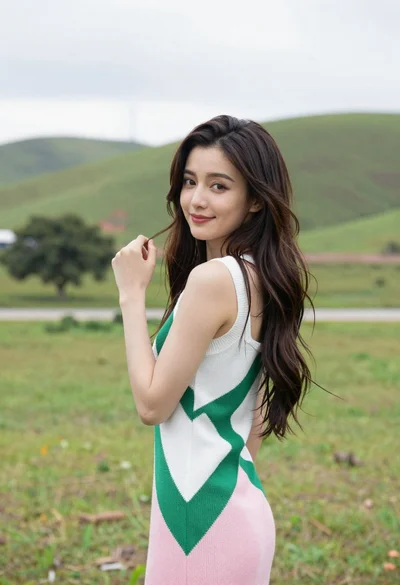
Young woman in patterned dress looking back over grassy hills
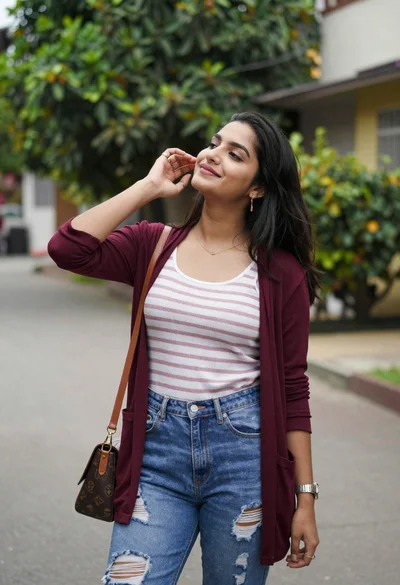
Young woman outdoors smiling with dark hair wearing denim jeans
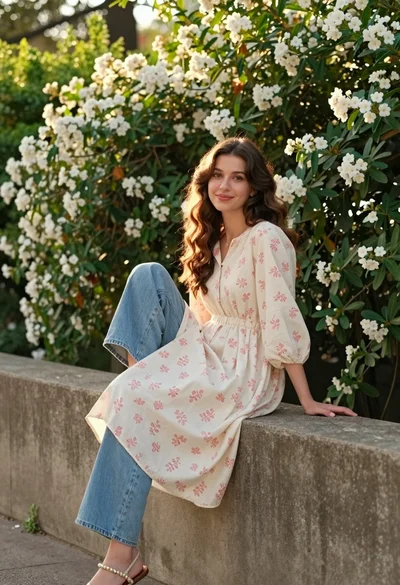
Young woman with brown hair sitting on concrete ledge amidst green foliage
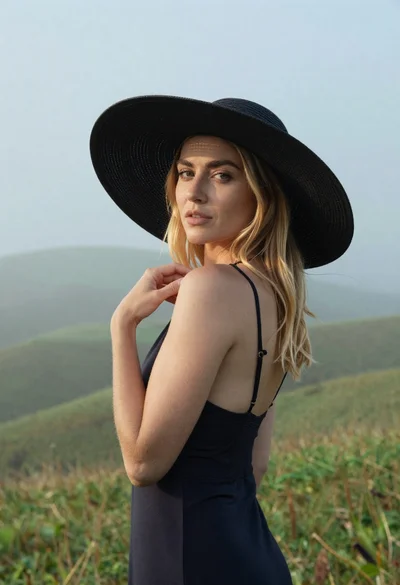
Blonde woman in black hat standing in misty green rolling hills

Young woman in olive saree leaning on railing outdoors during golden hour

Young woman with dark hair at wooden table in open air setting

Woman standing barefoot in dry autumn field at golden hour