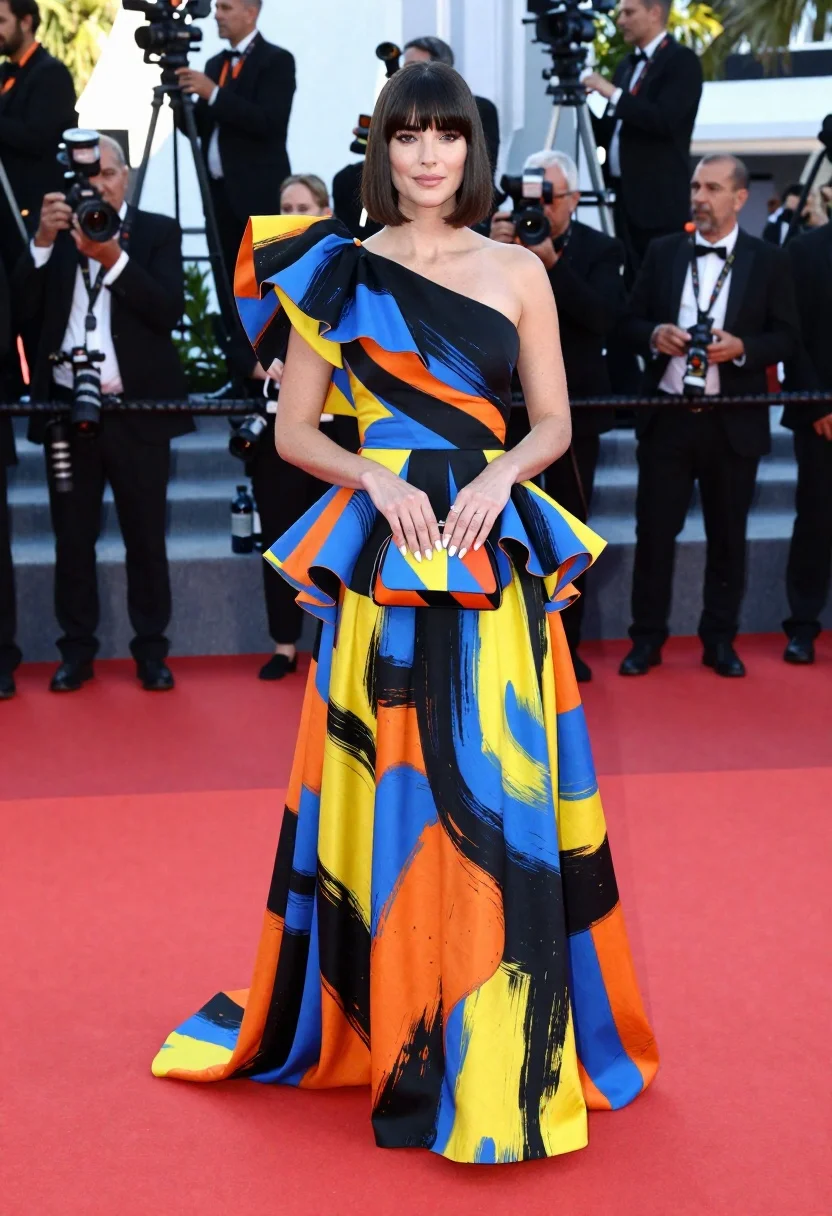
Woman in colorful oneshoulder gown standing on red carpet at event
Prompt
A full-length portrait of a woman with dark hair styled in a sleek bob and bangs, standing confidently on a red carpet.

Subject: A woman with fair skin, defined cheekbones, and a calm, direct gaze facing the camera. She has long, manicured nails painted white.

Clothing: She wears an elaborate one-shoulder gown featuring a dramatic, oversized puffed sleeve and voluminous ruffles at the hips. The fabric displays a bold, abstract brushstroke pattern in black, blue, yellow, and orange. She holds a small, geometric clutch bag with a matching colorful design.

Action: She stands with her hands clasped gently over the clutch held against her waist, exuding elegance and poise.

Environment: The setting is a high-profile red carpet event with photographers and media personnel visible in the background behind a barrier of clear bottles. The floor features wide stripes of red and blue paint.

Camera: A medium-full shot capturing the subject from head to toe, utilizing a shallow depth of field that keeps the woman sharp while softly blurring the crowd and background elements.

Lighting: Bright, professional event lighting illuminates the scene evenly, highlighting the vibrant colors of the dress and creating soft reflections on the glossy floor.

Style Details: High-fashion photography with a focus on texture and color contrast, rendered in photorealistic detail typical of major celebrity press coverage.
Description
This prompt is useful for creating high-profile red carpet event documentation, editorial fashion spreads, and luxury brand campaign visuals. The combination of 'bright, professional event lighting' ensuring even illumination across the 'bold, abstract brushstroke pattern' prevents deep shadows that would obscure the gown's vibrant colors, while the 'shallow depth of field' isolates the subject against the busy background elements.
Suggestions
- Change 'black, blue, yellow, and orange' to 'emerald green, gold, and burgundy' for a richer palette.
- Swap 'medium-full shot' for 'full body portrait' to better capture the gown's volume.
- Adjust 'photorealistic detail typical of major celebrity press coverage' to include 'cinematic film grain' for an artistic touch.
Category
Tags
Black HairFair SkinFemaleFull BodyMedium ShotOutdoorsRealistic
Date added
June 23, 2026
Added by
PromptDexter Team
Related Prompts
More prompts with similar categories and tags.
Young woman in pink jacket sitting in flower shop courtyard

Smiling woman in white floral dress standing next to bicycle on cobblestone
Woman in navy satin dress holding umbrella in rain on wet plaza
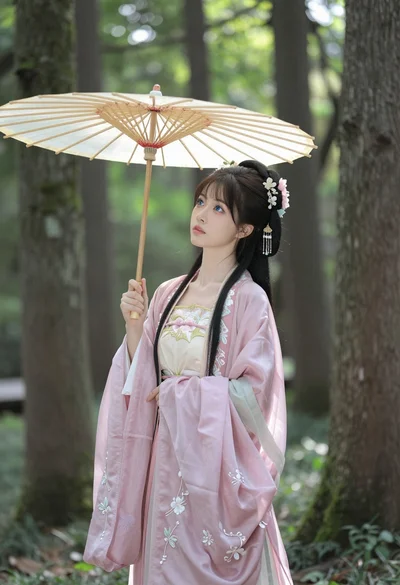
Young woman in hanfu holding parasol within sun dappled mossy forest

Woman in black dress by window overlooking ocean at golden hour

Young woman sitting among colorful clothes in minimalist studio setting

Glamorous woman on balcony overlooking city skyline at night
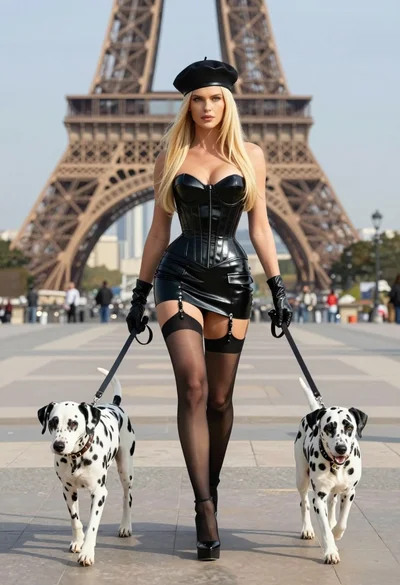
Blonde woman in black latex corset walking with two dalmatians near eiffel
