Woman in cream lace knit set standing indoors by window
Prompt
A woman with long wavy brown hair stands indoors near a window looking away from the camera.

Subject: A woman with fair skin and freckles across her face and shoulders, wearing a cream-colored lace knit set consisting of a cropped cardigan and shorts.

Clothing: She wears a beige open-front crochet cardigan with scalloped edges and long sleeves, paired with matching high-waisted shorts featuring a drawstring waist.

Action: Her hands are placed on her hips pulling the sides of the cardigan slightly apart to reveal her midriff, while she gazes off to the side with a neutral expression.

Environment: She stands next to a white wall and a large window that reveals blurred green trees outside, suggesting a bright daytime setting.

Camera: The shot is a medium close-up framed from the thighs up, utilizing a shallow depth of field to keep the subject sharp while blurring the background foliage.

Lighting: Soft natural light illuminates her face and body from the side, creating gentle highlights on her skin and casting subtle shadows that define her features.

Style Details: The image has a high-fashion editorial quality with smooth skin texture, vibrant colors, and a clean composition typical of modern beauty photography.
Description
This prompt is useful for creating lifestyle magazine editorials, intimate portraiture featuring natural light, and e-commerce lookbooks for delicate knitwear. The combination of 'soft natural light' defining features with the 'shallow depth of field' ensures that the focus remains tightly on the subject's texture and expression, preventing the background foliage from competing with the detailed 'lace knit set'.
Suggestions
- Change 'beige open-front crochet cardigan' to 'ivory lace knit cardigan' for better color harmony.
- Add 'golden hour sidelight' to enhance skin highlights.
- Modify 'medium close-up framed from the thighs up' to 'waist shot' for more garment visibility.
Category
Tags
BlondeBrown HairCasual WearFair SkinFemaleIndoorsMedium ShotNatureRealistic
Date added
June 19, 2026
Added by
PromptDexter Team
Related Prompts
More prompts with similar categories and tags.

Blonde woman in black leather jacket standing in modern marble bathroom

Blonde woman in cream sweater sitting on beige couch
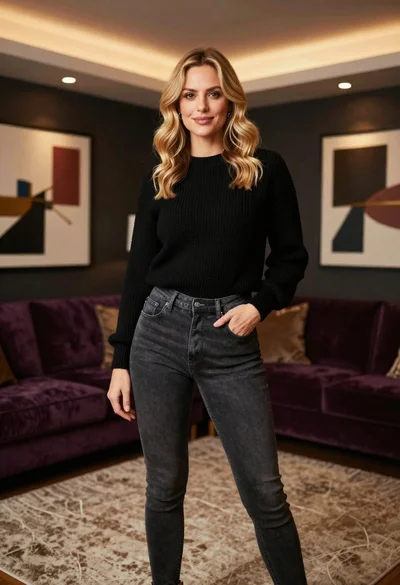
Blonde woman in black sweater standing in modern purple living room

Smiling blonde woman in cowboy hat standing outdoors with green foliage
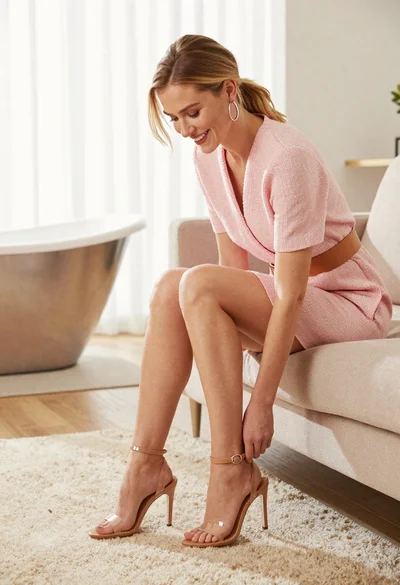
Blonde woman smiling on beige sofa looking at her feet indoors
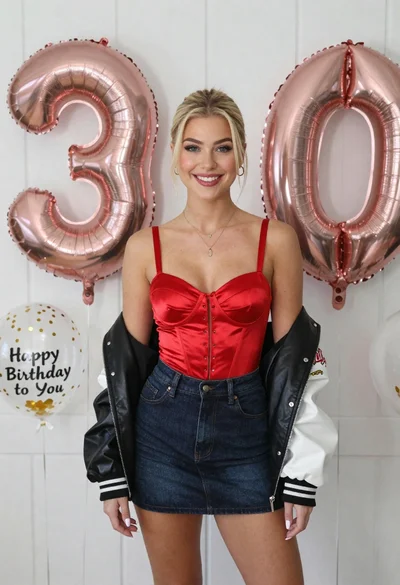
Smiling blonde woman in red corset by white paneled wall balloons

Young woman in cream blouse leaning against rustic wood
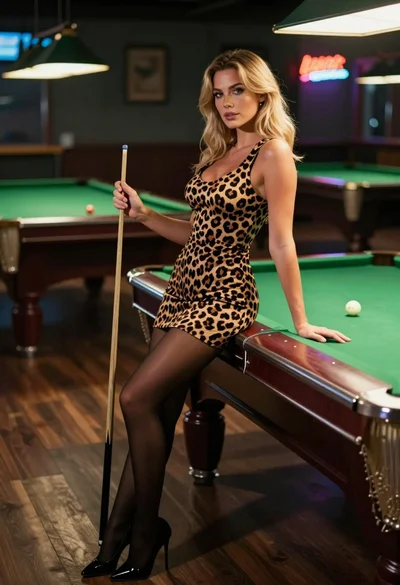
Blonde woman in leopard print dress leaning on green pool table inside
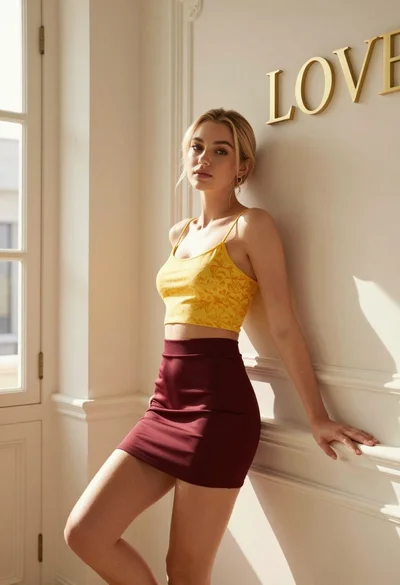
Blonde woman leaning against ornate wall in sunlit elegant interior space

Joyful young woman in orange swimsuit holding surfboard on sunny beach