
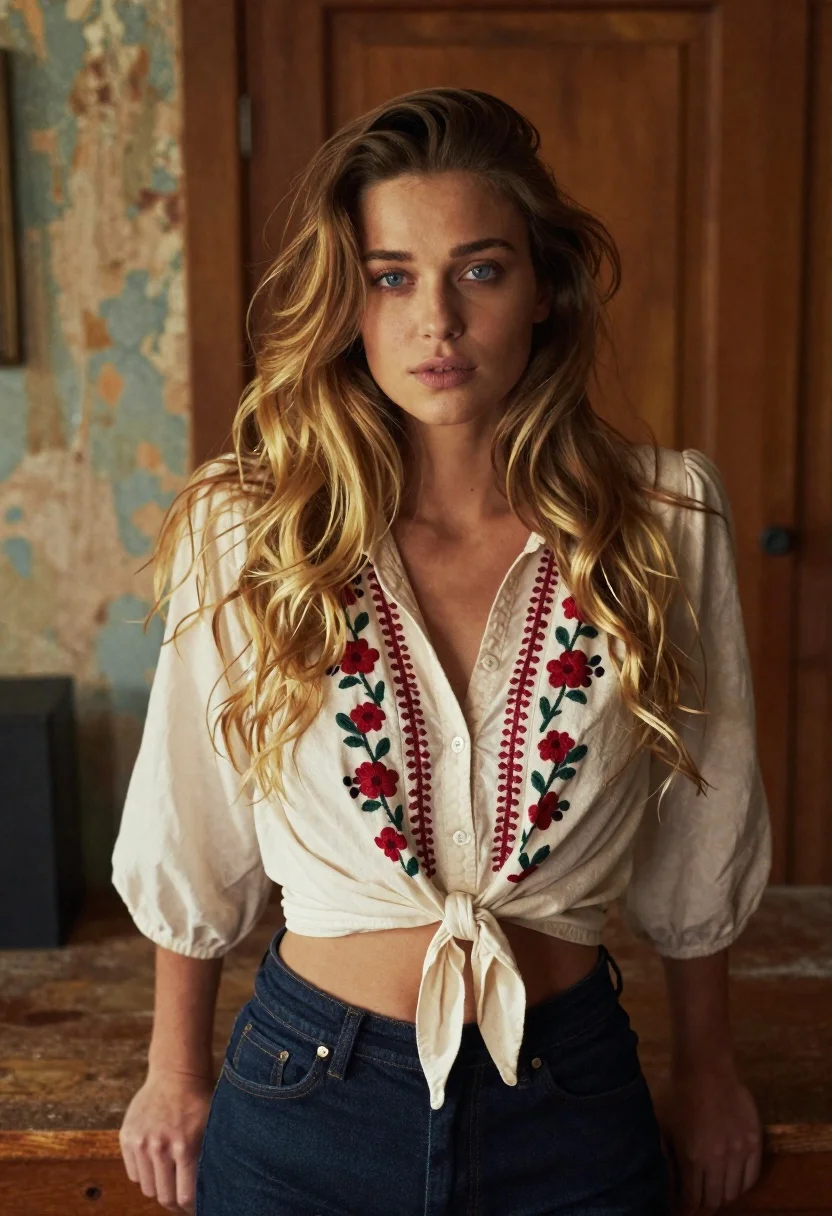
Young woman in cream blouse leaning against rustic wood
Prompt
Soft-focus portrait of a confident young woman with long wavy hair and subtle makeup in a warm bokeh-lit indoor setting

Subject: youthful woman with fair skin, striking blue eyes, and flowing blonde-brown ombre hair that cascades over her shoulders.

Clothing: wearing an unbuttoned cream blouse featuring red floral embroidery down the front placket, tied into a low knot at the waist to reveal midriff, paired with dark denim jeans.

Action: she stands leaning slightly forward against a wooden surface, hands resting naturally on either side of her hips, gazing directly ahead with calm confidence and soft expression.

Lighting: warm ambient light from one side creates gentle shadows across her face and body, enhancing facial contours while leaving the background softly blurred in rich browns and muted tones.

Environment: rustic interior space with weathered wood paneling behind her and a peeling-paint wall to the left, suggesting an aged cabin or studio aesthetic.

Camera: medium close-up shot taken from eye level with shallow depth of field that isolates her against the softly blurred backdrop for cinematic focus on her presence.
Description
This prompt is useful for creating intimate portrait photography, lifestyle editorial spreads featuring rustic settings, and character concept art requiring natural lighting. The combination of 'warm ambient light from one side' casting gentle shadows across the face, paired with a 'shallow depth of field,' ensures that the subject remains sharply defined against the richly toned, softly blurred background elements like the weathered wood paneling.
Suggestions
- Change 'blonde-brown ombre hair' to 'deep auburn waves' for a richer color palette.
- Swap 'cream blouse' for 'ivory silk blouse' to increase material sheen.
- Adjust 'medium close-up shot' to 'waist-up portrait' to better feature the waist knot.
Category
Tags
BlondeBrown HairCasual WearFair SkinFemaleIndoorsMedium ShotPortrait ShotRealisticStudio
Date added
June 19, 2026
Added by
PromptDexter Team
Related Prompts
More prompts with similar categories and tags.

Blonde woman in striped swimsuit seated on sofa indoors studio shot

Young woman in black graphic tshirt against white paneled wall
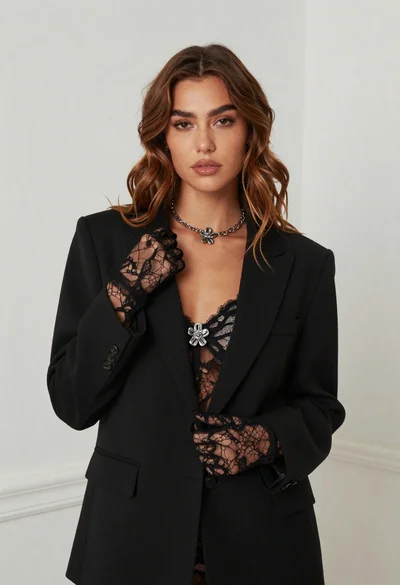
Fair skinned woman in black blazer against white studio wall
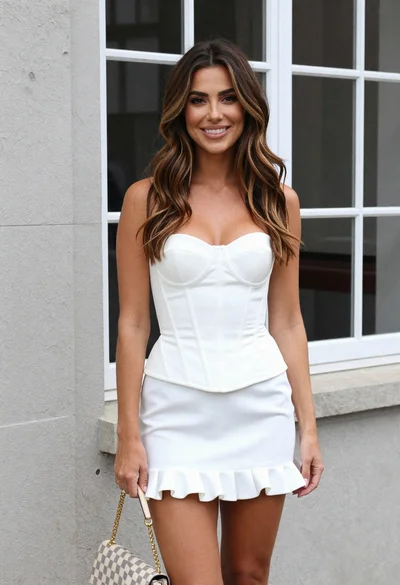
Woman in white corset top standing by grey wall and large window
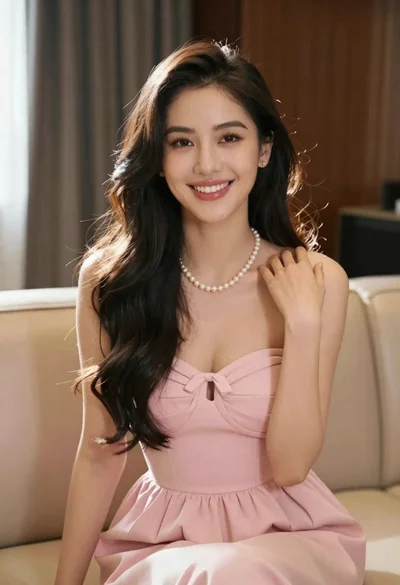
Smiling young woman in pink dress seated indoors with glowing backlight
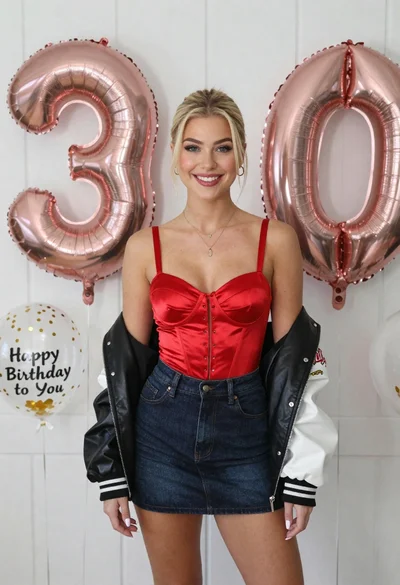
Smiling blonde woman in red corset by white paneled wall balloons
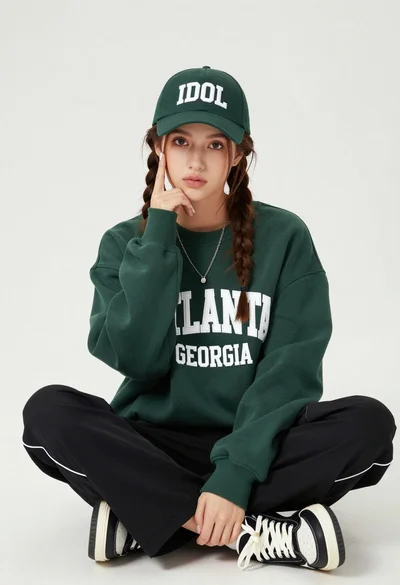
Young woman with braids sitting cross legged in green sweatshirt studio portrait

Smiling blonde woman in black leather outfit at an indoor evening event
