

Woman in dark bikini seated on grey sofa with champagne glass
Prompt
A woman with a short bob haircut and bangs sits on a grey sofa holding a glass of champagne.

Subject: A fit woman with a tan complexion, wearing a dark sparkly halter bikini top and matching bottoms, featuring a small crown tattoo on her left shoulder and a belly button piercing.

Clothing: The subject wears a dark, glittery two-piece swimsuit with thin straps and minimal coverage.

Action: She is seated sideways on the sofa cushions, holding a champagne flute in her right hand while her left arm rests along the back of the sofa, looking directly at the camera with a neutral expression.

Environment: An indoor or covered patio setting featuring a large grey sectional sofa with plush pillows against a white wall illuminated by dappled sunlight patterns.

Camera: A medium shot capturing the subject from the waist up, framed to include the sofa and the textured wall behind her.

Lighting: Bright natural light filtering through unseen foliage creates high-contrast shadows and highlights on the wall and the subject's skin.

Objects: A champagne flute filled with a golden liquid is held in her hand, and a pair of black sunglasses rests on a wooden table in the foreground.
Description
This prompt is useful for creating luxury resort advertising, editorial swimwear features, and sophisticated lifestyle mood boards. The combination of 'dark sparkly halter bikini top' against the 'grey sectional sofa' grounds the image in high-end leisure, while the 'dappled sunlight patterns' prevent the scene from looking flat by adding dynamic contrast to the skin and wall.
Suggestions
- Change 'dark sparkly halter bikini top' to 'emerald velvet two-piece' for a richer color.
- Replace 'grey sectional sofa' with 'cream boucle sofa' to soften the overall palette.
- Add 'shallow depth of field' to blur the foreground sunglasses.
Category
Tags
FemaleIndoorsMedium ShotRealisticSwimwear
Date added
June 19, 2026
Added by
PromptDexter Team
Related Prompts
More prompts with similar categories and tags.

Blonde woman in swimsuit by yacht window overlooking blue sea
Blonde woman taking mirror selfie in luxurious beige marble bathroom setting
Blonde woman in blue mini dress standing indoors near glass windows

Blonde woman in black lace gown standing in opulent room setting
Young woman in ornate black and gold lehenga choli indoors portrait
Fit woman in patterned swimsuit standing outdoors by cream wall
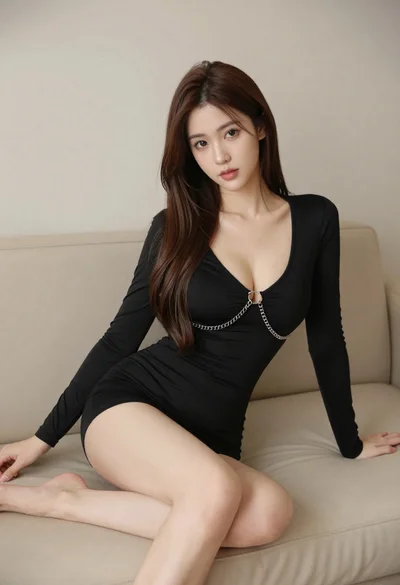
Woman in black dress seated on beige sofa in minimalist interior room
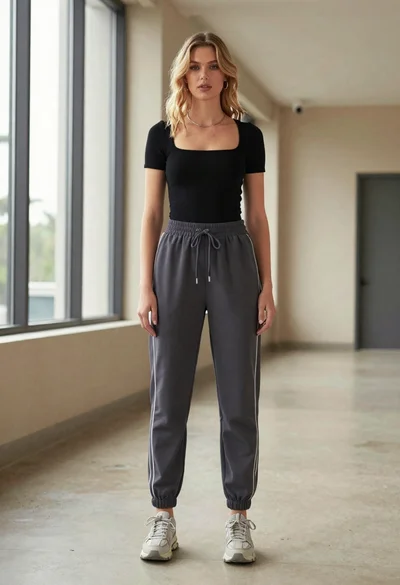
Blonde woman in jogger pants standing in modern hallway
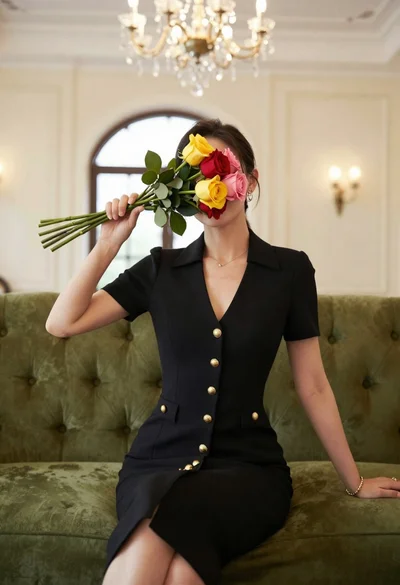
Woman in black dress holding colorful roses against face indoors
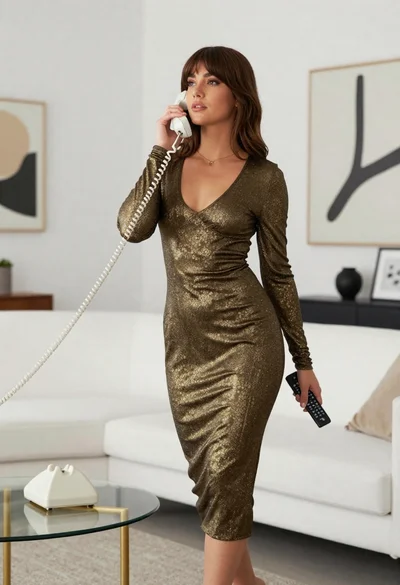
Woman in gold knit dress standing in modern minimalist living room
