

Woman in elaborate red gown standing before dark blue paneled door
Prompt
A confident woman with a sleek brown bob haircut stands in front of a dark blue paneled door.

Subject: A woman with fair skin and striking blue eyes, featuring a chic chin-length bob hairstyle with a center part.

Clothing: She wears an elaborate red gown consisting of a sheer bodysuit with a large satin bow at the bust, rhinestone-encrusted straps, and a sparkling waistband, paired with a voluminous red tulle skirt that she is holding up to reveal the cutouts.

Action: She stands facing forward with a direct gaze, her hands gently lifting the hem of the skirt on either side to display the garment's structure.

Environment: The background consists of a dark navy blue paneled wall or door with vertical molding details and a brass handle visible on the right edge.

Lighting: Soft, diffused lighting illuminates the subject evenly, highlighting the texture of the satin bow and the sparkle of the rhinestones without creating harsh shadows.

Camera: A medium shot captures the subject from the thighs up, utilizing a shallow depth of field to keep the focus sharp on her face and upper body while softly blurring the background.

Style Details: High-fashion editorial photography with a polished, glamorous aesthetic and rich color contrast between the vibrant red dress and the deep blue background.
Description
This prompt is useful for creating high-end magazine editorials, theatrical costume concept art, and luxury brand campaign visuals. The combination of 'soft, diffused lighting' with a 'dark navy blue paneled wall' ensures that the vibrant red gown remains the primary focal point by preventing harsh shadows from distracting from the 'satin bow' and rhinestones.
Suggestions
- Change 'sleek brown bob haircut' to 'wavy brunette hair' for more movement.
- Swap 'dark navy blue paneled wall' for 'black marble paneling' for a different texture.
- Adjust 'medium shot' to 'full body shot' to better showcase the skirt structure.
Category
Tags
Brown HairBrunetteFair SkinFemaleMedium ShotPortrait ShotRealisticStudio
Date added
June 19, 2026
Added by
PromptDexter Team
Related Prompts
More prompts with similar categories and tags.

Woman in rust gown posing on white step and repeat backdrop
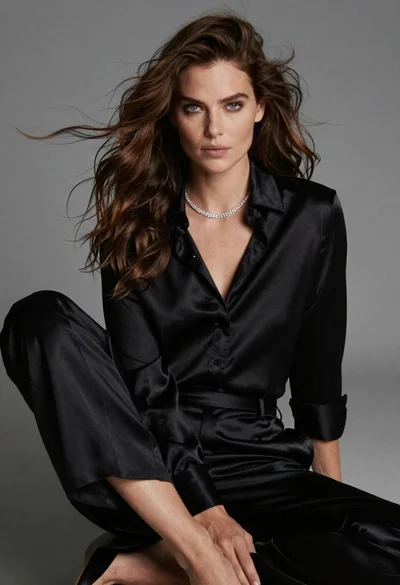
Fairskinned woman in black satin outfit seated for high fashion portrait

Blonde woman looking back over shoulder against white wall
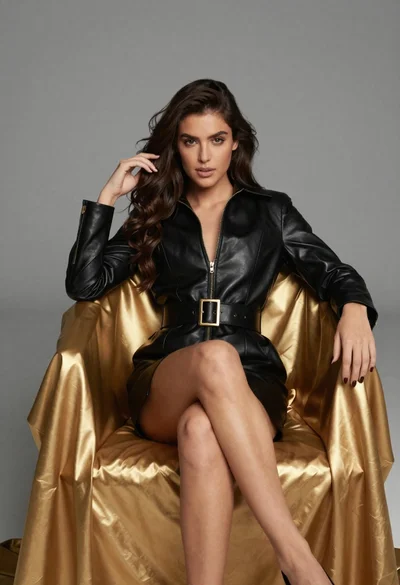
Confident woman in black leather dress sitting on golden chair studio portrait

Poised woman in black blazer sitting on stool against blue gradient background

Fair skinned woman with red hair in brown satin dress against gray
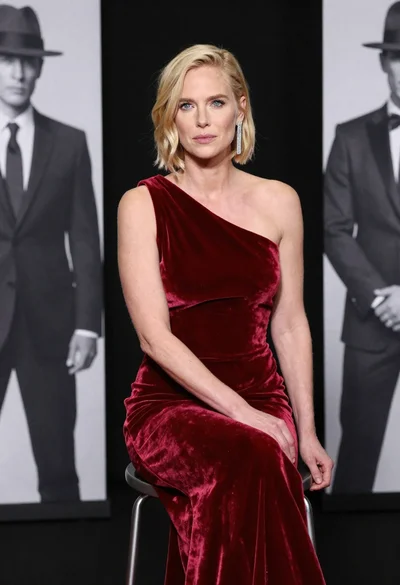
Blonde woman in deep red velvet gown sitting on stool studio portrait

Blonde woman holding cocktail glass against a stark white studio background

Fair skinned woman in black sequined outfit sitting elegantly indoors
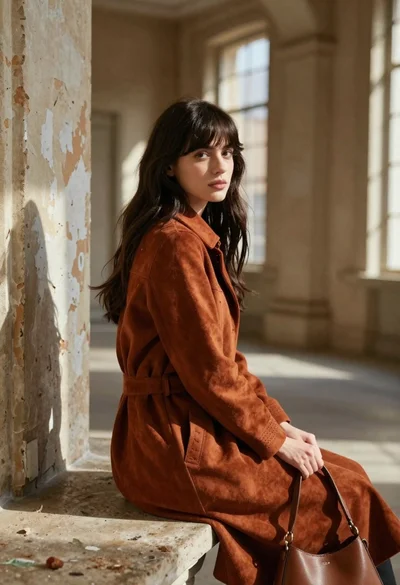
Young woman in rust suede coat seated in weathered architectural corridor
