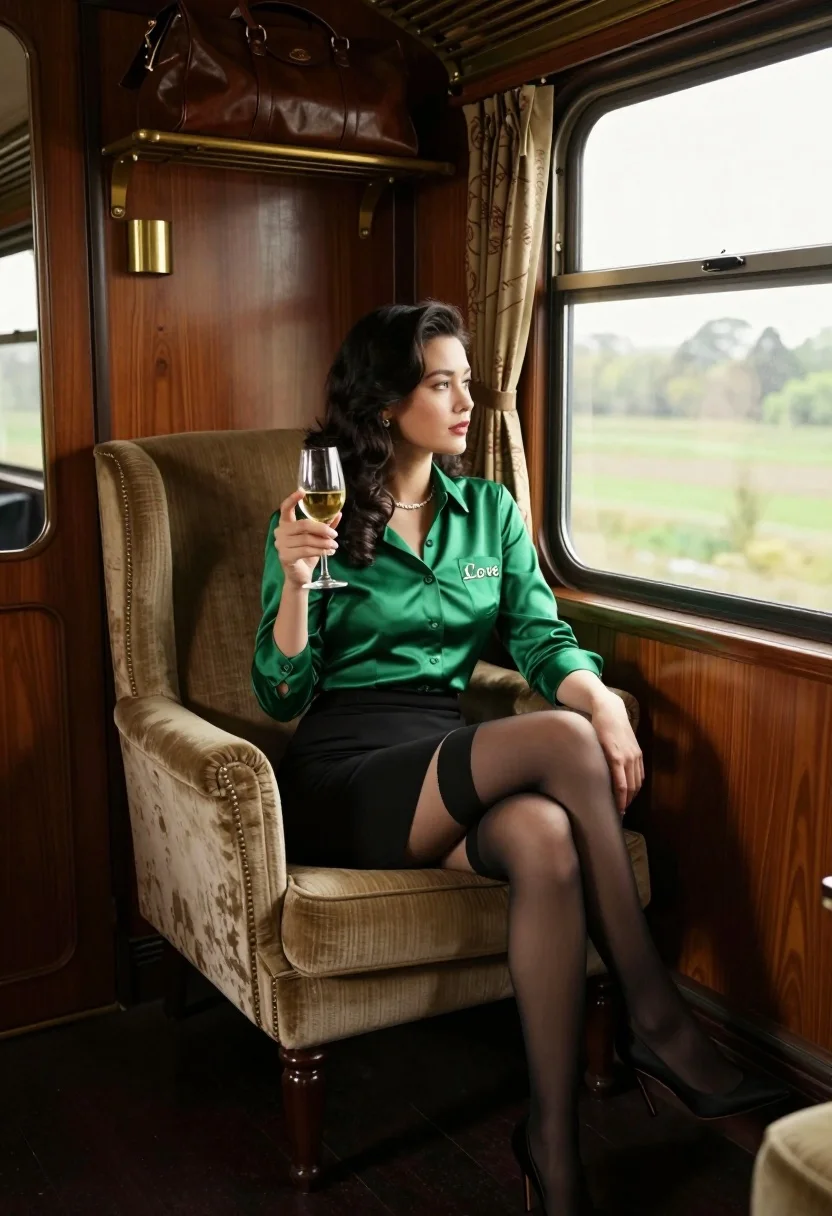
Woman in emerald shirt sitting in vintage train carriage looking outside window
Prompt
A woman sits elegantly in a plush armchair inside a vintage train carriage, holding a glass of white wine and gazing out the window.

Subject: A woman with long dark hair sitting in a high-backed upholstered chair.

Clothing: She wears a shiny emerald green button-down shirt with "Love" embroidered on the pocket, a black pencil skirt, sheer black stockings with opaque bands at the top, and black stiletto heels.

Action: She holds a stemmed glass of white wine in her right hand while her left arm rests along the back of the chair; she looks out the window with a calm expression.

Environment: The interior features rich dark wood paneling, brass fixtures, a hanging leather bag on a shelf, and patterned curtains framing a large window showing a blurred green landscape outside.

Camera: Medium shot capturing the subject from the waist up, framed within the cozy confines of the train compartment with natural light coming from the right.

Lighting: Soft natural daylight streams in from the window, illuminating her face and outfit while casting gentle shadows inside the wood-paneled room.

Objects: A vintage-style wine glass, a brown leather duffel bag hanging above, brass cup holders on the wall, and a small mirror reflecting part of the interior.

Style Details: Cinematic composition with warm tones, high-quality photography, shallow depth of field blurring the background scenery, and a sophisticated 1950s aesthetic.
Description
This prompt is useful for creating editorial travel spreads, vintage lifestyle advertisements, and character portraits set in historical transit settings. The combination of 'rich dark wood paneling' with 'soft natural daylight' prevents the scene from feeling too flat or overly bright, while the 'shallow depth of field blurring the background scenery' directs all focus onto the subject and her emerald shirt.
Suggestions
- Change 'emerald green button-down shirt' to 'deep sapphire silk blouse' for a different jewel tone.
- Swap 'vintage train carriage' for 'Art Deco Pullman car' to adjust the architectural style.
- Adjust 'shallow depth of field' to 'medium depth of field' if you want more visible background detail.
Category
Tags
Black HairBrunetteFemaleIndoorsMedium ShotRealistic
Date added
July 12, 2026
Added by
PromptDexter Team
Related Prompts
More prompts with similar categories and tags.

Woman in black dress by window overlooking ocean at golden hour
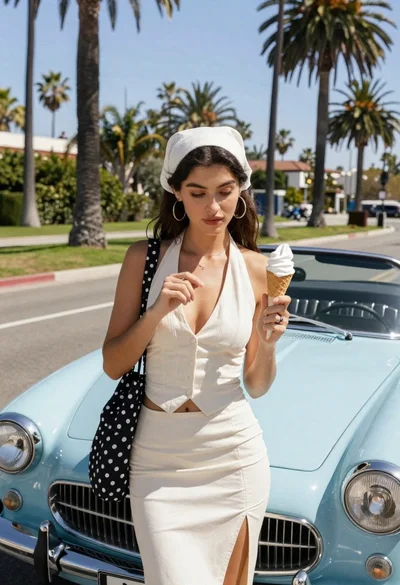
Young woman with ice cream beside vintage blue convertible on sunny street
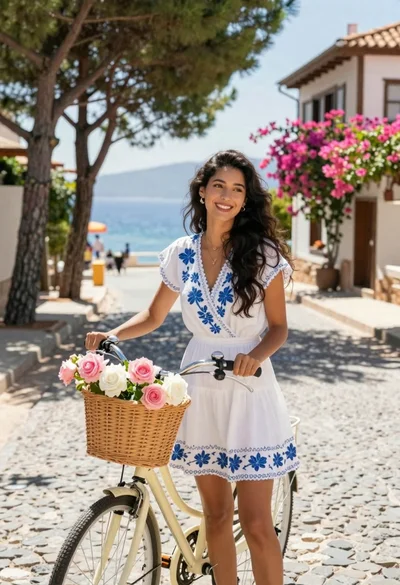
Smiling woman in white floral dress standing next to bicycle on cobblestone
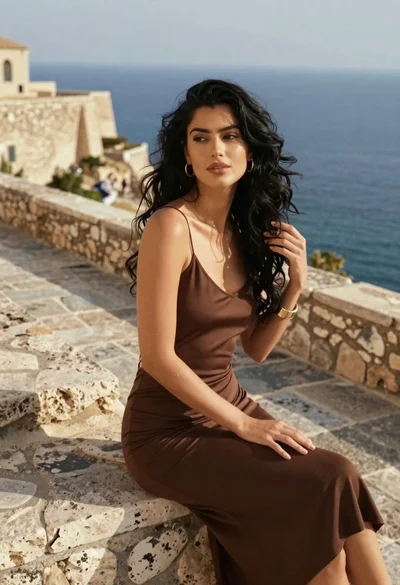
Young woman in brown slip dress sitting on ancient stone steps near
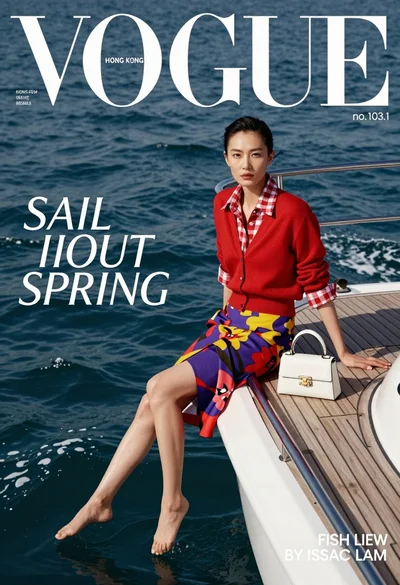
High fashion magazine cover of east asian woman on yacht overlooking blue
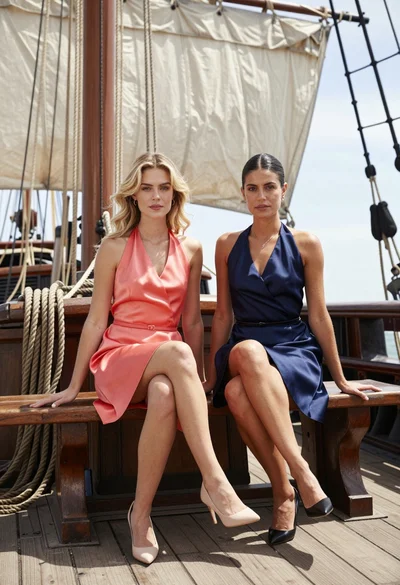
Two women in satin dresses sitting on an old sailing ship deck
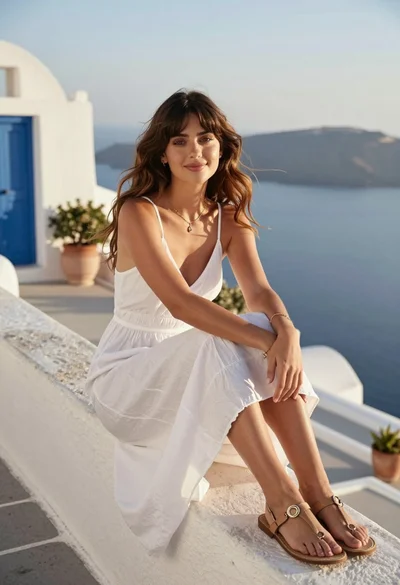
Young woman in white slip dress on mediterranean terrace overlooking blue sea
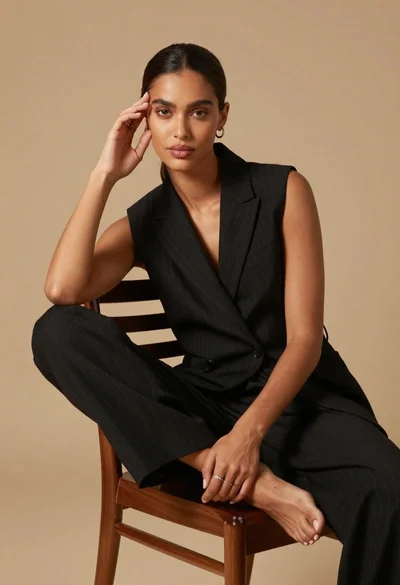
Poised dark skinned woman in black blazer sitting on wooden chair
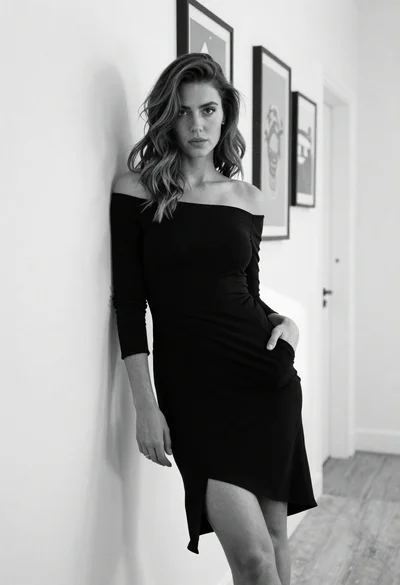
Woman in black off shoulder dress leaning against white textured hallway wall
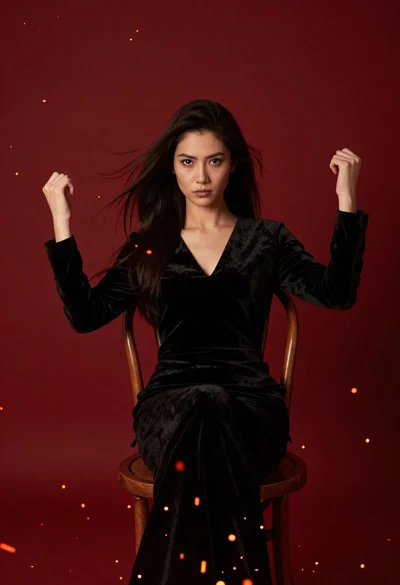
Woman seated in black velvet chair against red sparks