
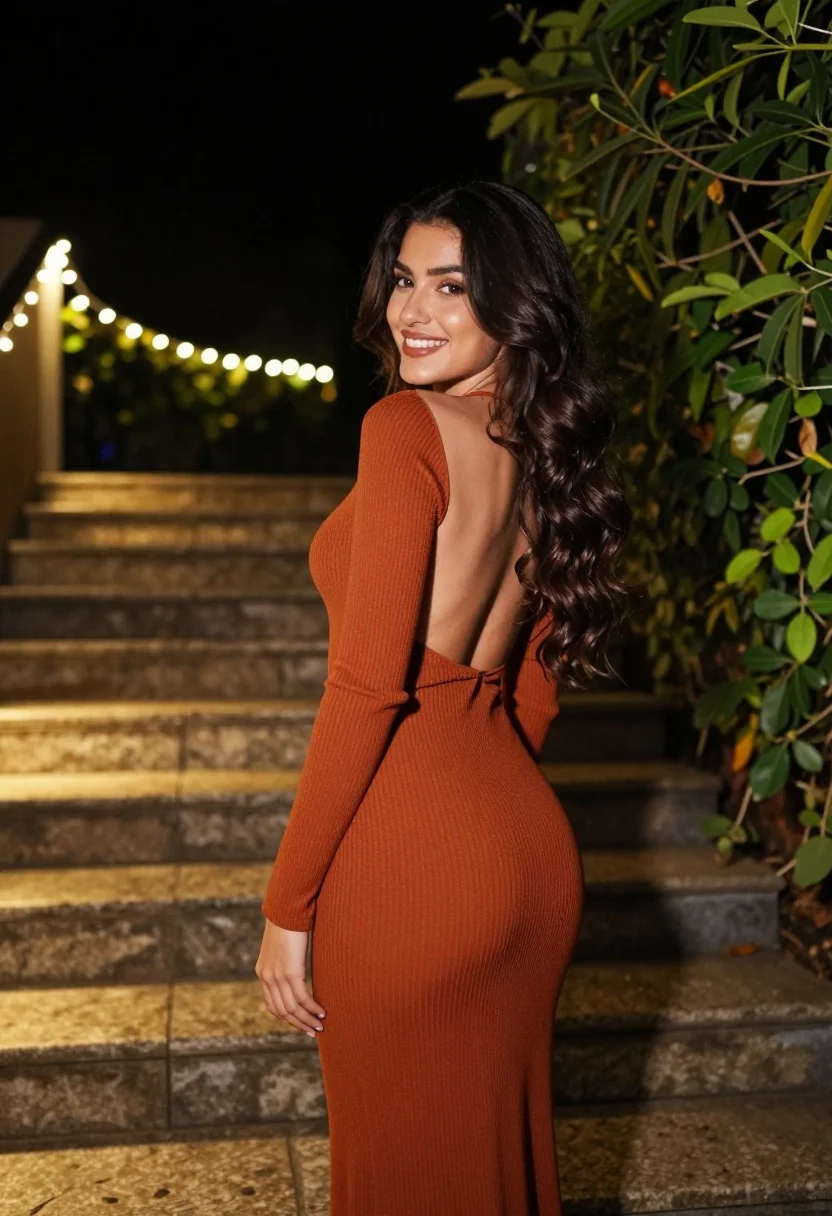
Woman in rust dress looking back over shoulder on stone staircase at
Prompt
A woman with long dark wavy hair stands outdoors at night on a stone staircase, looking back over her shoulder with a bright smile.

Subject: A young woman with fair skin and long, voluminous dark brown wavy hair cascading down her back.

Clothing: She wears a form-fitting, ribbed rust-orange maxi dress featuring long sleeves and a dramatic open-back design that reveals her spine.

Action: The subject is captured in a three-quarter pose, turning her body away from the camera while looking back over her left shoulder with a warm, engaging smile.

Environment: The setting is an outdoor stone staircase at night, flanked by lush green foliage on the right and illuminated by strings of warm fairy lights lining the steps.

Camera: Shot from a low angle looking up at the subject to emphasize her silhouette against the dark background, utilizing a shallow depth of field that blurs the distant lights into soft bokeh orbs.

Lighting: The scene is lit by ambient artificial light from the decorative string lights and unseen flash, creating a warm golden glow on the stone steps and highlighting the texture of the dress while keeping the upper background in deep shadow.

Style Details: High-resolution photography with a cinematic color palette featuring rich rust tones and deep greens, characterized by smooth skin textures and a polished, elegant aesthetic.
Description
This prompt is useful for creating dramatic editorial fashion spreads, moody portraiture showcasing texture, and atmospheric narrative stills. The combination of 'low angle looking up' and the 'deep shadow' background dramatically emphasizes the subject's silhouette and the rich color of the 'ribbed rust-orange maxi dress', preventing the scene from feeling flat despite the ambient light sources.
Suggestions
- Change 'rust-orange maxi dress' to 'velvet rust gown' for a richer material feel.
- Swap 'fairy lights' for 'lanterns' to change the quality of illumination.
- Adjust 'deep shadow' to 'soft moonlight' for a different mood.
Category
Tags
3/4 AngleBrown HairBrunetteCasual WearFair SkinFemaleFull BodyLow AngleNatureOutdoorsPortrait ShotRealisticRooftopStreet
Date added
August 5, 2026
Added by
PromptDexter Team
Related Prompts
More prompts with similar categories and tags.

Young woman with braided hair in misty woodland setting
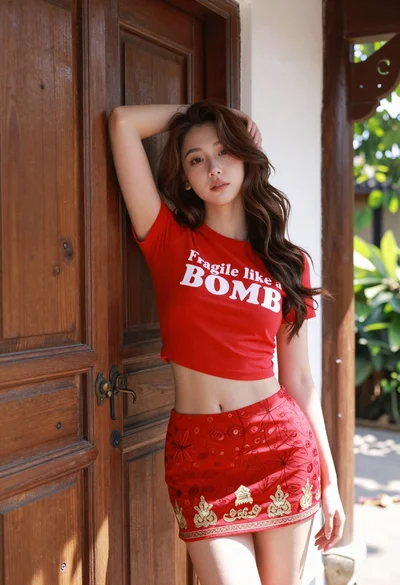
Young woman leaning against ornate wooden door with green foliage background
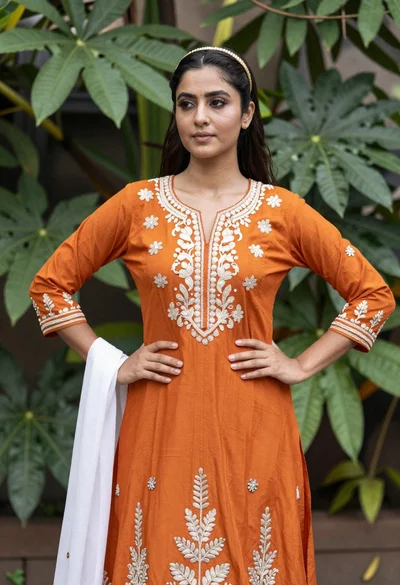
Young woman in orange embroidered dress standing confidently in lush green foliage
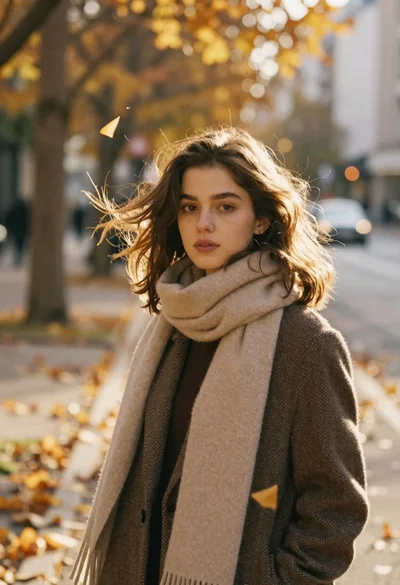
Young woman in tweed coat on autumn city street during golden hour

Young woman in green jacket holding plush toy at festive carousel
Young woman in grey top and white skirt by water at dusk
Young woman in brown sweater standing in orange flower field under deep
Young woman standing confidently against modern building glass windows

Woman standing barefoot in dry autumn field at golden hour

Young woman in black and white patterned outfit on urban rooftop
