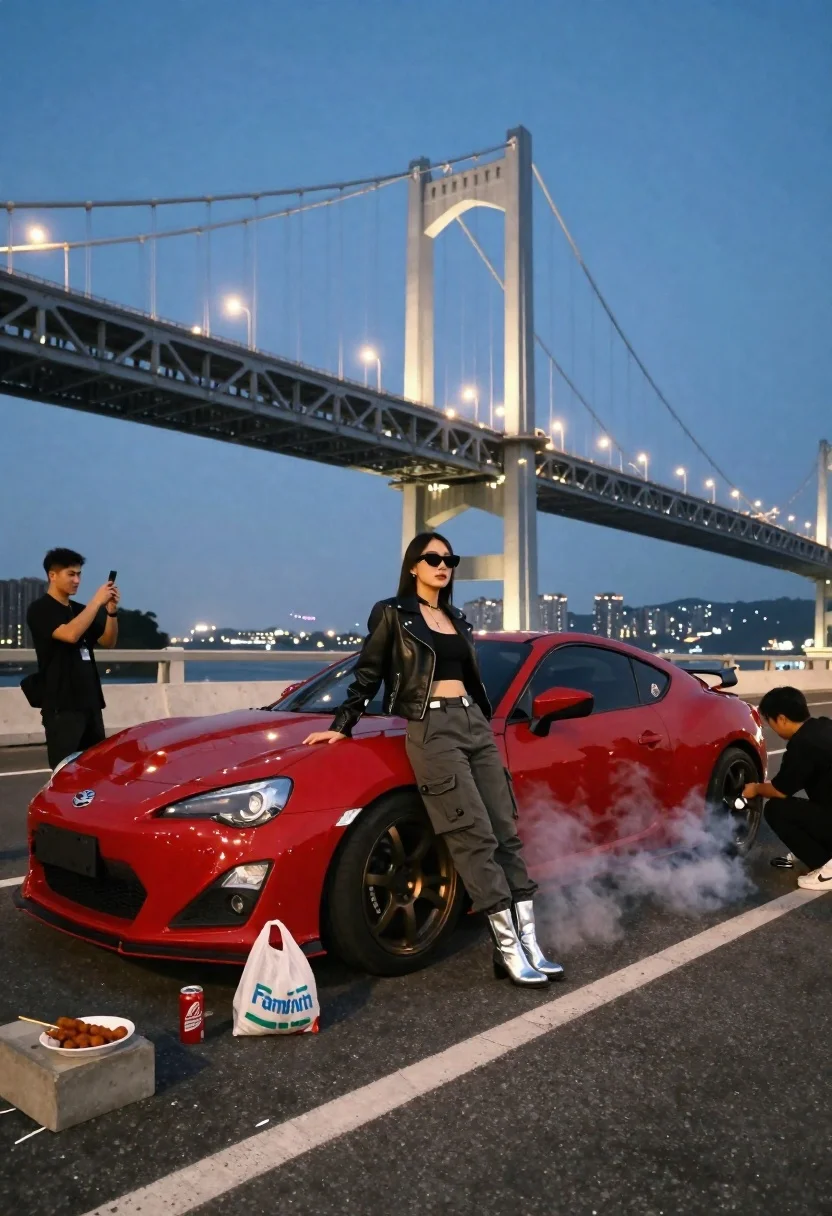
Woman in leather jacket poses on red sports car near smoke at
Prompt
A woman leans against a red sports car with smoke billowing from the rear tire in front of a large illuminated suspension bridge at dusk.

Subject: A woman with long dark hair wearing sunglasses and silver boots leaning confidently on the hood of a red coupe.

Clothing: She wears a black leather jacket, a black crop top, grey cargo pants, and shiny silver ankle boots.

Action: The woman poses with one hand on the car while looking forward; smoke rises from the rear tire as another person crouches near it to adjust the wheel.

Environment: An urban highway scene at twilight with a massive lit suspension bridge in the background and city lights glowing in the distance.

Camera: Wide-angle perspective capturing the full length of the car and the bridge, taken from a low angle to emphasize the vehicle and subject.

Lighting: Cool blue ambient light from the evening sky contrasts with warm yellow streetlights and the bright white glow of the bridge structure.

Objects: A red sports car with bronze wheels, a FamilyMart plastic bag, skewers of food on a concrete block, and beverage cans are visible in the foreground.
Second

Subject: A man stands to the left holding a smartphone to take a photo or video of the scene.

Interaction: The woman poses for the camera while the second subject captures the moment and a third person works on the car's rear tire.

Style Details: Cinematic urban photography with high contrast between cool shadows and warm artificial lights, featuring realistic textures and depth of field.
Description
This prompt is useful for creating cinematic automotive advertisements, dramatic editorial street photography, and moody concept art pieces. The combination of 'cool blue ambient light' contrasting with 'warm yellow streetlights' establishes a high-contrast visual tension that makes the subject pop against the detailed background elements like the 'massive lit suspension bridge'.
Suggestions
- Change 'red sports car' to 'matte black muscle car' for a grittier feel.
- Swap 'FamilyMart plastic bag' for 'vintage neon sign' to enhance the urban setting.
- Adjust 'low angle' to 'eye-level perspective' if you want more focus on the woman's expression.
Category
Tags
FemaleLow AngleOutdoorsRealisticUrbanWide Shot
Date added
June 23, 2026
Added by
PromptDexter Team
Related Prompts
More prompts with similar categories and tags.
Young woman driving classic convertible on coastal highway at sunset

Young man leaning on a modified sports car in city night
Rugged man sitting by black motorcycle in dusty lot
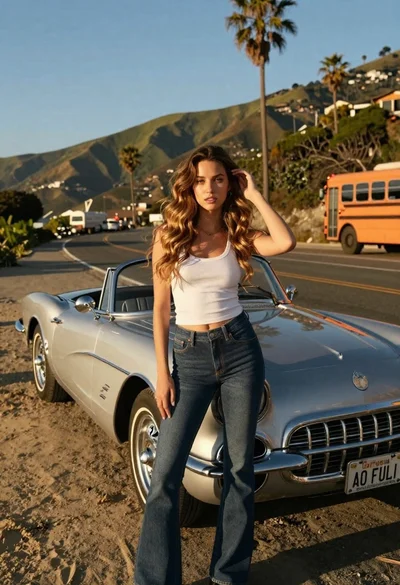
Young woman by vintage silver convertible on winding coastal road
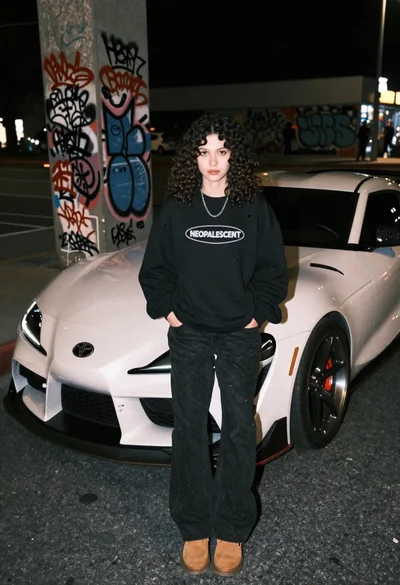
Young woman leaning on white sports car street at night
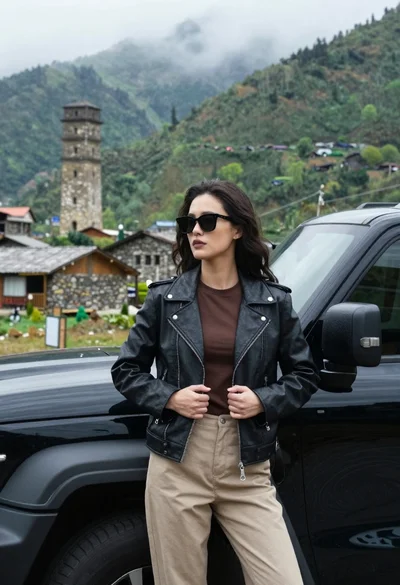
Young woman in leather jacket leaning against black suv in mountains
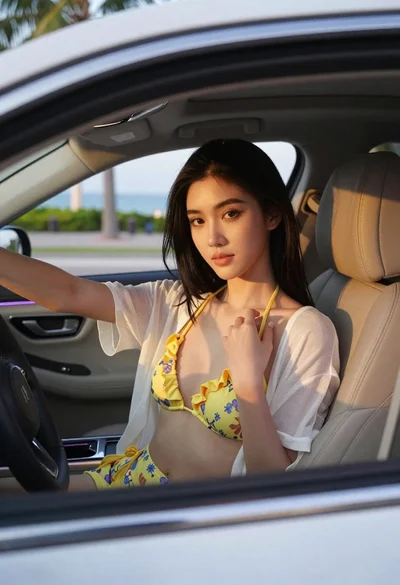
Young woman with black hair in white car at sunset beach
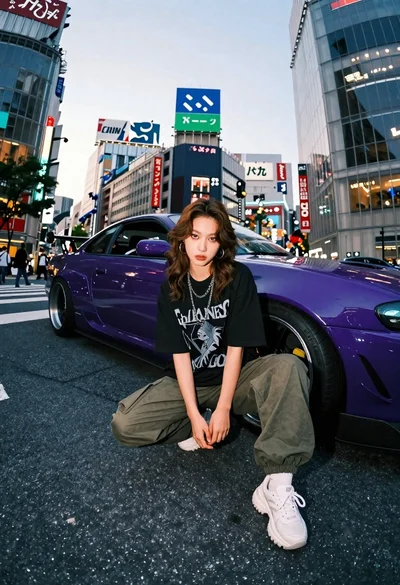
Young woman in oversized shirt crouching by purple car in city
