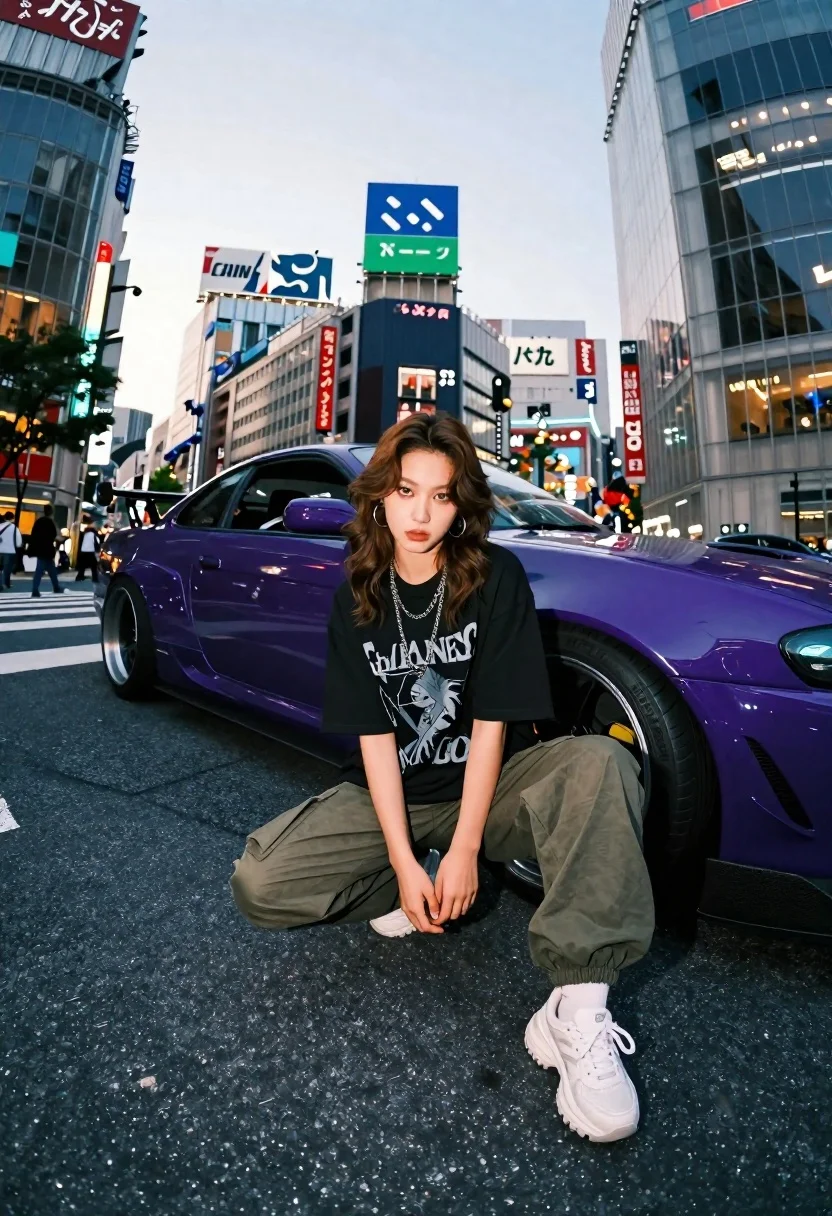
Young woman in oversized shirt crouching by purple car in city
Prompt
A young woman crouches confidently in the middle of a busy city street next to a purple sports car.

Subject: A young woman with shoulder-length wavy brown hair and a serious expression looking directly at the camera. She has fair skin and is wearing large hoop earrings.

Clothing: She wears an oversized black graphic t-shirt, olive green cargo pants with elastic cuffs, white socks, and chunky white sneakers. She wears multiple silver chain necklaces.

Action: She is crouching low on the asphalt with her hands resting near her knees in a relaxed but poised stance.

Environment: A bustling urban street scene with tall glass skyscrapers and numerous billboards featuring Japanese text in the background. The setting appears to be a major intersection with pedestrians visible in the distance.

Camera: Low angle shot looking up at the subject, utilizing a wide-angle lens that captures the expansive city environment and creates a sense of depth.

Lighting: Soft natural daylight suggesting late afternoon or early evening, casting gentle shadows and highlighting the glossy finish of the car.

Objects: A modified purple sports coupe with a lowered suspension, aftermarket wheels, and a rear wing parked directly behind the woman.

Style Details: Cinematic street photography aesthetic with high contrast, vibrant colors, and a focus on urban youth culture.
Description
This prompt is useful for creating cinematic streetwear editorials, automotive lifestyle content, and gritty urban portraiture. The combination of 'low angle shot looking up at the subject' and 'wide-angle lens' exaggerates the height of the skyscrapers and makes the crouching figure appear more dominant against the backdrop of the 'modified purple sports coupe', enhancing the desired high contrast and youth culture vibe.
Suggestions
- Change 'oversized black graphic t-shirt' to 'distressed band tee' for a grittier feel.
- Swap 'purple sports car' for 'matte black muscle car' to reduce color competition.
- Adjust 'Soft natural daylight' to 'harsh midday sun' for more dramatic shadows.
Category
Tags
Brown HairFair SkinFemaleLow AngleOutdoorsPortrait ShotRealisticStreetwearUrbanVehicleWide Shot
Date added
June 21, 2026
Added by
PromptDexter Team
Related Prompts
More prompts with similar categories and tags.
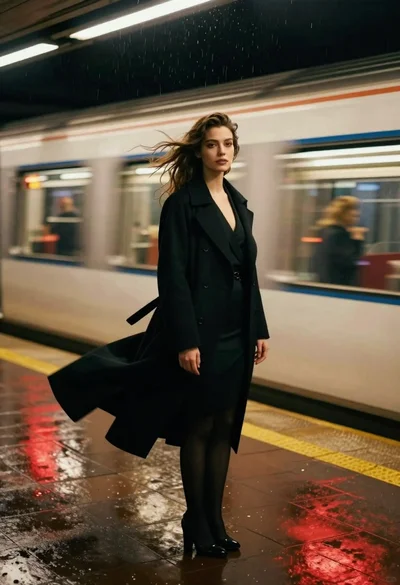
Woman in black coat standing on wet subway platform as train passes

Young woman in blue sweater holding yellow daffodils by railway tracks
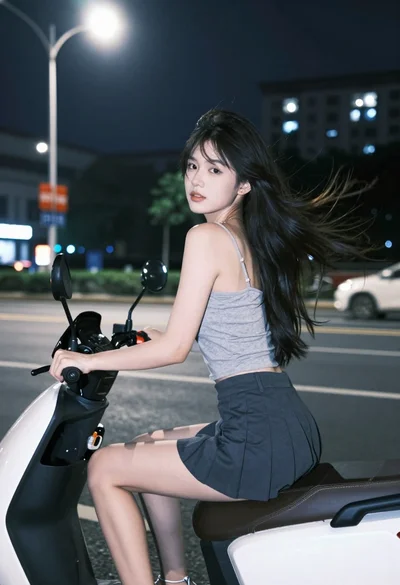
Young woman on electric scooter looking back through city street at night
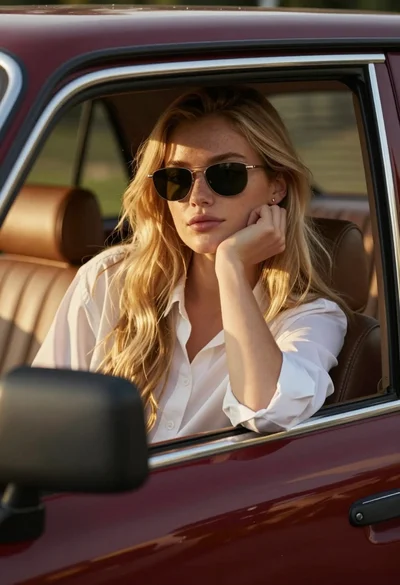
Young woman blonde hair leaning from vintage maroon car window at golden
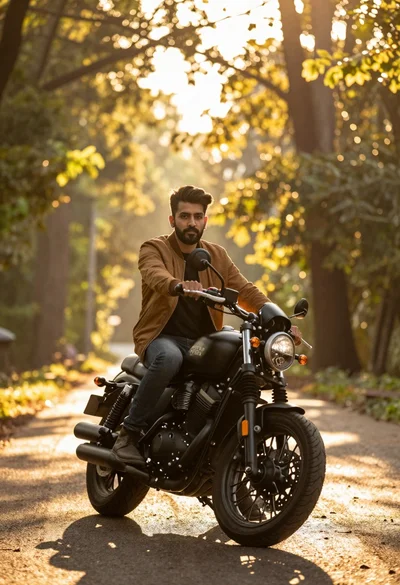
Man sitting on black motorcycle in sundrenched forest clearing at golden hour
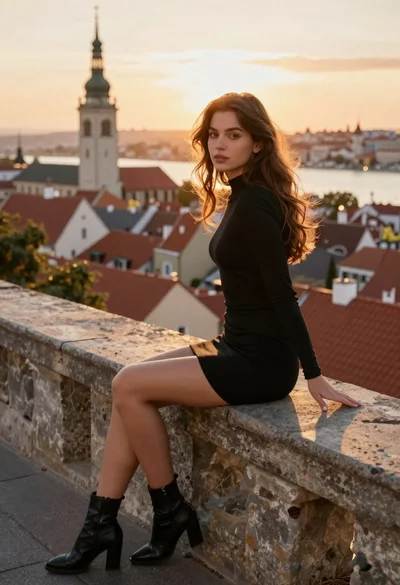
Young woman in black dress overlooking european city at golden hour
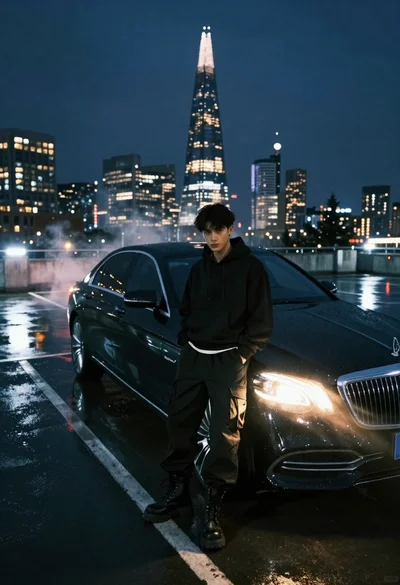
Young man in black outfit by luxury sedan on wet rooftop at
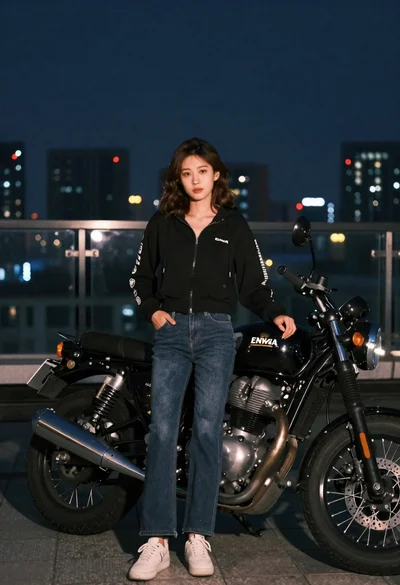
Young woman in hoodie standing next to motorcycle on rooftop at night