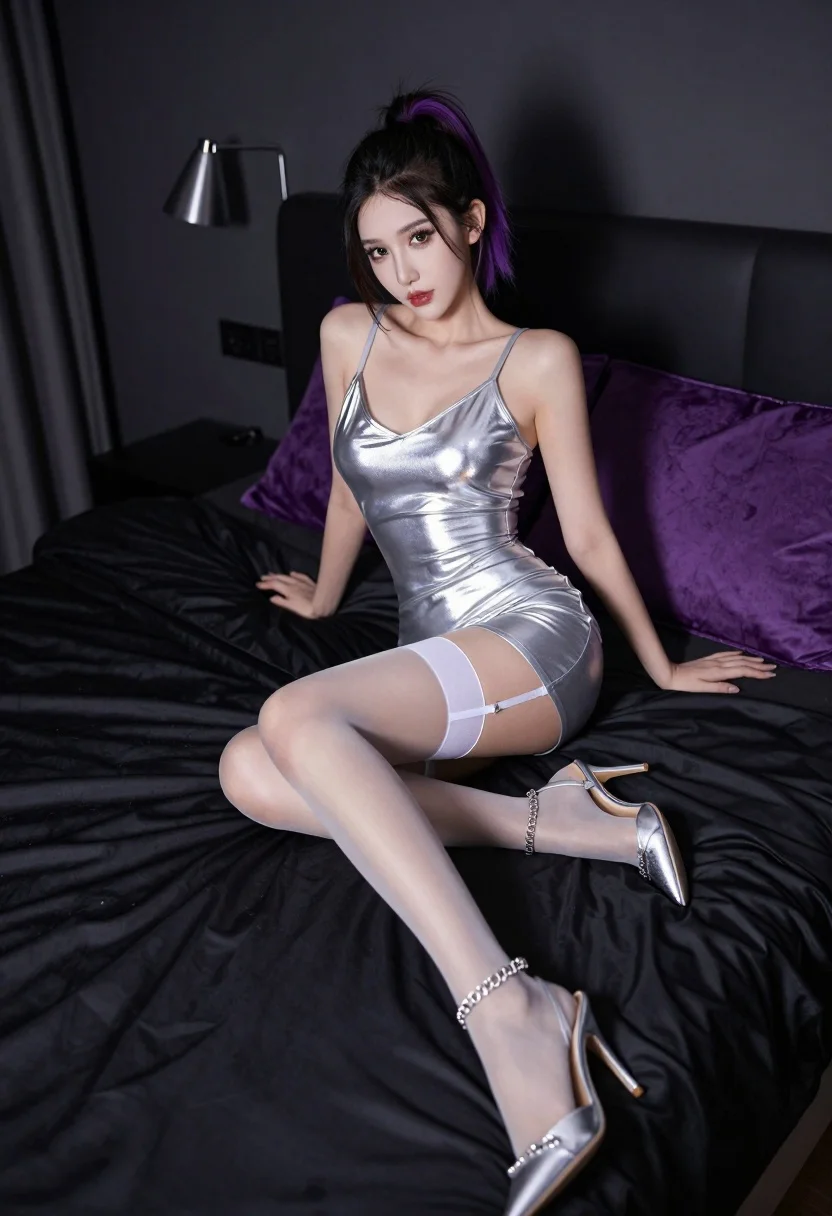
Woman in metallic silver slip dress sitting on bed with dramatic lighting
Prompt
A woman with dark hair pulled back sits on a bed in a dimly lit room.

Subject: A woman with dark hair featuring purple highlights at the ends, styled in a high ponytail, wearing heavy eye makeup and red lipstick.

Clothing: She wears a tight-fitting, metallic silver slip dress with thin straps and a deep V-neckline. She has white garters holding up sheer nude stockings, and she is wearing pointed-toe silver high heels with chain ankle straps.

Action: She sits on the edge of the bed with her legs crossed at the ankles, leaning back slightly with one hand resting on the mattress behind her and the other near her hip, looking directly at the camera.

Environment: The setting is a bedroom featuring a large bed with black satin sheets and purple velvet pillows and comforter. A dark wall serves as the background with a modern silver lamp mounted on it.

Lighting: The scene is lit with dramatic, low-key lighting that highlights the metallic sheen of her dress and skin, creating strong shadows and a moody atmosphere.

Camera: The image is captured from a slightly low angle looking up at the subject, emphasizing her posture and the length of her legs.

Style Details: High-fashion photography style with sharp focus on the subject, vibrant color contrast between the silver outfit and dark surroundings, and a polished, glossy aesthetic.
Description
This prompt is useful for creating high-end editorial fashion spreads, moody portraiture for album art, and conceptual beauty editorials. The combination of 'metallic silver slip dress' against 'black satin sheets' under 'dramatic, low-key lighting' ensures the subject remains the focal point by maximizing specular highlights on the fabric while allowing deep shadows to define the composition.
Suggestions
- Change 'purple highlights at the ends' to 'deep burgundy highlights' for a more cohesive color story.
- Swap 'black satin sheets' for 'dark charcoal velvet' to absorb more light and deepen the mood.
- Adjust 'low angle looking up' to 'eye-level medium shot' if you want less emphasis on leg length.
Category
Tags
BedroomBlack HairFemaleIndoorsLow AnglePortrait ShotRealistic
Date added
July 3, 2026
Added by
PromptDexter Team
Related Prompts
More prompts with similar categories and tags.
Woman in black mini dress seated on patterned sofa indoors
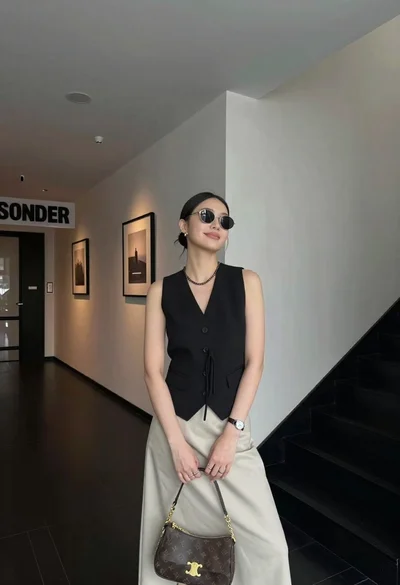
Stylish young woman posing in modern interior hallway lobby setting

Poised woman in black gown posing indoors with dramatic low key lighting
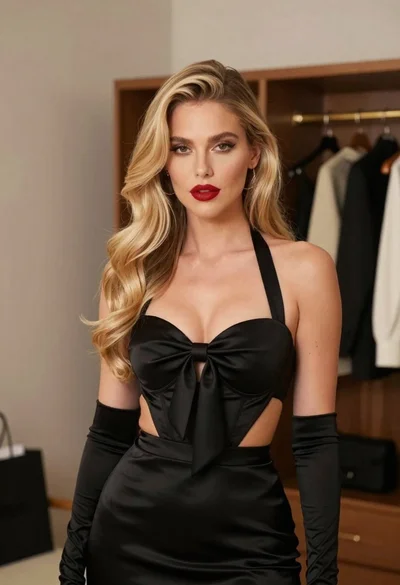
Glamorous blonde woman in black satin dress inside softly lit bedroom
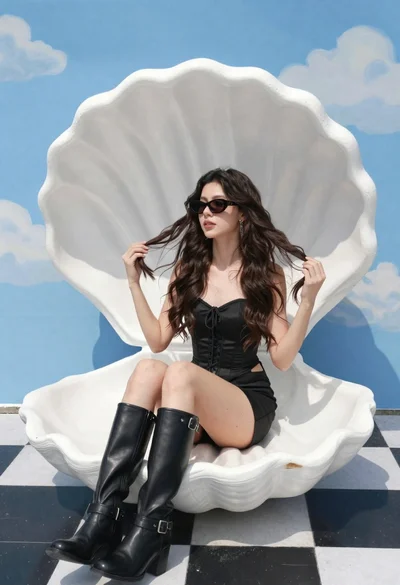
Young woman in black corset dress on white shell chair against blue
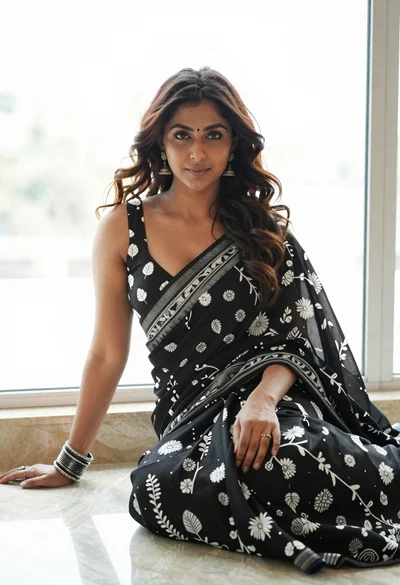
Woman in black saree sitting indoors near bright window light
Young woman in lavender crop top kneeling on bed with black glasses
Young blonde woman crouching in black bodysuit against white wall
Woman in sequined mini dress posing indoors leaning on turquoise ottoman
Woman in black satin slip dress holding champagne flute in luxurious bedroom