

Woman in white polka dot dress seated on green leather sofa
Prompt
A woman sits elegantly on a dark green leather sofa in a rustic room with exposed brick walls and wooden floors.

Subject: A woman with dark hair pulled back into an updo, featuring red lipstick and a poised, contemplative expression.

Clothing: She wears a white, short-sleeved dress with a high neckline and a pattern of small black dots, featuring a fitted bodice and a flowing skirt with a ruffled hemline that drapes over the sofa.

Action: She leans back against the sofa with her left arm resting along the top edge and her right hand placed on the window sill, while her legs are crossed at the ankles in black high-heeled pumps.

Environment: The setting is an interior space characterized by a weathered brick wall behind the sofa, a large window to the right letting in bright daylight, and worn wooden floorboards.

Lighting: Soft natural light streams in from the window on the right, illuminating her face and dress while casting gentle shadows against the textured brick wall.

Camera: The shot is framed as a medium-long view capturing the full seated figure, utilizing a slightly low angle to emphasize the height of the sofa and the subject's posture.

Style Details: High-fashion editorial photography with a focus on texture and elegance, featuring a muted color palette dominated by whites, greys, and deep greens.
Description
This prompt is useful for creating high-end magazine editorials, character portraits for film concept art, and interior design mood boards showcasing textiles. The combination of 'soft natural light' streaming from the right window and the 'dark green leather sofa' grounds the composition by providing deep color contrast against the white dress, while the 'slightly low angle' emphasizes both the subject's elegant posture and the room's architectural textures.
Suggestions
- Change 'small black dots' to 'large polka dots' for a bolder pattern.
- Swap 'dark green leather sofa' for 'velvet emerald sofa' for richer texture.
- Add 'shallow depth of field' to blur the exposed brick walls.
Category
Tags
BrunetteCasual WearFemaleIndoorsMedium ShotPortrait ShotRealistic
Date added
June 19, 2026
Added by
PromptDexter Team
Related Prompts
More prompts with similar categories and tags.

Fair skinned woman in black sequined outfit sitting elegantly indoors

Stylish young woman in denim shirt holding tablet indoors
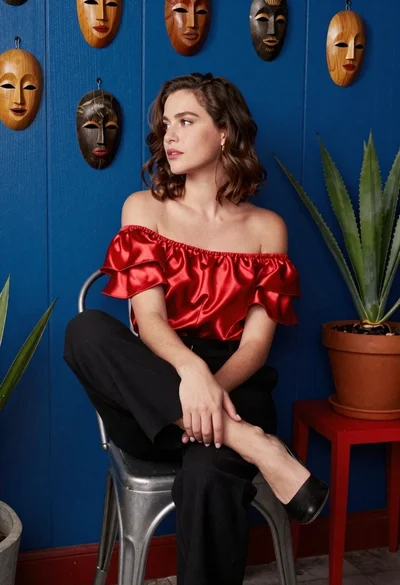
Woman in red satin top seated by blue wall with wooden masks

Blonde woman in black slip dress winking at table in upscale restaurant
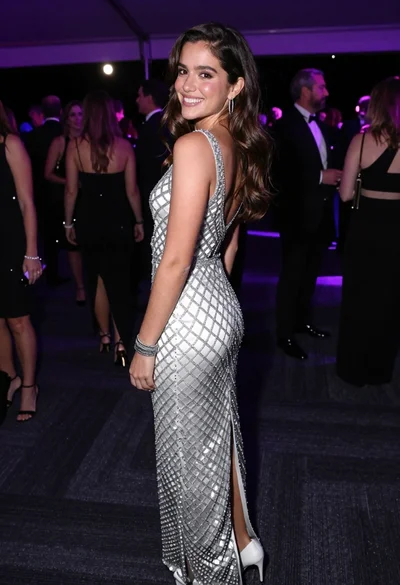
Smiling young woman in crystal gown looking over shoulder at indoor gala
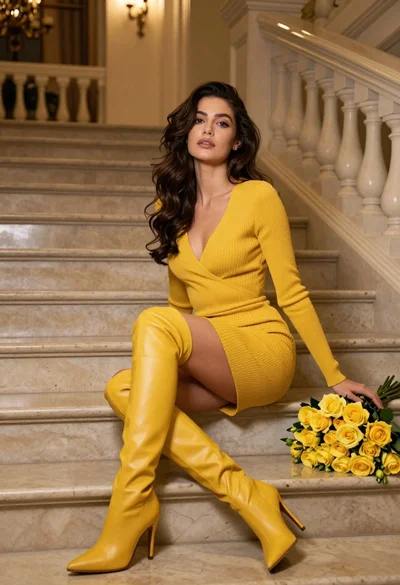
Woman in yellow dress sitting on grand marble staircase with roses
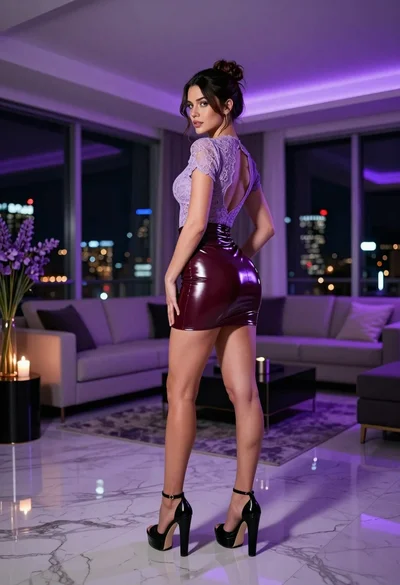
Brunette woman in purple lace top and burgundy latex mini skirt indoors

Smiling woman in royal blue gown on red carpet with green foliage
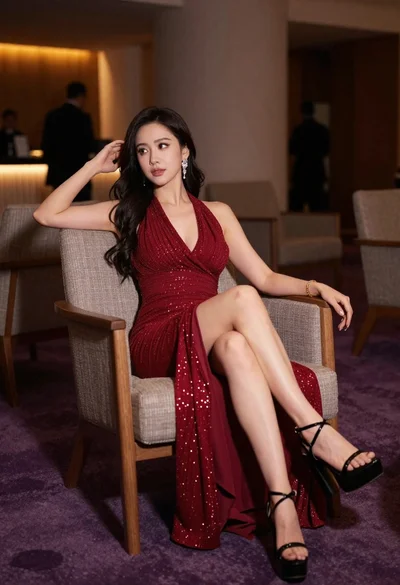
Elegant woman in deep red gown sitting in modern lounge chair indoors

Glamorous woman in red dress framed by beige curtains and olive branches
