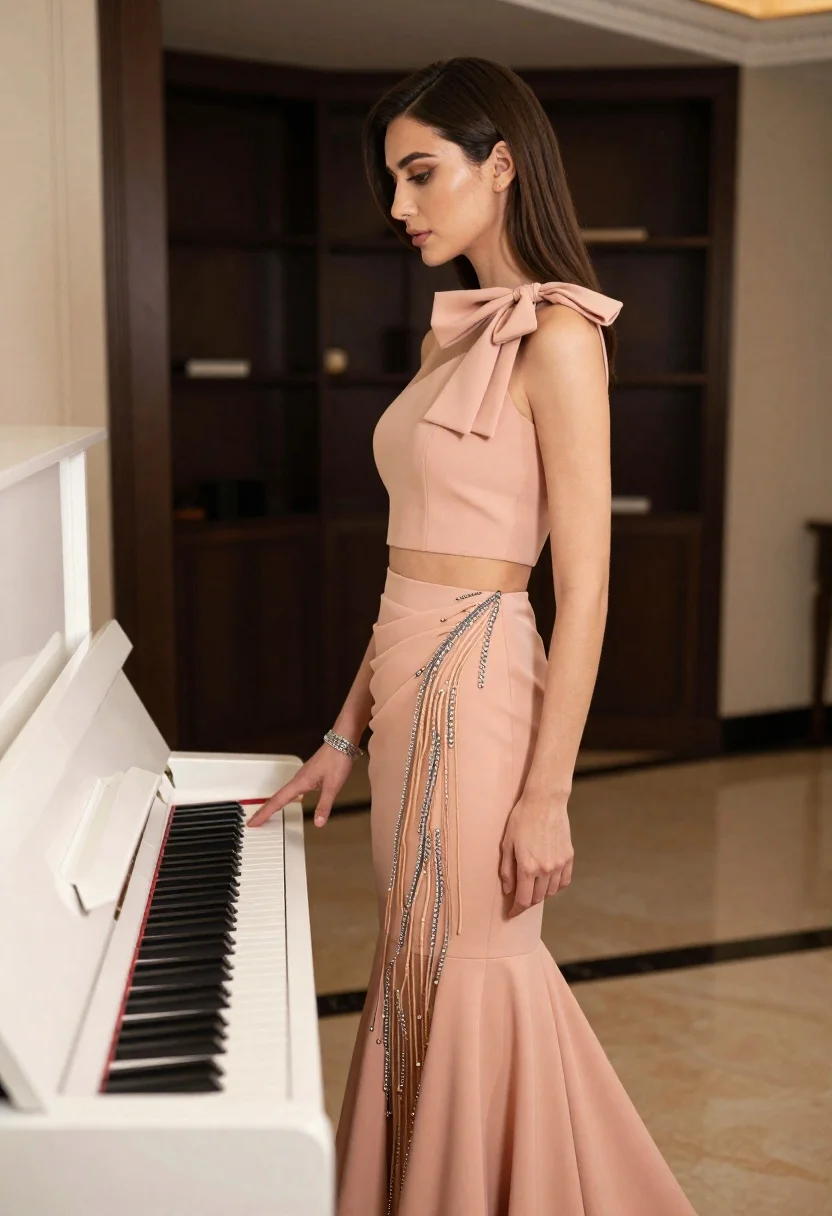
Woman in peach ensemble standing by white upright piano indoors
Prompt
A woman in profile stands beside a white upright piano, her hand resting gently on the keys.

Subject: A woman with long dark brown hair styled in a sleek side part, featuring defined eyebrows and subtle makeup with a soft lip color. She is captured from the waist up to full length, showcasing an elegant posture.

Clothing: She wears a sophisticated peach-colored two-piece ensemble consisting of a sleeveless crop top and a draped skirt that flows into a mermaid-style hemline. The outfit features a large bow detail at the neckline and a sheer panel with intricate beaded embroidery and fringe detailing running down the side.

Action: Her body is angled slightly away from the camera while her head turns to face left in profile, creating a graceful silhouette. She rests one hand on the piano keys and wears a silver bracelet on that wrist.

Environment: The setting is an elegant interior room with polished floors, featuring a white upright piano in the foreground and a dark cabinet or shelving unit in the background.

Lighting: Soft, diffused lighting illuminates the scene from the right side, casting gentle shadows and highlighting the texture of her dress and skin.

Style Details: The image exhibits a high-fashion editorial aesthetic with a focus on elegance and luxury, rendered in warm tones with a shallow depth of field that blurs the background slightly.
Description
This prompt is useful for creating sophisticated portrait photography, music-themed editorial spreads, and luxury catalog imagery. The combination of 'soft, diffused lighting' from the right side sculpts the subject's profile and highlights the intricate beadwork on the peach ensemble, preventing harsh shadows that would detract from the desired high-fashion aesthetic.
Suggestions
- Change 'peach-colored two-piece ensemble' to 'dusty rose silk gown' for a more cohesive look.
- Add 'bokeh background' to enhance the shallow depth of field effect.
- Swap 'white upright piano' for 'dark mahogany grand piano' to contrast with the outfit.
Category
Tags
Brown HairBrunetteCasual WearFemaleFull BodyIndoorsPortrait ShotRealistic
Date added
June 19, 2026
Added by
PromptDexter Team
Related Prompts
More prompts with similar categories and tags.
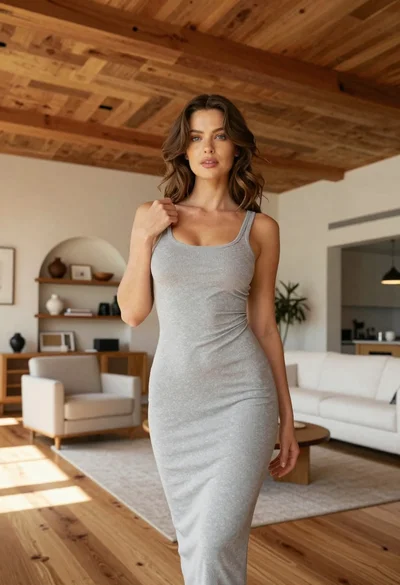
Fit woman in grey dress standing in modern room with high wood
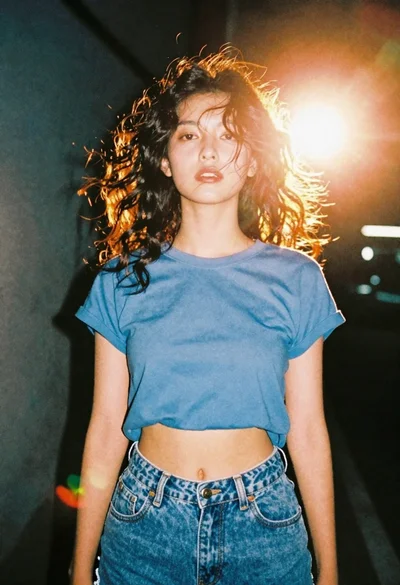
Portrait of young woman in blue crop top and denim shorts
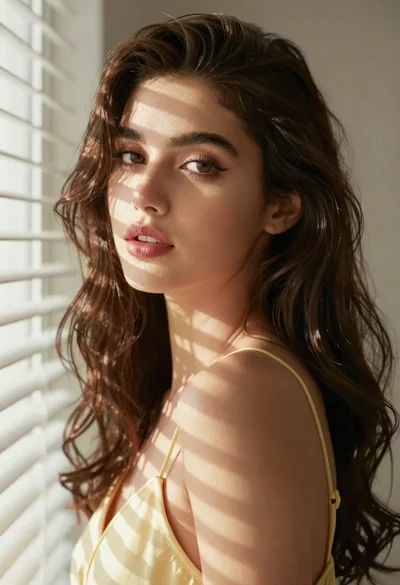
Woman with brown hair by white window blinds

Young woman in pink flight suit in airplane cockpit at night

Anime girl holding toy blaster against bright blue sky
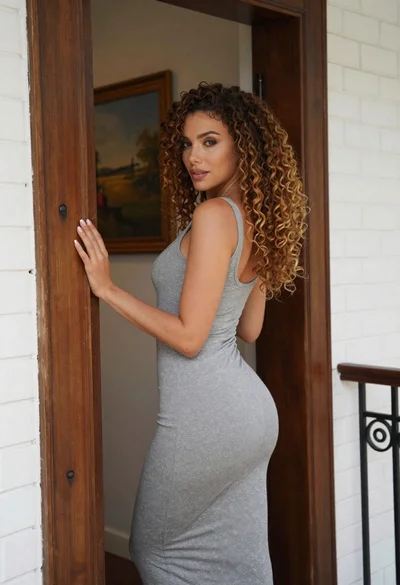
Woman in grey midi dress leaning through doorway looking back over shoulder
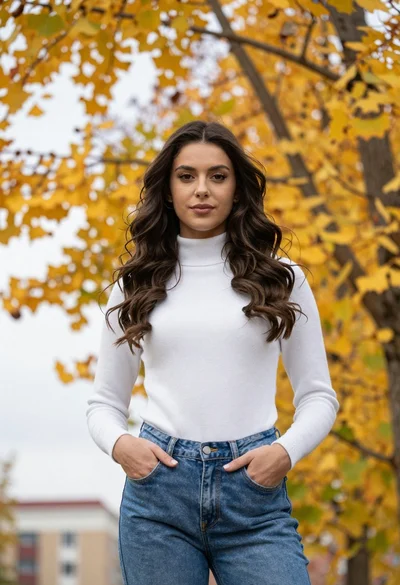
Young woman standing outdoors under autumn trees
Woman in blue jumpsuit sitting by pool with floating colorful flowers
Young woman in pink room with blonde hair
Young woman with brown hair sitting in a leather armchair indoors