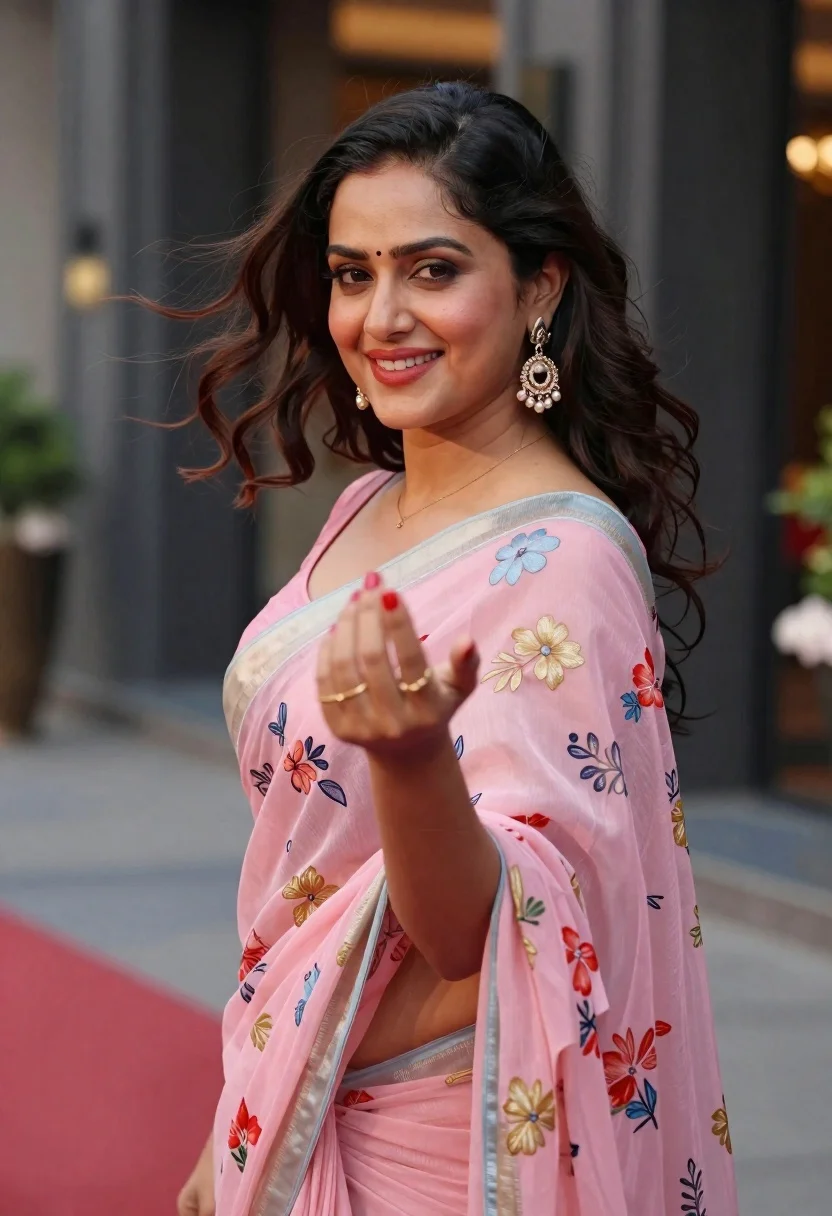
Woman in pink floral saree smiling over shoulder at urban venue
Prompt
A woman in a pink floral saree smiles warmly at the camera while her hair blows gently in the wind.

Subject: A beautiful woman with dark wavy hair tied back, fair skin, and a bright smile showing red lipstick. She wears a bindi on her forehead.

Clothing: She is dressed in a sheer pink saree featuring delicate floral embroidery in gold, blue, and red hues. The blouse has a light blue border. She wears large ornate dangling earrings with pearls and gold accents, along with a simple gold ring on her finger. Her fingernails are painted bright red.

Action: She is captured mid-turn, looking back over her shoulder directly at the viewer with an engaging expression. Her right hand is extended forward towards the camera in a graceful gesture, while her hair flows dynamically to the side.

Environment: The background is a blurred urban setting featuring dark architectural columns and hints of red carpeting or flooring, suggesting an event venue or hotel entrance.

Camera: Shot with a shallow depth of field that keeps the subject sharp while blurring the background into soft bokeh, using a medium close-up framing to emphasize her face and upper body.

Lighting: Soft natural daylight illuminates her face from the front, creating gentle highlights on her skin and hair without harsh shadows, giving the image a warm and inviting mood.

Style Details: The image has a polished portrait aesthetic with vibrant colors and a focus on elegance and grace.
Description
This prompt is useful for creating editorial wedding portraits, cultural event documentation, and lifestyle advertising featuring South Asian subjects. The combination of 'soft natural daylight' illuminating her face from the front ensures gentle highlights that flatter the skin tone while the 'shallow depth of field' isolates the subject against the blurred urban setting, preventing distracting background details from pulling focus away from her smile.
Suggestions
- Change 'pink floral saree' to 'deep magenta silk saree' for a richer color palette.
- Add 'golden hour backlight' to enhance the hair flow and embroidery detail.
- Swap 'medium close-up framing' to 'headshot' to emphasize the bindi and expression.
Category
Tags
Brown HairDark SkinFair SkinFemaleOver The ShoulderRealisticUrban
Date added
June 19, 2026
Added by
PromptDexter Team
Related Prompts
More prompts with similar categories and tags.
Young woman with wavy brown hair sitting on leather sofa in lounge
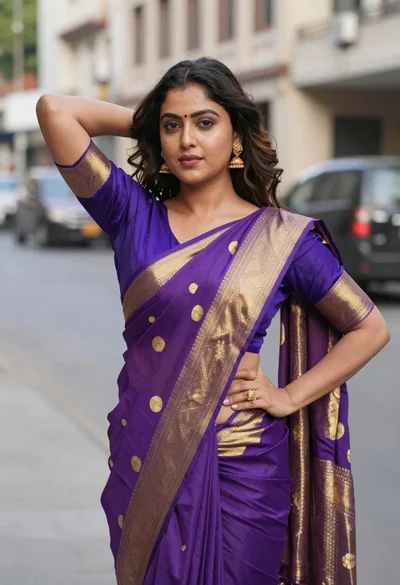
Woman in purple and gold saree standing on an urban city street
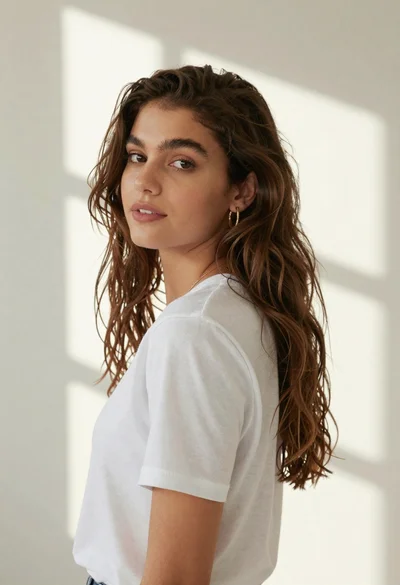
Woman in white tshirt against striped sunlight backdrop
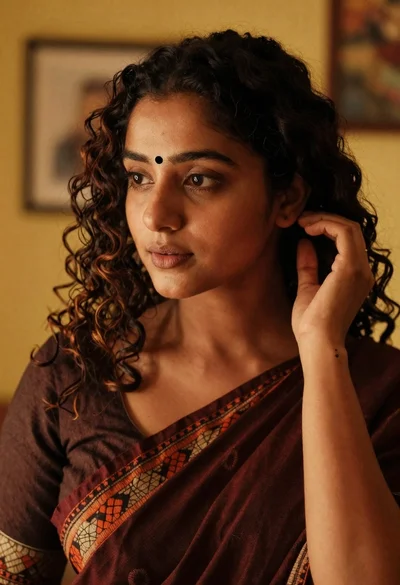
Medium close up portrait of woman in maroon saree indoors
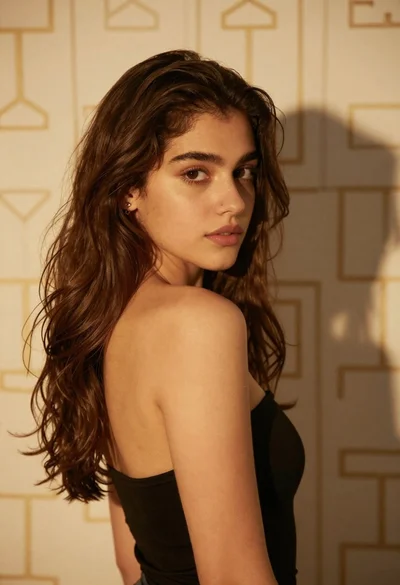
Young woman with brown hair looking back over shoulder against patterned wall

Blonde woman in purple polo shirt on an urban street setting
Young woman looking back over shoulder wearing white lace outfit
Candid medium shot of woman in jeans standing on urban street
Woman looking back over balcony railing at night cityscape view
Young woman with brown hair at outdoor cafe table on city street