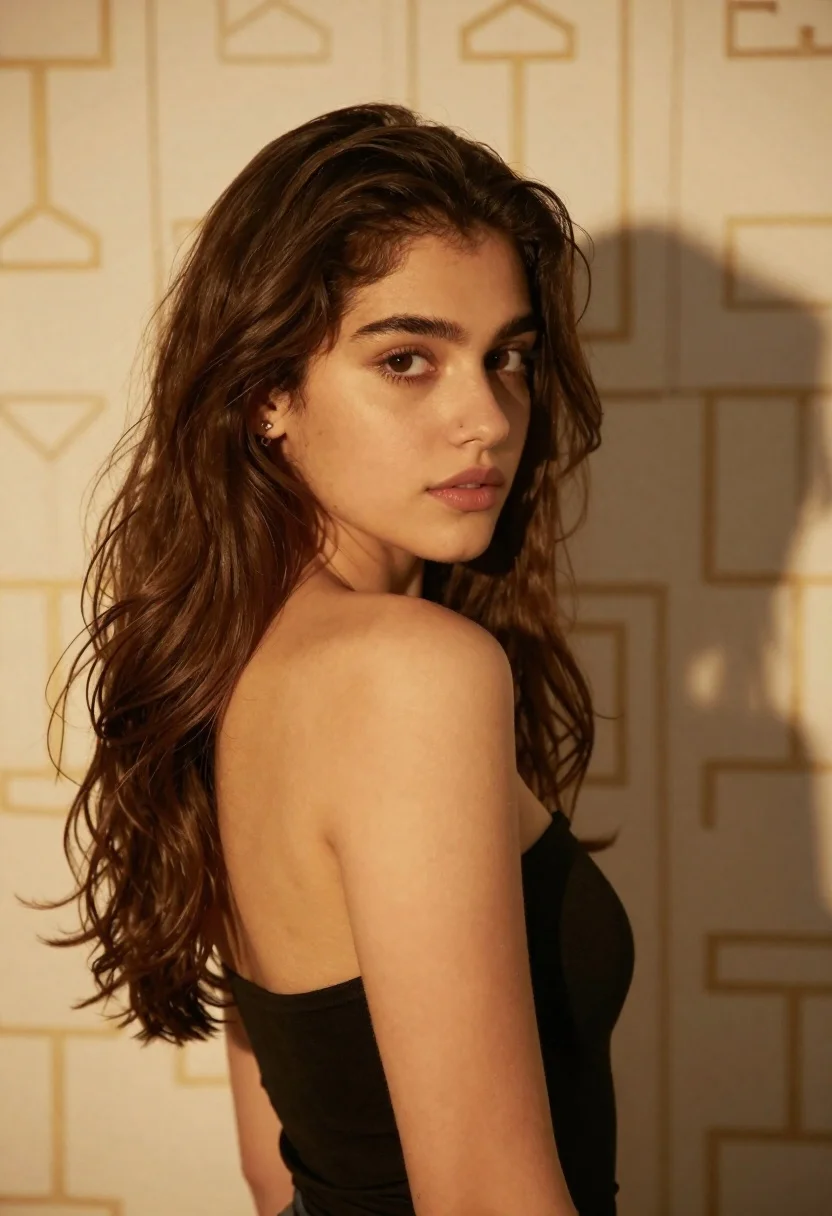
Young woman with brown hair looking back over shoulder against patterned wall
Prompt
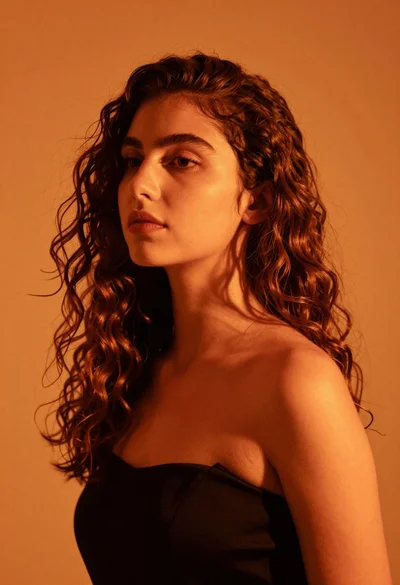
A young woman with long wavy brown hair looks back over her shoulder at the camera.

Subject: A young woman with fair skin and dark brown eyes looking back over her left shoulder. She has a small stud earring in her visible ear. Her hair is voluminous, wavy, and falls past her shoulders with some strands framing her face.

Clothing: She wears a black strapless top that sits high on the chest, exposing her bare shoulders and upper back. The fabric appears to be a matte material.

Action: She stands in a three-quarter pose facing away from the camera but turns her head to look directly at the viewer with a calm, neutral expression. Her posture is relaxed yet poised.

Environment: The background consists of a wall covered in a subtle, repeating geometric pattern in a beige or light gold tone. A soft shadow of the woman is cast against the wall behind her right side.

Lighting: Warm, directional lighting illuminates the left side of her face and body, creating a soft glow on her skin while casting gentle shadows on the right side of her back and hair. The light source appears to be coming from the front-left.

Camera: A medium close-up shot with a shallow depth of field that keeps the subject in sharp focus while softly blurring the background pattern. The angle is slightly low, looking up at the subject.

Style Details: High-quality portrait photography with a warm color palette and smooth skin texture rendering.
Description
This prompt is useful for creating intimate editorial portraits, character concept art for film stills, and sophisticated beauty advertisements. The combination of 'warm, directional lighting' hitting the left side while maintaining a 'shallow depth of field' ensures that the subject's face remains the primary focus against the softly blurred geometric pattern, preventing the background from competing with her expression.
Suggestions
- Change 'black strapless top' to 'velvet camisole' for more texture.
- Adjust 'beige or light gold tone' to 'deep emerald green' for a richer contrast.
- Swap 'medium close-up shot' to 'head and shoulders portrait' to emphasize the hair.
Category
Tags
Brown HairFair SkinFemaleOver The ShoulderPortrait ShotRealisticStudio
Date added
June 19, 2026
Added by
PromptDexter Team
Related Prompts
More prompts with similar categories and tags.
Woman with dark wavy hair looking back over shoulder in blue top
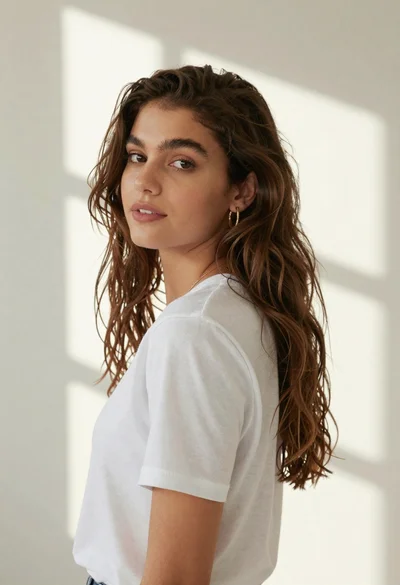
Woman in white tshirt against striped sunlight backdrop
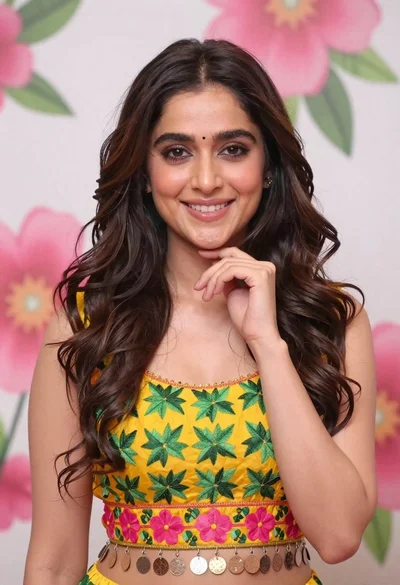
Smiling young woman in yellow floral top against pink flower mural
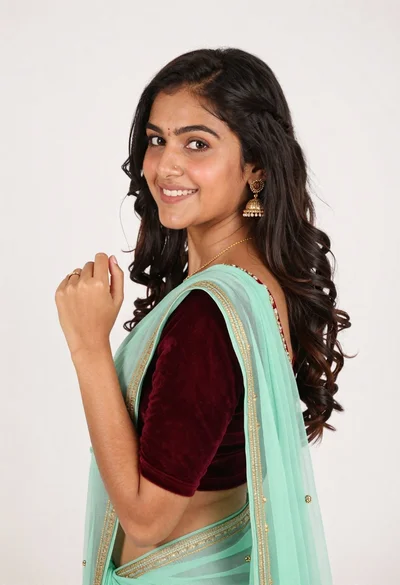
Smiling young woman in maroon velvet and mint saree studio portrait
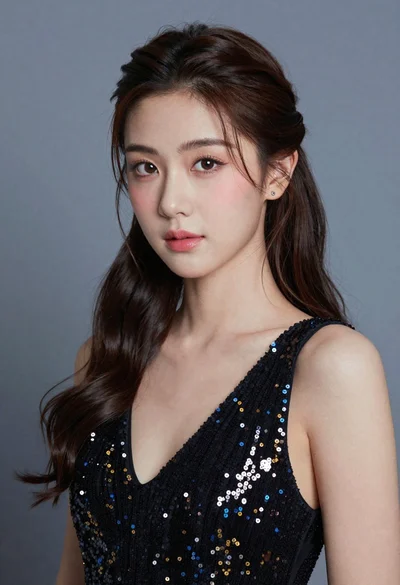
Close up portrait of young woman with dark hair in sequined black
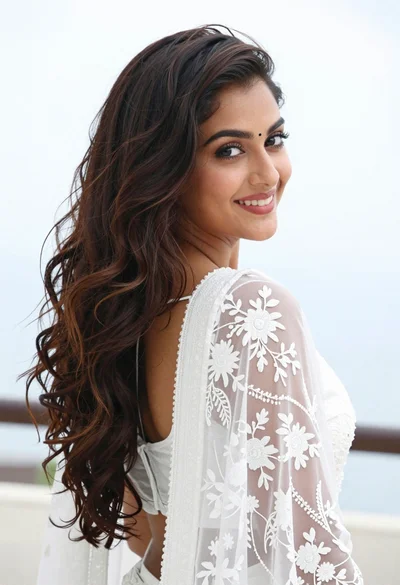
Young woman looking back over shoulder wearing white lace outfit
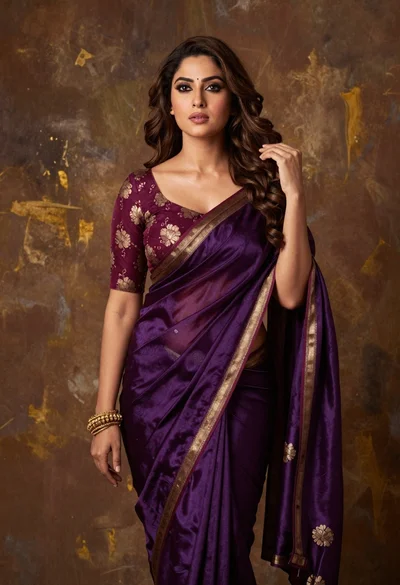
Poised woman in purple silk saree against abstract brown gold backdrop
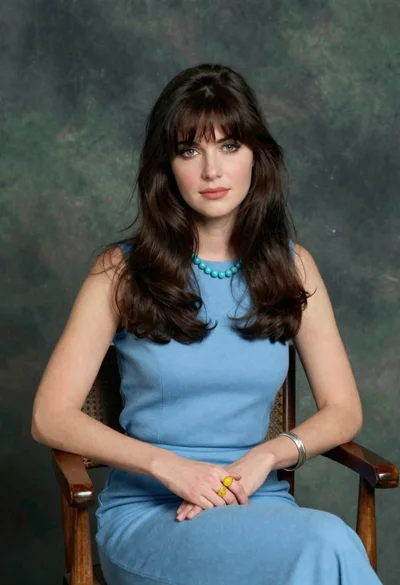
Woman with dark brown hair seated in wooden chair against green backdrop
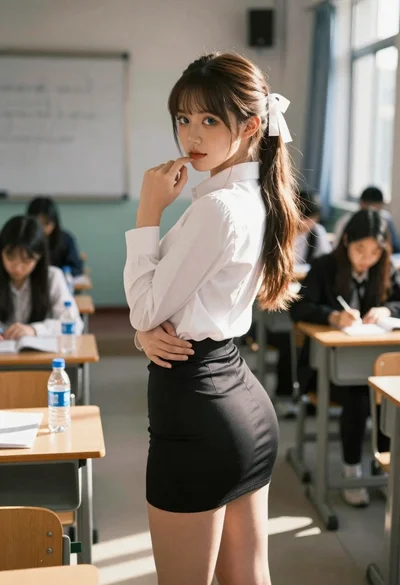
Young woman in classroom looking over shoulder at camera
Close up portrait of woman with brown hair against solid orange background