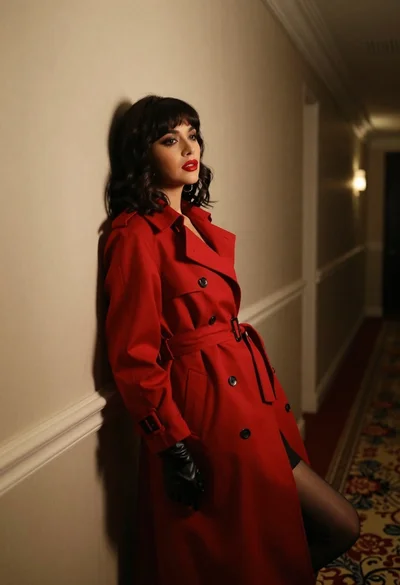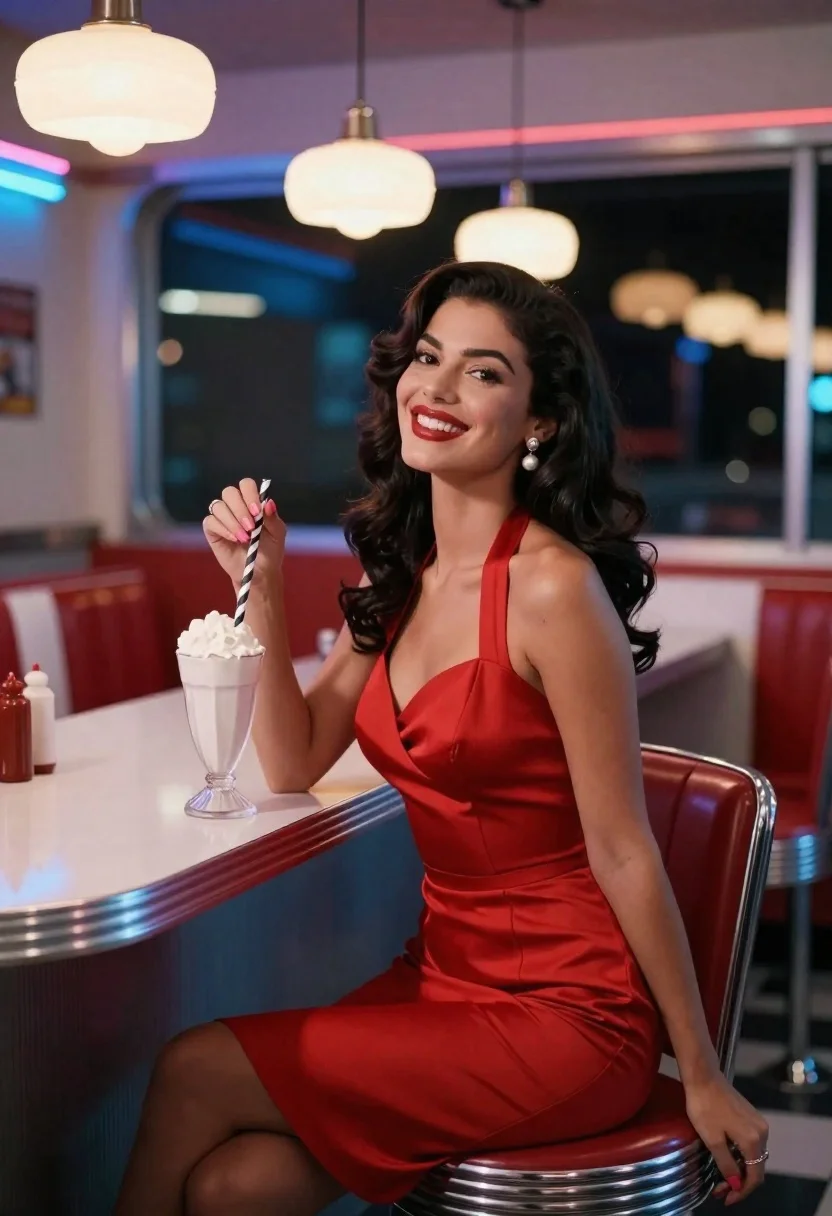
Woman in red satin dress holding milkshake at retro diner counter
Prompt
A woman in a red dress sits at a diner counter holding a milkshake.

Subject: A woman with long dark wavy hair and a warm smile wearing a form-fitting red satin halter dress.

Clothing: She wears pearl drop earrings, rings on her fingers, and has light pink nail polish.

Action: She is seated on a chrome stool at a counter, leaning back slightly with one arm resting on the surface while holding a tall glass milkshake with a striped straw in her other hand.

Environment: The setting is a retro-style diner interior featuring red vinyl booths, chrome accents, and windows looking out into darkness.

Objects: A tall glass milkshake with a black and white striped straw sits in her hand; condiment bottles are visible on the counter behind her.

Lighting: Warm ambient light from hanging pendant lamps mixes with cool blue neon glow reflecting off the chrome surfaces and window frames.

Camera: Medium shot capturing the subject from the waist up, framed slightly to the side to show the diner interior depth.

Style Details: Cinematic color grading with high contrast between warm skin tones and cool background lighting, evoking a classic 1950s aesthetic.
Description
This prompt is useful for creating vintage advertising campaigns, editorial fashion spreads set in nostalgic locations, and character portraits evoking mid-century Americana. The combination of 'warm ambient light' from the lamps juxtaposed with the 'cool blue neon glow reflecting off the chrome surfaces' establishes a high contrast that prevents the rich red satin dress from looking flat against the diner backdrop, grounding the subject within the specified 1950s aesthetic.
Suggestions
- Change 'red satin halter dress' to 'emerald velvet gown' for a richer color pop.
- Add 'bokeh effect' to the background windows for more depth.
- Swap 'chrome accents' for 'polished brass accents' for a slightly different retro feel.
Category
Tags
CafeFemaleFormal WearFull BodyIndoorsMedium ShotRealistic
Date added
June 23, 2026
Added by
PromptDexter Team
Related Prompts
More prompts with similar categories and tags.
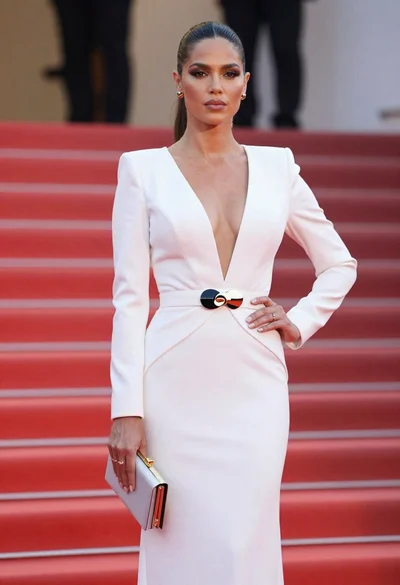
Poised woman in elegant white gown on blurred red carpet steps

Glamorous woman in gold sequin gown holding white cup in modern kitchen

Woman in rust gown posing on white step and repeat backdrop
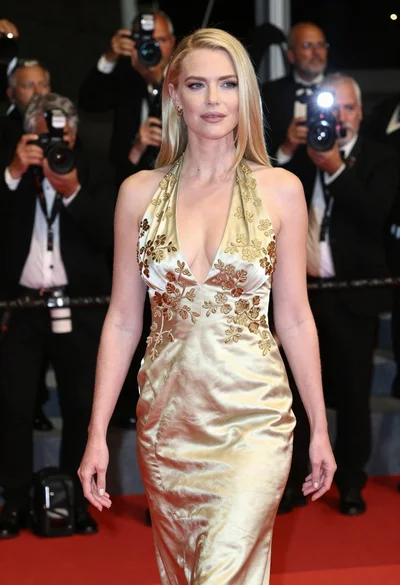
Blonde woman in gold satin gown walking at a red carpet event
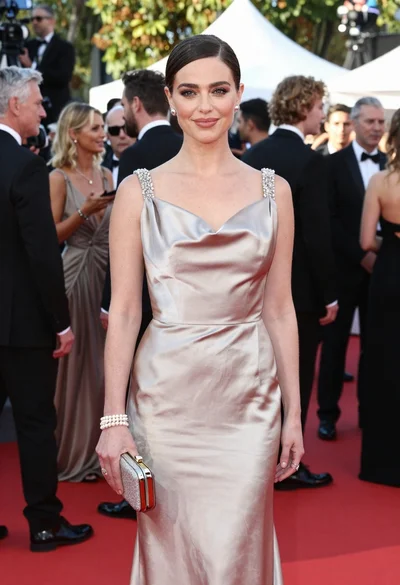
Glamorous woman in champagne gown posing at a bright outdoor event
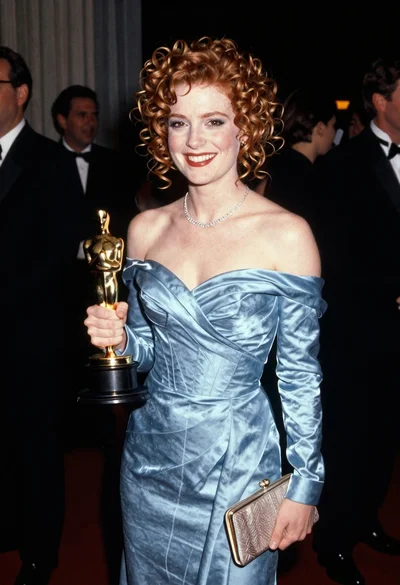
Smiling woman with red curly hair holding award statue at gala
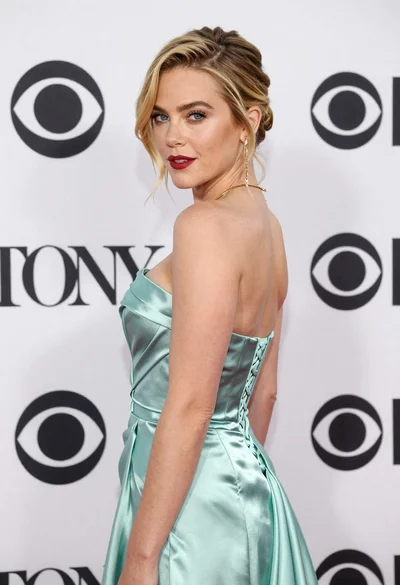
Blonde woman in seafoam gown looking over shoulder at camera
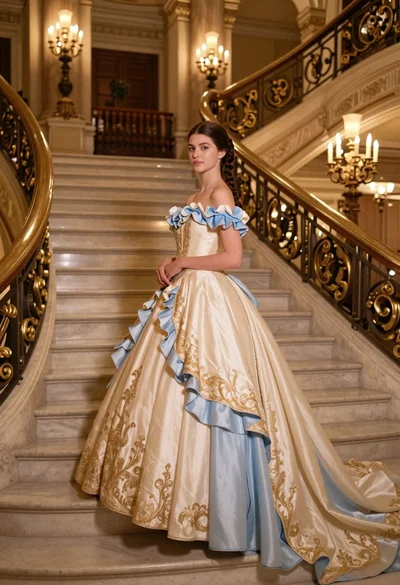
Young woman in elaborate ballgown on grand marble staircase interior