Smiling woman with red curly hair holding award statue at gala
Prompt
A smiling woman with curly red hair holding a golden Oscar statuette and a clutch purse.

Subject: A young woman with voluminous curly reddish-brown hair styled in an updo, fair skin, and a bright smile showing her teeth.

Clothing: She wears a shimmering light blue satin off-the-shoulder gown with long sleeves and a fitted bodice, accessorized with a sparkling diamond necklace.

Action: She stands facing forward holding a golden Oscar statuette in her right hand and a textured clutch purse in her left hand.

Environment: A dark, crowded indoor setting with blurred figures in formal wear visible in the background, suggesting an awards ceremony or gala.

Camera: Medium shot capturing the subject from the waist up with a shallow depth of field that blurs the background to emphasize the foreground figure.

Lighting: Flash photography illuminates the subject brightly against the dark surroundings, creating high contrast and highlighting the sheen on her dress and hair.

Objects: A golden Oscar statuette held in one hand and a textured clutch purse held in the other.

Style Details: Candid documentary photography style with natural skin tones and realistic textures typical of 1990s event coverage.
Description
This prompt is useful for creating editorial fashion moodboards, red carpet photojournalism pieces, and celebratory portraiture showcasing achievement. The combination of 'flash photography' against a 'dark, crowded indoor setting' generates the high contrast necessary to make the 'shimmering light blue satin' gown pop while the shallow depth of field ensures the viewer focuses solely on the subject holding the golden statuette.
Suggestions
- Change 'light blue satin' to 'emerald velvet' for a richer color palette.
- Add 'bokeh effect' to enhance the background blur further.
- Swap '1990s event coverage' for 'modern cinematic portraiture' to update the style.
Category
Tags
Fair SkinFemaleFormal WearFull BodyMedium ShotRealisticRed Hair
Date added
June 19, 2026
Added by
PromptDexter Team
Related Prompts
More prompts with similar categories and tags.

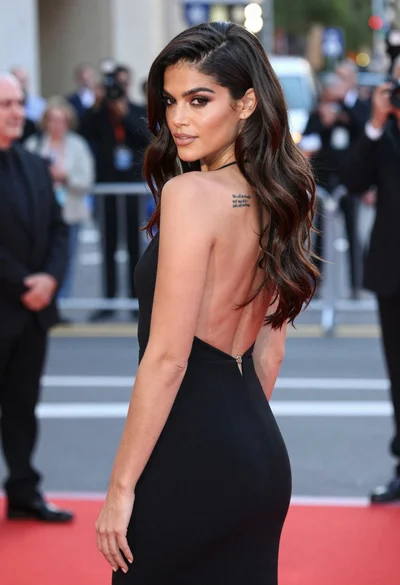
Woman in rust gown posing on white step and repeat backdrop
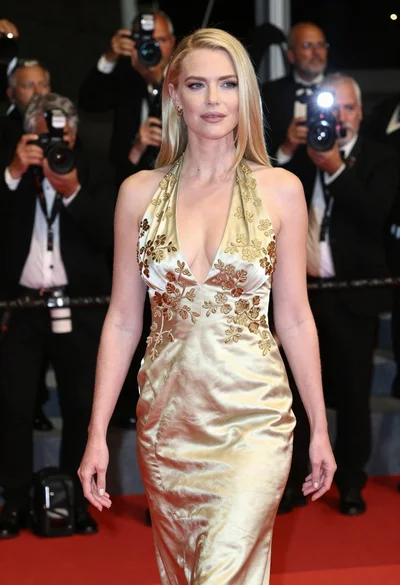
Blonde woman in gold satin gown walking at a red carpet event

Blonde woman in seafoam gown looking over shoulder at camera
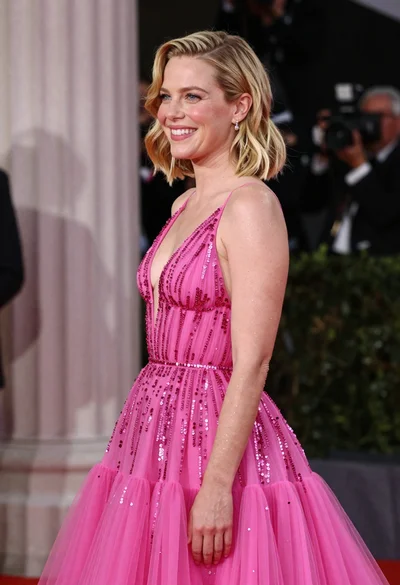
Smiling blonde woman in pink gown at an elegant outdoor evening event
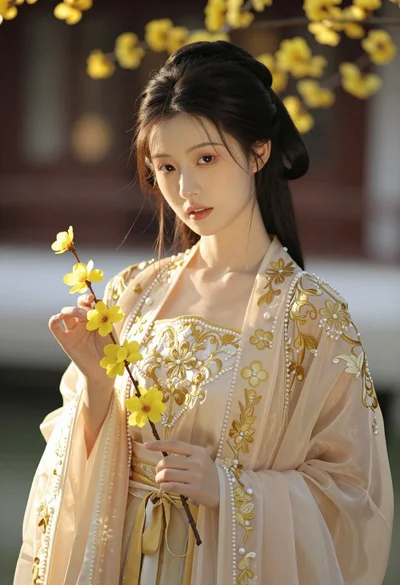
Portrait of young woman in embroidered chinese hanfu gown holding yellow flowers
Fairskinned woman in pink floral gown seated by stone fountain in garden

Fair blonde woman in metallic corset mini dress against light blue studio

Poised woman in elegant white gown on blurred red carpet steps
Woman with red hair leaning against white wall in studio setting

Fair skinned woman with red hair in brown satin dress against gray