Blonde woman in gold satin gown walking at a red carpet event
Prompt
A confident blonde woman walks forward in a glamorous setting.

Subject: A fair-skinned woman with long, straight blonde hair and blue eyes, looking slightly to her right with a composed expression.

Clothing: She wears a floor-length, pale gold satin gown featuring a plunging halter neckline adorned with intricate gold floral embroidery.

Action: She is captured mid-stride in a confident walking pose, with one hand hanging loosely by her side and the other near her hip.

Environment: The background is dark and crowded with photographers holding large cameras, suggesting a red carpet event or premiere.

Lighting: Bright flash photography illuminates the subject from the front, creating high contrast against the dark background and highlighting the sheen of her dress.

Camera: Medium shot framing the subject from the thighs up, utilizing a shallow depth of field to blur the busy crowd behind her.

Style Details: High-contrast paparazzi photography style with sharp focus on the foreground subject and visible camera flash glare.
Description
This prompt is useful for creating high-fashion editorial spreads, celebrity event coverage mockups, and glamorous portrait composites. The combination of 'bright flash photography' against a 'dark and crowded' background maximizes contrast, which is essential for making the 'sheen of her dress' pop while the 'shallow depth of field' isolates the subject from visual noise.
Suggestions
- Change 'pale gold satin gown' to 'liquid gold velvet gown' for a different texture.
- Swap 'blue eyes' for 'emerald green eyes' to shift the color palette.
- Adjust 'Medium shot framing the subject from the thighs up' to 'full body shot' to capture more of the walk.
Category
Tags
BlondeFair SkinFemaleFormal WearFull BodyMedium ShotRealistic
Date added
June 19, 2026
Added by
PromptDexter Team
Related Prompts
More prompts with similar categories and tags.

Blonde woman in seafoam gown looking over shoulder at camera
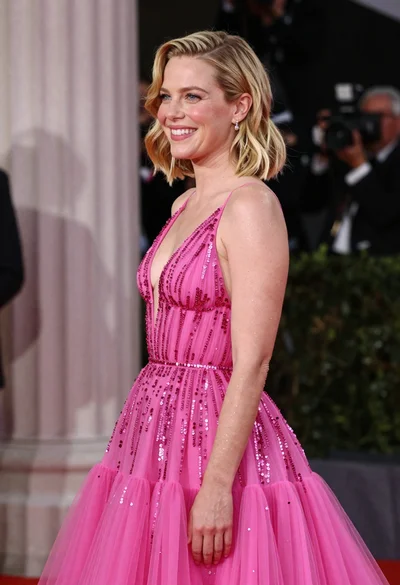
Smiling blonde woman in pink gown at an elegant outdoor evening event

Woman in rust gown posing on white step and repeat backdrop
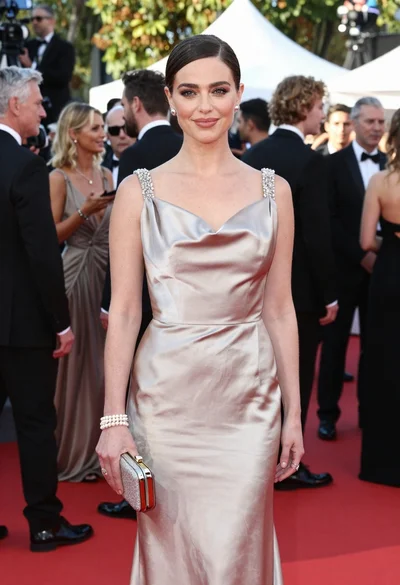
Glamorous woman in champagne gown posing at a bright outdoor event
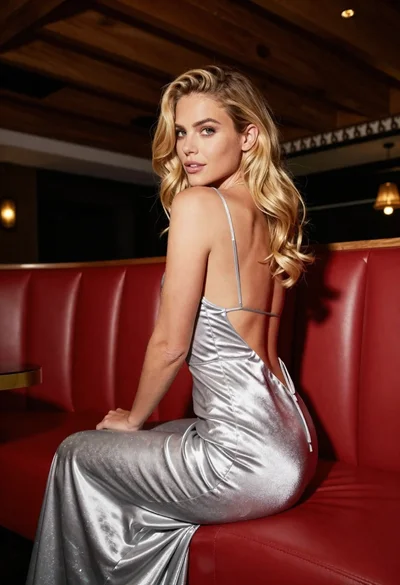
Blonde woman in silver gown seated on red booth looking back
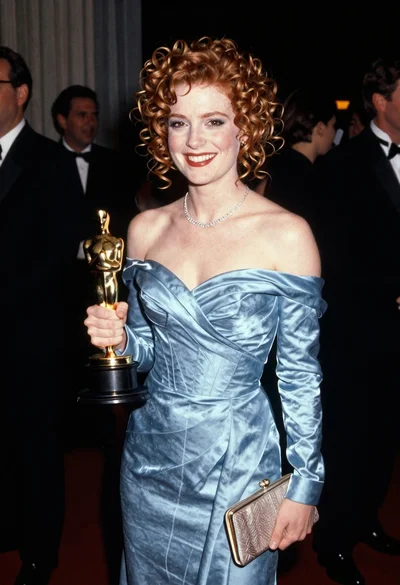
Smiling woman with red curly hair holding award statue at gala
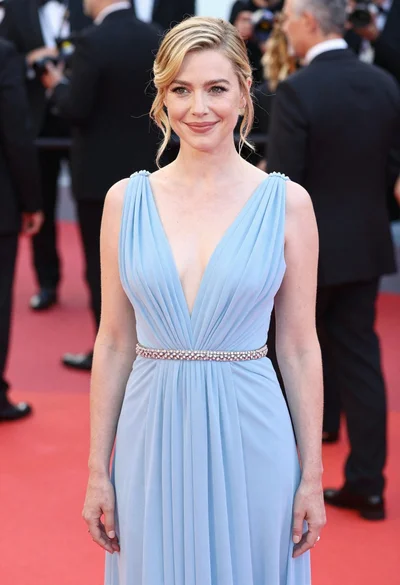
Blonde woman in pale blue gown standing on red carpet event
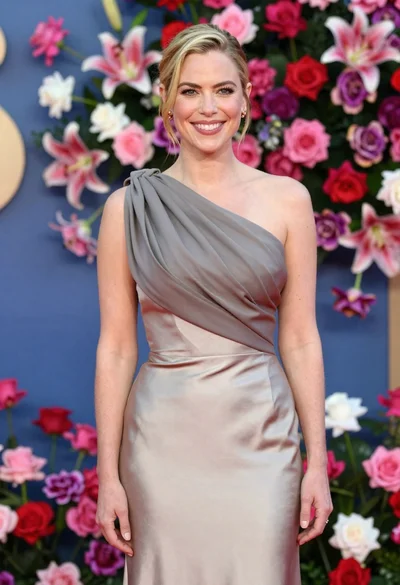
Smiling woman in one shoulder gown against vibrant floral wall backdrop
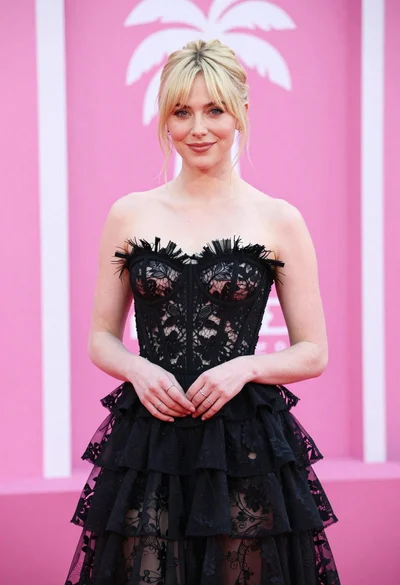
Blonde woman in black lace gown against a vibrant pink striped backdrop
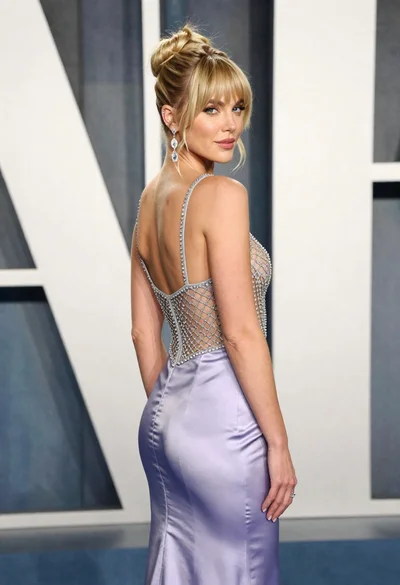
Blonde woman in lavender gown posing at a formal gala event