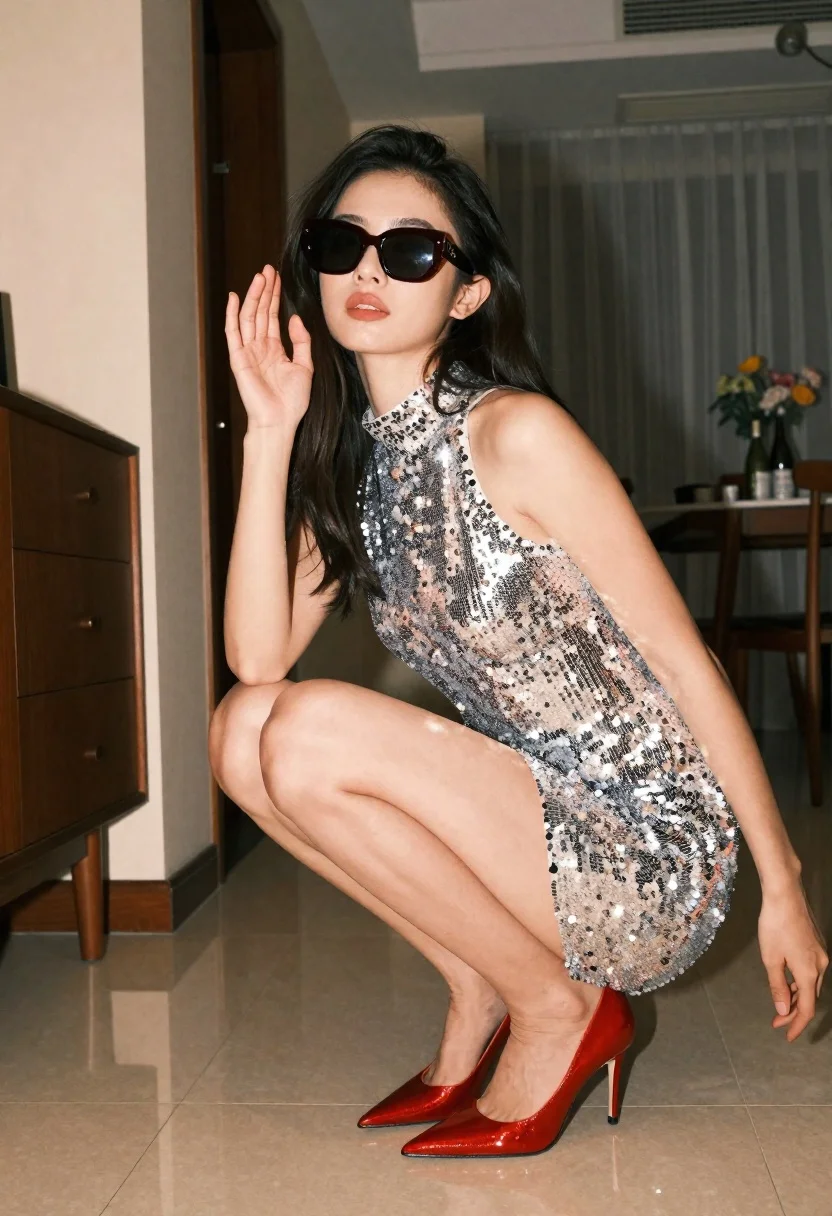
Woman in silver sequin mini dress crouching indoors at low angle
Prompt
A woman crouching in a low squat pose while wearing oversized dark sunglasses and a shimmering silver sequined mini dress.

Subject: A woman with long dark hair posing in a dynamic low squat stance, her body angled slightly to the side with one hand raised near her face and the other resting on the floor for balance.

Clothing: She wears a sleeveless, high-necked mini dress entirely covered in dense silver sequins that catch the light, paired with glossy metallic red pointed-toe stiletto heels.

Action: The subject is crouching low to the ground with knees bent deeply and thighs parallel to the floor, looking directly at the camera through dark sunglasses with a confident expression.

Environment: An indoor room setting with tiled flooring, featuring a dark wooden cabinet with drawers on the left, sheer curtains hanging in the background, and a glimpse of a dining area with bottles and flowers on a table behind her.

Lighting: The scene is lit with soft ambient light that creates a warm glow, highlighting the texture of the sequins and casting gentle shadows on the floor and walls.

Camera: Shot from a low angle looking up at the subject to emphasize her pose, utilizing a shallow depth of field that keeps the foreground sharp while blurring the background details.

Style Details: The image features a high-fashion editorial aesthetic with a focus on texture and sparkle, rendered in warm tones with a slightly grainy film-like quality.
Description
This prompt is useful for creating dramatic fashion editorials, album cover art featuring strong poses, and stylized character portraits. The combination of 'low angle looking up' and the 'shimmering silver sequined mini dress' directs the viewer's eye upward to emphasize the subject's powerful stance, while the 'shallow depth of field' ensures the sequins remain the sharp focal point against a softly blurred backdrop.
Suggestions
- Change 'dark sunglasses' to 'cat-eye sunglasses' for a more specific vintage feel.
- Swap 'tiled flooring' for 'polished marble floor' to change the material reflection.
- Adjust 'warm glow' to 'cool neon light' for a cyberpunk aesthetic.
Category
Tags
BrunetteFemaleIndoorsLow AnglePortrait ShotRealistic
Date added
June 19, 2026
Added by
PromptDexter Team
Related Prompts
More prompts with similar categories and tags.
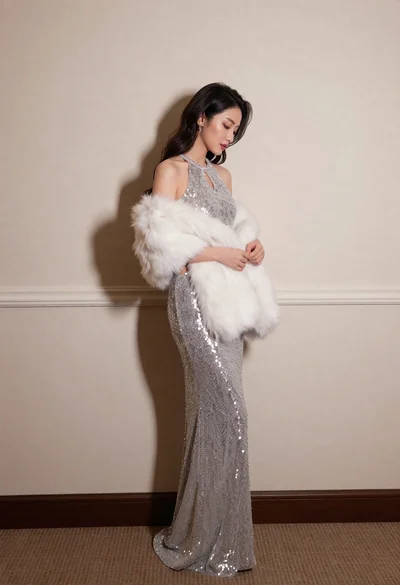
Woman in silver sequin gown holding white fur stole against plain wall

Woman in black mini dress seated on patterned sofa indoors

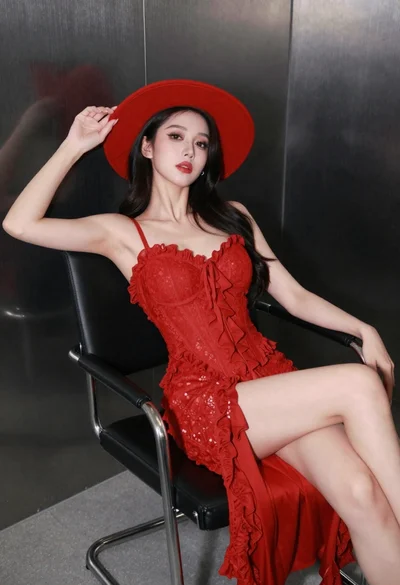
Woman in red evening gown posing indoors by modern armchair

Poised woman in black gown posing indoors with dramatic low key lighting
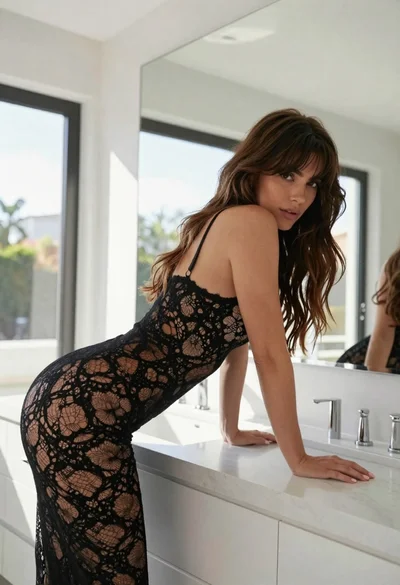
Woman in black lace bodysuit leaning over white marble bathroom counter
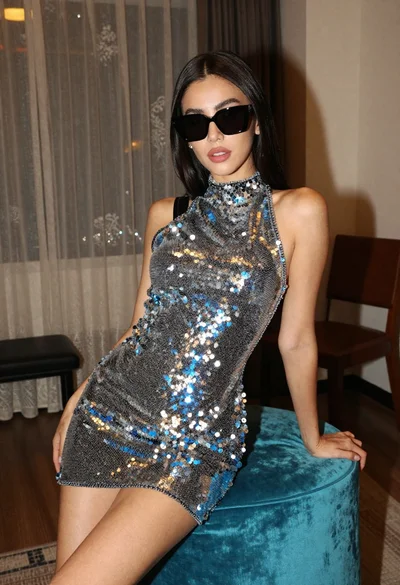
Woman in sequined mini dress posing indoors leaning on turquoise ottoman
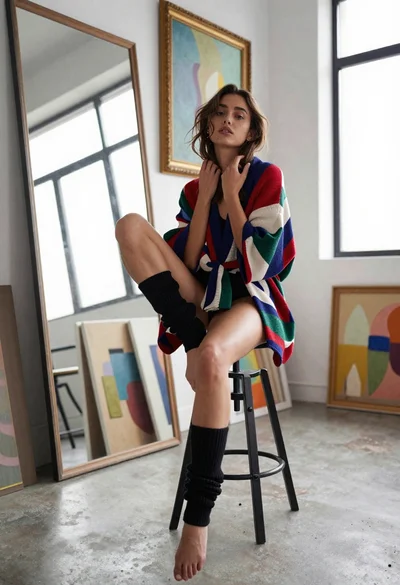
Young woman in kimono cardigan posing in bright art studio setting
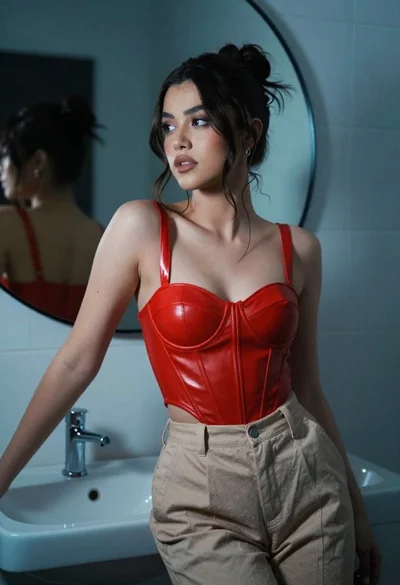
Stylish woman in red bustier near circular mirror interior setting
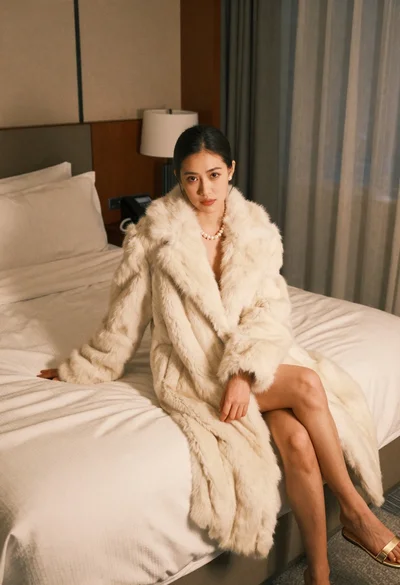
Woman in cream fur coat seated on bed looking at camera
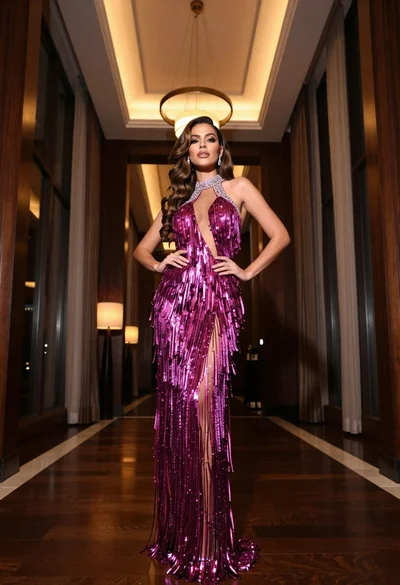
Glamorous woman in magenta gown standing in luxurious hotel lobby interior