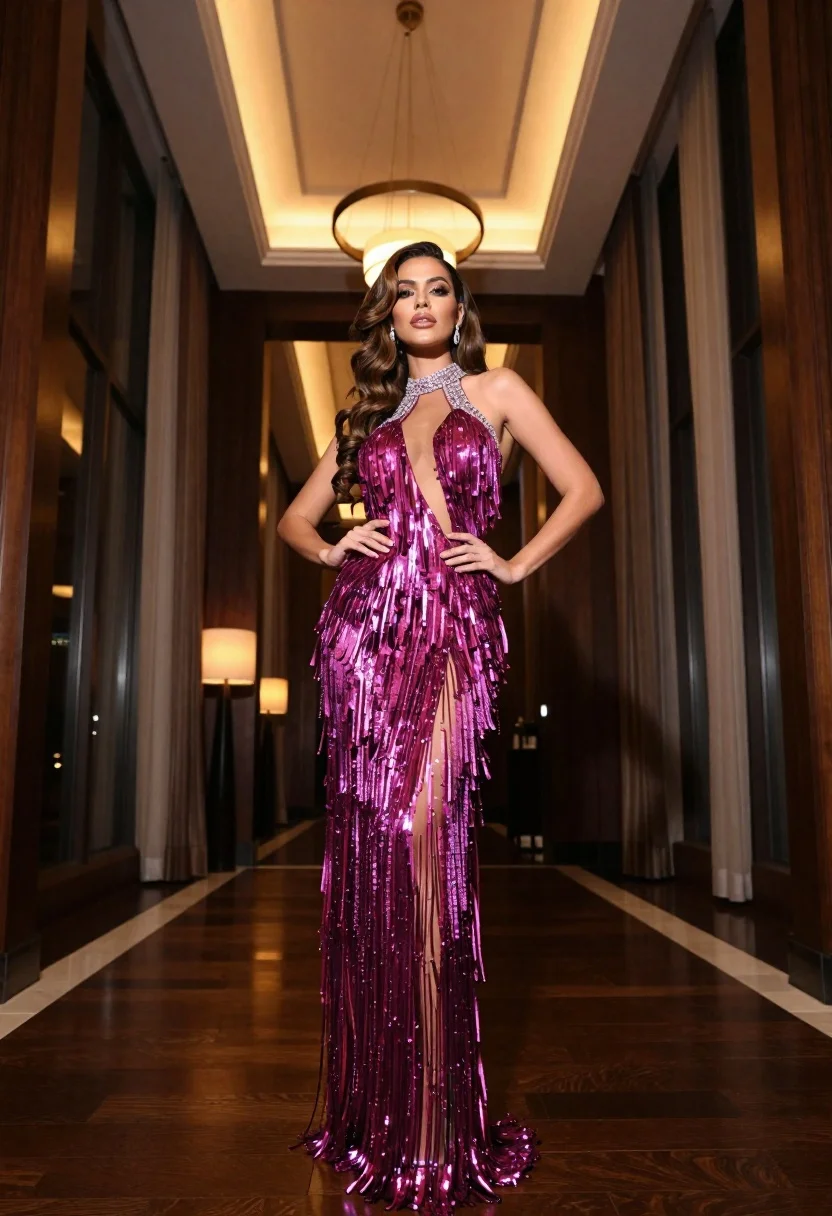
Glamorous woman in magenta gown standing in luxurious hotel lobby interior
Prompt
A glamorous woman stands confidently in a luxurious hotel lobby wearing an elaborate magenta gown.

Subject: A poised woman with long wavy brown hair and heavy makeup featuring defined eyebrows and glossy lips.

Clothing: She wears a floor-length, sheer halter-neck gown covered in shimmering metallic fringe that cascades from the shoulders to the hem, adorned with sparkling embellishments around the high neck.

Action: Her body is angled slightly while she looks directly at the camera with a confident expression, one hand resting on her hip and the other near her waist.

Environment: The setting is an upscale interior hallway with dark wood paneling, tall floor-to-ceiling windows covered by heavy drapes, and a large circular chandelier hanging from the ceiling.

Camera: A low-angle shot captures the full length of the dress and emphasizes the subject's stature against the high ceilings.

Lighting: Warm ambient lighting emanates from the overhead fixture and a lamp in the background, creating soft highlights on the metallic fabric and casting gentle shadows.

Style Details: High-fashion photography with rich color grading, sharp focus on the texture of the fringe, and a polished, elegant aesthetic.
Description
This prompt is useful for creating high-end magazine editorials, character concept art for luxury brands, and formal event promotional materials. The combination of 'low-angle shot' and 'dark wood paneling' grounds the subject while allowing the 'shimmering metallic fringe' to catch the light from the 'large circular chandelier', ensuring the gown remains the focal point against a rich backdrop.
Suggestions
- Change 'magenta gown' to 'emerald green velvet' for a different color story.
- Add 'bokeh effect' to the background windows for more depth.
- Swap 'low-angle shot' for 'eye-level medium full shot' to change the perceived height.
Category
Tags
Brown HairBrunetteFemaleFormal WearFull BodyIndoorsLow AnglePortrait ShotRealistic
Date added
June 19, 2026
Added by
PromptDexter Team
Related Prompts
More prompts with similar categories and tags.
Blonde woman in maroon fringed dress standing in white arched hallway
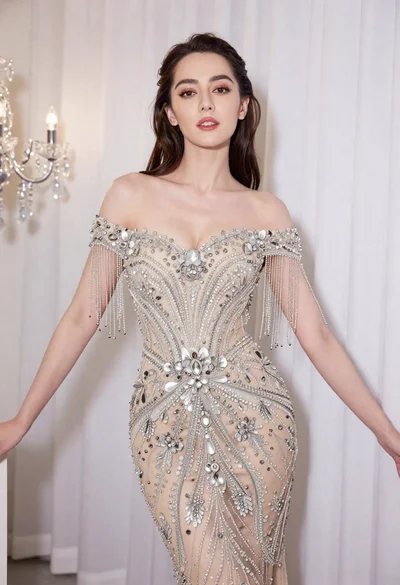
Glamorous woman in embellished gown standing before white draped curtains
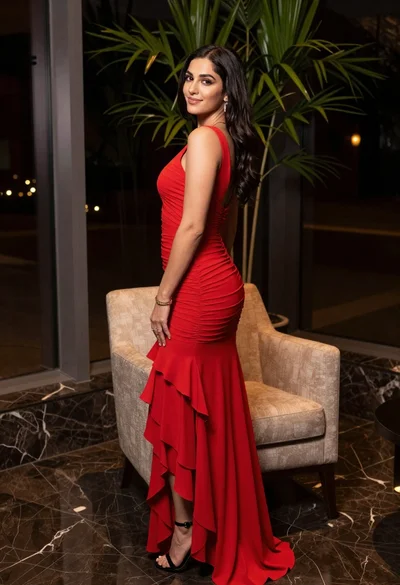
Woman in red evening gown posing indoors by modern armchair

Poised woman in black gown posing indoors with dramatic low key lighting

Portrait of woman in elaborate red feathered gown against vivid blue background
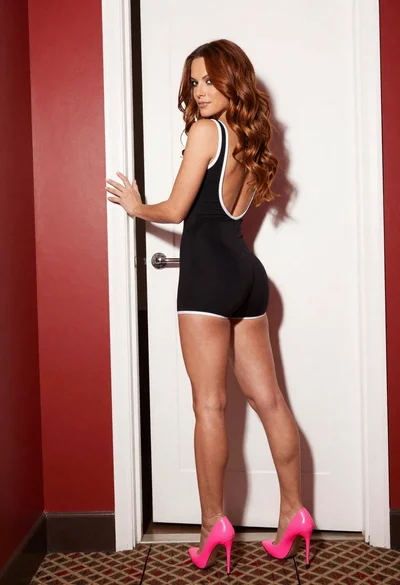
Woman in black bodysuit and pink heels standing in an indoor hallway
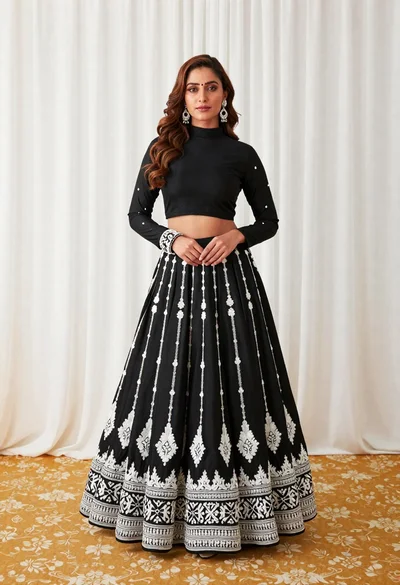
Full length portrait of woman in black traditional outfit indoors
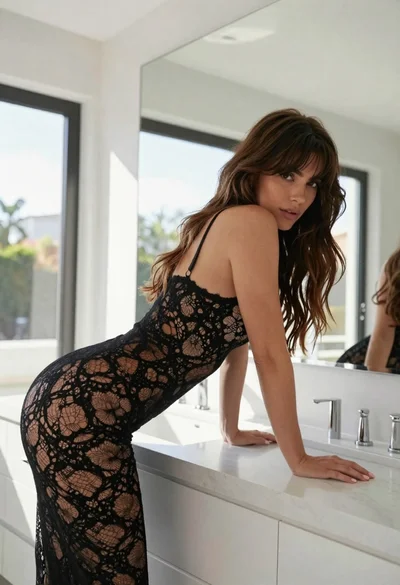
Woman in black lace bodysuit leaning over white marble bathroom counter
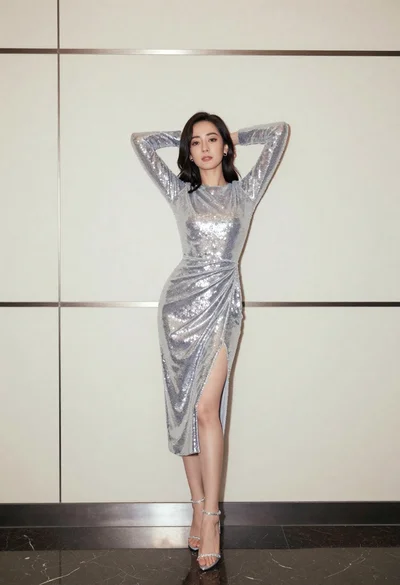
Full body portrait of woman in silver sequin dress against modern paneling
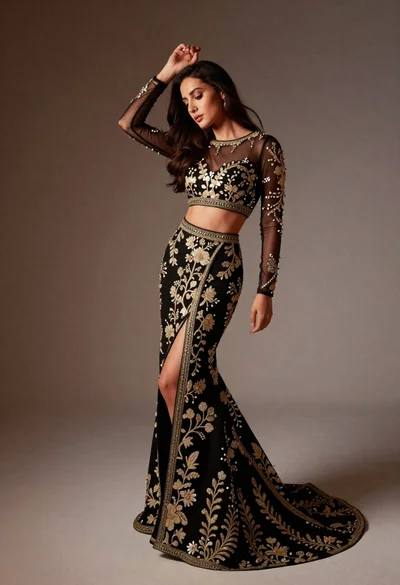
Full length studio portrait of woman in elaborate black and gold ensemble