

Woman in twotoned gown looking back over shoulder at awards backdrop
Prompt
A woman with voluminous dark curly hair stands in a three-quarter pose looking back over her shoulder with a soft smile.

Subject: A woman with long, dark, wavy hair cascading down her back and shoulders.

Clothing: She wears an elegant two-toned gown featuring a black sequined bodice with thin straps and a dramatic layer of black feathers at the waist, transitioning into a full white satin skirt.

Action: The subject is captured from behind looking over her left shoulder towards the camera with a gentle expression.

Environment: A dark geometric backdrop composed of textured panels with gold logos, including a Grammy award symbol and a CBS eye logo.

Camera: Medium shot framing the upper body and dress against the patterned background wall.

Lighting: Bright flash photography illuminating the subject from the front while maintaining deep shadows in the background textures.

Style Details: High-resolution red carpet photography with sharp focus on the subject and visible texture details on the fabric and feathers.
Description
This prompt is useful for creating high-end red carpet event coverage, formal portraiture for annual reports, and luxury brand campaign visuals. The combination of 'bright flash photography illuminating the subject from the front' against a 'dark geometric backdrop composed of textured panels with gold logos' ensures that the intricate details of the 'black sequined bodice' remain sharp while the background context grounds the image in an awards setting.
Suggestions
- Change 'two-toned gown' to specify the exact color transition point.
- Swap 'soft smile' for 'smoldering gaze' to increase dramatic tension.
- Adjust 'Medium shot framing the upper body' to 'full body shot' to better showcase the skirt.
Category
Tags
3/4 AngleBack ViewBrunetteFemaleFormal WearFull BodyMedium ShotRealisticStudio
Date added
June 19, 2026
Added by
PromptDexter Team
Related Prompts
More prompts with similar categories and tags.

Woman in rust gown posing on white step and repeat backdrop
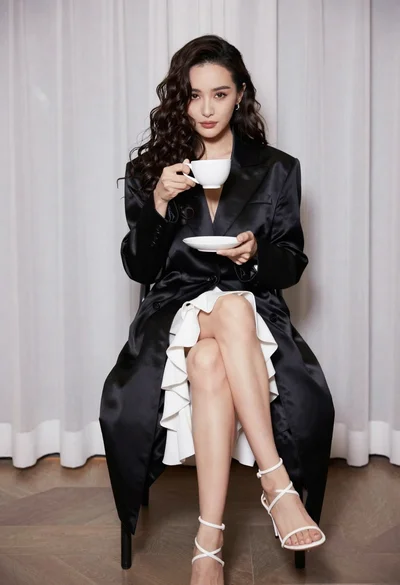
Woman in black coat seated holding teacup against sheer white curtains
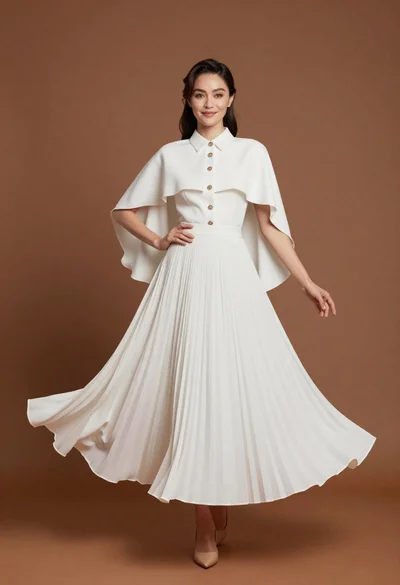
Full length studio portrait of woman in elegant white pleated dress
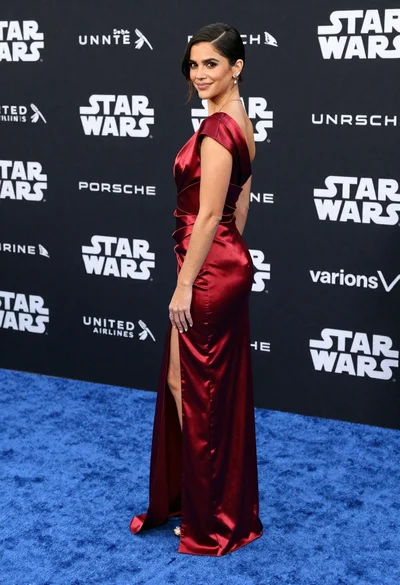
Woman in deep red satin gown standing on blue carpet at an
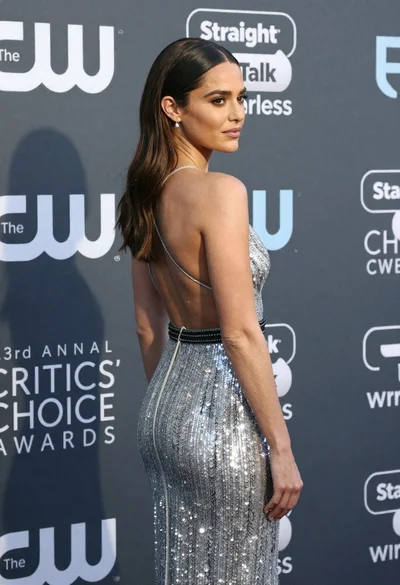
Woman in silver sequined gown at annual critics choice awards event

Blonde woman in burgundy velvet gown holding flower in white studio

Glamorous woman in gold sequin gown holding white cup in modern kitchen

Woman seated on mid century chair wearing beige suit

Blonde woman in black slip dress posing on red carpet at formal
Smiling woman in black pinstripe suit jacket against dark backdrop
