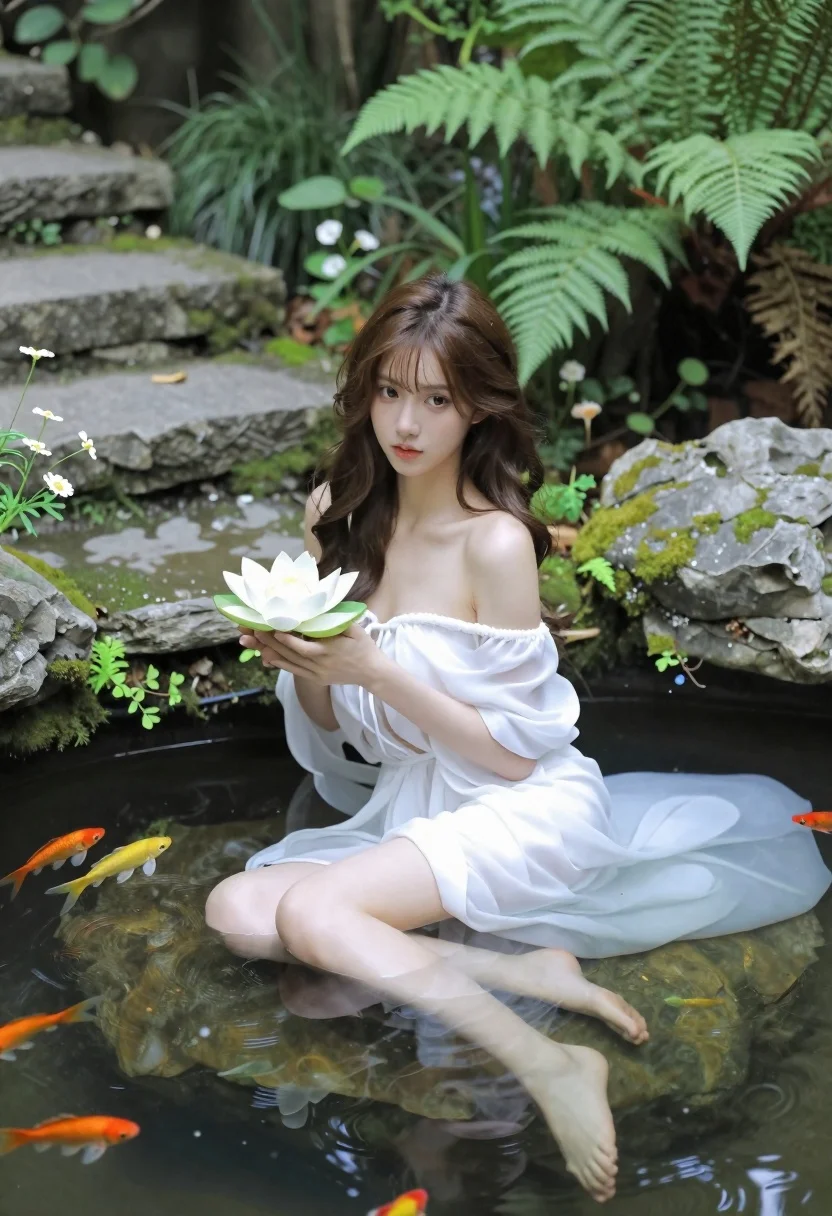
Woman in white dress holding lotus flower in shallow pool with fish
Prompt
A serene woman sits in a shallow pool of water holding a white lotus flower, with her lower body submerged and visible beneath the surface alongside colorful fish swimming around mossy rocks.

Subject: A young woman with long wavy brown hair and fair skin sitting gracefully in a tranquil setting.

Clothing: She wears an elegant off-the-shoulder white dress that flows softly into the water.

Action: She holds a single white lotus flower gently in her hands while looking directly at the viewer with a calm expression.

Environment: The scene is set in a lush forest garden featuring moss-covered stone steps leading upward behind her, surrounded by dense green ferns and wildflowers.

Camera: The shot captures a split-level view showing both the woman above water and her submerged legs below, framed with a shallow depth of field that blurs the background slightly.

Lighting: Soft natural light filters through the trees creating a gentle glow on her face and highlighting the ripples in the water.

Style Details: The image has a dreamy ethereal quality with high detail rendering, realistic textures, and a harmonious color palette emphasizing greens and whites.
Description
This prompt is useful for creating editorial bridal portraits, serene nature editorials, and fine art concept photography. The combination of 'soft natural light' filtering through the trees and the 'shallow depth of field' ensures that while the subject remains sharp, the surrounding lush forest garden elements recede enough to keep focus on the woman and the white lotus flower.
Suggestions
- Change 'white dress' to 'silk gown' for more dramatic flow.
- Add 'golden hour backlighting' to enhance the ethereal glow.
- Swap 'mossy rocks' for 'smooth river stones' to change the texture.
Category
Tags
Brown HairFair SkinFemaleFull BodyMedium ShotNatureOutdoorsPortrait ShotRealistic
Date added
June 21, 2026
Added by
PromptDexter Team
Related Prompts
More prompts with similar categories and tags.
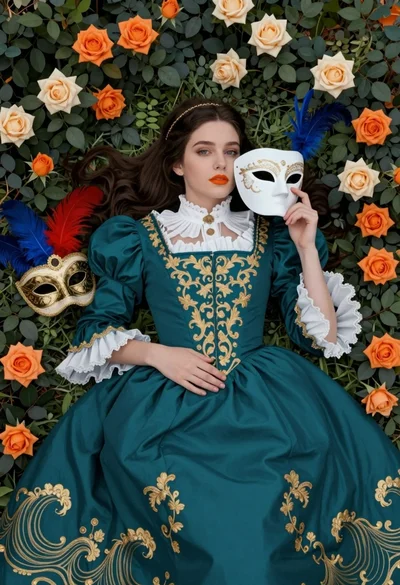
Fair skinned woman in teal victorian gown among roses and green leaves
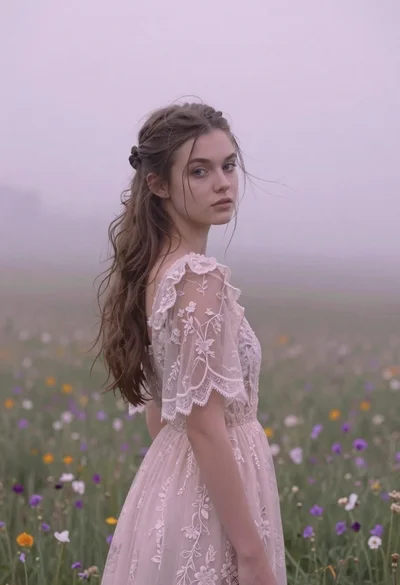
Young woman in pink lace gown standing in misty wildflower field
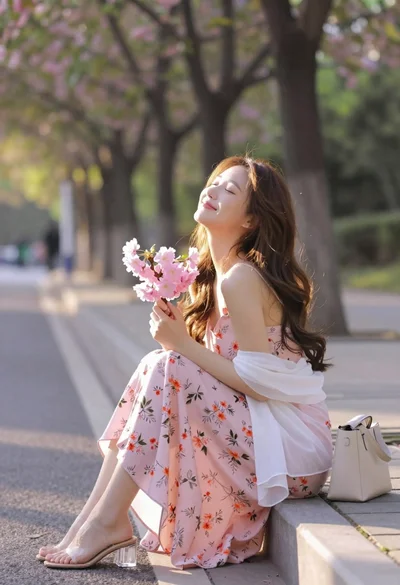
Young woman in pink floral dress holding cherry blossoms in sunlit park
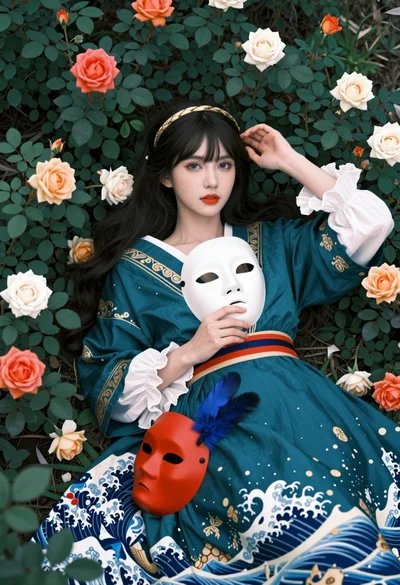
Fairskinned woman in teal gown among foliage holding white theatrical mask
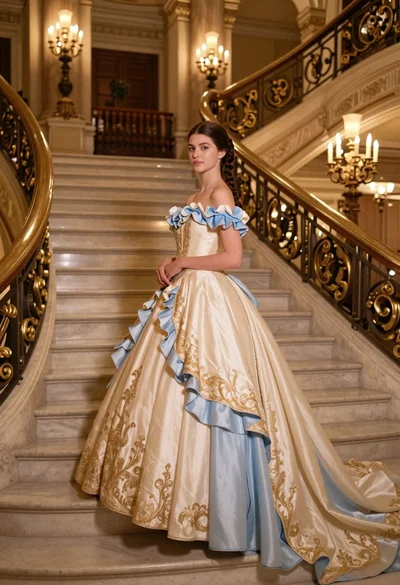
Young woman in elaborate ballgown on grand marble staircase interior
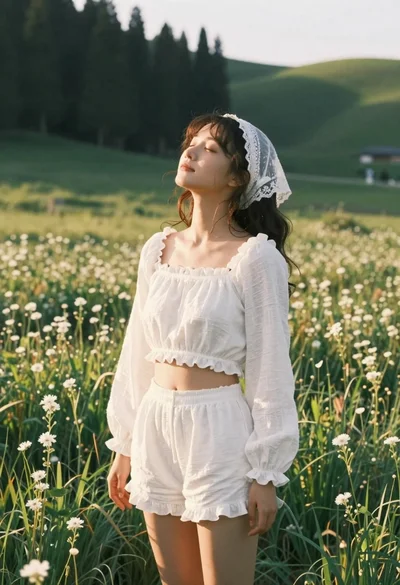
Young woman in white lace outfit standing in sunlit meadow
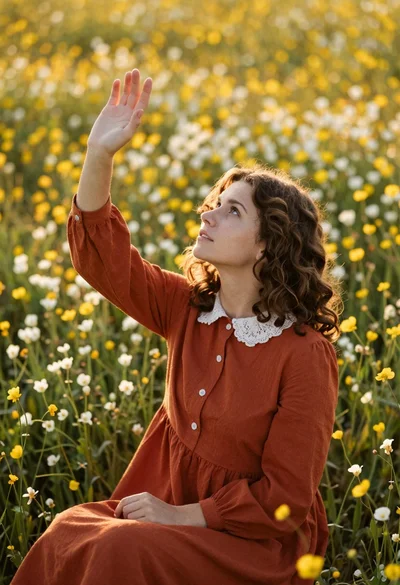
Young woman in rust dress reaching toward sky in wildflower meadow
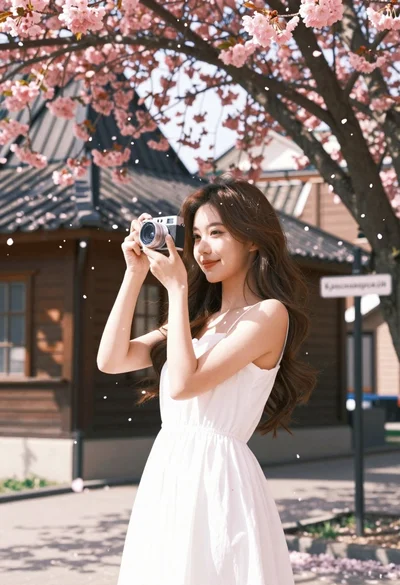
Young woman in white dress holding camera under cherry blossom tree