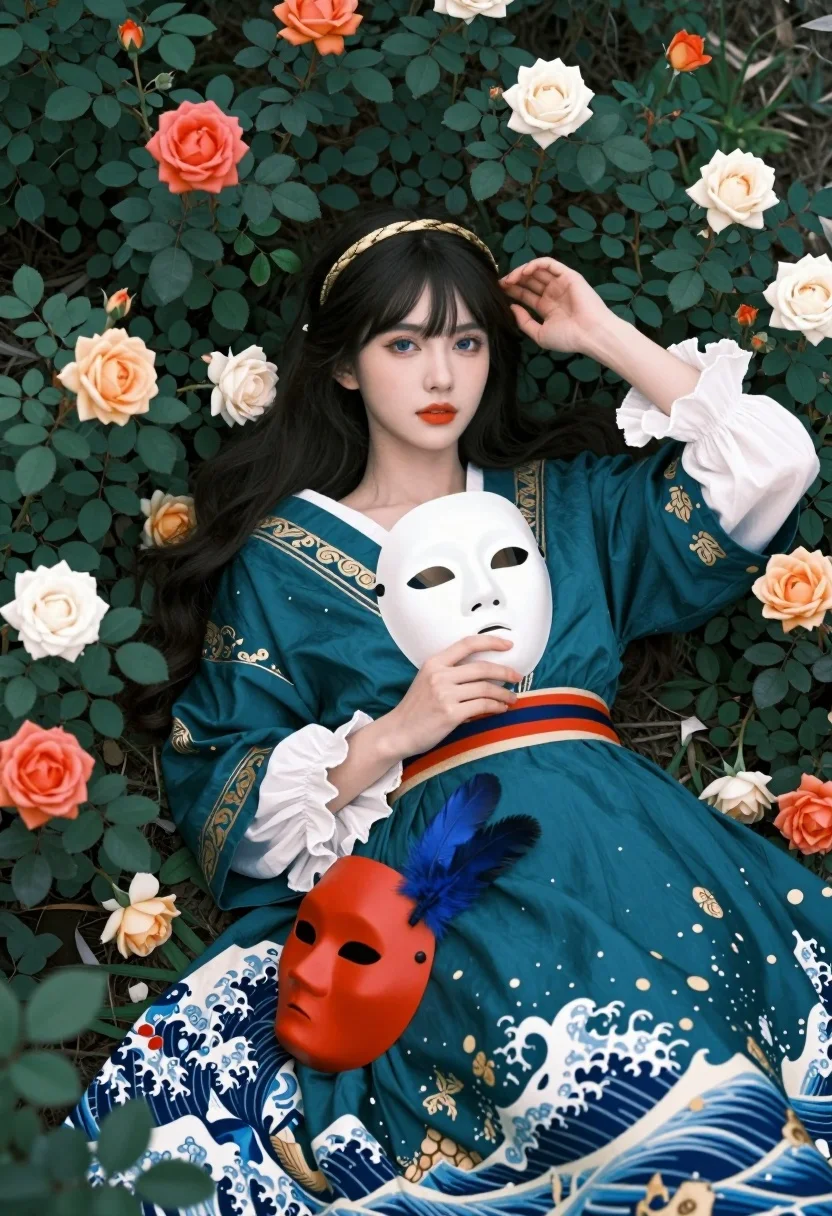
Fairskinned woman in teal gown among foliage holding white theatrical mask
Prompt
A woman with long dark hair and bangs lies amidst a dense bed of green foliage and scattered roses.

Subject: A fair-skinned woman with striking blue eyes, bright orange lipstick, and a solemn expression looking directly at the camera. She wears a golden headband woven into her hair.

Clothing: An elaborate teal gown featuring gold embroidery, white ruffled sleeves, and a skirt patterned with Japanese wave motifs reminiscent of Hokusai's Great Wave off Kanagawa.

Action: She holds a white theatrical mask against her chest with one hand while the other rests near her head; a red Noh mask with blue feathers lies on her dress nearby.

Environment: A lush garden setting filled with dark green leaves and blooming roses in shades of orange, cream, and white surrounding the subject.

Camera: High-angle shot looking down at the subject lying flat, utilizing a shallow depth of field to blur the background foliage slightly while keeping the face sharp.

Lighting: Soft, diffused natural light illuminating the scene evenly without harsh shadows, creating a dreamy and ethereal mood.

Style Details: Photorealistic digital art style with high detail, vibrant color saturation, and a cinematic composition blending classical portraiture with Japanese artistic elements.
Description
This prompt is useful for creating editorial fashion spreads, theatrical character portraits, and concept art for historical dramas. The combination of 'soft, diffused natural light' and the 'high-angle shot looking down at the subject lying flat' establishes a deliberate, almost reverent distance that frames the subject as an object of study, while the inclusion of specific cultural items like the 'teal gown featuring gold embroidery' grounds the ethereal mood in rich, tangible detail.
Suggestions
- Change 'golden headband' to 'jade circlet' for a cooler color palette.
- Swap 'Japanese wave motifs' for 'Byzantine mosaic patterns' to shift the historical influence.
- Adjust 'soft, diffused natural light' to 'rim lighting from above' for more dramatic separation.
Category
Tags
Fair SkinFemaleFull BodyHigh AngleNaturePortrait ShotRealistic
Date added
August 5, 2026
Added by
PromptDexter Team
Related Prompts
More prompts with similar categories and tags.
Blonde woman in black lace corset top against dark green wall
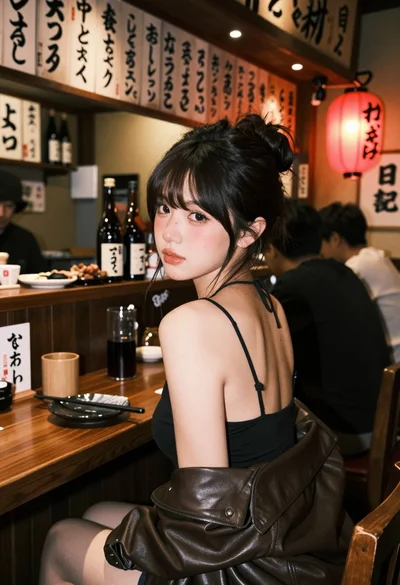
Young woman at wooden counter in dimly lit japanese izakaya bar setting
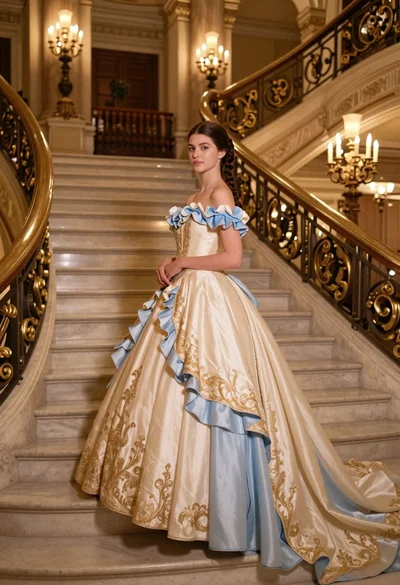
Young woman in elaborate ballgown on grand marble staircase interior
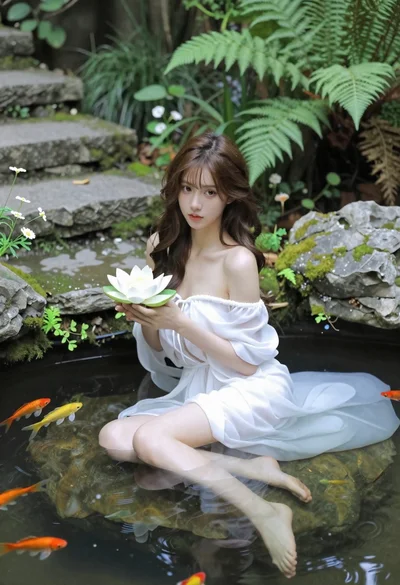
Woman in white dress holding lotus flower in shallow pool with fish
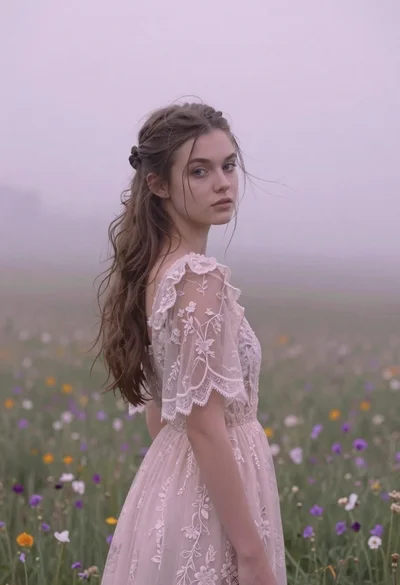
Young woman in pink lace gown standing in misty wildflower field
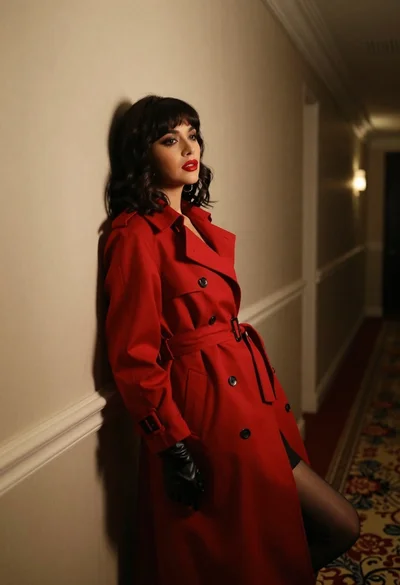
Woman in red trench coat leaning against hallway wall cinematic portrait
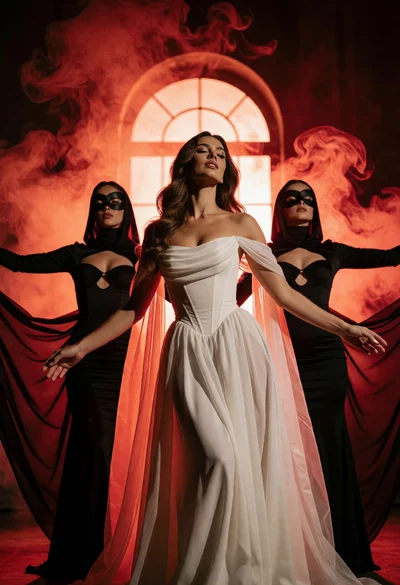
Woman in white gown flanked by masked figures against glowing arched window
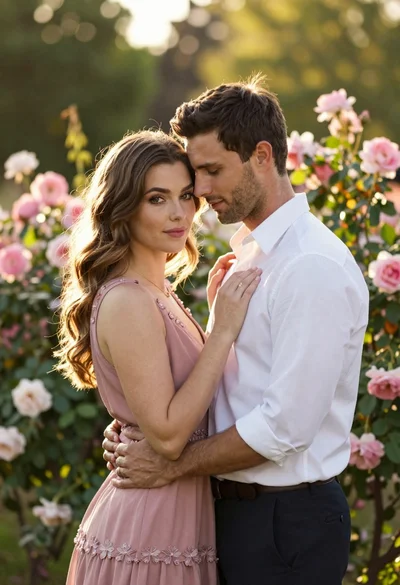
Young couple embracing in a lush rose garden during golden hour

Blonde woman in black gown posing on city street near ritz london
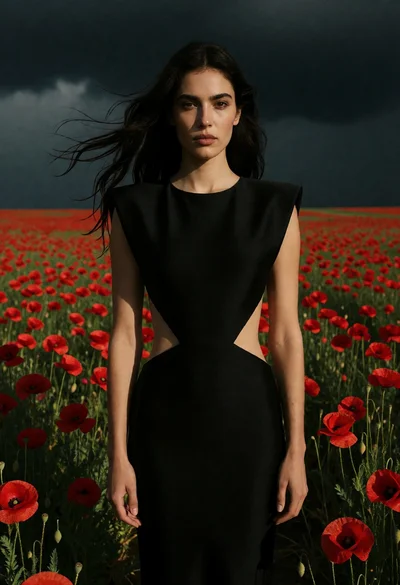
Woman in black dress standing amidst vibrant red poppies under stormy sky