
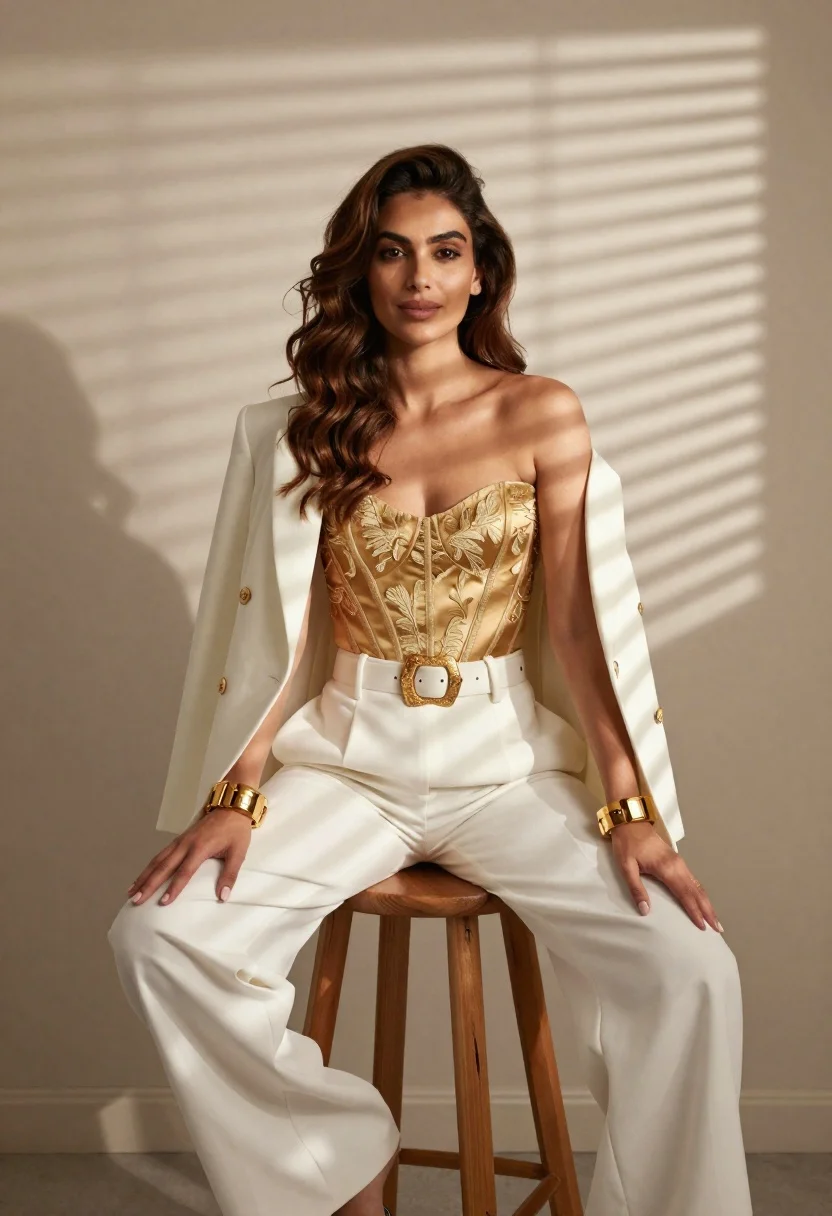
Woman in white pants and gold corset against striped shadows - AI Image Prompt
Generates woman in white pants and gold corset against striped shadows with high-end garment detail, runway-quality lighting, and fashion-forward compositional confidence. Ideal for Grok, Flux, ChatGPT, Gemini, Z-Image and other models that can handle natural language prompts.
Prompt
A full-length shot of a woman sitting on a wooden stool in front of a plain wall with window blinds casting striped shadows across her and the background; she has long wavy brown hair, fair skin, and wears an ornate gold corset top tucked into wide-leg white trousers secured by a large decorative belt buckle

Clothing: open-shoulder oversized blazer draped over arms paired with matching high-waisted white pants and heavy chunky gold bracelets on both wrists

Action: sitting upright facing camera directly with hands resting gently near hips, slight smile and composed expression

Environment: minimalist indoor setting with neutral beige wall backdrop emphasizing natural window light patterns; no furniture or decor visible besides stool

Camera: eye-level medium shot framed from thighs up to shoulders capturing full outfit silhouette against clean background

Lighting: warm directional sunlight streaming through blinds creating high-contrast striped shadows across face, torso and legs while illuminating hair edges softly

Style Details: elegant fashion editorial aesthetic with emphasis on luxurious textures embroidered corset fabric contrasting smooth trousers and dramatic interplay of light and shadow
Tags
Brown HairCasual WearFair SkinFemaleFull BodyMedium ShotStudio
How to use
Generate a new image
- Copy the prompt and paste it into your preferred image model.
- Adjust details like subject, lighting, or style if needed.
- Generate and iterate to refine the result.
- Works best with models that support detailed natural language prompts, such as Gemini, Grok, ChatGPT, Flux, or Z-Image.
Edit your uploaded image
- Upload your image in a model like Gemini, Grok or ChatGPT.
- Paste the edit prompt into the text box and submit.
- Review the result, most edit prompts work out of the box.
- If needed, tweak the prompt and repeat until you get the desired output.
- Note: In our testing, Gemini and Grok tend to give better results for edits.
Related Prompts
More prompts with similar categories and tags.
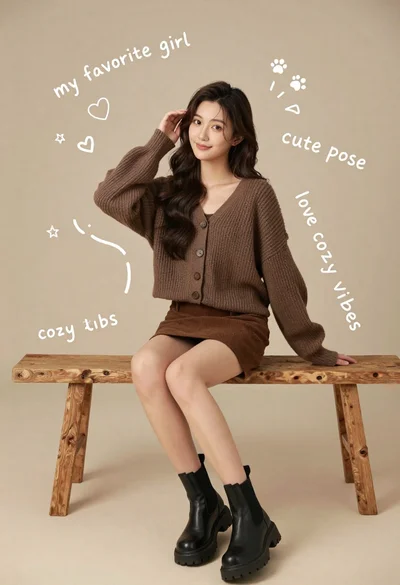
Young woman in brown knit cardigan sitting on bench in studio
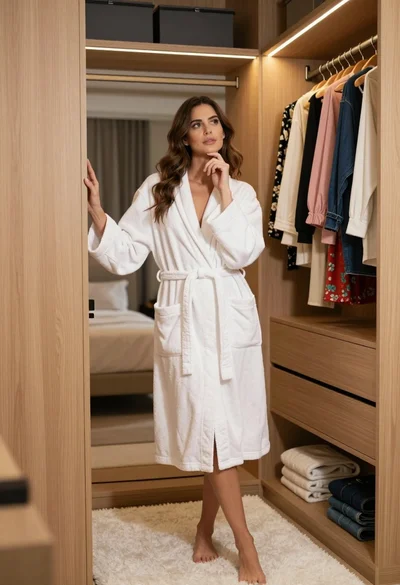
Woman in white bathrobe standing thoughtfully inside spacious walkin closet
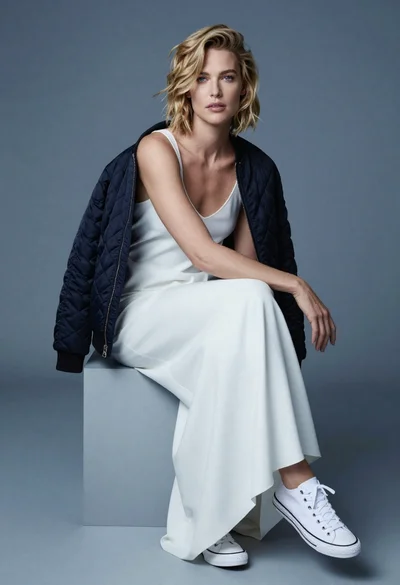
Fair blonde woman in slip dress seated in minimalist studio setting
Blonde woman holding cocktail glass against a stark white studio background

Fair skinned woman in black sequined outfit sitting elegantly indoors

Woman in rust gown posing on white step and repeat backdrop
Smiling blonde woman in boutique wearing navy blouse and black skirt

Blonde woman sitting on chair in bright white studio setting
