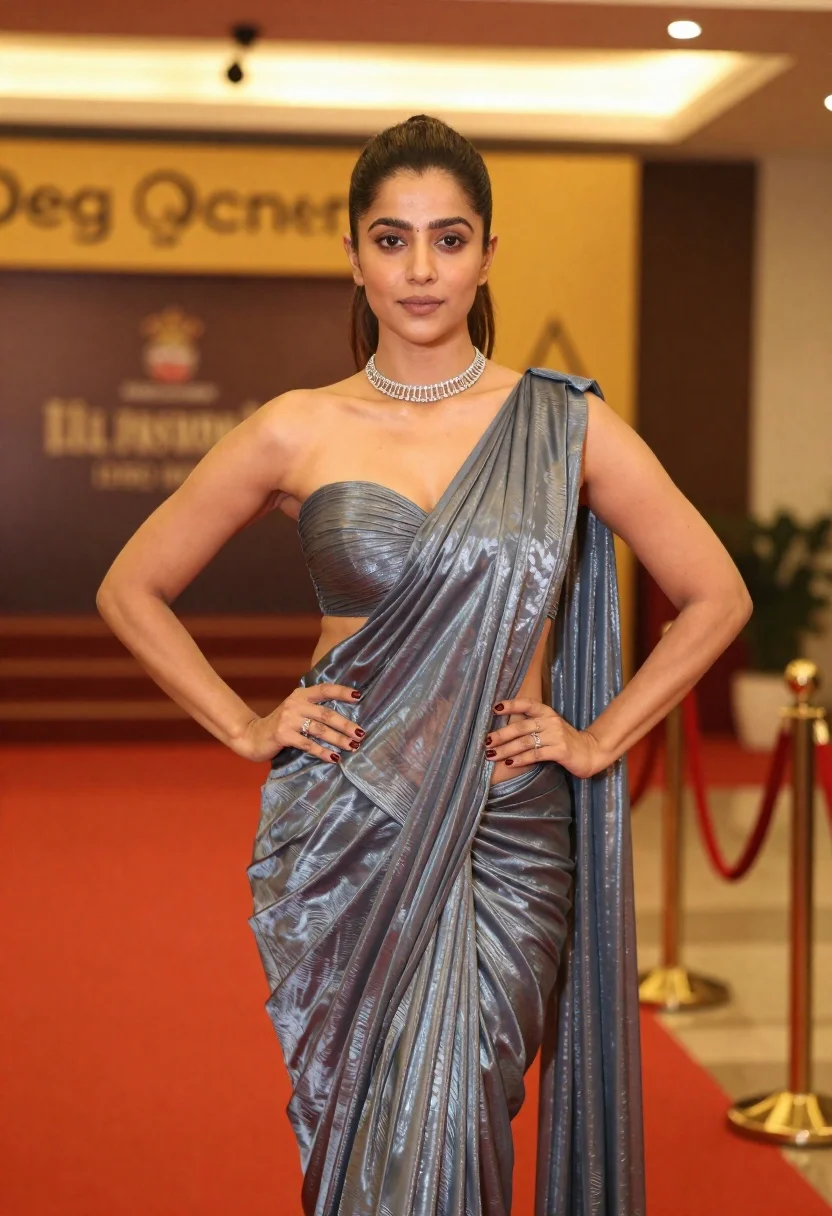
Woman posing confidently on red carpet in metallic blue grey saree
Prompt
A confident woman stands on a red carpet posing with her hands on her hips.

Subject: A woman with dark hair pulled back into a high ponytail, featuring defined cheekbones and a neutral expression.

Clothing: She wears a shimmering metallic blue-grey one-shoulder saree with a strapless bustier top that features a cutout at the midriff, paired with a matching draped skirt.
Accessories: A silver chain-link choker necklace sits at her neck, and she wears multiple rings on both hands along with dark red nail polish.

Action: She stands in a poised pose with both hands placed firmly on her hips, looking directly forward.

Environment: The setting is an indoor venue with a blurred background showing warm yellow signage and stairs, suggesting a formal event or premiere.

Objects: A velvet rope barrier with gold stanchions is visible to the right of the frame.

Lighting: Warm, golden ambient lighting illuminates the scene from above and behind, creating a soft glow on her skin and highlighting the metallic texture of her outfit.

Camera: The image is captured in a medium shot with a shallow depth of field that keeps the subject sharp while blurring the background elements.

Style Details: The photograph has a polished, high-fashion aesthetic with rich color contrast between the cool tones of the saree and the warm golden lighting.
Description
This prompt is useful for creating red carpet event photography, high-end fashion editorials, and celebrity portraiture pieces. The combination of 'warm, golden ambient lighting' against the 'metallic blue-grey one-shoulder saree' ensures that the cool tones of the garment pop dramatically while the shallow depth of field keeps focus tightly on the subject's poised stance.
Suggestions
- Change 'high ponytail' to 'loose waves' for a softer overall look.
- Swap 'silver chain-link choker necklace' for 'diamond tennis bracelet' to add more sparkle.
- Adjust 'warm, golden ambient lighting' to 'spotlight illumination' for harsher contrast.
Category
Tags
BrunetteFemaleFormal WearMedium ShotPortrait ShotRealistic
Date added
June 19, 2026
Added by
PromptDexter Team
Related Prompts
More prompts with similar categories and tags.
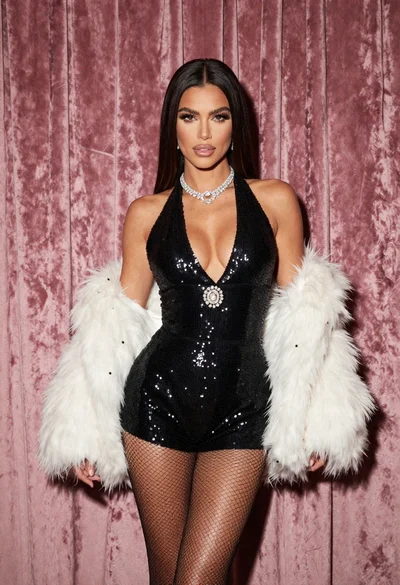
Glamorous woman in black sequined romper standing before dusty rose velvet curtains
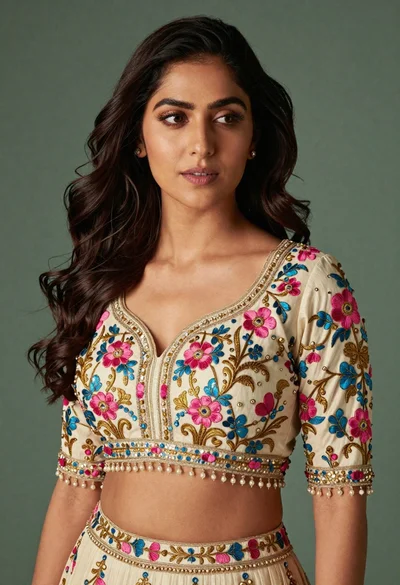
Medium close up portrait of woman in ornate cream lehenga choli
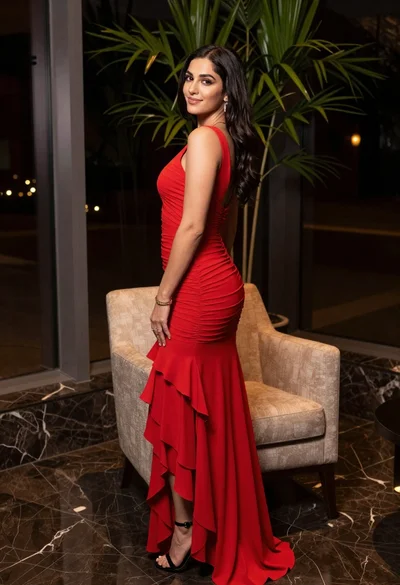
Woman in red evening gown posing indoors by modern armchair

Poised woman in black gown posing indoors with dramatic low key lighting

Portrait of woman in elaborate red feathered gown against vivid blue background
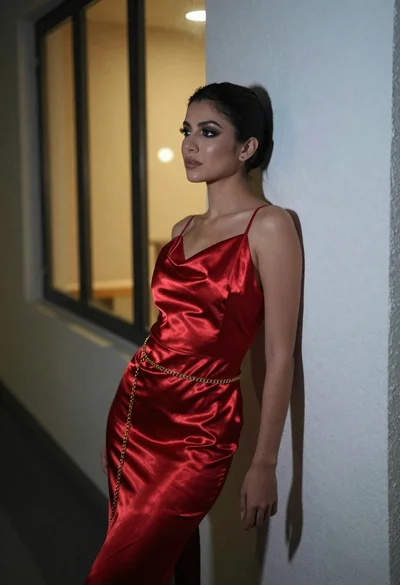
Woman in red satin slip dress leaning against white hallway wall

Woman in red oneshoulder dress posing by wooden railing against teal wall
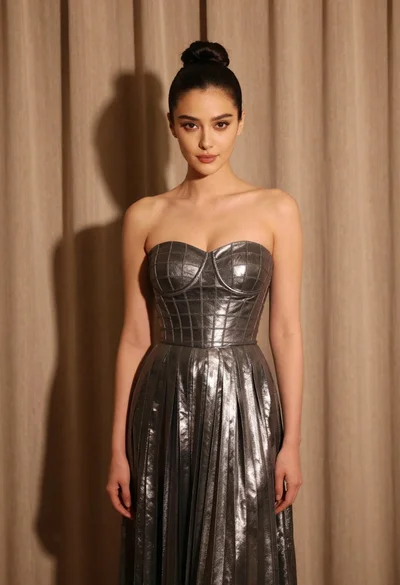
Woman in silver gown against warm draped curtain backdrop medium shot
Woman in black gown on balcony with lush greenery background
Glamorous portrait of young woman in deep red sequined gown studio setting