Woman reclining on velvet sofa in moody dimly lit interior setting
Prompt
A woman with long dark hair and bangs reclines on a plush velvet sofa in a moody interior setting.

Subject: A woman with long, dark, wavy hair featuring straight-cut bangs that frame her face, fair skin, and striking green eyes looking off to the side with a relaxed expression.

Clothing: She wears a crisp white button-down blouse with a row of decorative pearl-like buttons down the front placket, paired with a black necktie or scarf tied loosely around her neck, and dark trousers visible on her lap.

Action: Reclining in a casual pose with one arm draped over the back of the sofa behind her head and the other resting on her thigh, displaying a calm and contemplative demeanor.

Environment: A dimly lit room featuring a textured grey wall in the background and a large, dark, plush velvet sofa that she is lounging on.

Camera: Medium shot capturing the subject from the waist up with a shallow depth of field that blurs the background slightly to emphasize her face and upper body.

Lighting: Soft, cool-toned lighting illuminating her face and white blouse while casting gentle shadows in the darker corners of the room to create an intimate atmosphere.

Style Details: High-fashion editorial aesthetic with a cinematic color palette dominated by cool blues, greys, and stark whites, rendered with high detail and smooth textures.
Description
This prompt is useful for creating moody portrait photography, luxury brand lookbooks, and character studies requiring an intimate atmosphere. The combination of 'soft, cool-toned lighting' against the 'plush velvet sofa' establishes a high-fashion editorial aesthetic by using deep shadows to sculpt the subject's features while keeping the 'crisp white button-down blouse' visible enough to provide necessary contrast.
Suggestions
- Change 'velvet sofa' to 'deep emerald velvet sofa' for a richer color pop.
- Adjust 'cool-toned lighting' to 'chiaroscuro lighting' for more dramatic shadows.
- Swap 'dark trousers' for 'black silk slip skirt' to change the garment texture.
Category
Tags
Black HairCasual WearFair SkinFemaleIndoorsMedium ShotPortrait ShotRealistic
Date added
June 19, 2026
Added by
PromptDexter Team
Related Prompts
More prompts with similar categories and tags.
Young woman looking back over shoulder in black dress indoors
Young woman in pink crop top and denim jeans posing in bedroom
Young woman with long dark hair in blue top and denim shorts
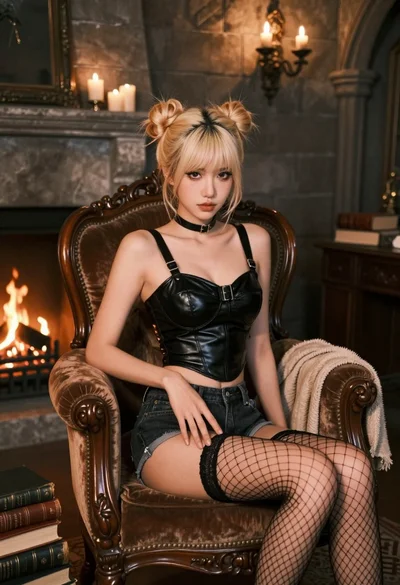
Fairskinned woman with blonde hair on velvet chair in dimly lit stone

Young woman in white lace dress seated against soft floral backdrop

Blonde woman in black gown seated on white stool in bright room
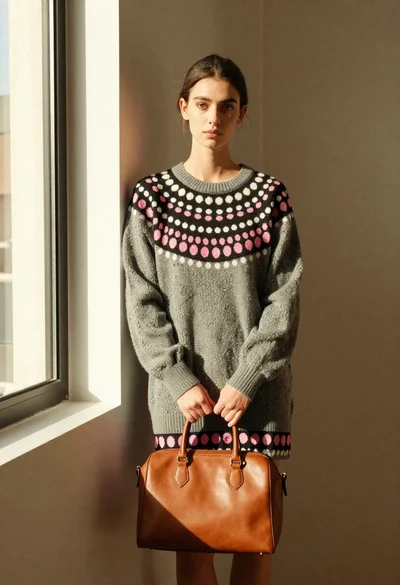
Young woman in grey sweater holding handbag in sunlit indoor corner

Smiling woman in floral kurta dress indoors with sheer dupatta drape

Blonde woman taking a mirror selfie in black dress indoors

Blonde woman in striped swimsuit seated on sofa indoors studio shot