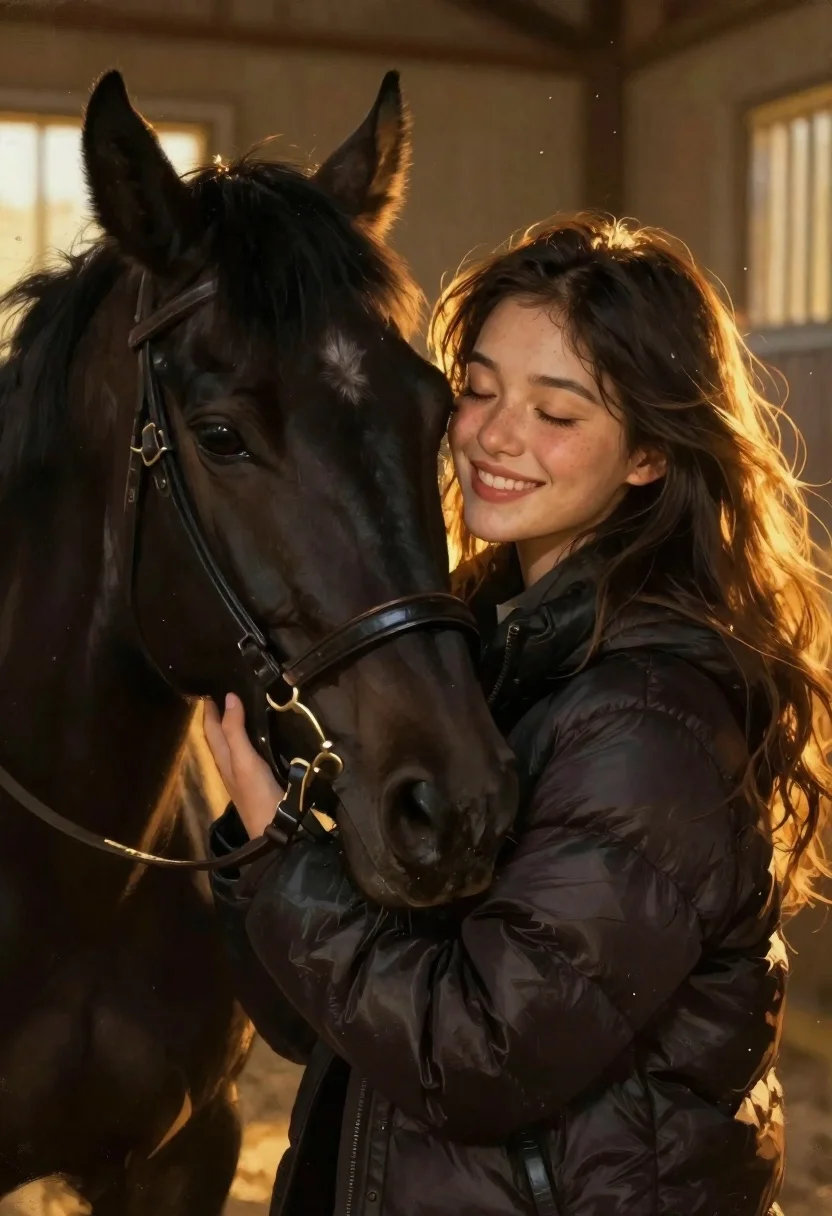
Woman smiling with black horse in golden stable light
Prompt
Digital painting of a close-up portrait capturing an intimate moment between a smiling young woman and her black horse in warm golden light

Subject: Young woman with long dark flowing hair, closed eyes, radiant smile, soft freckles on cheeks, peaceful expression leaning into the horse's face.

Other Subjects: Sleek black horse wearing leather bridle resting affectionately against her cheek.

Clothing: Dark quilted puffer jacket enveloping both figures warmly.

Action: Woman embracing the horse with arms wrapped around its neck in a tender hug; gentle gaze closed as she nuzzles near muzzle and nose.

Objects: Black leather halter snugly fitted over snout, catching warm reflections along straps.

Environment: Dim stable interior bathed in soft golden sunlight filtering through slats or windows behind them.

Lighting: Warm directional backlighting creating glowing rim highlights on hair edges while casting gentle shadows across features for depth; dust particles float gently illuminated by ambient glow.

Camera: Intimate medium close-up framing focusing tightly on faces and upper bodies with shallow depth of field blurring background softly to emphasize emotional connection.

Style Details: Painterly digital art style blending smooth skin tones with textured brushstrokes resembling traditional oil painting aesthetics enhanced by cinematic lighting composition reminiscent of anime-influenced realism genres like those seen in Studio Ghibli films or Makoto Shinkai's works; dreamlike atmosphere achieved through warm color grading and soft focus transitions.
Description
This prompt is useful for creating intimate character portraits, fantasy book covers, and emotional concept art pieces. The combination of 'warm directional backlighting' to create glowing rim highlights and the 'painterly digital art style blending smooth skin tones with textured brushstrokes' ensures that the focus remains tightly on the subjects' connection while giving the piece a rich, storybook quality reminiscent of Ghibli films.
Suggestions
- Change 'black horse' to 'chestnut horse' for a warmer color palette.
- Swap 'dark quilted puffer jacket' for 'velvet shawl' to change the material feel.
- Adjust 'shallow depth of field' to 'bokeh effect' for more pronounced background separation.
Category
Tags
AnimalsBlack HairClose UpDigital ArtFemaleFull BodyIndoorsMedium ShotNature
Date added
June 19, 2026
Added by
PromptDexter Team
Related Prompts
More prompts with similar categories and tags.
Demon with bioluminescent tattoos in smoke vortex
Elf woman sitting in white leather chair studio portrait

Warrior woman riding wolf through snowy mountains
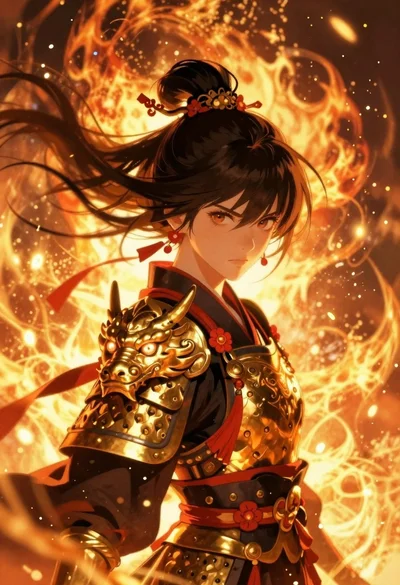
Anime warrior woman in dragon armor amidst swirling flames
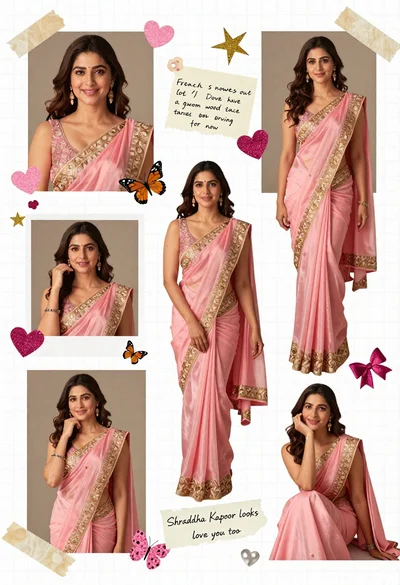
Digital scrapbook collage of a woman in pink saree with decorations
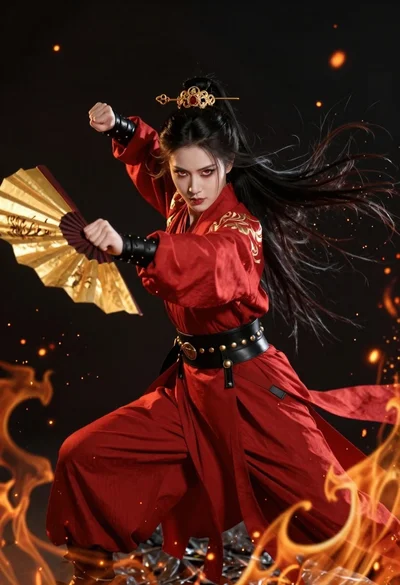
Fierce female warrior in red robe holding golden fan against dark void
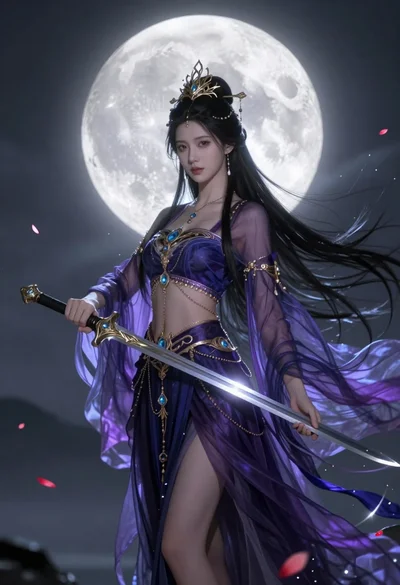
Ethereal warrior in indigo gown holding sword against luminous full moon
Oil painting portrait of cyberpunk woman in industrial city
