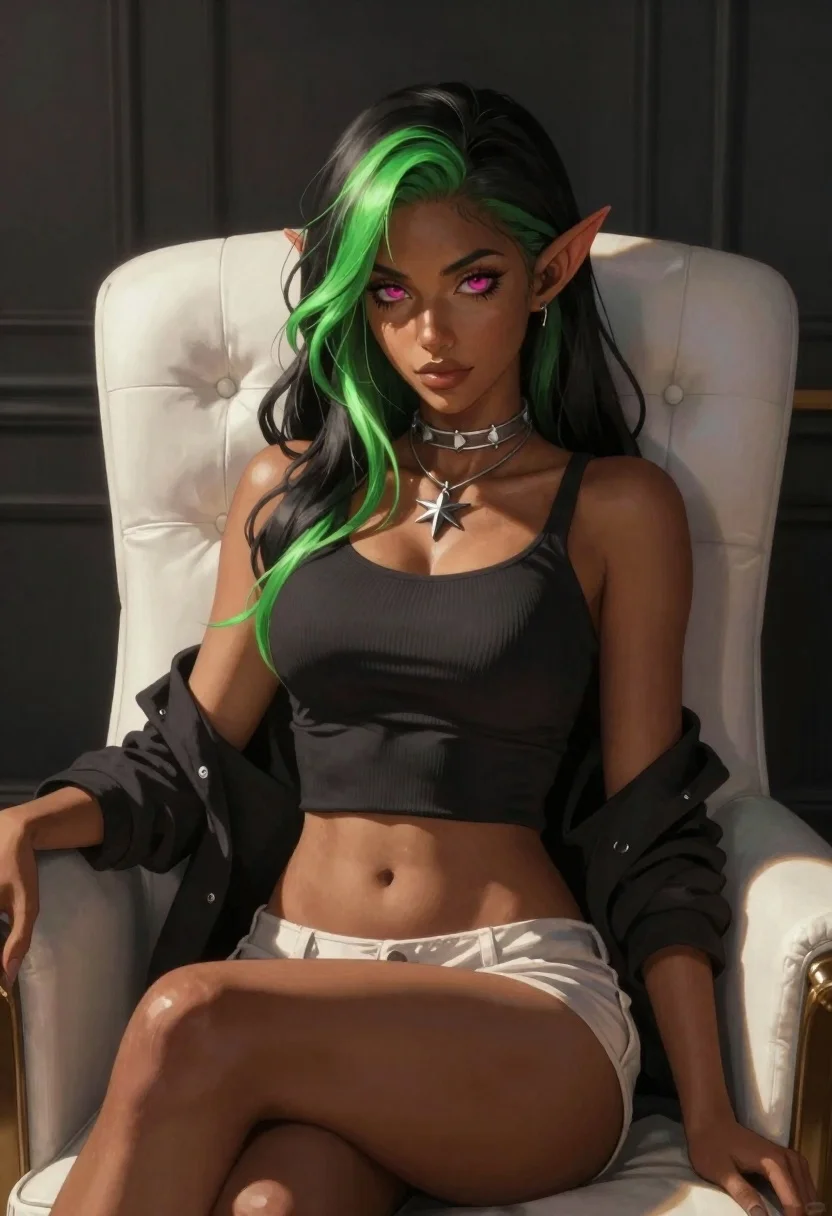
Elf woman sitting in white leather chair studio portrait
Prompt
Digital painting of an elf woman sitting in a white leather chair with long green-streaked hair and pink eyes

Subject: An elf woman with pointed ears, dark skin, glowing magenta irises, and wavy black hair streaked with neon green highlights. She wears a silver choker and a star-shaped pendant necklace.

Clothing: A tight-fitting ribbed dark top exposing her midriff, paired with light-colored shorts or underwear; sleeves are pushed up to the elbows revealing toned arms.

Action: Sitting upright in a relaxed pose, looking directly at the viewer with subtle confidence. Her right hand is partially visible near her thigh while she leans back slightly against the chair's armrests.

Environment: She sits inside what appears to be a dimly lit room or studio space with dark walls and vertical paneling behind her; sunlight streams in from one side creating dramatic contrast on her skin and hair.

Lighting: Strong directional light coming from left creates sharp highlights along her collarbone, shoulder, and leg edges while casting deep shadows across the background for high-contrast moodiness.

Camera: Medium close-up shot focusing tightly on upper body with shallow depth of field blurring distant elements subtly; framed to emphasize facial expression and physical form without distraction.
Description
This prompt is useful for creating character concept art, dark fantasy book covers, and stylized digital portraiture. The combination of 'strong directional light' casting deep shadows against the 'dark walls' ensures that the glowing magenta irises and neon green highlights pop dramatically, preventing the subject from looking flat against a muted background.
Suggestions
- Change 'neon green highlights' to 'iridescent blue streaks' for an alternative magical feel.
- Swap 'white leather chair' for 'black velvet chaise lounge' to deepen the contrast.
- Adjust 'Medium close-up shot' to 'full body portrait' to better showcase the outfit.
Category
Tags
Black HairDark SkinDigital ArtFemaleFull BodyMedium ShotPortrait ShotStudio
Date added
June 19, 2026
Added by
PromptDexter Team
Related Prompts
More prompts with similar categories and tags.
Child holding glowing balloon in dimly lit alleyway
Young woman with blue hair sitting on concrete block
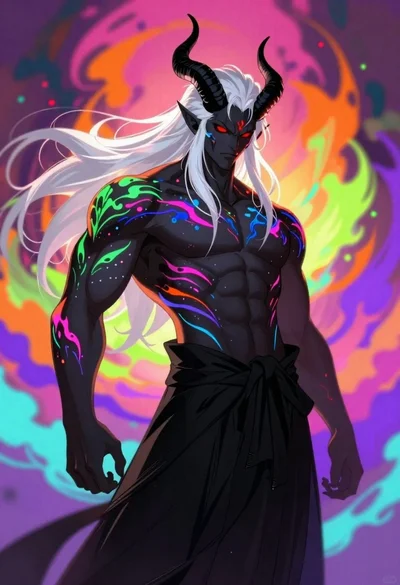
Demon with bioluminescent tattoos in smoke vortex
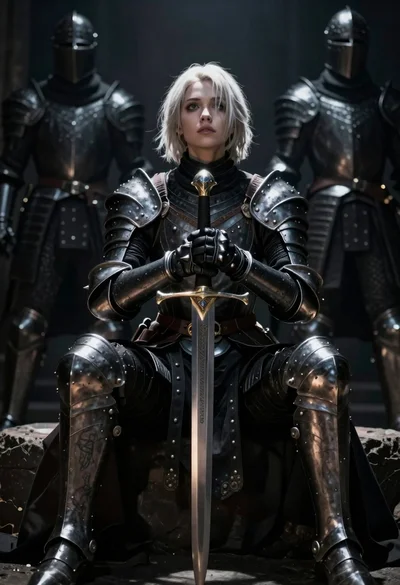
Warrior woman in dark armor seated with ornate sword
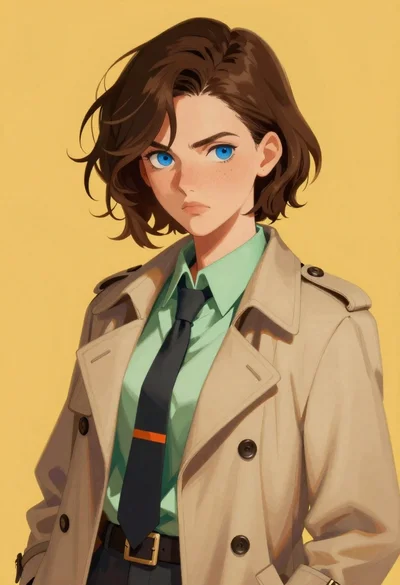
Digital portrait of young woman in beige trench coat
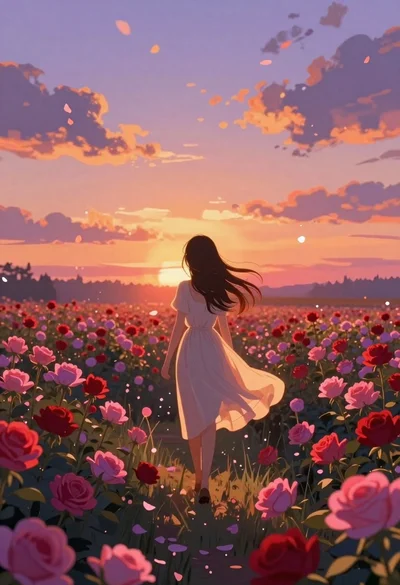
Anime girl in vast rose garden at sunset
Serene woman profile with blue roses on black background

Futuristic android woman in metallic corridor