
Woman taking mirror selfie in elevator wearing sparkly magenta cutout dress
Prompt
A woman takes a mirror selfie in an elevator wearing a sparkly magenta cutout dress with crisscross straps and midriff details.

Subject: A woman with dark hair pulled back tightly into a sleek bun, fair skin, and a neutral expression, holding a smartphone up to capture her reflection.

Clothing: A shimmering magenta two-piece or one-piece dress featuring intricate cutouts across the torso, crisscross spaghetti straps, and a fitted silhouette that reveals the midriff.

Action: She holds a smartphone in her right hand to take a mirror selfie, with her left arm hanging naturally by her side.

Environment: A dimly lit interior space with dark metallic elevator walls featuring vertical seams and faint reflections of overhead lights.

Camera: Vertical composition shot from a close distance within the mirror reflection, capturing the subject from the mid-thigh up.

Lighting: Low-key ambient lighting with soft highlights reflecting off the sparkly fabric of the dress and subtle glares on the phone case.

Objects: A smartphone with a colorful geometric patterned case held in front of her face.

Style Details: Candid mirror selfie aesthetic with high contrast between the bright magenta outfit and the dark background, emphasizing texture and sparkle.
Description
This prompt is useful for creating social media fashion posts, personal style blogs, and editorial shots mimicking candid moments. The combination of 'low-key ambient lighting' against the 'dark metallic elevator walls' ensures that the 'shimmering magenta' fabric remains the focal point by maximizing contrast, preventing the sparkle from being washed out by flat illumination.
Suggestions
- Change 'sparkly magenta cutout dress' to 'liquid silver mesh gown' for a different material focus.
- Adjust 'dimly lit interior space' to 'art deco lobby elevator' for a more specific architectural feel.
- Swap 'smartphone with a colorful geometric patterned case' for 'vintage film camera' to alter the object held.
Category
Tags
BrunetteCasual WearClose UpFair SkinFemalePortrait ShotRealistic
Date added
June 19, 2026
Added by
PromptDexter Team
Related Prompts
More prompts with similar categories and tags.

Glamorous woman taking mirror selfie in sheer sequined top

Young woman with red hair taking a selfie inside car parked near

Blonde woman taking a mirror selfie in black dress indoors
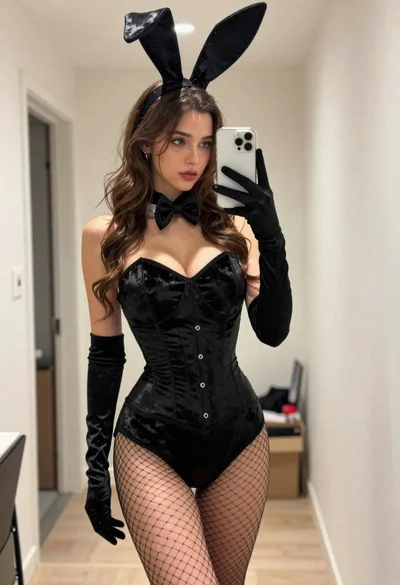
Young woman in black bunny costume taking a mirror selfie indoors

Woman taking a mirror selfie in an opulent room with gold lace

Woman taking a mirror selfie in leopard print bodysuit indoors
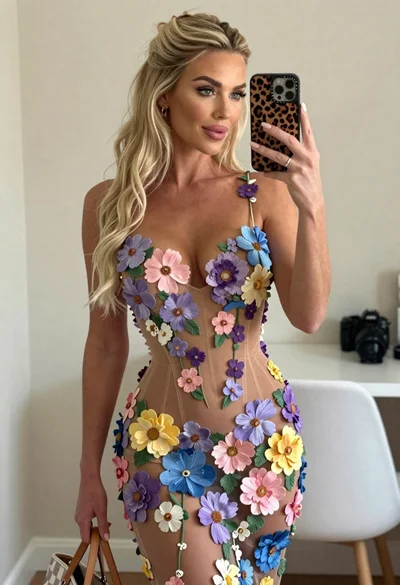
Blonde woman mirror selfie wearing elaborate floral bodysuit indoors
Young woman taking a mirror selfie against a dark textured wall

Close up selfie of woman in straw hat inside vehicle interior
Woman taking mirror selfie wearing black sequined strapless gown indoors