Blonde woman mirror selfie wearing elaborate floral bodysuit indoors
Prompt
A blonde woman takes a mirror selfie wearing an elaborate floral dress.

Subject: A fair-skinned woman with long wavy blonde hair styled in a half-updo and a confident expression looking at the phone screen.

Clothing: She wears a sheer, form-fitting bodysuit or dress covered in intricate 3D floral appliqués in shades of purple, pink, yellow, and blue, featuring cutouts along the sides and a deep V-neckline.

Action: She holds a smartphone with a leopard print case up to take a mirror selfie while holding a large checkered tote bag in her other hand.

Environment: The setting is an indoor room with plain beige walls, a white chair, and a black camera lens visible on a surface in the background.

Camera: A close-up vertical shot taken through a reflective surface, capturing the subject from the waist up with a shallow depth of field.

Lighting: Bright, soft natural light illuminates the scene evenly, highlighting the texture of the dress and the woman's skin without harsh shadows.

Objects: A large grey and white checkered tote bag hangs from her arm, and a black DSLR camera lens sits on a counter in the background.

Style Details: High-resolution photography with realistic textures, vibrant colors, and a polished aesthetic typical of social media fashion posts.
Description
This prompt is useful for creating Instagram outfit posts, virtual try-on lookbooks, and personal style blogs featuring detailed garments. The combination of 'sheer, form-fitting bodysuit' with 'intricate 3D floral appliqués' ensures the garment remains the focal point, while the 'shallow depth of field' blurs the background elements like the beige walls to keep attention on the subject's confident expression.
Suggestions
- Change 'leopard print case' to 'clear acrylic case' for a more minimalist feel.
- Swap 'purple, pink, yellow, and blue' for 'jewel tones' to unify the color palette.
- Adjust 'close-up vertical shot' to 'full body shot' to better showcase the tote bag.
Category
Tags
BlondeCasual WearClose UpFair SkinFemaleMedium ShotRealisticSelfie
Date added
June 19, 2026
Added by
PromptDexter Team
Related Prompts
More prompts with similar categories and tags.

Glamorous woman taking mirror selfie in sheer sequined top
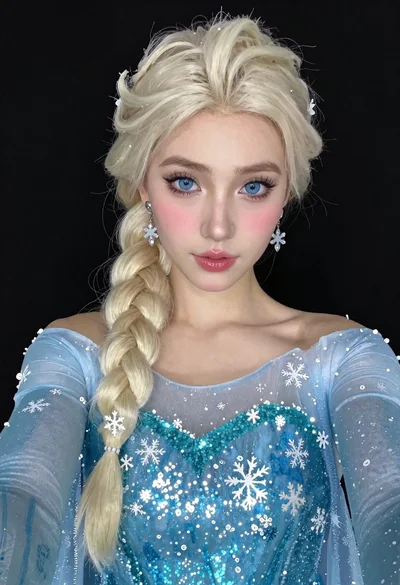
Woman in blue ballgown with platinum hair taking a selfie
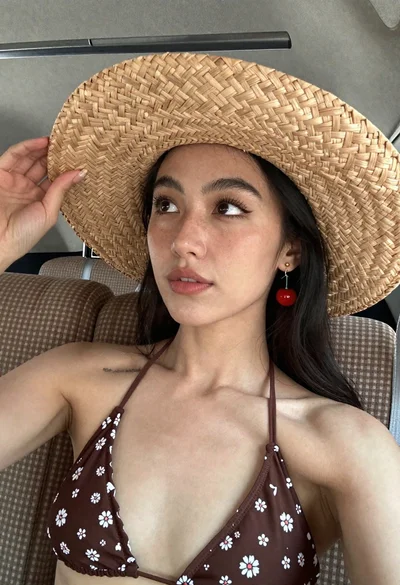
Close up selfie of woman in straw hat inside vehicle interior
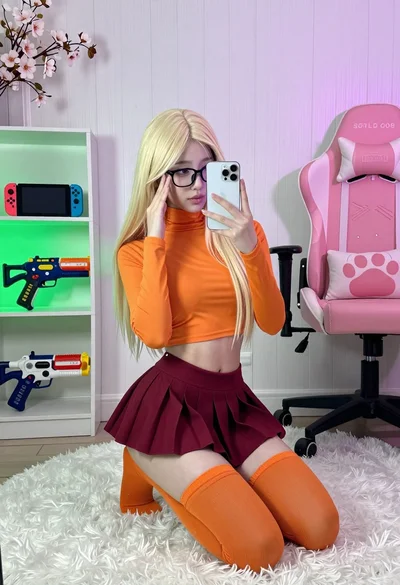
Young woman in orange crop top squatting for mirror selfie indoors
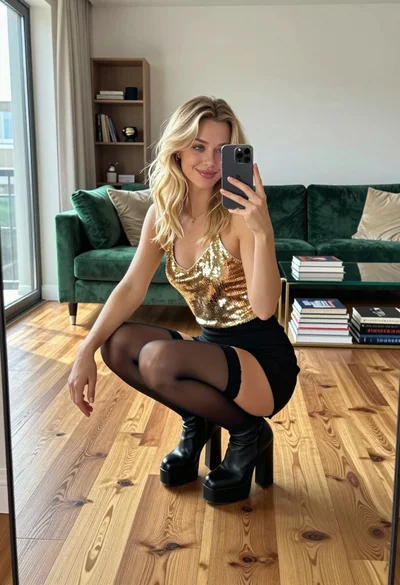
Young woman in gold top and black skirt taking mirror selfie indoors
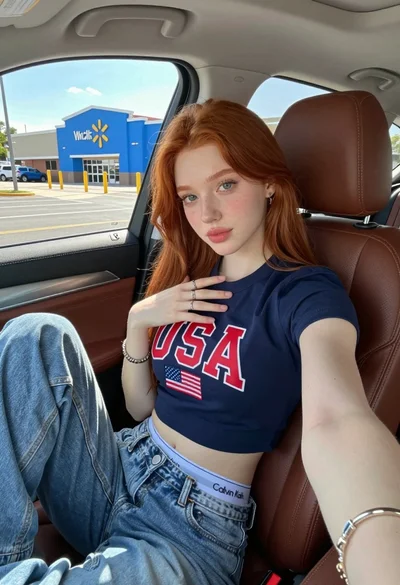
Young woman with red hair taking a selfie inside car parked near
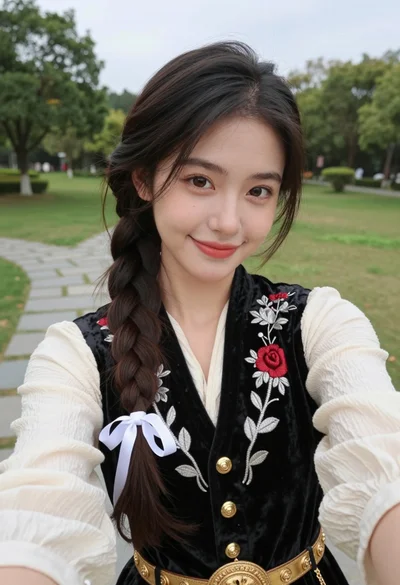
Young woman in embroidered vest taking a selfie in a grassy park

Blonde woman taking a mirror selfie in black dress indoors
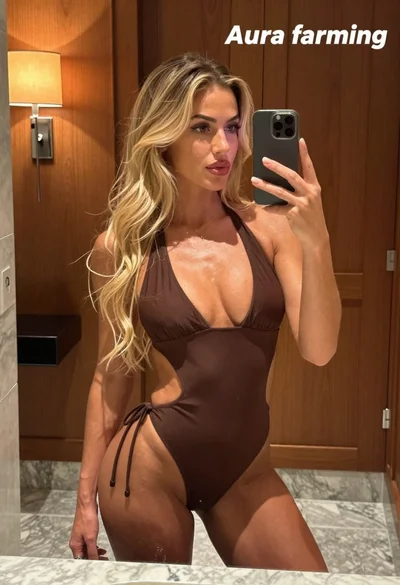
Blonde woman taking mirror selfie in luxurious bathroom setting
Blonde woman taking a mirror selfie in red lingerie set