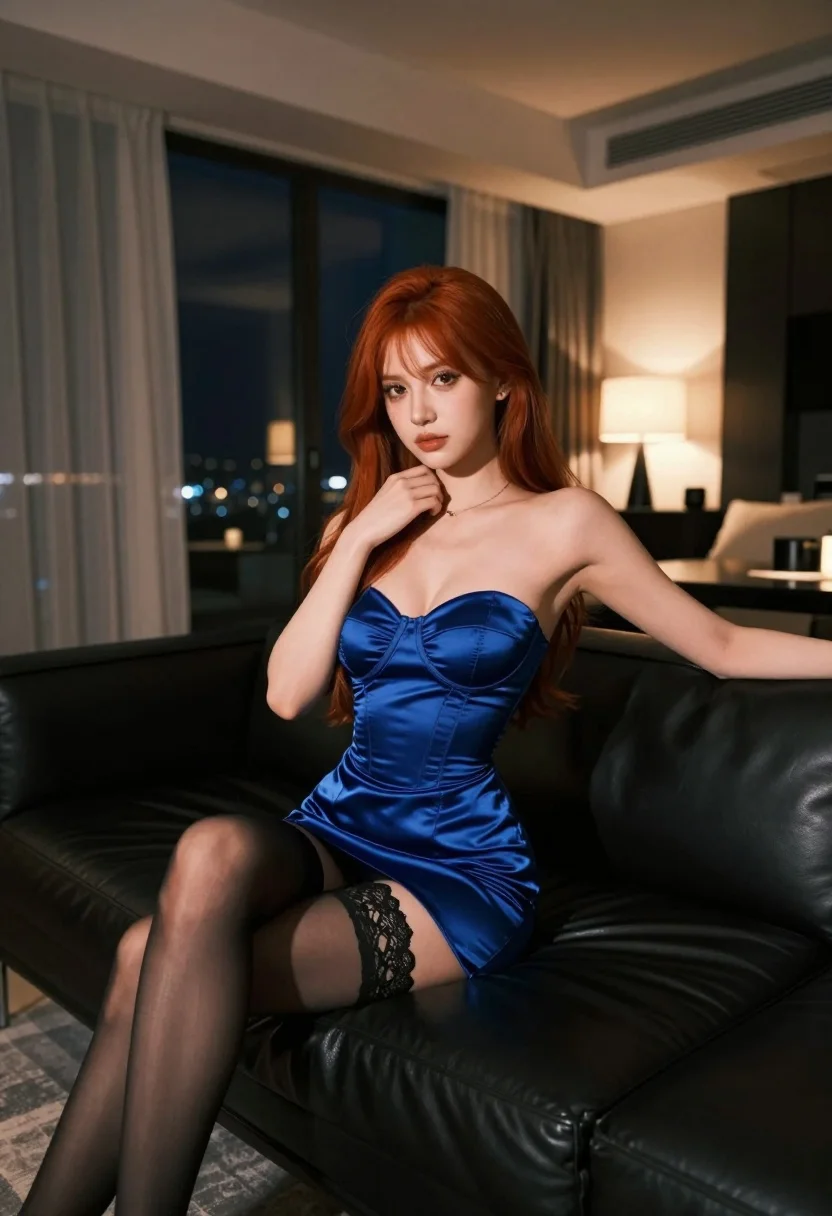
Woman with red hair in blue satin dress sitting on black sofa
Prompt
A woman with long red hair sits on a black leather sofa in a modern living room at night.

Subject: A woman with long, straight red hair and fair skin sitting on the edge of a large black leather sofa.

Clothing: She wears a form-fitting, royal blue satin strapless dress with corset-style boning details and black lace trim at the hem, paired with sheer black stockings.

Action: Her left hand rests gently on her neck while her right arm extends along the back of the sofa; she looks directly at the camera with a soft expression.

Environment: The setting is a modern apartment interior featuring floor-to-ceiling windows with sheer curtains, a dark coffee table, and warm ambient lighting from lamps in the background.

Camera: Shot from a low angle looking up at the subject to emphasize her posture, utilizing a shallow depth of field that blurs the city lights visible through the window behind her.

Lighting: The scene is lit by soft, warm artificial light sources creating a cozy atmosphere with gentle highlights on her skin and hair against the darker background.

Style Details: High-resolution photography with a cinematic color palette featuring deep blues and warm ambers, rendered with smooth textures and realistic lighting effects.
Description
This prompt is useful for creating dramatic editorial portraits, luxury brand advertisements, and moody character concept art. The combination of 'low angle looking up' and the 'black leather sofa' grounds the subject while the 'cinematic color palette featuring deep blues and warm ambers' ensures the rich blue satin contrasts dramatically against the dark setting, preventing the image from feeling flat.
Suggestions
- Change 'royal blue satin' to 'emerald velvet' for a different texture.
- Swap 'soft expression' for 'smoldering gaze' to increase drama.
- Add 'rim lighting on hair' to enhance separation from the background.
Category
Tags
Fair SkinFemaleIndoorsLow AnglePortrait ShotRealisticRed Hair
Date added
July 3, 2026
Added by
PromptDexter Team
Related Prompts
More prompts with similar categories and tags.
Blonde woman reclining on blue sofa indoors by large window

Young blonde woman in lace bodysuit leaning against wooden cabinet indoors
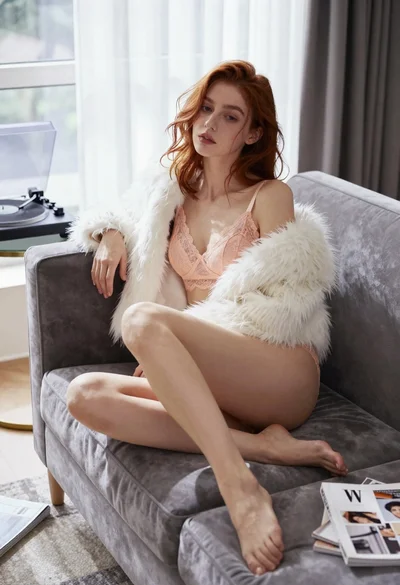
Young woman in lace lingerie seated on grey velvet sofa indoors

Poised woman in black gown posing indoors with dramatic low key lighting
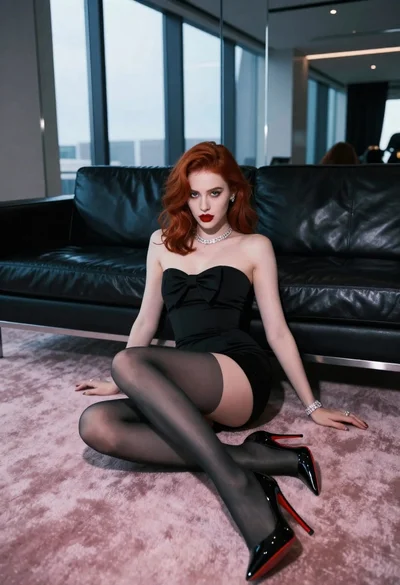
Glamorous woman with red hair sitting on pink carpet near black sofa
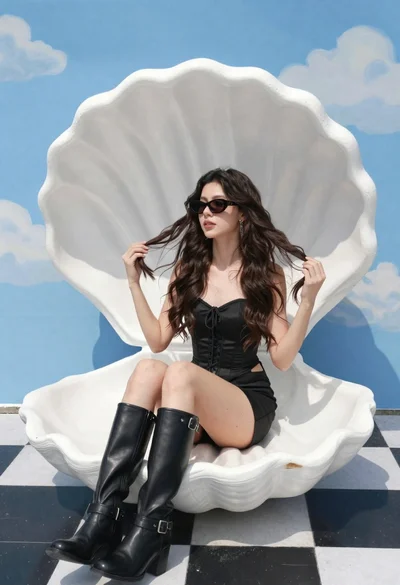
Young woman in black corset dress on white shell chair against blue
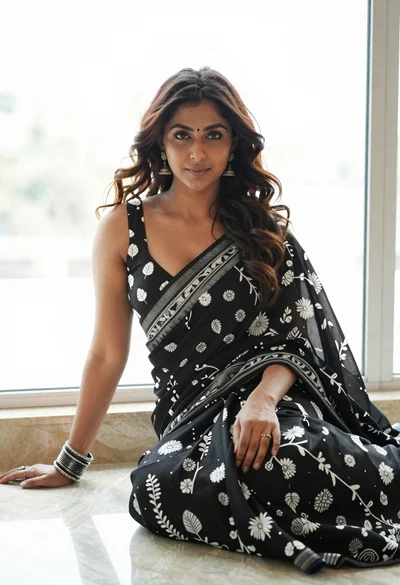
Woman in black saree sitting indoors near bright window light
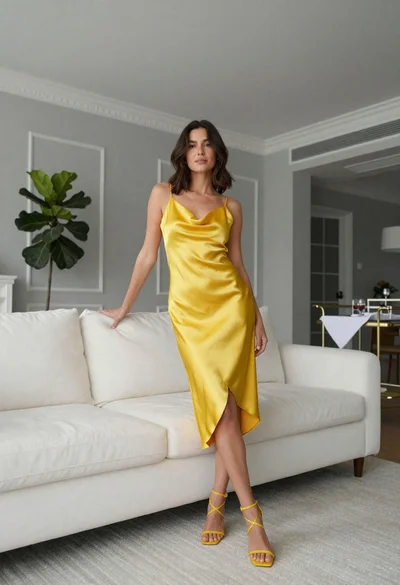
Woman in bright yellow slip dress posing near white sofa interior
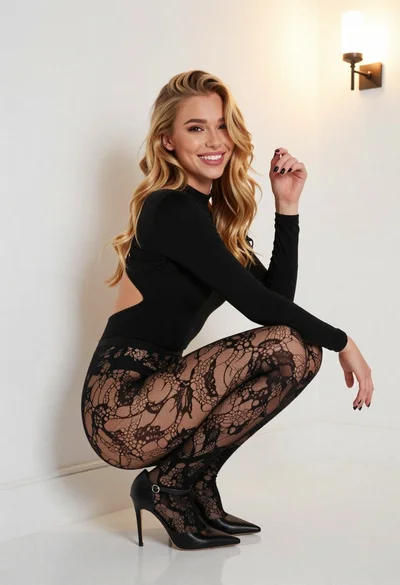
Young blonde woman crouching in black bodysuit against white wall
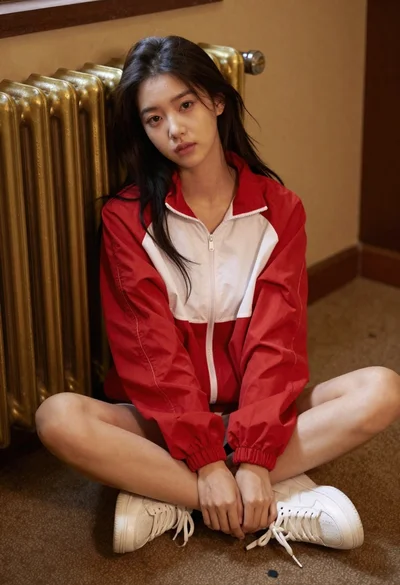
Young woman in red jacket seated indoors near golden radiator