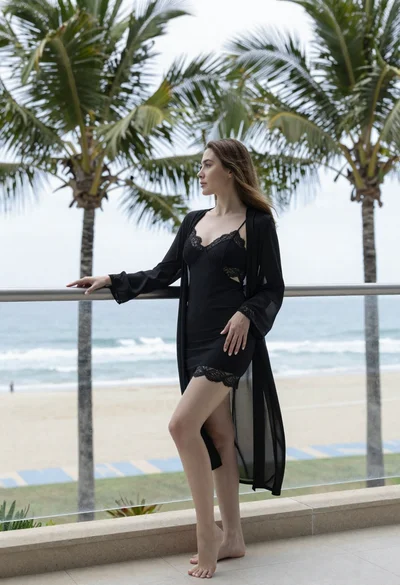

Woman with red hair in dark bikini on balcony overlooking blue ocean
Prompt
A woman with red hair stands on a balcony overlooking the ocean in a dark bikini.

Subject: A woman with shoulder-length red hair and fair skin standing with her back mostly to the camera while looking over her shoulder at the viewer. She has a visible tattoo on her upper left arm and another small tattoo near her hip.

Clothing: She is wearing a dark, possibly black or deep brown, string bikini that ties around the neck and hips. The fabric appears thin and minimalistic.

Action: She stands leaning slightly against a metal railing with one hand resting on it, posing to show off her figure. Her head is turned back over her shoulder with a soft expression.

Environment: A high vantage point balcony or terrace with a modern metal railing featuring horizontal cables. The background features a vast blue ocean meeting a coastline covered in green vegetation and rocky outcrops under a bright sky.

Camera: Shot from a low angle looking up at the subject, emphasizing her silhouette against the horizon. The framing is vertical, capturing the full length of the figure from head to thighs.

Lighting: Bright natural sunlight illuminating the scene from above, creating soft shadows and highlighting the curves of the body and the texture of the skin.

Style Details: High-resolution photography with a focus on realistic textures and vibrant colors, capturing a clear day at the seaside.
Description
This prompt is useful for creating travel magazine features, swimwear catalog editorials, and personal lifestyle blogs showcasing vacation moments. The combination of 'low angle looking up' and 'bright natural sunlight illuminating the scene from above' sculpts the figure against the vast blue ocean background, ensuring the subject's silhouette remains dominant while the visible tattoos catch highlights that prevent the skin from appearing flat.
Suggestions
- Change 'dark bikini' to 'emerald green string bikini' for a color pop.
- Add 'golden hour glow' to the lighting description for warmer tones.
- Modify 'metal railing featuring horizontal cables' to 'rough stone balustrade' for a different architectural feel.
Category
Tags
Back ViewFair SkinFemaleFull BodyLow AngleOutdoorsRealisticRed Hair
Date added
June 19, 2026
Added by
PromptDexter Team
Related Prompts
More prompts with similar categories and tags.
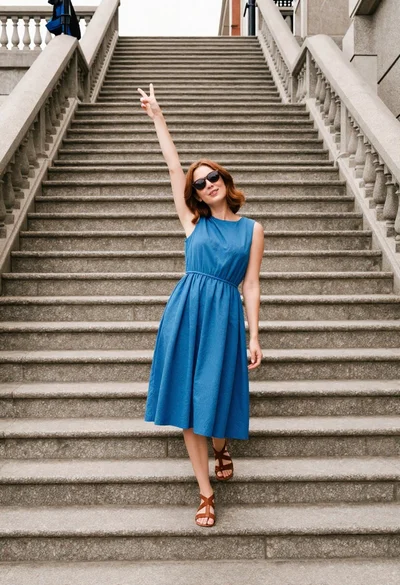
Woman in blue dress posing playfully on wide outdoor stone staircase

Young woman in yellow hoodie posing near hollywood sign hillside
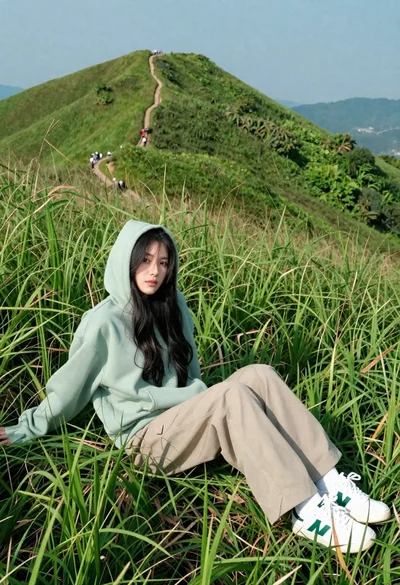
Young woman in green hoodie reclining in tall grass on mountain ridge
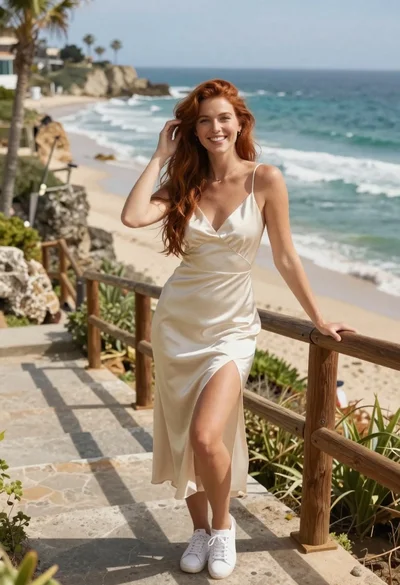
Smiling woman in cream dress on stone stairs by the ocean
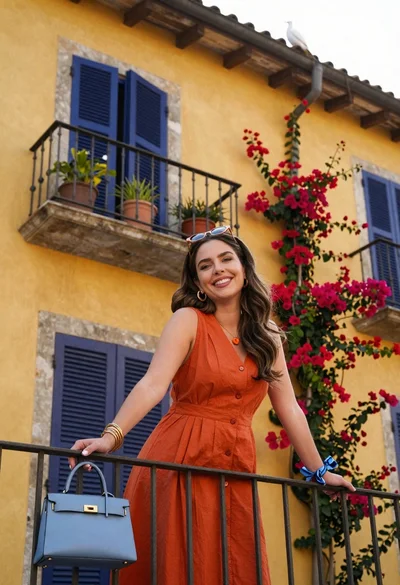
Smiling woman in orange dress on balcony with bougainvillea flowers
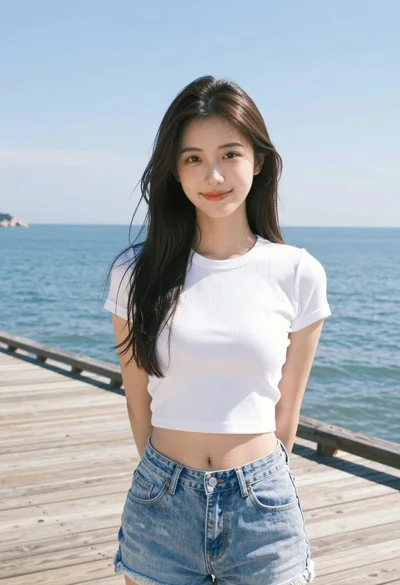
Young woman in white crop top on wooden pier overlooking calm blue
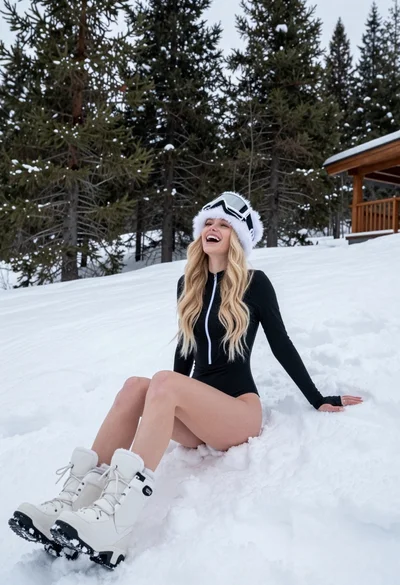
Blonde woman laughing sitting in deep snow near pine trees
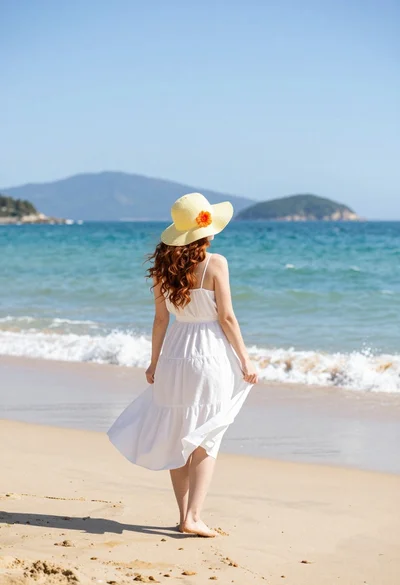
Woman in white dress on sunny beach looking at turquoise ocean waves
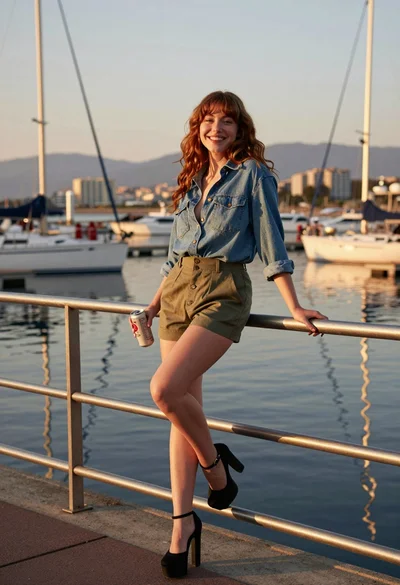
Young woman leaning on railing at marina during golden hour sunset
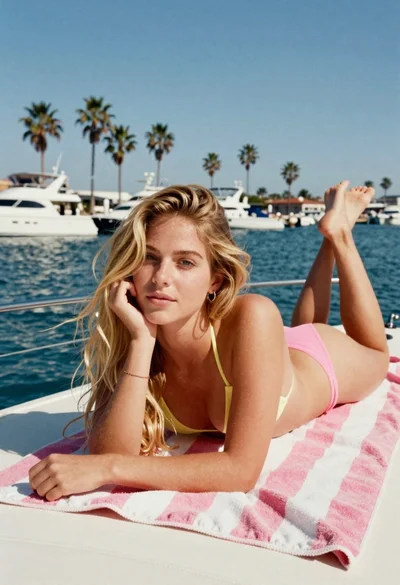
Blonde woman on towel aboard boat near sunny marina setting