
Woman with wet dark hair sitting cross legged in a white studio
Prompt
A woman with wet hair sits cross-legged on a white floor in a studio setting.

Subject: A woman with long, dark, wet hair that clings to her face and shoulders, featuring a tanned complexion and defined abdominal muscles.

Clothing: She wears a simple black bikini consisting of a triangle top and matching bottoms.

Action: She is seated with one leg bent and the other extended slightly, holding her right ankle with both hands while her left hand gently touches the strap of her bikini top; she looks directly at the camera with a neutral expression.

Environment: A plain white studio background with a seamless floor that creates a clean, minimalist aesthetic.

Lighting: Bright, high-key studio lighting that creates strong highlights on her wet skin and hair, casting soft shadows beneath her body to define her form against the white backdrop.

Camera: Medium shot framed from a slightly low angle looking up at the subject, utilizing a shallow depth of field to keep the focus sharp on her while softly blurring the immediate foreground and background.

Style Details: High-resolution photography with a glossy finish emphasizing the texture of wet skin and hair, characterized by high contrast between the dark subject and the bright white environment.
Description
This prompt is useful for creating editorial swimwear campaigns, fine art portraiture focusing on texture, and minimalist beauty editorials. The combination of 'bright, high-key studio lighting' with a 'glossy finish emphasizing the texture of wet skin and hair' ensures that the dark subject pops dramatically against the white backdrop, while the 'shallow depth of field' directs all viewer attention to her defined form.
Suggestions
- Change 'black bikini' to 'metallic silver bikini' for an added reflective element.
- Adjust 'neutral expression' to 'direct gaze with slight melancholy' for more narrative impact.
- Swap 'medium shot' to 'full body shot' to better showcase the cross-legged pose.
Category
Tags
BrunetteDark SkinFemaleLow AngleMedium ShotRealisticStudio
Date added
June 19, 2026
Added by
PromptDexter Team
Related Prompts
More prompts with similar categories and tags.
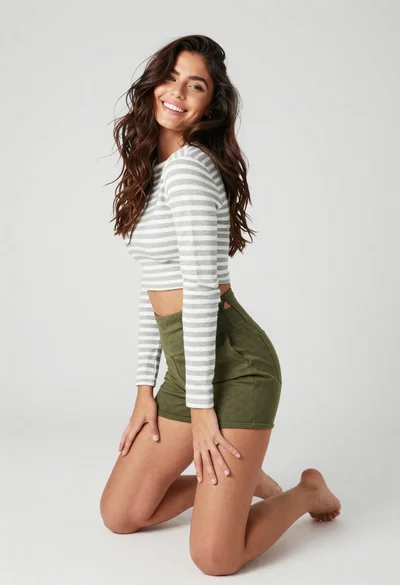
Smiling woman kneeling in striped crop top against white studio background
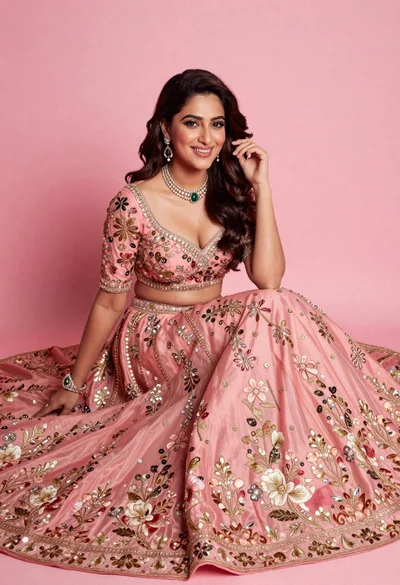
Smiling woman in elaborate pink lehenga choli against solid studio backdrop
Confident woman with dark hair posing in black mini dress against white
Confident woman in red velvet dress with diamond emerald jewelry indoors
Fashion portrait of woman in black leather dress studio setting
Poised woman in ornate purple lehenga choli against beige studio background
Confident woman in pinstriped suit jacket against solid teal background
Dark skinned woman in white top and blue jeans against grey background
Young woman in denim jacket crouching on plain white studio background
Wonder woman in armor sitting provocatively in a rustic stone room