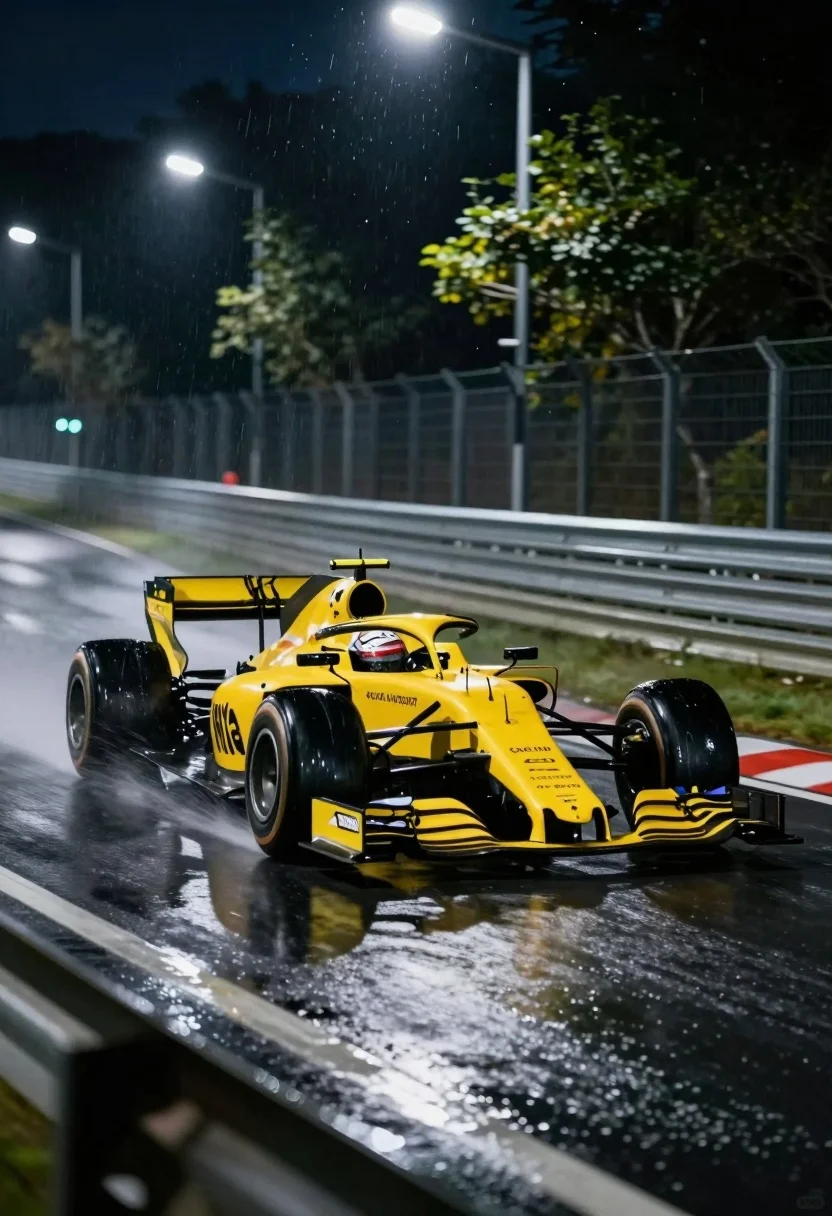
Yellow formula one race car speeding through wet night track corner
Prompt
A yellow Formula One race car speeding through a wet night turn on a track lined with trees and guardrails.

Subject: A bright yellow Formula One single-seater race car with the number 2 visible on its nose, featuring complex aerodynamic components like front and rear wings and exposed suspension.

Action: The car is captured in motion, leaning into a curve on a wet asphalt surface, kicking up spray from the tires as it navigates the track.

Environment: A dark, tree-lined racetrack at night with metal guardrails running along the side of the road and tall streetlights illuminating the scene.

Camera: Low angle shot emphasizing speed and power, with motion blur on the background and wheels to convey high velocity.

Lighting: Artificial streetlights cast a cool glow on the wet track while raindrops reflect light, creating a moody, atmospheric night setting.

Style Details: Cinematic realism with dynamic motion blur, water droplets in the air, and enhanced contrast between the bright car and dark surroundings.
Description
This prompt is useful for generating high-octane automotive advertising, cinematic action sequences, and moody concept art for racing games. The combination of 'low angle shot' and 'motion blur on the background' exaggerates the speed and power inherent in the scene, while the 'artificial streetlights cast a cool glow' against the wet asphalt enhances the dramatic contrast needed for impactful visual storytelling.
Suggestions
- Change 'yellow Formula One race car' to 'red Formula One race car' for a more aggressive palette.
- Add 'bokeh effect from streetlights' to deepen the background blur.
- Modify 'wet night turn' to 'rain-slicked hairpin corner' for more dramatic spray.
Category
Tags
Low AngleRealisticStreetUrbanVehicleWide Shot
Date added
August 5, 2026
Added by
PromptDexter Team
Related Prompts
More prompts with similar categories and tags.
Black sports car on wet asphalt road in misty forest
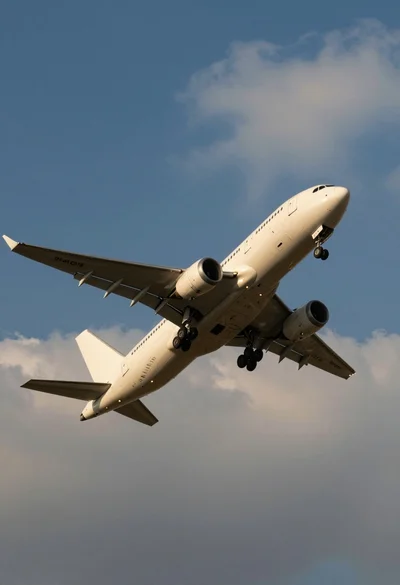
Low angle view of white airliner banking sharply against blue sky
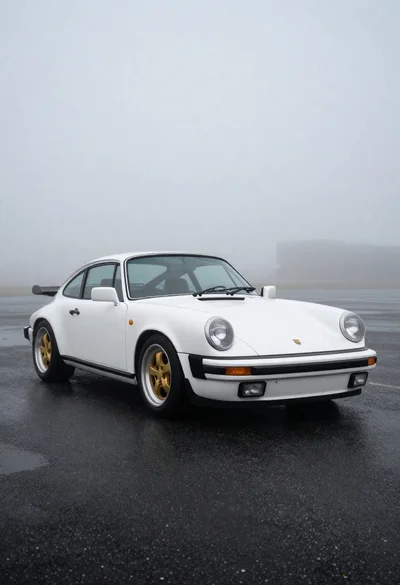
White classic porsche sports car on dark asphalt
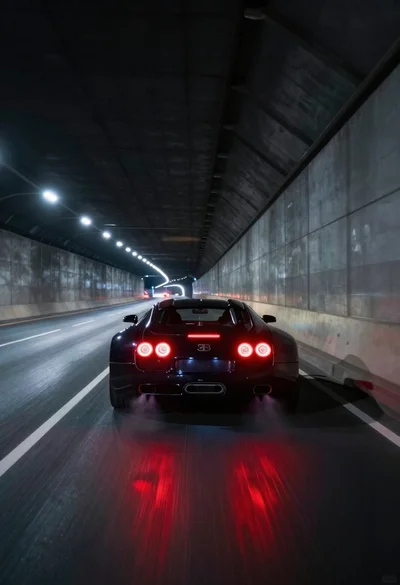
Black supercar speeding through a concrete tunnel at night
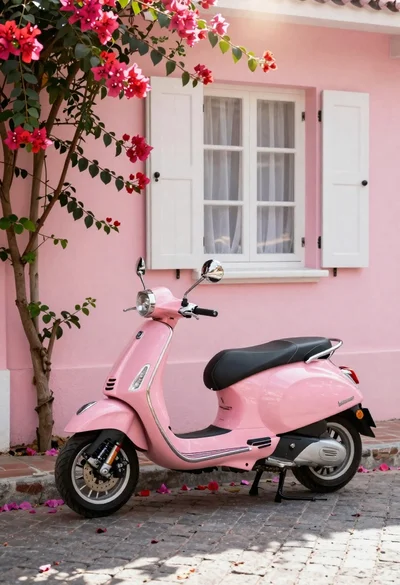
Pink vespa scooter on cobblestone street with bougainvillea
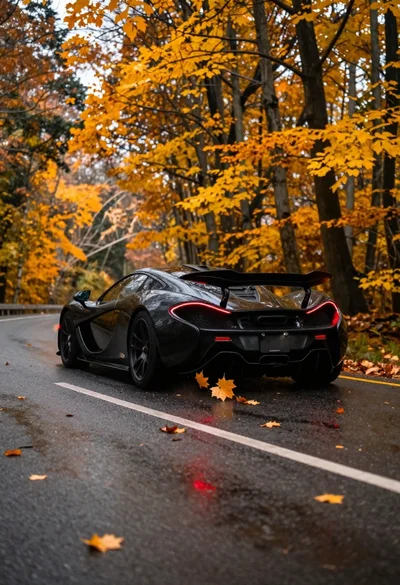
Matte black supercar speeding through autumn forest road
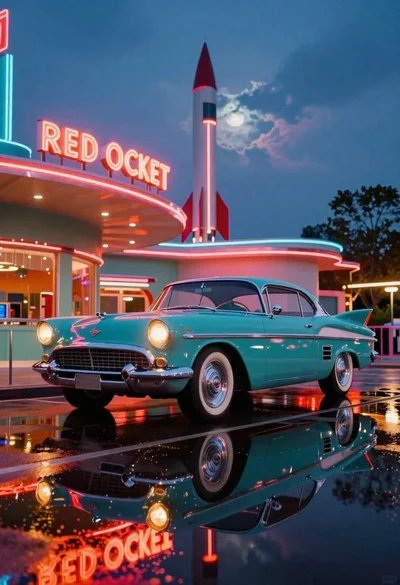
Teal retro car before midcentury diner at twilight
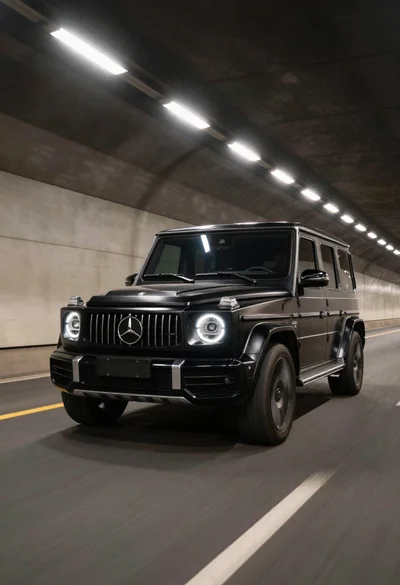
Black luxury suv driving through a concrete tunnel
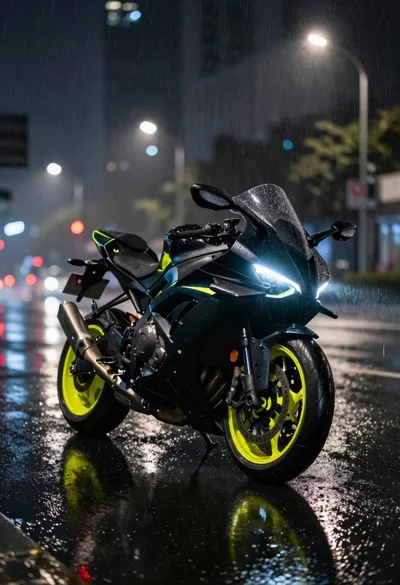
Futuristic motorcycle on wet city street at night
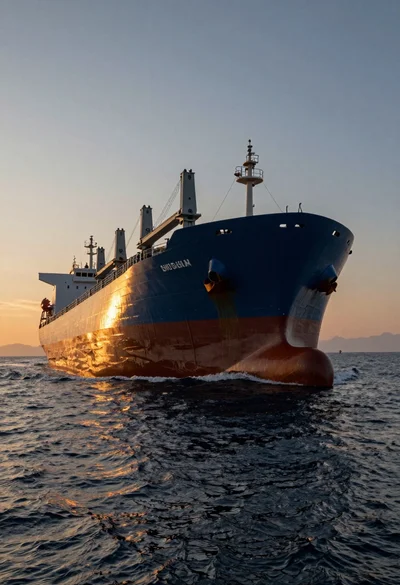
Massive cargo ship sailing on rippling ocean water during dramatic sunset