
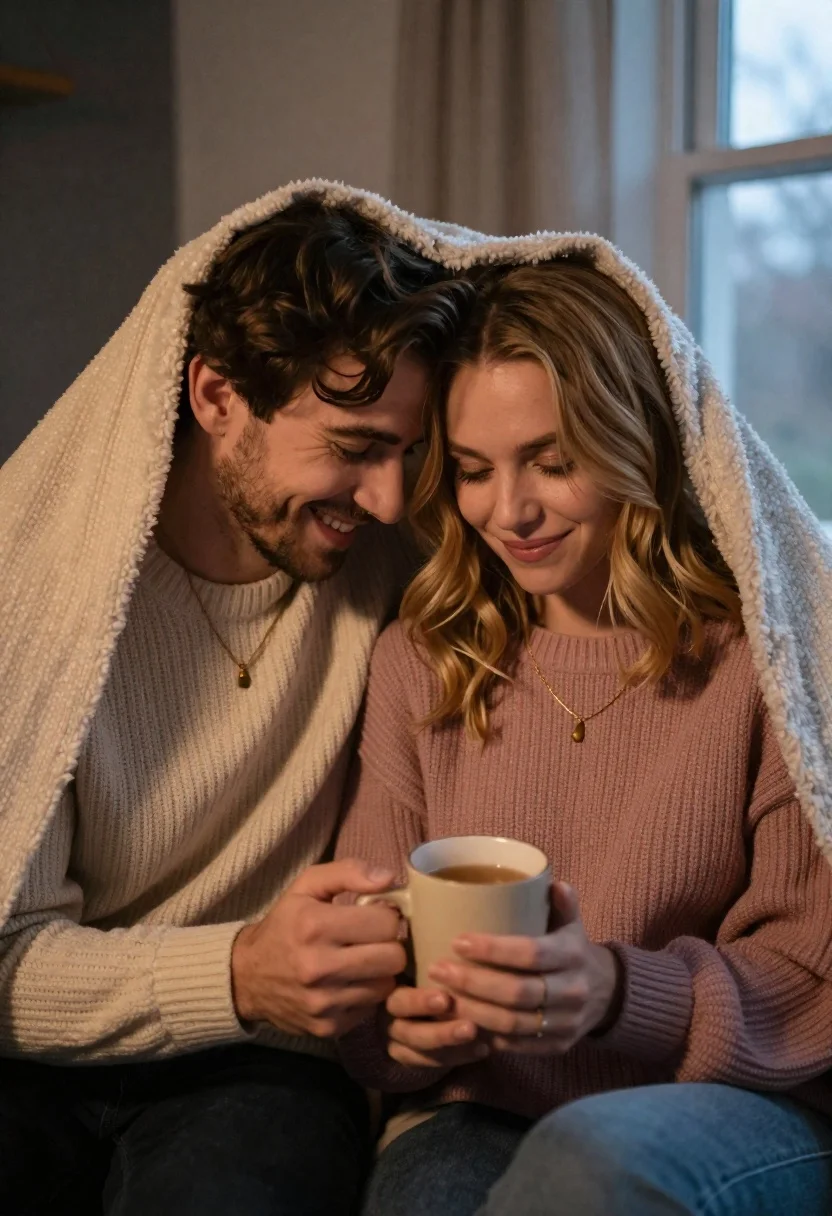
Young couple cuddling under a blanket sharing a mug in dim light
Prompt
A cozy indoor scene of a young couple cuddling under a blanket while holding a mug together.

Subject: A smiling man with wavy brown hair and light stubble sits close to a woman with shoulder-length wavy blonde hair, both looking down at a ceramic mug they are sharing.

Clothing: The man wears a cream-colored ribbed knit sweater and a gold necklace with a small pendant, while the woman wears a dusty rose pink ribbed knit sweater and a matching delicate gold necklace.

Action: They sit side-by-side leaning their foreheads together in an intimate pose, holding a beige ceramic mug filled with tea or coffee between them with both hands.

Environment: The setting is a dimly lit room with a large window visible in the background on the right, suggesting a quiet evening atmosphere.

Lighting: Soft natural light filters through the window to illuminate their faces and hair, creating a warm and gentle mood against the darker interior shadows.

Camera: A medium close-up shot captures the couple from the chest up, emphasizing their connection and facial expressions with a shallow depth of field that blurs the background slightly.

Style Details: The image features a soft-focus aesthetic with warm color grading, highlighting textures like the knit sweaters and the cozy blanket to evoke a sense of comfort and romance.
Description
This prompt is useful for creating intimate lifestyle advertisements, romantic portraiture for greeting cards, and moody editorial content about domestic moments. The combination of 'soft natural light' filtering through the window and the 'shallow depth of field' ensures that the focus remains tightly on the couple's connection while allowing the darker interior shadows to establish a private, warm atmosphere.
Suggestions
- Change 'cream-colored ribbed knit sweater' to 'charcoal gray chunky knit sweater' for more contrast.
- Swap 'dusty rose pink' for 'deep emerald green' to deepen the color palette.
- Adjust 'medium close-up shot' to 'extreme close-up' to focus solely on their hands and mugs.
Category
Tags
BlondeBrown HairClose UpFemaleIndoorsMaleMedium ShotPortrait ShotRealistic
Date added
June 21, 2026
Added by
PromptDexter Team
Related Prompts
More prompts with similar categories and tags.

Couple in red sweaters reading a book together at a table

Close up portrait of a man and woman touching foreheads together

Stylish couple holding hands in a minimalist white arched corridor
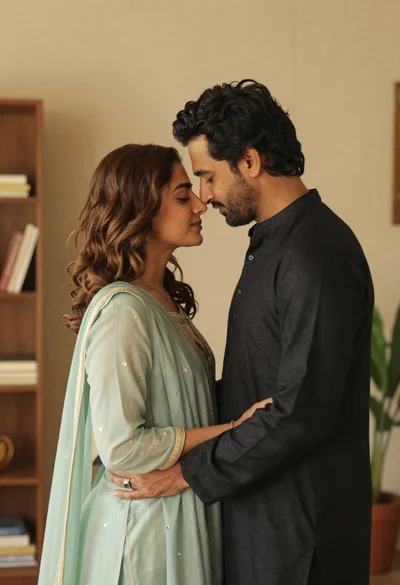
Indian couple in traditional attire sharing an intimate embrace indoors
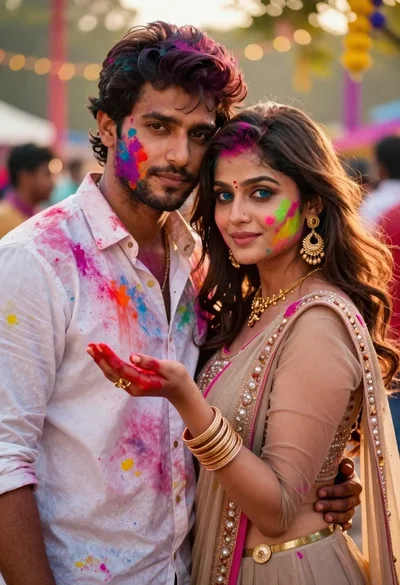
Young couple covered in colorful powder celebrating holi festival at sunset

Smiling young couple sitting together in a sunlit classroom with wooden desks

Man and woman in formal attire posing in an ornate ballroom

Black and white portrait of a couple embracing in intimate profile
