

Young couple embracing in a sunlit kitchen during golden hour
Prompt
A tender moment between a couple in a sunlit kitchen where a woman sits on the counter embracing a man who rests his head against her chest.

Subject: A young woman with shoulder-length wavy brown hair and a young man with dark curly hair and stubble, both appearing relaxed and intimate.

Clothing: The woman wears an oversized white linen shirt that functions as a dress, while the man wears a matching loose-fitting white button-down shirt with sleeves rolled up.

Action: The woman sits on the wooden countertop with her legs dangling, wrapping her arms around the man's neck and gently stroking his hair; the man leans back into her embrace with his eyes closed in contentment.

Environment: A cozy domestic kitchen featuring a large window with bamboo blinds, hanging copper pots, potted green plants including ferns and snake plants, a wall clock, and stainless steel appliances like a coffee maker and toaster.

Camera: Medium shot capturing the couple from the waist up, framed slightly from the side to show the depth of the kitchen background with soft focus on distant elements.

Lighting: Warm natural sunlight streaming through the window creates a golden glow, casting soft shadows and highlighting the texture of their clothing and skin.

Style Details: Photorealistic cinematic style with high detail, warm color grading, and a shallow depth of field that emphasizes the emotional connection between the subjects.
Description
This prompt is useful for creating intimate lifestyle photography, romantic editorial spreads, and cozy domestic scene visualizations. The combination of 'warm natural sunlight' streaming through the window and the 'shallow depth of field' ensures that the focus remains tightly on the couple's embrace while allowing the detailed background elements like the 'hanging copper pots' to provide contextual richness without distracting from the emotional connection.
Suggestions
- Change 'oversized white linen shirt' to 'sheer white cotton dress' for more movement.
- Add 'bokeh effect' to enhance the soft focus on distant elements.
- Swap 'bamboo blinds' for 'lace curtain' to alter the light pattern.
Category
Tags
Black HairBrown HairFemaleIndoorsMaleMedium ShotPortrait ShotRealistic
Date added
June 21, 2026
Added by
PromptDexter Team
Related Prompts
More prompts with similar categories and tags.

Stylish couple holding hands in a minimalist white arched corridor

Smiling young couple sitting together in a sunlit classroom with wooden desks

Man and woman in formal attire posing in an ornate ballroom

Young couple sharing popcorn in a dimly lit movie theater
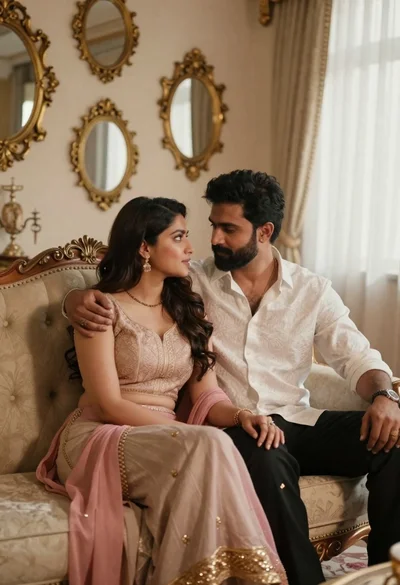
Romantic couple sitting together on an ornate sofa in luxurious room
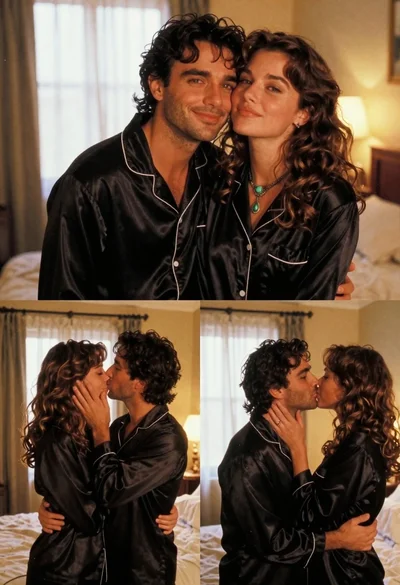
Romantic couple in black silk pajamas sharing intimate moments in bedroom
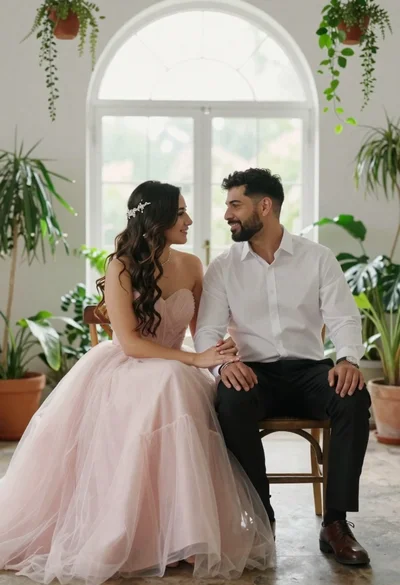
Romantic couple sitting together in a sunlit room filled with plants

Black and white portrait of a couple embracing in intimate profile