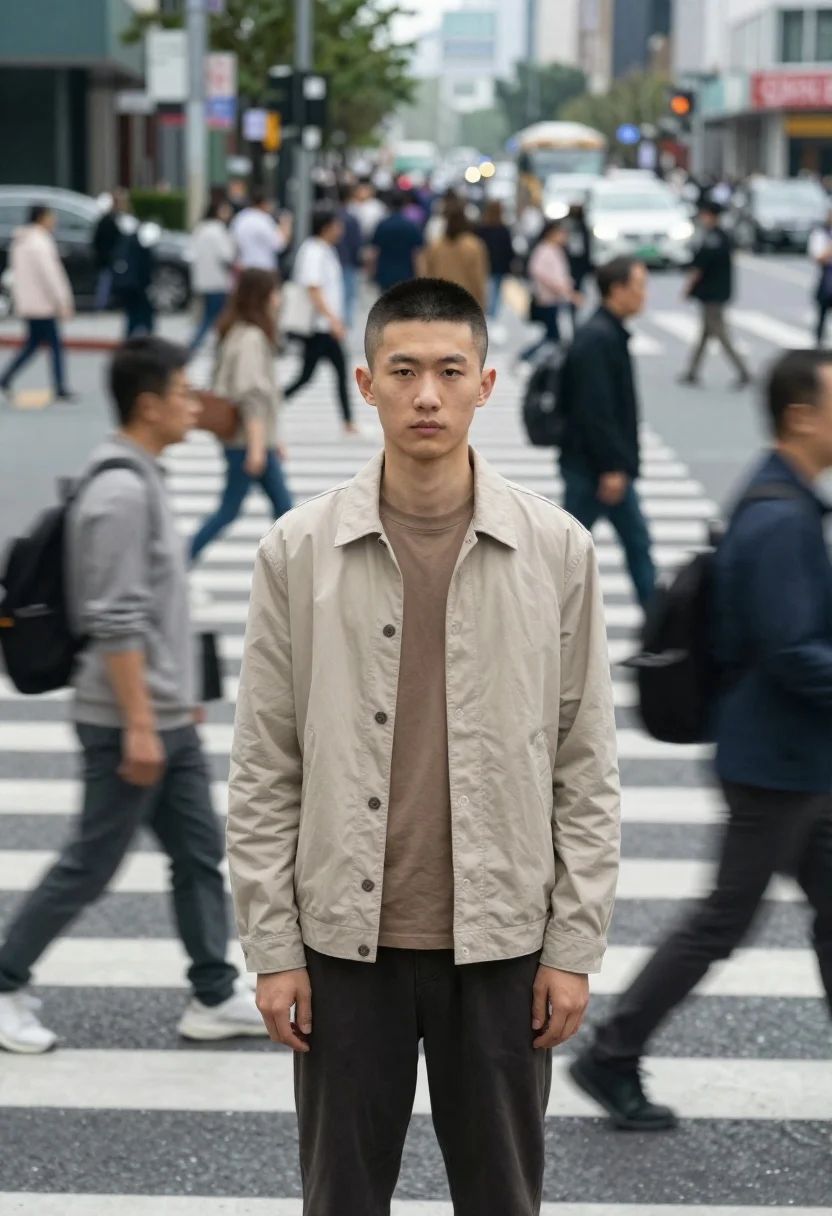
Young east asian man standing still in busy motion blurred city crosswalk
Prompt
A sharp-faced young man stands perfectly still in the center of a busy city crosswalk while the surrounding crowd blurs past him in motion.

Subject: A young East Asian man with a short buzz cut and a serious, direct gaze facing forward. He has a clean-shaven face and a neutral expression.

Clothing: He wears a beige or light tan button-up jacket over a matching brown crew-neck t-shirt, paired with dark trousers. The fabric appears soft and casual.

Action: The man stands completely still in the middle of the street, his arms hanging loosely by his sides, while the background figures move rapidly around him.

Environment: A busy urban intersection with white striped crosswalk markings on the asphalt. The background is filled with a dense crowd of pedestrians crossing the street and vehicles visible further back.

Camera: Shot with a shallow depth of field that keeps the central man in sharp focus while rendering the surrounding moving crowd as a motion-blurred streak, creating a strong sense of speed and isolation.

Lighting: Soft, diffused daylight typical of an overcast city day, providing even illumination without harsh shadows or high contrast.

Style Details: A cinematic, documentary-style aesthetic emphasizing the contrast between stillness and movement, with muted, natural color tones and a realistic photographic finish.
Description
This prompt is useful for creating editorial street photography spreads, conceptual art pieces about isolation, and film stills mimicking documentary realism. The combination of 'shallow depth of field' keeping the central man in sharp focus against the motion-blurred background effectively visualizes a sense of speed and isolation, which is key to capturing that cinematic contrast between stillness and movement.
Suggestions
- Change 'beige or light tan button-up jacket' to 'charcoal grey bomber jacket' for more drama.
- Add 'anamorphic lens flare' to enhance the filmic quality.
- Swap 'overcast city day' for 'late afternoon diffused sunlight' to warm the tones.
Category
Tags
Casual WearMaleMedium ShotRealisticStreetUrban
Date added
June 19, 2026
Added by
PromptDexter Team
Related Prompts
More prompts with similar categories and tags.

Young man in leather jacket standing on wet city sidewalk at night

Man in pinstriped shirt leaning on balcony railing in urban alley
Two young adults sitting on a purple bench in an urban outdoor
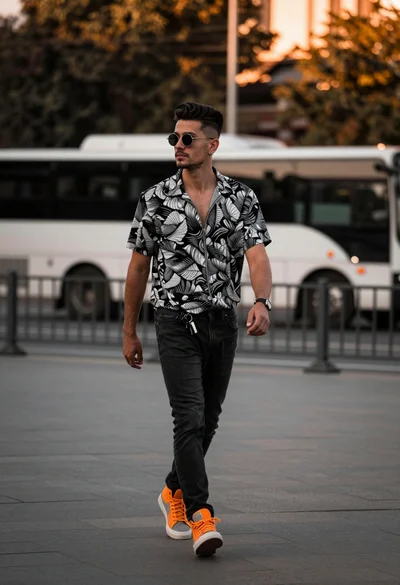
Stylish young man walking down an urban street during golden hour light
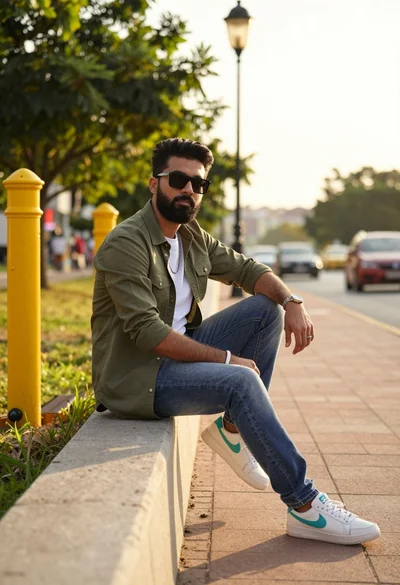
Man sitting on concrete wall in urban setting during golden hour light
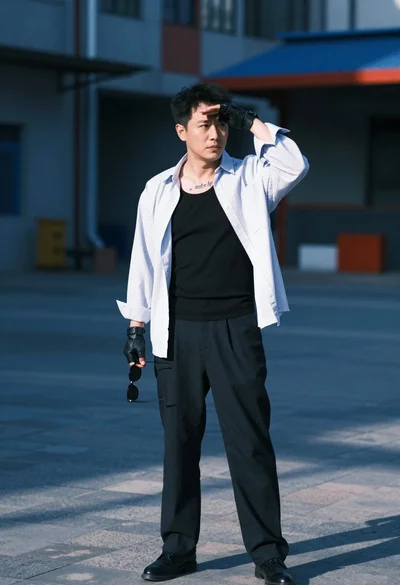
Man in white shirt standing outdoors shielding eyes with sunglasses
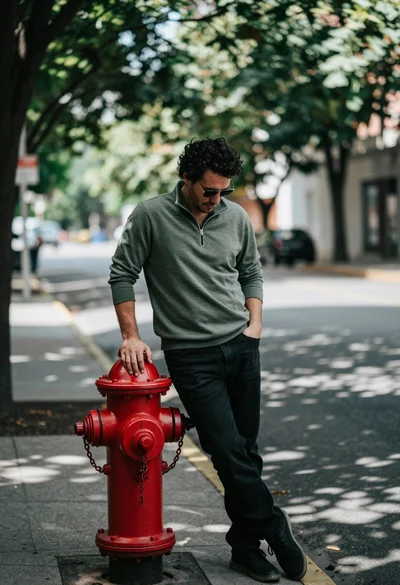
Man leaning against red fire hydrant on shaded urban street setting
Young man reading book on quiet street lit by vintage lamppost at

Handsome young man by glowing vintage street lamp on an urban night
Man smoking cigarette in front of luxury car by stone building facade