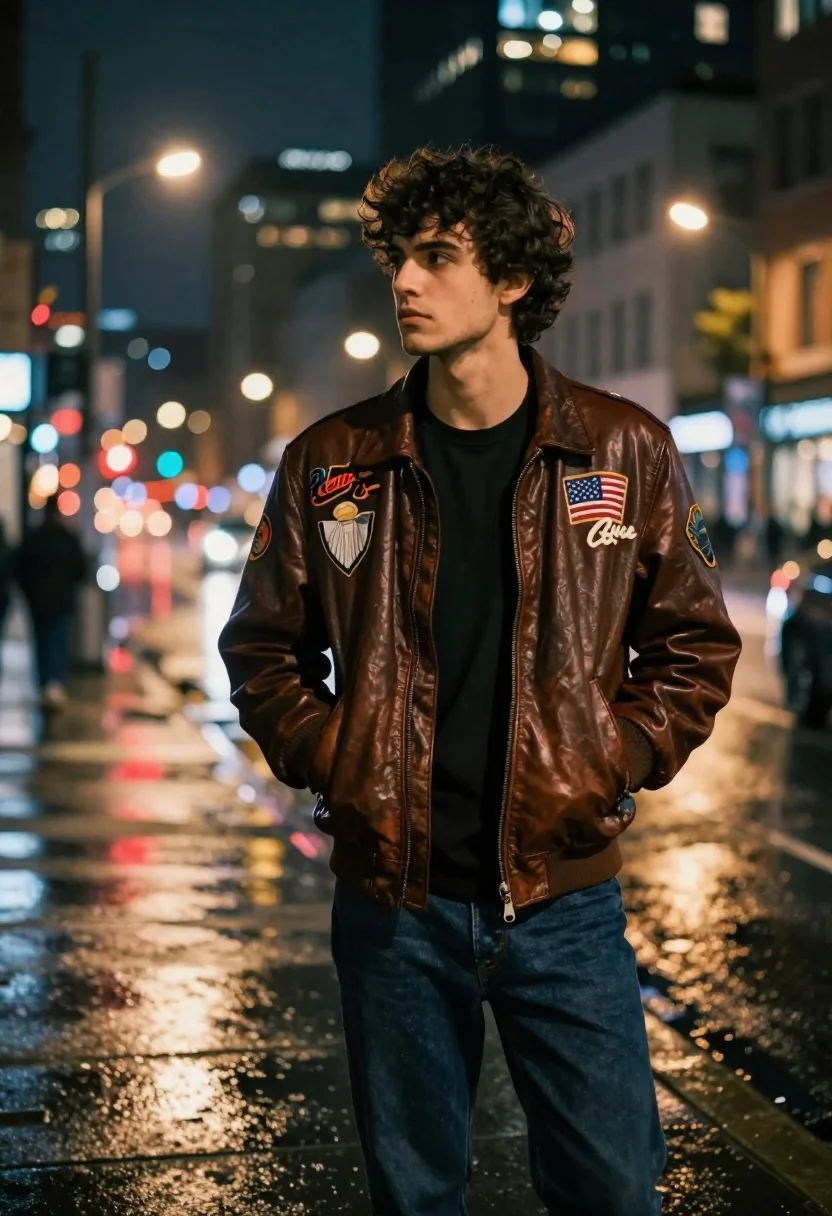
Young man in leather jacket standing on wet city sidewalk at night
Prompt
A young man with dark curly hair stands on a wet city sidewalk at night, looking off to the side with a contemplative expression.

Subject: A young male with tousled dark brown hair and a serious, pensive facial expression.

Clothing: He wears a vintage-style brown leather bomber jacket adorned with several patches, including one that reads "Redbud" and others featuring emblems and an American flag, layered over a plain black crew-neck t-shirt and dark blue jeans. His hands are tucked into the front pockets of his jacket.

Action: Standing still in a relaxed pose with a slight profile turn, gazing away from the camera towards the left side of the frame.

Environment: A rainy urban street scene at night featuring tall buildings with lit windows, blurred traffic lights creating bokeh effects, and wet pavement reflecting red taillights and streetlamps.

Lighting: The scene is illuminated by ambient city light and reflections on the slick ground, creating a moody atmosphere with soft highlights on the leather jacket and a cool, slightly blue-toned background contrasted by warm artificial lights.

Camera: Shot with a shallow depth of field that keeps the subject sharp while blurring the busy street background into soft bokeh circles, using a medium shot to capture the upper body.

Style Details: Cinematic photography style with high dynamic range, rich color saturation, and a focus on atmospheric lighting typical of urban night portraits.
Description
This prompt is useful for creating cinematic editorial fashion spreads, moody character portraits, and concept art depicting urban isolation. The combination of 'wet pavement reflecting red taillights' against the 'cool, slightly blue-toned background contrasted by warm artificial lights' establishes a high contrast that emphasizes the texture of the 'vintage-style brown leather bomber jacket' while the shallow depth of field isolates the subject from the busy street.
Suggestions
- Change 'brown leather bomber jacket' to 'black waxed canvas jacket' for a different material feel.
- Adjust 'contemplative expression' to 'intense gaze directly at viewer' for more confrontation.
- Swap 'bokeh effects' for 'streaks of neon light' to increase the sense of motion.
Category
Tags
Black HairBrown HairCasual WearMaleMedium ShotRealisticSide ProfileStreetUrban
Date added
June 19, 2026
Added by
PromptDexter Team
Related Prompts
More prompts with similar categories and tags.
Stylish woman in lime green leaning on railing overlooking city skyline at
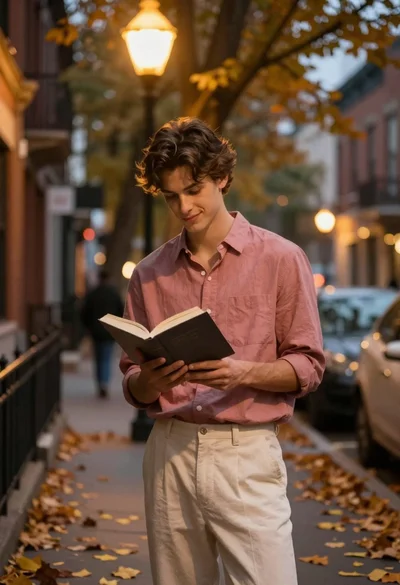
Young man reading book on autumn city street under warm streetlamp glow

Man in pinstriped shirt leaning on balcony railing in urban alley

Romantic couple embracing on a tree lined path at twilight
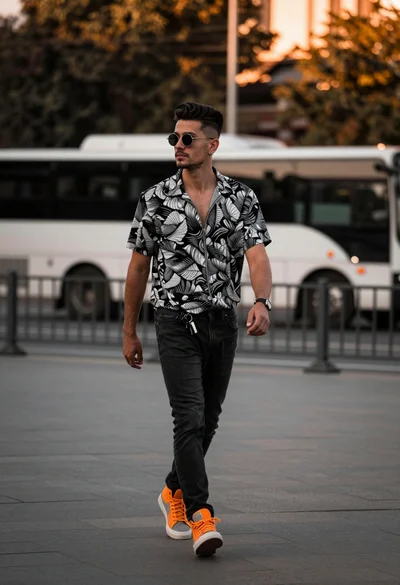
Stylish young man walking down an urban street during golden hour light

Handsome young man by glowing vintage street lamp on an urban night
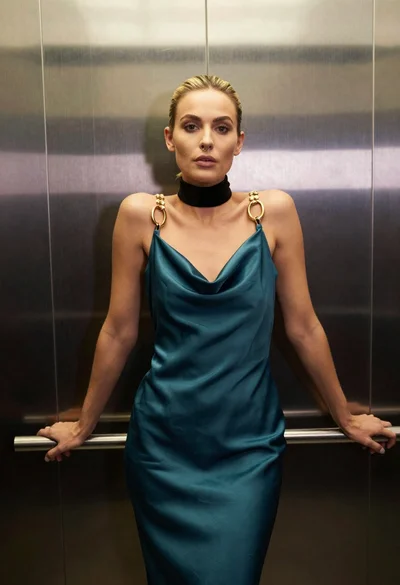
Blonde woman in teal slip dress leaning on elevator handrail

Stylish man in black sweater and cream trousers on city sidewalk